
Gear Order Forms
Handle your order forms and discover Gear Order Forms. Keep sensitive information secure with DocHub's encryption and access controls.

Create a new Gear Order Form

Patagonia repair
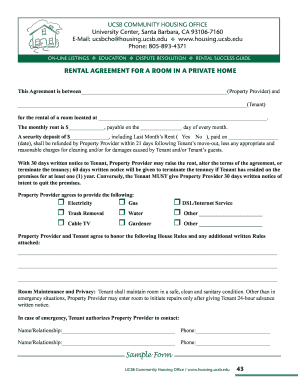
Room rental agreement

Warehouse order checklist
Hcsp m11q

Farm bureau car seat program
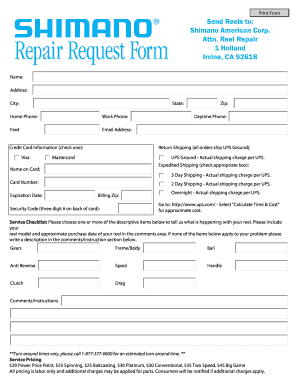
Shimano reel repair form pdf
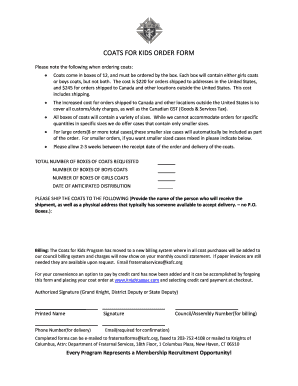
Coats for kids order form
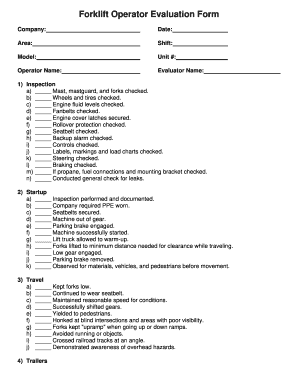
Forklift license template
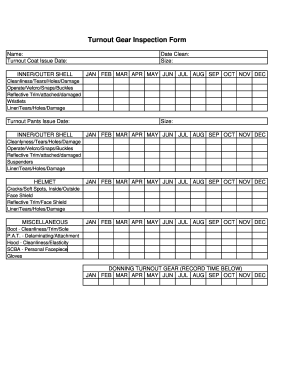
Turnout gear inspection form
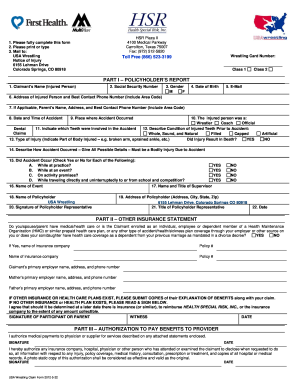
Usa wrestling claim

Usps form 1717

Epa form 7530 1

Music sponsorship application

Springfield armory xd gear up 2020

Spat service pesticide online
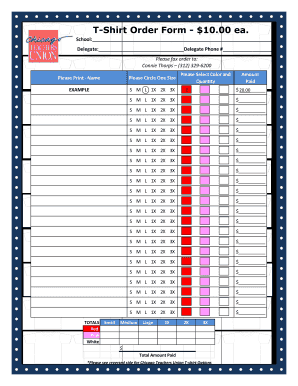
Ctu shirt order
Paycheck dp0002 form
Oklahoma GEAR UP College Campus Evaluation Form - okgearup
Rally house return

T-Shirt and Hoodie Order Form - Dallas ISD - dallasisd
Form 794
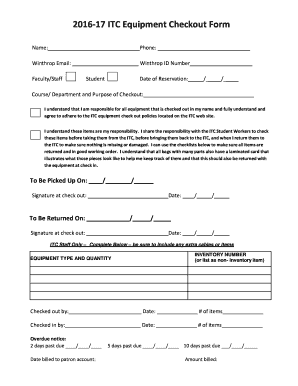
Equipment checkout form
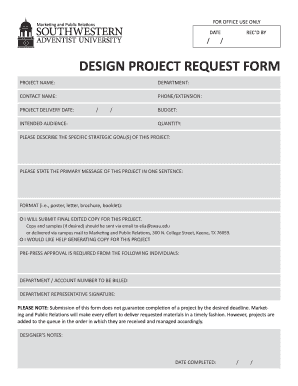
Design request form
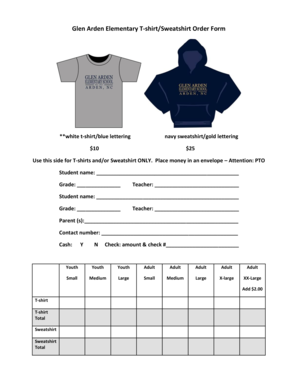
Sweatshirt order form template
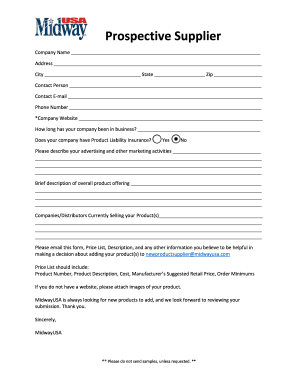
Midwayusa prospective supplier

Cameron Cougar Gear Pre-Order Form
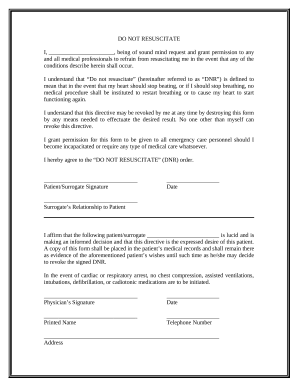
Dnr pdf
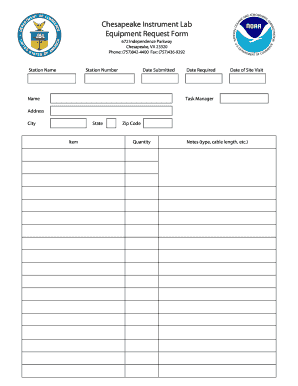
Tool request form excel
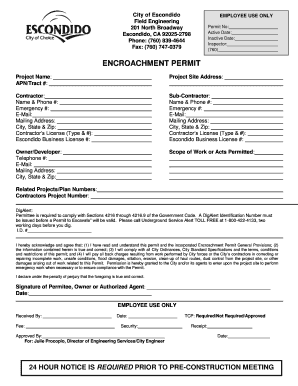
Escondido, CA 92025-2798

Q2 return
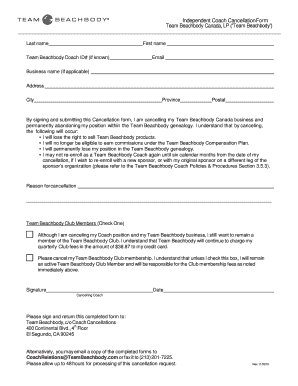
Coach cancellation
Patient authorization for release of medical ... - Penn State Health
Napa store order form

Outside Food & Beverage Release of Liability Form
Order eastbay catalog

Arkansas quarterly wage report instructions
-
1
- 2
Transform your document operations with Gear Order Forms
Your workflows always benefit when you can find all the forms and documents you may need at your fingertips. DocHub delivers a vast array of form templates to relieve your day-to-day pains. Get hold of Gear Order Forms category and easily discover your form.
Start working with Gear Order Forms in a few clicks:
- Access Gear Order Forms and discover the document you require.
- Click on Get Form to open it in the editor.
- Begin adjusting your file: add more fillable fields, highlight paragraphs, or blackout sensitive info.
- The app saves your adjustments automatically, and once you are all set, you are able to download or distribute your file with other contributors.
Enjoy seamless file administration with DocHub. Discover our Gear Order Forms collection and discover your form right now!
Video Guide on Gear Order Forms management

Commonly Asked Questions about Gear Order Forms
What are the three forms of order?
The past tense of order is ordered. The third-person singular simple present indicative form of order is orders. The present participle of order is ordering. The past participle of order is ordered.
What are the four main types of orders?
Types of Stock Trade Orders Market Order. A market order is a trade order to purchase or sell a stock at the current market price. Limit Order. A limit order is a trade order to purchase or sell a stock at a specific set price or better. Stop Order. Stop-Limit Order. Trailing Stop Order.
What are order forms?
What is an order form? An order form is a document that records one or more business transactions between a buyer and a seller. It may also be called a business order form, sales order form, online order form, procurement order form, inventory order form, or service order form.
Which are the 3 types of ordering?
The following article outlines three order item types: One-time orders, recurring orders and blanket orders. One-Time Order. A one-time order item type is a non-recurring purchase order for a specific quantity of items at a set price, with a defined delivery date. Recurring Order. Blanket Order.
What are the forms of order?
An order form is a document that records one or more business transactions between a buyer and a seller. It may also be called a business order form, sales order form, online order form, procurement order form, inventory order form, or service order form.
How to create a merch order form?
How to Create a Free Tshirt Order Form Step 1: Choose a Form Builder. Step 2: Start with a Free T Shirt Order Form Template or Build from Scratch. Step 3: Add Essential Form Fields. Step 4: Customize Your Form. Step 5: Add a Contact Form. Step 6: Set Up Payment Integration. Step 7: Test Your Form. Step 8: Distribute Your Form.
How do I create my own order form?
Steps to Create an Order Form Decide what to sell. Choose a form builder tool. Customize the template with proper fields. Add photos of the products. Customize the order form with branding. Set up a payment method. Set up a success message. Share the order form.
What is an equipment order form?
An equipment order form allows employees to order equipment. Whether youre an employer or a supplier, this free Equipment Order Form will seamlessly process order requests online. Just customize the form to match your companys needs and publish the form on your website or share it with a link.
Related Templates

Horse riding waiver
The document is a Horseback Rider Liability Waiver for Camp Farley Outdoor Education Center in Mashpee, Massachusetts. I ...

Lift registration certificate
The document is an application form for registration as a Lifting Machine Entity, requiring details from the Managing Di ...
Chamberofcommerce united-statesnewLiberty Grove Memorial Mausoleum and Crematory in Old Bridge
Chamberofcommerce united-statesnewLiberty Grove Memorial Mausoleum and Crematory in Old Bridge
The document is a Cremation Authorization Form from Liberty Grove Memorial Gardens, detailing the process and requiremen ...

Does a personal care agreement need to be notarized
The document is a Long Term Care Personal Support Services Agreement between an elder or adult with disabilities and a c ...

Rwa letter
The document is a template for a 'Ready Willing and Able' (RWA) letter, which must be issued on the letterhead of a top ...

Dial-a-Ride Application Form
The document is an application form for the London Dial-a-Ride service, designed to assist individuals with mobility iss ...

Massachusetts CORI Acknowledgement Form
The document is a Criminal Offender Record Information (CORI) Acknowledgement Form from the Commonwealth of Massachusett ...