
Design Order Forms
Streamline your document processes with Design Order Forms templates. Edit, fill out, and sign your order documents, and monitor their status with DocHub.

Create a new Design Order Form

Screen printing order form template
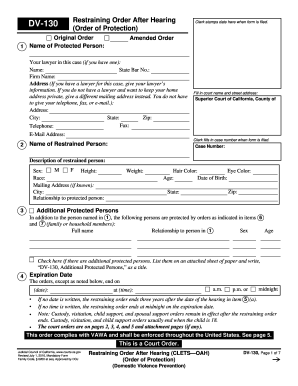
Restraining order online form
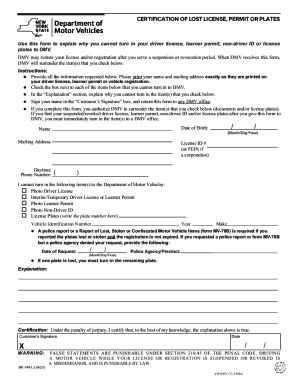
Mv 78b
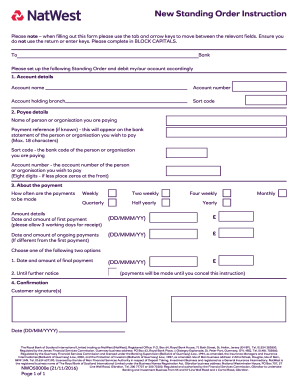
Natwest standing order form
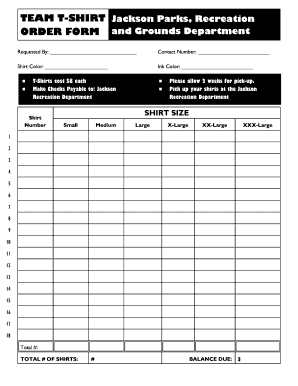
Editable t shirt order form
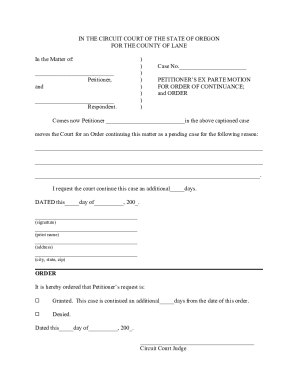
Motion and Order for Continuance Forms and Instructions Packet Number 18C - courts oregon

Graphic design request form template
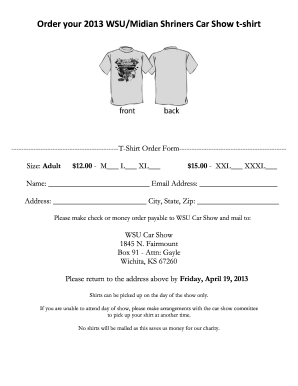
T shirt order form google forms
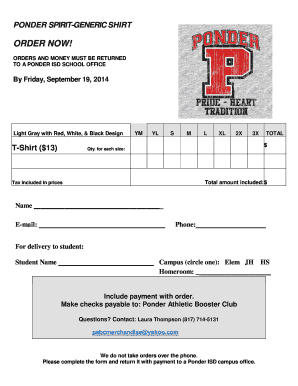
Tshirt order forms templates
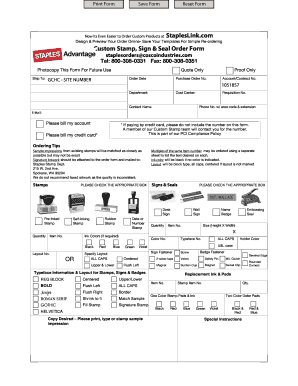
Staples advantage custom stamp order form
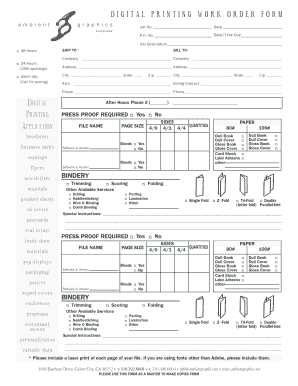
DIGITAL PRINTING WORK ORDER FORM

Change order form
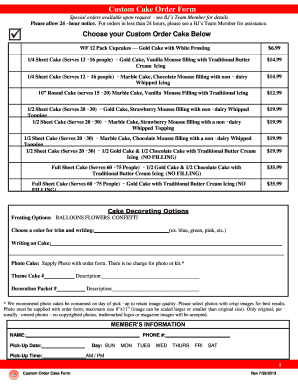
Bjs cake order form

Tshirt order form template
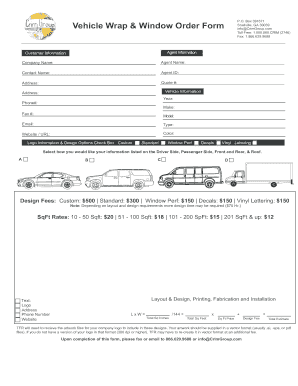
Vehicle Wrap amp Window Graphic Order Form
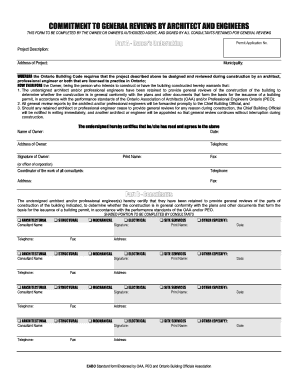
Commitment general form

Poinsettia Plant Sale Flyer & Order Form.doc
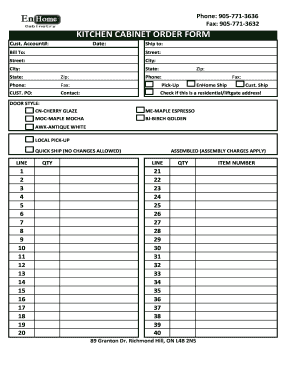
Kitchen cabinet order form

Townsend design order forms
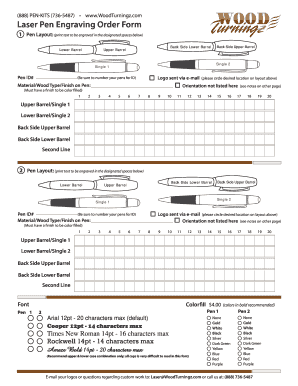
Engraving order form
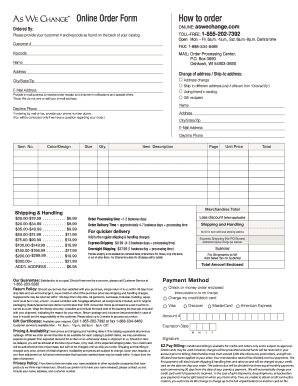
We change order form
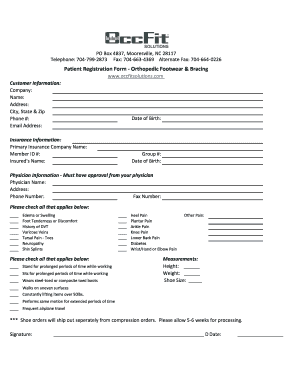
Occfit solutions
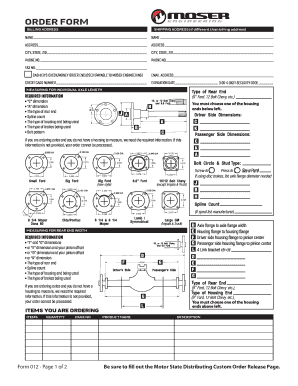
Moser axle order form
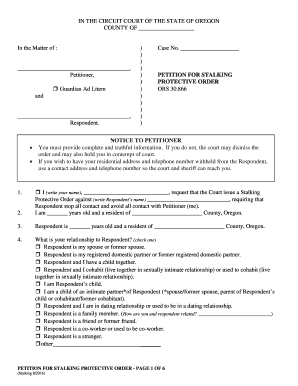
Oregon petition protective
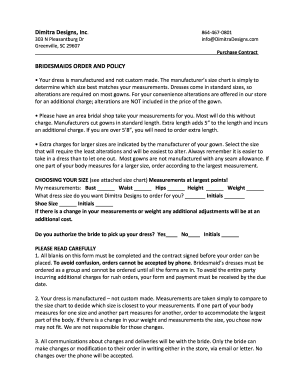
Bridesmaids Order Form - Dimitra Designs
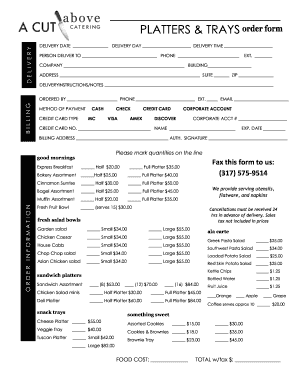
Catering order forms
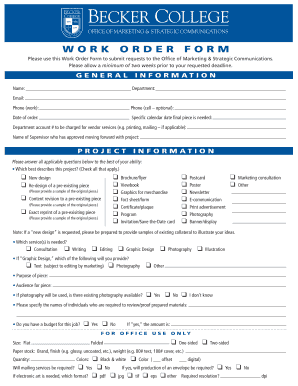
Graphic design work order template
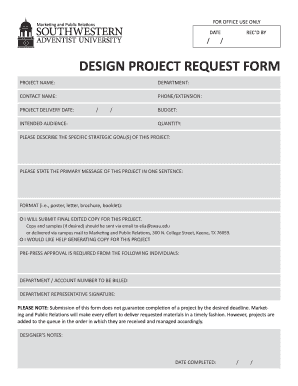
Design request form

Concrete order form
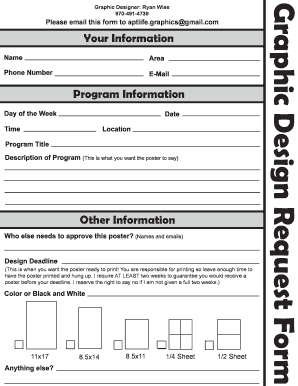
Graphic design request form
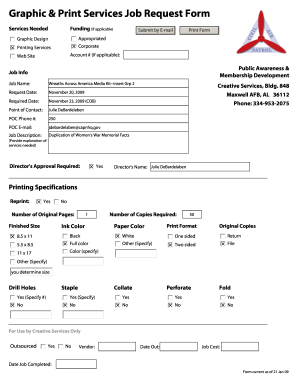
Graphic & Print Services Job Request Form
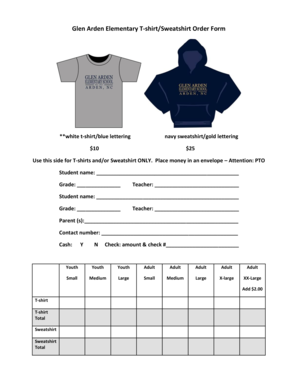
Sweatshirt order form template
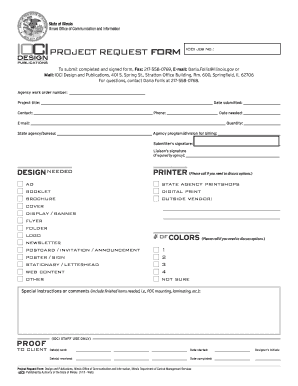
Graphic Design Project Request Form - www2 illinois
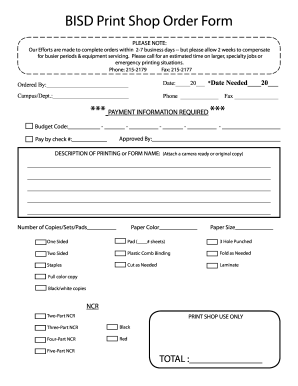
Print shop order form
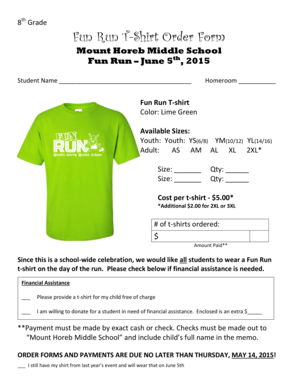
Fun Run T-Shirt Order Form

Plant Order Form - Plants In Design Inc.
-
1
- 2
Enhance your output with Design Order Forms
Document managing consumes to half of your business hours. With DocHub, you can easily reclaim your time and effort and boost your team's productivity. Get Design Order Forms collection and explore all document templates relevant to your everyday workflows.
Easily use Design Order Forms:
- Open Design Order Forms and use Preview to find the relevant form.
- Click on Get Form to begin working on it.
- Wait for your form to open in our online editor and begin modifying it.
- Add new fillable fields, symbols, and pictures, adjust pages, and many more.
- Fill your form or prepare it for other contributors.
- Download or deliver the form by link, email attachment, or invite.
Accelerate your everyday file managing using our Design Order Forms. Get your free DocHub profile today to discover all forms.
Video Guide on Design Order Forms management

Commonly Asked Questions about Design Order Forms
What is the best way to create an order form?
Steps to Create an Order Form Decide what to sell. Choose a form builder tool. Customize the template with proper fields. Add photos of the products. Customize the order form with branding. Set up a payment method. Set up a success message. Share the order form. How to Create an Order Form - With free templates MightyForms blog how-to-create-a MightyForms blog how-to-create-a
What are the four orders of design?
How has design evolved? Richard Buchanan, in his ideas about Four Orders of Design theory, points out how design has changed over time in its overall scope; from a context of creating tangible things to accessing intangible change. 1- Design of Symbols. 2- Industrial Design. 3- Design of Interactions. 4- Design of Systems. Juliana Proserpio: The Evolution of Design - Echos Echos - School of Design Thinking blog 2019/11 Echos - School of Design Thinking blog 2019/11
What is the best program to create an order form?
Google Forms is a popular tool that allows users to create order forms quickly and easily using pre-made templates or by designing their own forms. PDFs with fillable forms are also an option for creating order forms, which can be filled out and submitted electronically. Create an order form: How to make order forms | docHub docHub acrobat hub create-an-orde docHub acrobat hub create-an-orde
What is the best platform to create forms?
The best online form builder of 2024 in full: Jotform. Create great-looking forms without coding knowledge. Formstack. The great-looking form builder. Feathery. Best online form builder for privacy. Typeform. The well-designed form builder. WuFoo. Online forms for rich data collection. Microsoft Forms. Zoho Forms. Cognito Forms. Best online form builder of 2024 - TechRadar TechRadar best best-online-form-buil TechRadar best best-online-form-buil
What is the best program to create a fillable form?
The best online form builders at a glance Best forPricing Microsoft Forms Real-time sync with Excel 100% free Zoho Forms Teams and approval flows Free plan available; paid plans start at $12/month QuestionScout Powerful reports Plans start at $5/month Paperform Creating order forms Plans start at $24/month8 more rows The 12 best online form builder apps in 2024 - Zapier Zapier App picks Best apps Zapier App picks Best apps
What are the forms of order?
An order form is a document that records one or more business transactions between a buyer and a seller. It may also be called a business order form, sales order form, online order form, procurement order form, inventory order form, or service order form. Order Forms 101: Unlocking Efficiency in Your Business - Ironclad Ironclad journal contracts order-forms Ironclad journal contracts order-forms
What Microsoft program is best for creating forms?
In Word, you can create a form that others can fill out and save or print. To do this, you will start with baseline content in a document, potentially via a form template. Create a form in Word that users can complete or print - Microsoft Support Microsoft Support en-us office create-a- Microsoft Support en-us office create-a-
Related Templates

Annual Inspection Report Form
The document is an Annual Inspection Report for a well operated by the Government of Newfoundland and Labrador's Departm ...
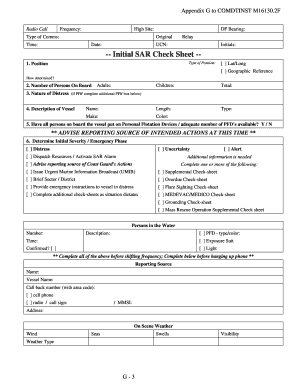
Uscg sar addendum
The document is an appendix to the COMDTINST M16130.2F, detailing a Standardized Search and Rescue (SAR) Check Sheet. It ...

Washington state hoa complaints
The document is a complaint form for the Brookside Homeowners Association, intended for residents to report alleged viol ...
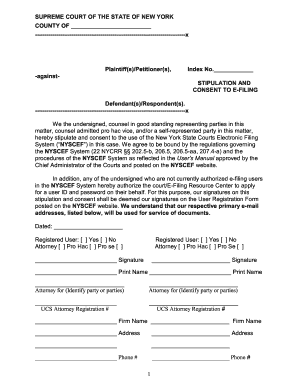
Stipulation and consent to e filing
The document is a stipulation and consent form for the use of the New York State Courts Electronic Filing System (NYSCEF ...

Dd form 1896
The document outlines the procedures for US Department of Defense (DoD) and Federal Civil activities to request fuel ser ...
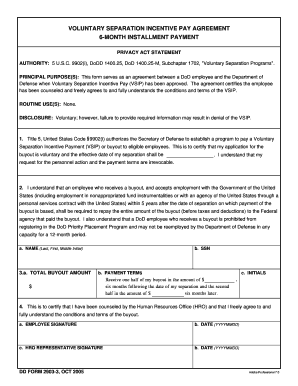
Dd form 2903 1 fillable form
The document is a Voluntary Separation Incentive Pay Agreement outlining the terms and conditions for Department of Defe ...

Dd2481
The document is a request form for the recovery of a debt owed to the United States through salary offset. It includes s ...