
Custom made Order Forms
Ensure your process security and compliance with Custom made Order Forms template catalog. Discover up-to-date templates and handle them online in several clicks.

Create a new Custom made Order Form

Screen printing order form template
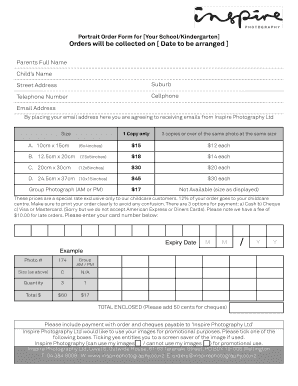
Picture order form
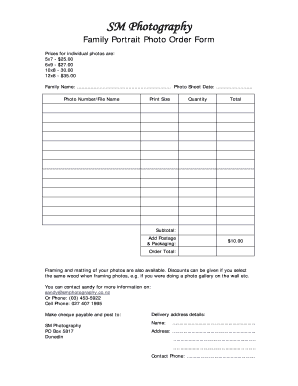
Photo order form template
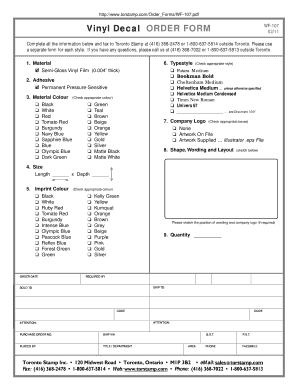
Decal order form template

Embroidery purchase order form
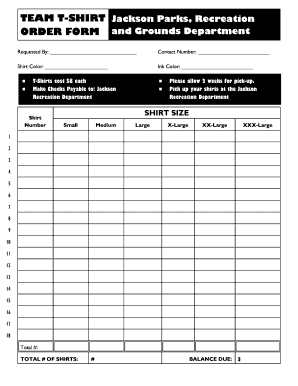
Editable t shirt order form
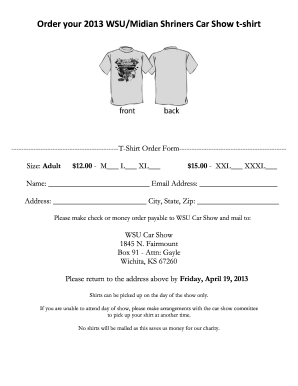
T shirt order form google forms
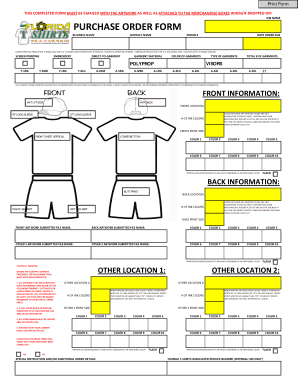
Bpurchase order formb - Ft Lauderdale Custom T-Shirts Screen bb - floridatshirts
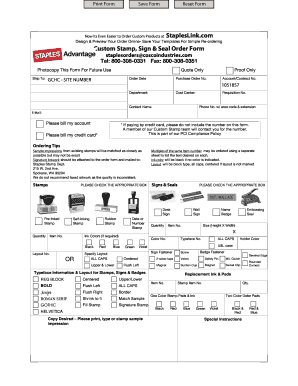
Staples advantage custom stamp order form
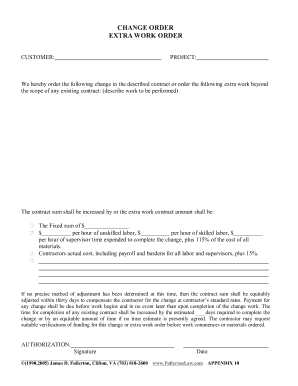
Work order change form
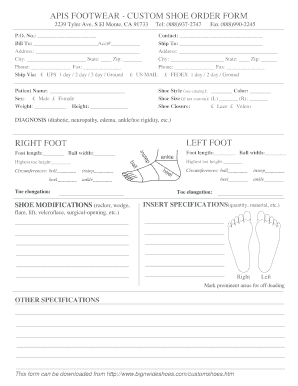
Footwear order form

Tpn ordering form
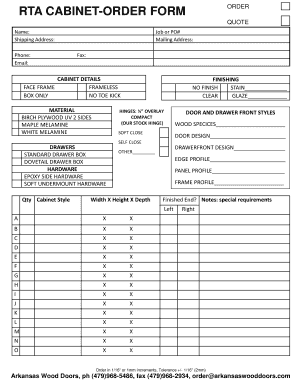
RTA CABINET-ORDER FORM ORDER - arkansaswooddoorscom
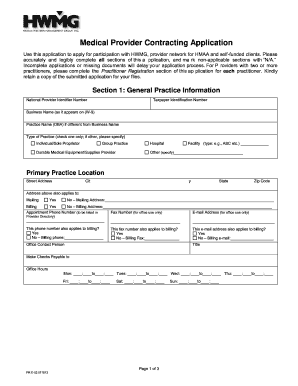
Hmaa credentialing application form
Drapery workroom price list
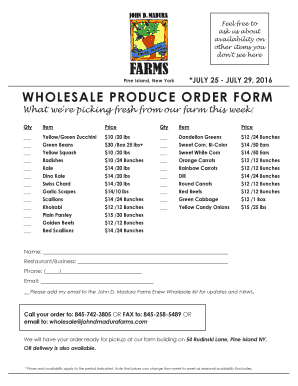
Produce order form
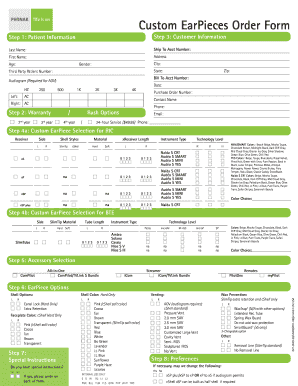
Custom EarPieces Order Form - Phonak
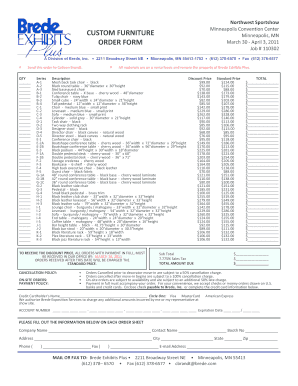
Furniture order form
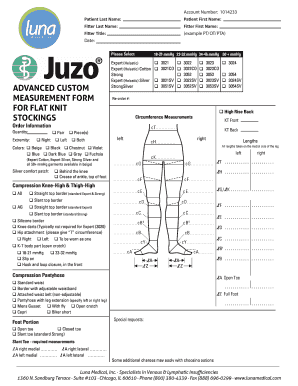
Juzo custom order form

VNEA MATERIAL ORDER FORM

BROKONb ORDER FORM

Letterman jacket order form
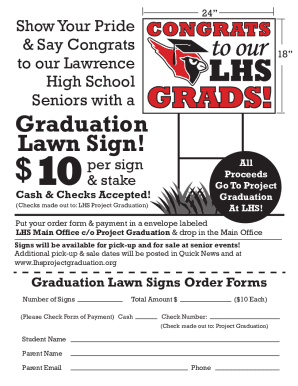
LHS Grad Lawn Signs Order Form
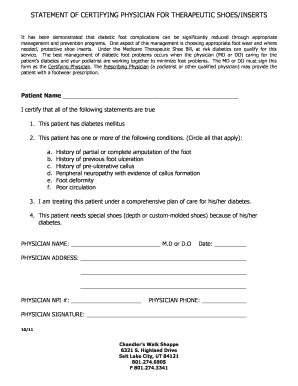
STATEMENT OF CERTIFYING PHYSICIAN FOR THERAPEUTIC SHOES/INSERTS
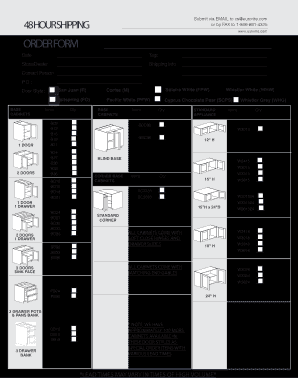
ORDER FORM - Kitchen Cabinetry Bathroom Cabinets

Custom Flashing Order Form - rollfab metal products
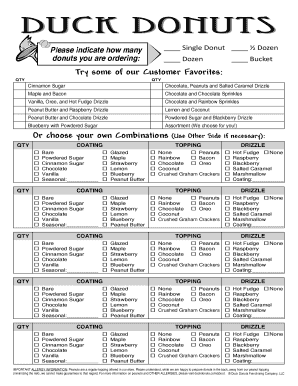
Duck donuts order form
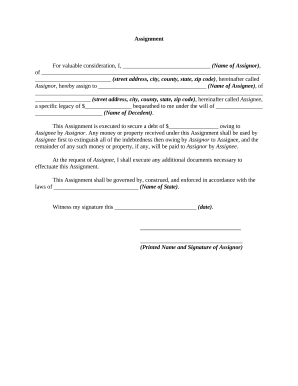
Assignment order form
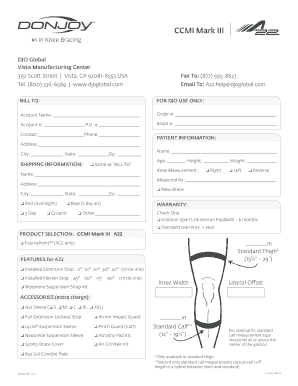
Donjoy defiance order form
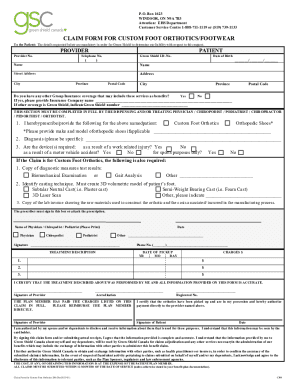
Green shield custom

Sensaphonics Order Form ONLINE
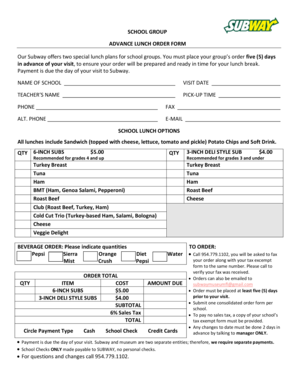
Subway group order form

Oticon earmold order form
602 order form

Custom Blinds Order Form - Wilmar
Sam's club fresh bakery - special cake order form
-
1
- 2
Transform your document managing with Custom made Order Forms
Your workflows always benefit when you are able to find all of the forms and documents you need at your fingertips. DocHub gives a a large collection document templates to alleviate your day-to-day pains. Get a hold of Custom made Order Forms category and quickly find your document.
Begin working with Custom made Order Forms in a few clicks:
- Browse Custom made Order Forms and locate the document you require.
- Click Get Form to open it in our online editor.
- Begin modifying your form: add more fillable fields, highlight sentences, or blackout sensitive details.
- The app saves your modifications automatically, and after you are ready, you are able to download or share your form with other contributors.
Enjoy fast and easy file managing with DocHub. Discover our Custom made Order Forms category and locate your form right now!
Video Guide on Custom made Order Forms management

Commonly Asked Questions about Custom made Order Forms
How do I make a purchase order form?
Heres a breakdown of the typical purchase order form format: Header. Buyer and seller details, addresses, contacts, and a unique PO number. Date and delivery. Issue date and expected delivery date. Itemized list. Payment terms. Shipping/billing. Signatures. Logo and branding.
Is there an app for order forms?
Whether you are a small business or a large-scale company, you can use forms. apps free purchase order form templates and collect online orders with much information such as contact information, address, and whatever data you need to collect per order.
How do I create a digital form for free?
Login to your Canva account and search for form templates. Pick a design or start with a blank template. Choose a pre-made form template design. Customize your form. Edit your form by adding text, labels, logos, and other graphic elements. Download and print. Publish and share your form.
How to make a simple order form?
Steps to Create an Order Form Decide what to sell. Choose a form builder tool. Customize the template with proper fields. Add photos of the products. Customize the order form with branding. Set up a payment method. Set up a success message. Share the order form.
How do I create a simple online form?
How to use Google Forms Step 1: Set up a new form or quiz. Go to forms.google.com. Step 2: Edit and format a form or quiz. You can add, edit or format text, images or videos in a form. Step 3: Send your form for people to fill in. When you are ready, you can send your form to others and collect their responses.
How to create an easy online order form?
How to create an order form in Google Forms. Log in to your Google account and open Google Forms. Click the Blank button to create a new form. Add fields for the essential information you need to gather from your buyers, such as their name, business address, contact information, and preferred contact method.
Related Templates

DONATION REQUEST FORM - Mountain West Bank
The document is a Donation Request Form from Mountain West Bank, intended for organizations seeking financial support. I ...

NURSERY AND KINDERGARTEN INFORMATION SHEET
The document is an information sheet for prospective students applying to St. Scholastica’s Academy – Marikina for the S ...

602353 VE-1363 TPO PVC Membrane Material Warranty Sample Revised indd
The document outlines the warranty terms for Versico membrane materials, including TPO and PVC options, which guarantee ...

Waiver for kids
The document is a liability waiver for parents or guardians granting permission for their child to participate in the Wa ...

Time Schedu

NOTICE: The court cannot consider your request for emergency
The document is a legal form from the Superior Court of California, County of Riverside, titled 'Declaration Regarding N ...

Provider Contact Change Form - Hawaii Department of Health
The document outlines the procedure for notifying the Department of Health's Adult Mental Health Division about changes ...

Hawaii cms416
The document is the Annual EPSDT Participation Report for Hawaii for Fiscal Year 2006, detailing the eligibility and par ...