
Google Donation Forms
Explore Google Donation Forms catalog and choose the appropriate form for your organization. Improve open and clear communication between you and your supporters.

Create a new Google Donation Form
Maryland anatomy board

Cornell notes template google docs

Papa john's donation request
Purple heart donation receipt
Printable donation form
Donation forms nyc get
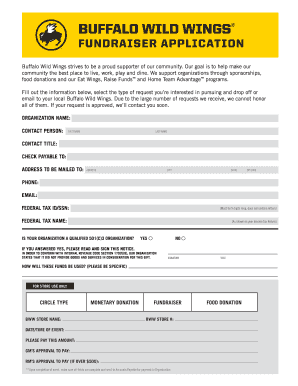
Buffalo wild wings donation request
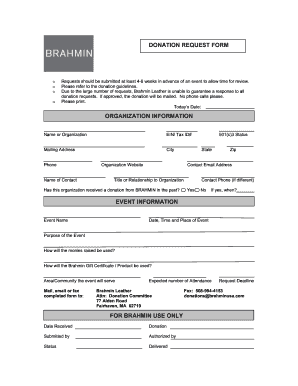
Custom donation slips

Donation receipt template

Walmart donation request form 2022
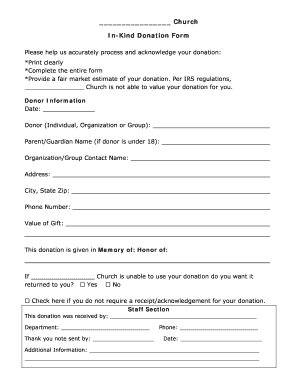
Church in kind donation form
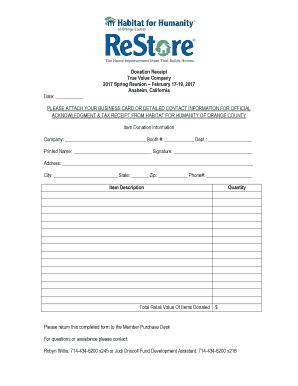
Donation Receipt True Value Company 2017 Spring Reunion ...
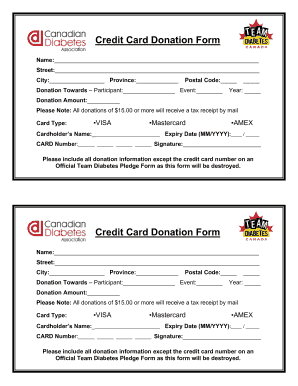
Donation card template

Coles donation request
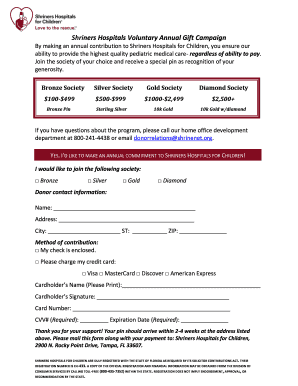
Shriners hospital printable donation form
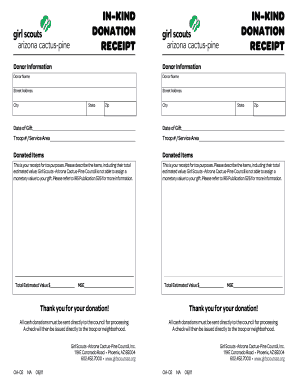
In-Kind Donation Form - Girl Scouts - girlscoutsaz
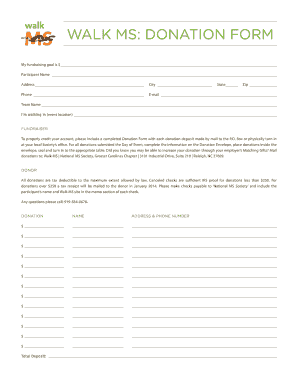
Ms donation form

Walkathon registration form

Donation Form - National Kidney Foundation of Illinois - nkfi
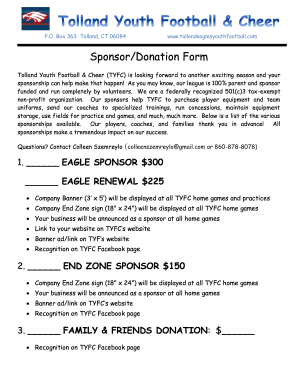
Sponsor/Donation Form - Tolland Eagles Youth Football

Gift aid form

Stock # Vehicle Donation Form - Cars for Charity
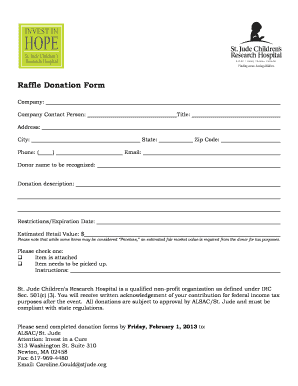
Donation form template

Video donation request
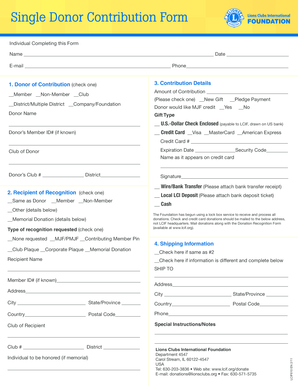
Single Donor Contribution Form - Lions Clubs International - lcif
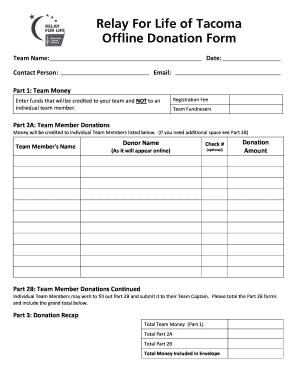
Donation form for a team
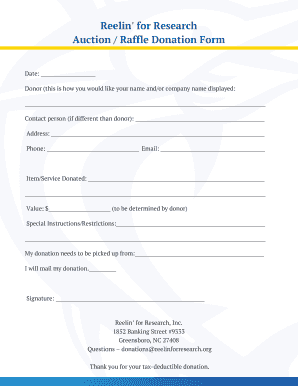
Auction Raffle Donation Form
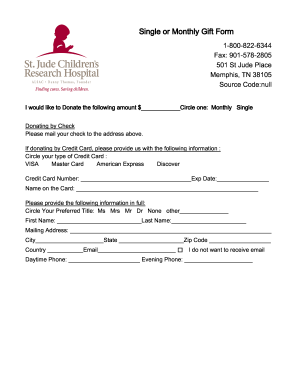
Single or Monthly Gift Form - St Jude Childrens Research
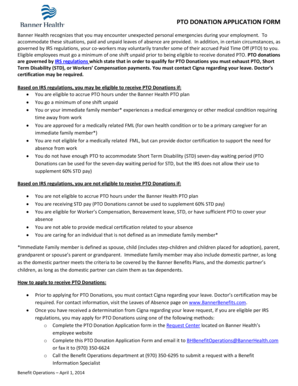
Pto donation form
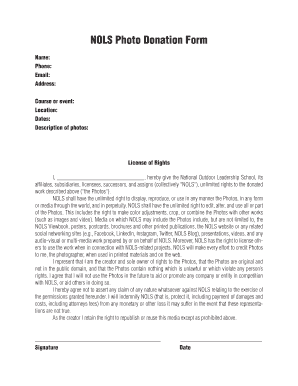
NOLS Photo Donation Form - nols
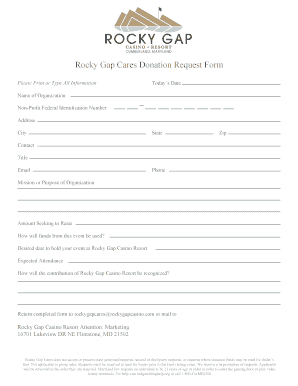
Gap donation request form
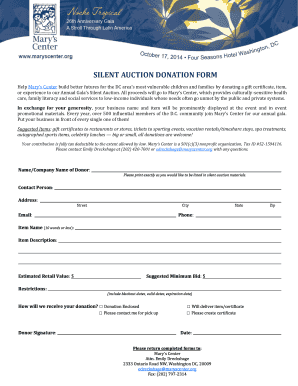
Silent auction donation form
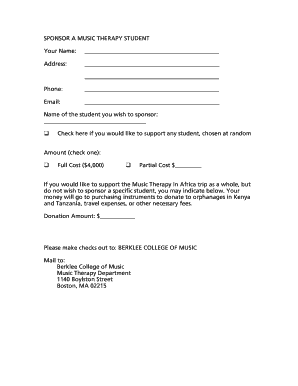
Download a donation form (pdf, 29 3 KB) - Berklee College of Music - berklee

Culver's donation request form

DC5-166 Donation Form (Issued 10 4 18)

ENDOWMENT DONATION FORM
-
1
- 2
Handle Google Donation Forms effortlessly online
Document management can stress you when you can’t locate all of the forms you require. Luckily, with DocHub's considerable form collection, you can discover everything you need and easily take care of it without switching between software. Get our Google Donation Forms and start working with them.
The best way to manage our Google Donation Forms using these easy steps:
- Check Google Donation Forms and choose the form you require.
- Review the template and click Get Form.
- Wait for it to open in our online editor.
- Alter your form: add new information and pictures, and fillable fields or blackout certain parts if necessary.
- Fill out your form, conserve alterations, and prepare it for sending.
- When you are ready, download your form or share it with other contributors.
Try out DocHub and browse our Google Donation Forms category without trouble. Get your free account today!
Video Guide on Google Donation Forms management

Commonly Asked Questions about Google Donation Forms
How to make a donation form in Google Forms?
How to Create Donation Forms template for Google Sites Website Choose the Donation Forms template from the list and press the Use Template. Modify the templates elements to meet your interest and apply all adjustments. Sign in to the account.
Is Google Forms really free?
Google Forms is a free online software for creating surveys and questionnaires. You need a Google account to create a Google Form, but anyone can fill out a Google Form. You can personalize your Google Form with question types, header images, and color themes.
Is Google Forms free or paid?
Google Forms is one of the most popular tools for creating online forms. Although its a free service, it is a fully featured solution that allows you to collect data for surveys, create sign-up forms, and even conduct tests with ease.
How to make a donation button on Google Sites?
How To Add a Donation Button App on Google Sites: Create a Free Donation Button App. Copy HTML code. Embed code in Google Sites. Insert an embed code block and paste code from the first step. Preview and Publish your live Donation Button. Edit POWR Donation Button.
Related Templates
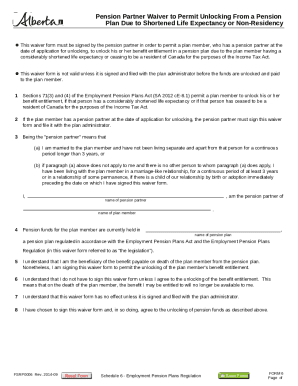
Form 6 alberta
The document is a waiver form that must be signed by a pension partner to allow a plan member to unlock their pension be ...
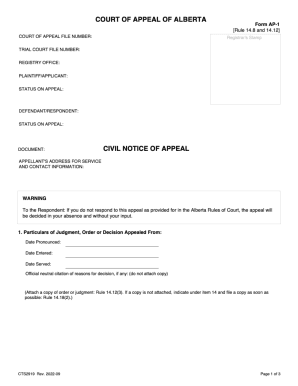
Cts1461

Claims for Reconsideration (U S Department of Veterans Claims for Reconsideration (U S Department of
Claims for Reconsideration (U S Department of Veterans Claims for Reconsideration (U S Department of
The document is an application form for requesting the Social Benefits Tribunal (SBT) to reconsider a decision made on a ...

Houston rfp 140503 proposal fillable
The document is a Request for Proposals (RFP) from the Houston Independent School District (HISD) for Career and Technic ...
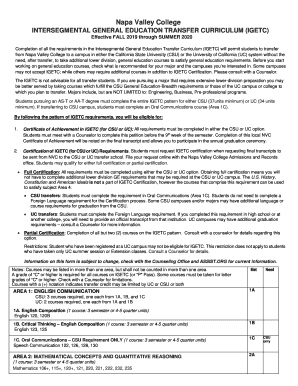
Napa valley college igetc
The document outlines the Intersegmental General Education Transfer Curriculum (IGETC) for Napa Valley College, effectiv ...

SAS Verification Form - students dartmouth
The document is a verification form from Dartmouth's Student Accessibility Services (SAS) that must be completed by a qu ...

Submit by Email Reset Form Employee Data Sheet
The document is a comprehensive employee onboarding packet for Kennesaw State University, detailing various forms and po ...
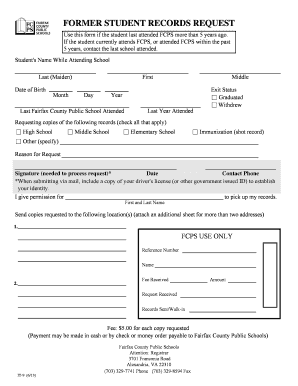
Records request fcps
The document is a form for requesting former student records from Fairfax County Public Schools (FCPS) for students who ...