
Small business blank Balance Sheet Templates - Page 2
Select Small business blank Balance Sheet Templates to ensure your financial procedures' transparency and precision. Easily fill out and safely distribute your forms with your team and other collaborators.

Create a new Small business blank Balance Sheet Template
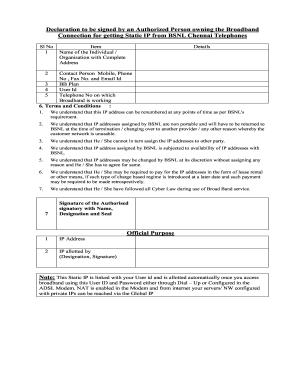
Bsnl static ip application form
Financial projections
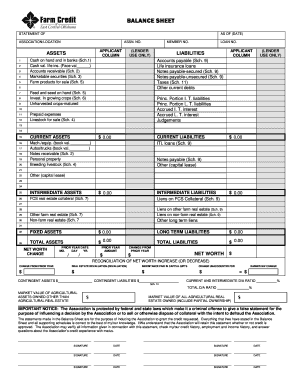
Download Financial Statement Form - Farm Credit
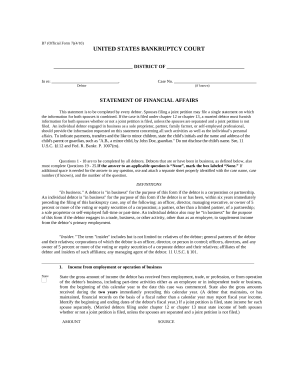
Statement financial form
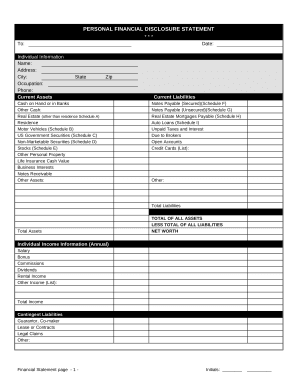
Financial statement form
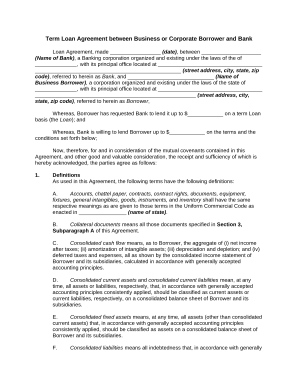
Loan agreement corporate

Sba form 413
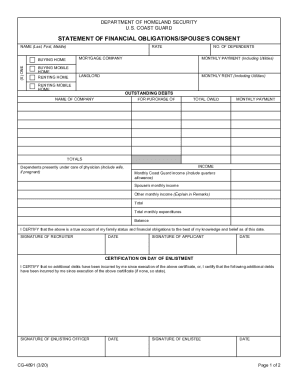
Statement of financial form

Fillable SBA Form 770: Financial Statement of Debtor
- 1
-
2
Improve your work productivity with Small business blank Balance Sheet Templates
Document administration takes up to half of your business hours. With DocHub, you can reclaim your time and effort and enhance your team's productivity. Get Small business blank Balance Sheet Templates online library and investigate all form templates related to your day-to-day workflows.
Effortlessly use Small business blank Balance Sheet Templates:
- Open Small business blank Balance Sheet Templates and utilize Preview to obtain the appropriate form.
- Click Get Form to start working on it.
- Wait for your form to upload in our online editor and start modifying it.
- Add new fillable fields, icons, and pictures, adjust pages, etc.
- Fill your document or set it for other contributors.
- Download or share the form by link, email attachment, or invite.
Accelerate your day-to-day file administration with our Small business blank Balance Sheet Templates. Get your free DocHub account right now to explore all templates.
Video Guide on Small business blank Balance Sheet Templates management

Commonly Asked Questions about Small business blank Balance Sheet Templates
Does Excel have financial templates?
Creating a budgeting plan for your household can feel overwhelming and hard, but Excel can help you get organized and on track with a variety of free and premium budgeting templates.
Does Excel have a bookkeeping template?
Those who havent used Excel before or arent familiar with its features can download Excel bookkeeping templates online. Once you create or download templates, you can use them as a basis for more advanced account-related tasks like basic financial statements, forms, receipts, reports, etc.
Does Excel have a financial statement template?
A: Yes. Excel has a range of financial templates, including income statements, cash flow statements, and balance sheets.
How do you create a simple balance sheet for a small business?
Follow these steps: Step 1: Pick the balance sheet date. Step 2: List all of your assets. Step 3: Add up all of your assets. Step 4: Determine current liabilities. Step 5: Calculate long-term liabilities. Step 6: Add up liabilities. Step 7: Calculate owners equity. Step 8: Add up liabilities and owners equity.
How to make a balance sheet in Excel template?
Preparing a balance sheet involves several steps: Gather Financial Information: Gather all your financial data, including assets, liabilities, and equity. Organize Assets: Here is the list of all assets, including current assets (cash, inventory) and non-current assets (property, equipment).
Is there a balance sheet template in Excel?
The Balance Sheet Template for Excel is a pre-designed spreadsheet that allows users to enter their companys financial information, including assets, liabilities, and equity. This template is useful for businesses of all sizes, as it can be customized to fit each companys specific needs.
Does a small business need a balance sheet?
Its one of the essential documents every small business should have, as it can provide a snapshot into your strengths and opportunities for improvement.
How do I make a balance sheet for myself?
Steps to Preparing a Simple Balance Sheet: Add the value of all assets. List total under assets. Add the total obligations owed. List total under liabilities. Subtract the liabilities from the total assets to determine net worth. List the amount under personal equity.
Related Templates

National cancer brain tumors
The document is a comprehensive guide from the National Cancer Institute about primary brain tumors, detailing their typ ...

Emergency discharge
The 'Improving the Emergency Department Discharge Process: Environmental Scan Report' provides an analysis of the discha ...
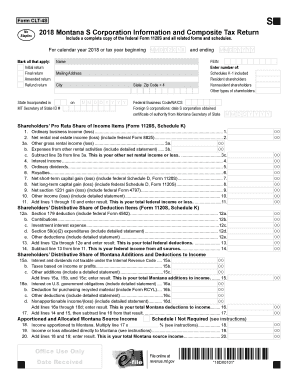
Montana s
The document is the 2018 Montana S Corporation Information and Composite Tax Return (Form CLT-4S), which outlines the re ...
Indiana motor carrier form
The Commercial Motor Vehicle Guidebook, published by the Indiana Department of Revenue in May 2021, serves as a comprehe ...
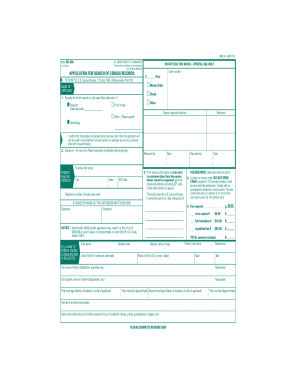
Bc 600 census
The document is an application form (BC-600) from the U.S. Census Bureau for requesting a search of census records. It o ...

Payments federal transactions form
The document is a certification form from the U.S. Department of Housing and Urban Development, requiring applicants for ...
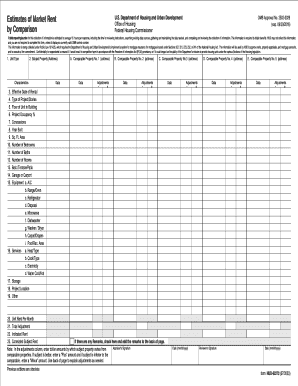
Hud 92273
The document outlines the procedures and requirements for estimating market rents by comparison for properties under the ...

Michigan treasury form
The document is a Facsimile Signature Declaration form issued by the Michigan Department of Treasury, allowing individua ...