
Find ms Balance Sheet Templates
Browse Find ms Balance Sheet Templates and develop a customized financial overview. Edit, fill out, eSign, and distribute your financial statements without holdups.

Create a new Find ms Balance Sheet Template

Lease agreement ontario word document
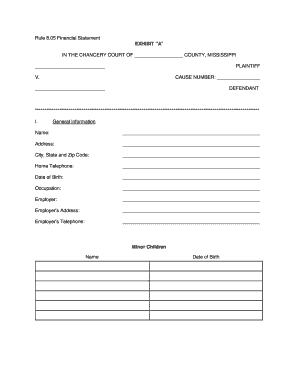
805 form

Cornell notes template google docs

Judicial title

Medical marijuana card template
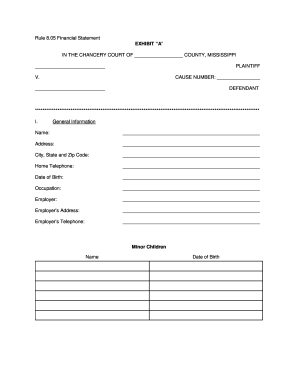
RULE 8.05 FINANCIAL DISCLOSURE - 2nd Chancery Court - 2ndchancerycourtdistrictms
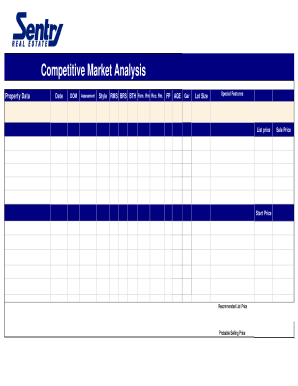
Cma data format in excel
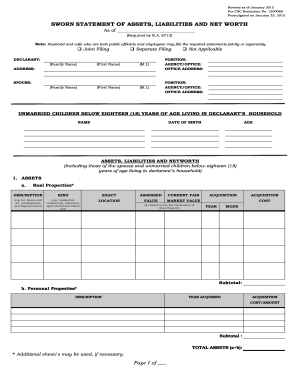
Sworn statement assets liabilities
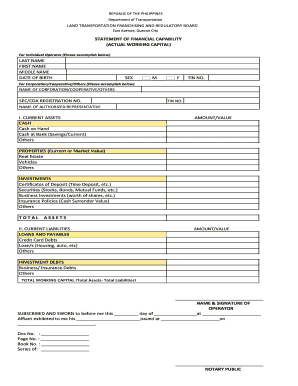
Ltfrb downloadable forms
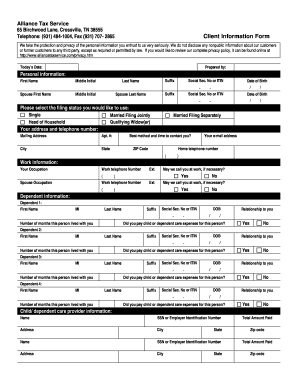
Client sign in accountant sheet pdf
Printable financial forms
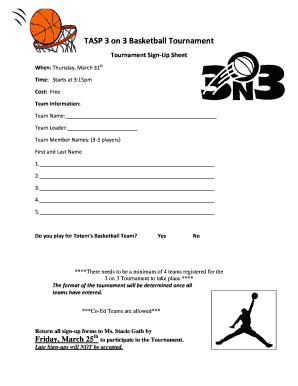
TASP 3 on 3 Basketball Tournament - schoolsfwpsorg
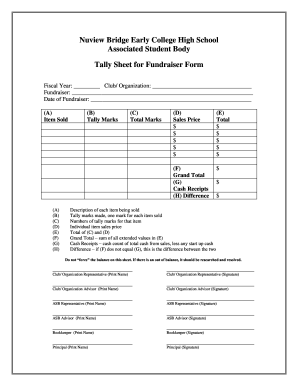
Tally sheet template
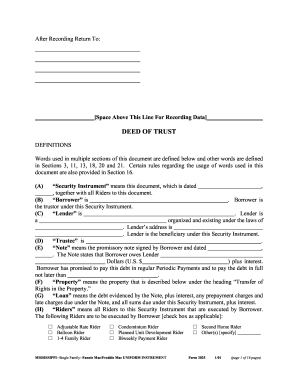
Ms deed trust
Farmers bank financial statement form
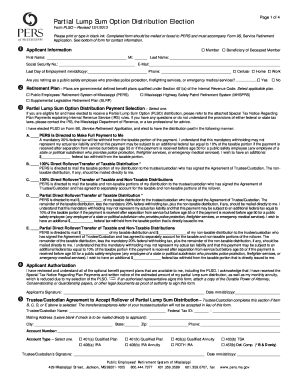
Form PLSO, Partial Lump Sum Option Distribution ... - PERS - MS.gov
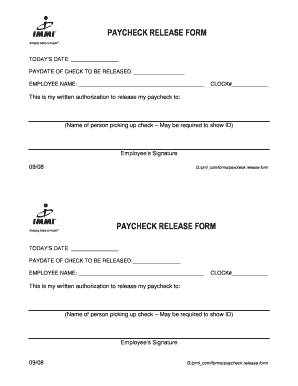
Paycheck release form template

Brighthouse non erisa forms
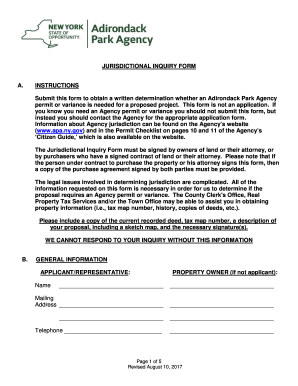
Apa forms template
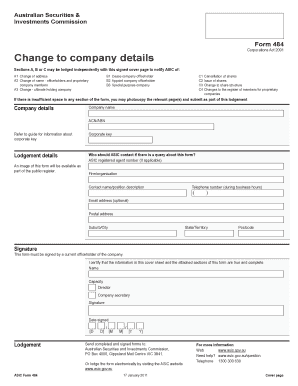
Asic form 388 in ms word
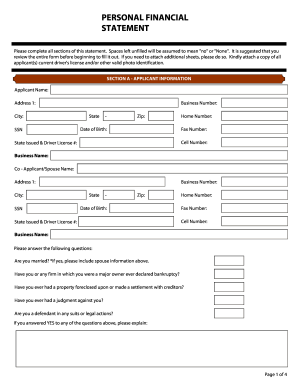
Financial Statement Form - Bloom Commercial Real Estate

Bank statement for university
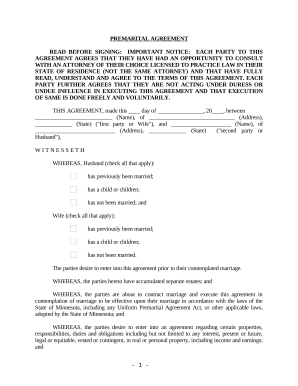
Minnesota Prenuptial Premarital Agreement with Financial Statements - Minnesota
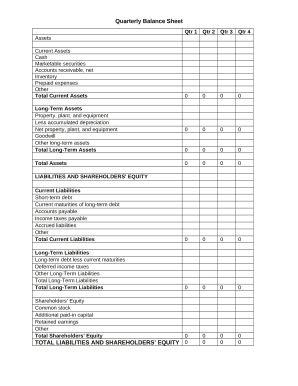
Quarterly Balance Sheet
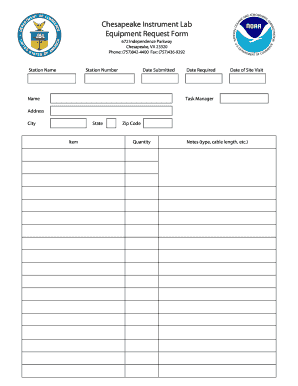
Tool request form excel
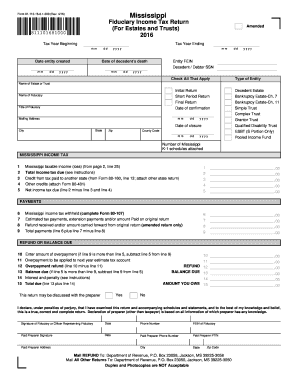
Form 81-110-16-8-1-000 (Rev

Account Information - For Payroll, Direct Deposit or Pre ... - CIBC.com
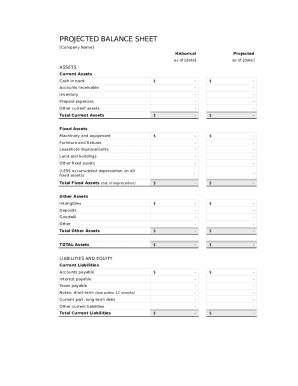
Balance sheet template fillable
Rebate form template
Fiu deposit form
Plumbing report template word
Enhance your template administration with Find ms Balance Sheet Templates
Your workflows always benefit when you are able to locate all of the forms and documents you will need at your fingertips. DocHub delivers a huge selection of document templates to alleviate your day-to-day pains. Get hold of Find ms Balance Sheet Templates category and quickly find your form.
Start working with Find ms Balance Sheet Templates in several clicks:
- Open Find ms Balance Sheet Templates and discover the form you require.
- Click Get Form to open it in the editor.
- Begin adjusting your document: add more fillable fields, highlight paragraphs, or blackout sensitive data.
- The app saves your changes automatically, and once you are ready, you are able to download or distribute your form with other contributors.
Enjoy fast and easy document administration with DocHub. Explore our Find ms Balance Sheet Templates category and find your form right now!
Video Guide on Find ms Balance Sheet Templates management

Commonly Asked Questions about Find ms Balance Sheet Templates
What is the formula used to create a balance sheet?
The balance sheet is based on the fundamental equation: Assets = Liabilities + Equity. As such, the balance sheet is divided into two sides (or sections). The left side of the balance sheet outlines all of a companys assets.
Is there a balance sheet template in Excel?
The Balance Sheet Template for Excel is a pre-designed spreadsheet that allows users to enter their companys financial information, including assets, liabilities, and equity. This template is useful for businesses of all sizes, as it can be customized to fit each companys specific needs.
How to make a balance sheet in Excel step by step?
Firstly, find the net value of all fixed assets. Next, add capital investments and current assets. Lastly, subtract the liabilities, and you will get the total capital. The formula for the same is Capital=Assets-Liabilities.
How to create a balance sheet in MS Excel?
Tips for creating a balance sheet in Excel Use a template. Use the Borders button to create guiding lines in your balance sheet. Use Excels tools to manage your data. Create a trial balance sheet to initially display information and add in an error check sheet.
Where do you find new or existing templates in MS Excel?
In Microsoft Excel, go to File Options Save and paste the copied path into the Default personal templates location box, exactly as we did in step 2 of Method 1. And now, whenever you click File New, the Personal tab is there and your custom Excel templates are available for use.
Does Excel have financial templates?
Creating a budgeting plan for your household can feel overwhelming and hard, but Excel can help you get organized and on track with a variety of free and premium budgeting templates.
Where can I find spreadsheet templates?
Go to Create.Microsoft.com. Click Templates at the top of the page. On the Templates page, click Excel. Tip: To see more templates, under BROWSE BY CATEGORY, click the category (like Calendars) that you want to see.
How do you make a simple balance sheet?
How to make a balance sheet Invest in accounting software. Create a heading. Use the basic accounting equation to separate each section. Include all of your assets. Create a section for liabilities. Create a section for owners equity. Add total liabilities to total owners equity.
Related Templates
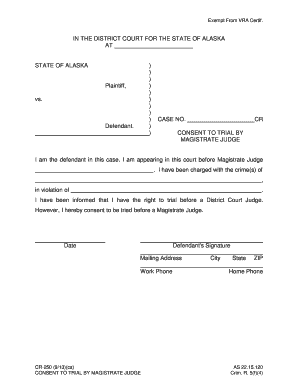
CR-250 - Alaska Court Records - State of Alaska
The document is a consent form for a defendant in the State of Alaska, allowing them to waive their right to a trial bef ...
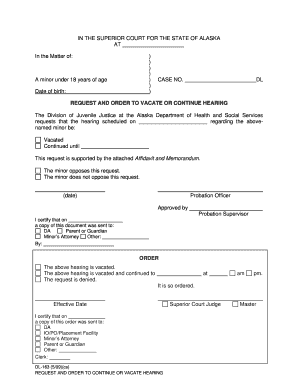
Dl 163 form
The document is a legal request from the Division of Juvenile Justice in Alaska to either vacate or continue a scheduled ...

PUB-29 - Alaska Court Records - State of Alaska
The document provides an overview of the Boney Memorial Courthouse in Anchorage, Alaska, highlighting its historical sig ...
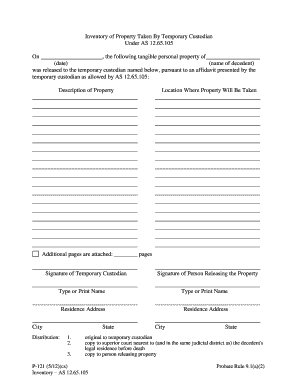
P-121 - Alaska Court Records - State of Alaska
The document is an inventory form for tangible personal property taken by a temporary custodian under AS 12.65.105. It o ...
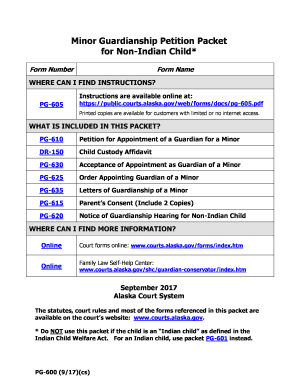
Alaska pg 600
The document is a Minor Guardianship Petition Packet for Non-Indian Children, providing necessary forms and instructions ...
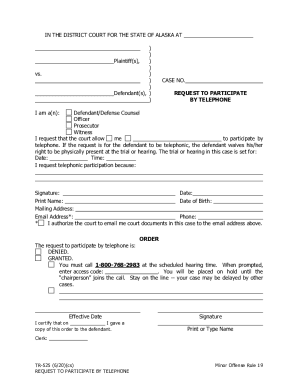
PDF TR-525 Request for Telephone Participation
The document is a request form for individuals involved in a court case in Alaska to participate in a hearing or trial b ...
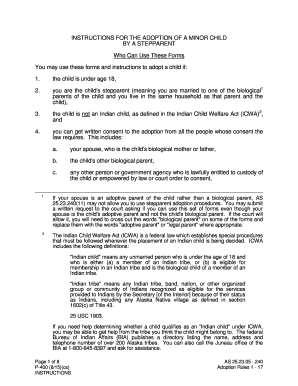
Alaska p 400
The document provides detailed instructions for stepparents in Alaska on how to adopt a minor child. It outlines eligibi ...

Indiana bail form
The document outlines the conditions of a No Contact Order for a defendant charged with a violent crime resulting in bod ...