
Best design Application Forms
Monitor and optimize your Best design Application Forms management. Easily locate, view, and fill out templates for individual and business use with DocHub free account.

Create a new Best design Application Form
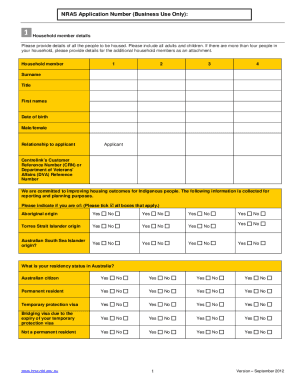
Nras application form pdf

Canada pension plan application

Hra application form

Select fashion application
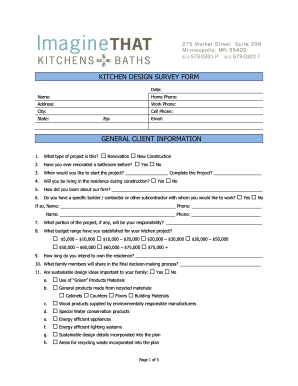
Kitchen survey template
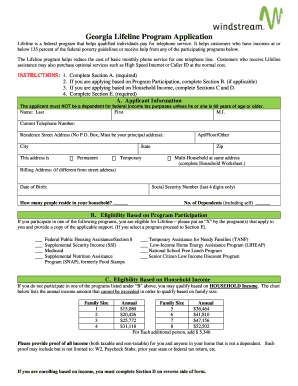
Lifeline application form online
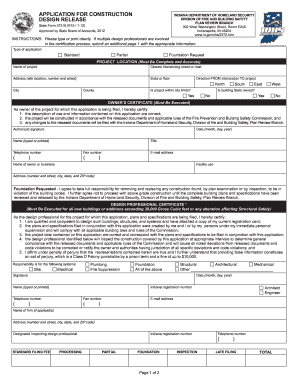
Indiana state design release
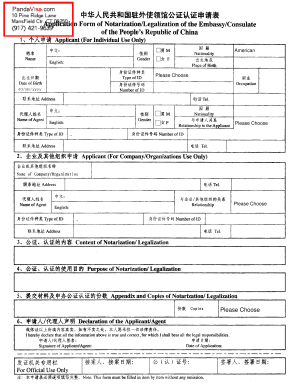
Application form notarization

Welding application form
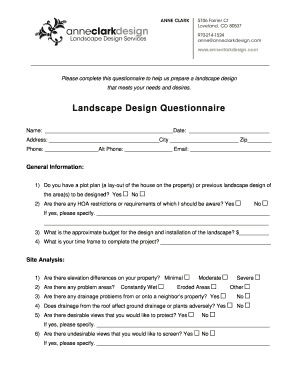
Landscape design questionnaire
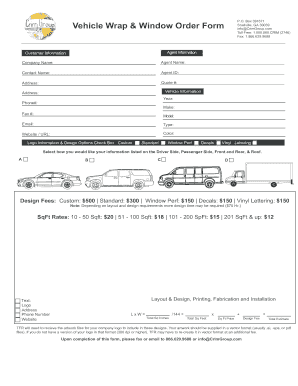
Vehicle Wrap amp Window Graphic Order Form
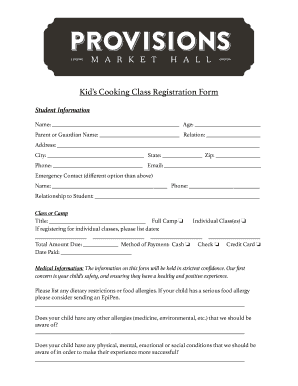
Cake training registration form
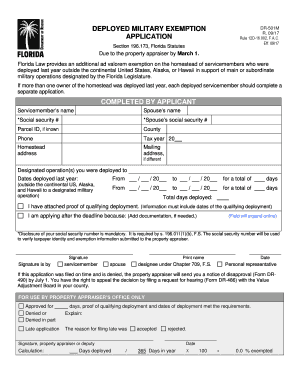
Florida deployed exemption
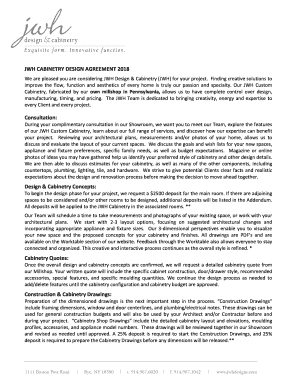
JWH CABINETRY DESIGN AGREEMENT 2018 Consultation ...
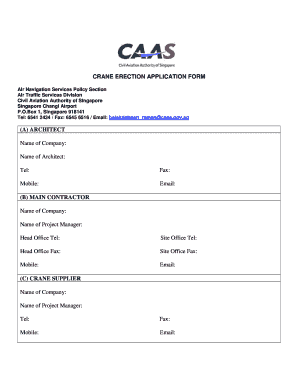
Caas crane application form

Graphic design estimate form
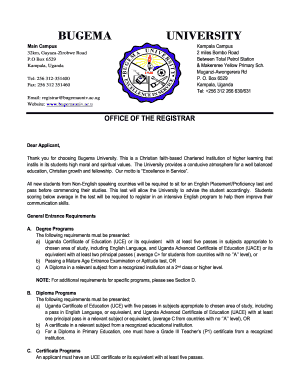
Bugema university application form download

Form design patent
Interior design proposal template

NATIONAL TSING HUA UNIVERSITY Application Form For International Applicants

Contest template word

Harris county l2 form
Artist registration form pdf
Nasa application form for students
Design request form
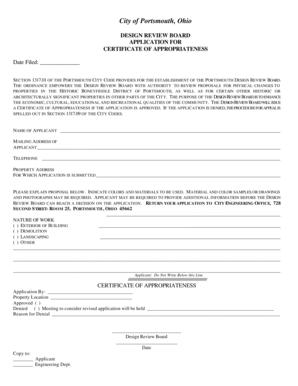
Design and Review Board Application For ... - Portsmouth Ohio
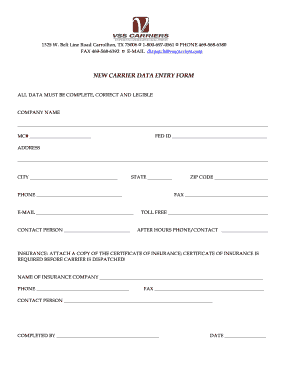
NEW CARRIER DATA ENTRY FORM - VSS Carriers
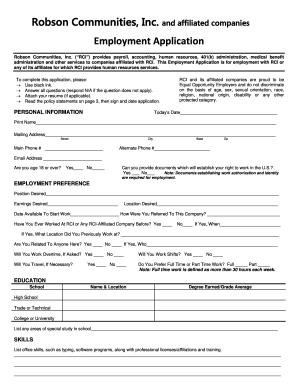
Robson application
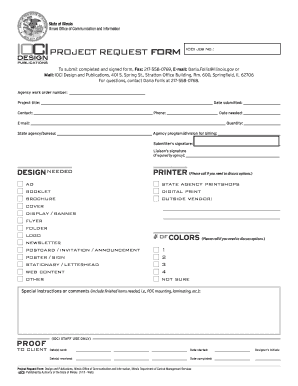
Graphic Design Project Request Form - www2 illinois
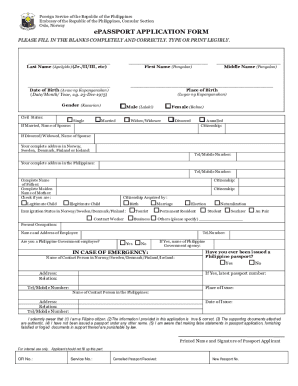
Duly accomplished application form

Simulation design template

High school scholarship application form
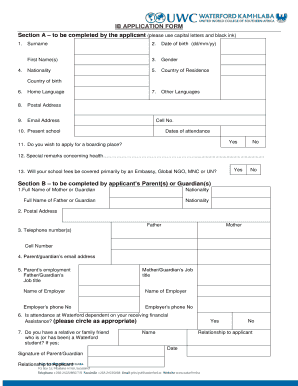
IB APPLICATION FORM
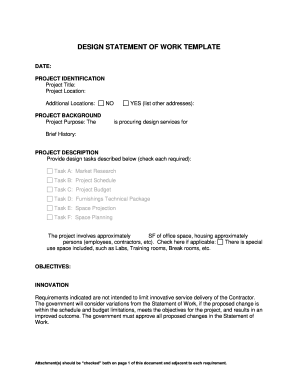
Design Statement of Work Template Services RFQ - gsa
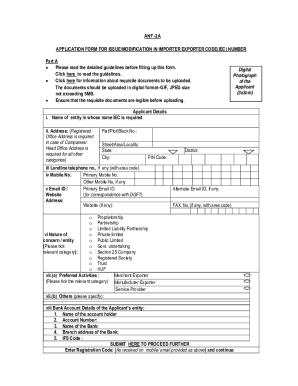
Iec application form for employment online
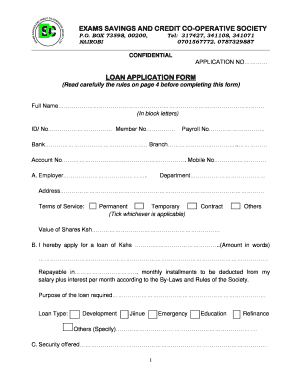
Sacco loan application form template
-
1
- 2
Get and handle Best design Application Forms online
Boost your form management with the Best design Application Forms library with ready-made templates that suit your requirements. Access the document, alter it, complete it, and share it with your contributors without breaking a sweat. Begin working more effectively with your forms.
How to use our Best design Application Forms:
- Open our Best design Application Forms and look for the form you require.
- Preview your document to ensure it’s what you want, and click on Get Form to begin working on it.
- Change, include new text, or highlight important information with DocHub tools.
- Fill out your form and preserve the modifications.
- Download or share your document template with other recipients.
Examine all of the possibilities for your online document administration using our Best design Application Forms. Get your totally free DocHub profile right now!
Video Guide on Best design Application Forms management

Commonly Asked Questions about Best design Application Forms
Which of these options are considered best practices for form design?
Avoid placeholders as a label. Keep labels short. Match field length and structure to the intended input. Form fields should look like form fields. Differentiate form fields from other elements. Use the appropriate input type and tag. Forms should be one column. Fields that logically go together should be inline.
How to design forms in UX design?
How to Design a User-Friendly Form Layout Place the form carefully in the wider layout. Use a one-column layout. Place labels above form elements, not to the left of them. Arrange lists, checkboxes, and radio buttons vertically. Group labels and fields visually. Use a stepped or multi-screen format for long forms.
How do I design an application form?
Your application form must follow an organized structure. My suggestion is for you to divide it into parts by topic. For example, have a section for personal information (name, email address, the preferred method for contact, etc.), another for education (degrees and certificates), and one more for work background.
How to create an online form for free?
Login to your Canva account and search for form templates. Pick a design or start with a blank template. Choose a pre-made form template design. Customize your form. Edit your form by adding text, labels, logos, and other graphic elements. Download and print. Publish and share your form.
What is the best application to create a form?
Top 14 Form Builder Software ClickUp. ClickUp is the worlds leading project management and form builder tool. Jotform. Via Jotform. Google Forms. Via Google Forms. Microsoft Forms. Via Microsoft Forms. Elementor Form Builder. Via Elementor. Feathery. via Feathery. Paperform. Via Paperform. Gravity Forms. Gravity Forms.
How do I create an application form?
How to create a job application form Step 1: Create a new form. Navigate to your Google Forms. Step 2: Add an appropriate title and description. Step 3: Add necessary questions. Step 4: Customize theme to your branding.
How best to design a form?
13 Form Design Principles Best Practices Less is more: remove form fields. Single-column beats multi-column forms. Communicate errors clearly. Use inline form-field validation. Order fields from easiest to hardest to fill out. Use saved data and automated suggestions.
How do you create and design a form?
Create a form using a template Start at forms.office.com. Select My forms. Select a template. Select PreviewComputer or Mobile. Select Back to choose another template or edit the selected template. To edit a template, select a question to edit. Edit the question and/or the options specific to each type of question.
What is a sample application form?
A sample application form is filled out by an applicant to apply for a specific job, course, or other opportunities. Sample applications can be used by employers and educational institutions to recruit and screen applicants.
What is an example of a form in design?
An example of form in graphic design includes many geographic shapes being drawn or arranged in a way so they look like their 3D counterparts. For example, a square can be transformed into a cube by adding additional lines and shapes to show the cubes multiple sides.
Related Templates
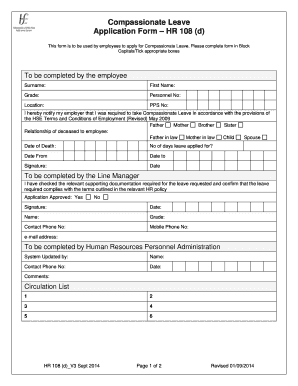
Tsc compassionate leave
The document is an application form for Compassionate Leave (HR 108 (d)) that employees must complete to request time of ...

Sweetwater union high school district community service form
The document is a Community Service Verification Form for students, outlining the requirements and procedures for comple ...
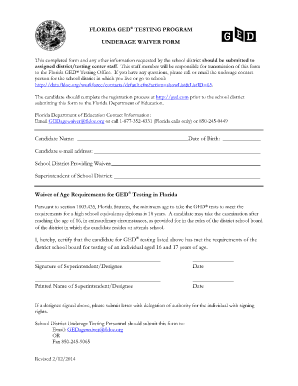
Ged in florida
The document outlines the process for submitting an Underage Waiver Form for candidates aged 16 and 17 to take the GED® ...

In service training record child care facility
The document outlines the requirements for annual in-service training for child care personnel in Florida, as mandated b ...
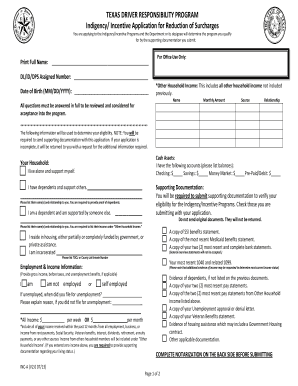
TEXAS DRIVER RESPONSIBILITY PROGRAM Indigency Incentive
The document outlines the Texas Driver Responsibility Program's Indigency/Incentive Application for Reduction of Surchar ...
Receipt paid
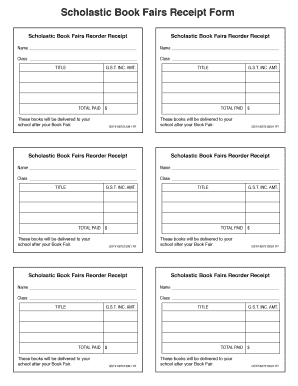
The document is a Scholastic Book Fairs Reorder Receipt, which includes sections for names, classes, book titles, and pa ...