
White number 5 Abstract Templates - Page 2
Preview and download White number 5 Abstract Templates for individual and corporate use. Make sure that your documents are consistent and correct with the DocHub online documents catalog.


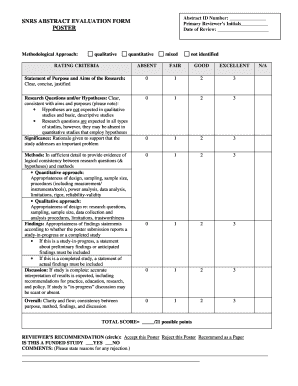
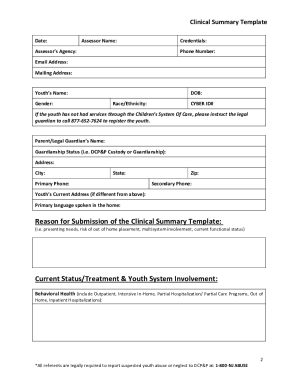
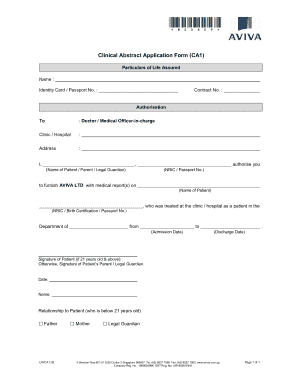
- 1
-
2
Manage White number 5 Abstract Templates easily online
Document administration can stress you when you can’t find all of the forms you need. Fortunately, with DocHub's extensive form collection, you can discover all you need and quickly manage it without the need of switching between applications. Get our White number 5 Abstract Templates and begin working with them.
How to use our White number 5 Abstract Templates using these simple steps:
- Browse White number 5 Abstract Templates and choose the form you need.
- Review the template and click on Get Form.
- Wait for it to upload in the online editor.
- Alter your document: include new information and pictures, and fillable fields or blackout certain parts if necessary.
- Prepare your document, save modifications, and prepare it for delivering.
- When ready, download your form or share it with your contributors.
Try out DocHub and browse our White number 5 Abstract Templates category easily. Get a free profile right now!
Video Guide on White number 5 Abstract Templates management

Commonly Asked Questions about White number 5 Abstract Templates
What is the abstract of a PowerPoint presentation?
A PowerPoint abstract is a complete and concise description of research summarized in a document and intended for a slide presentation.
How to create abstract shapes in Canva?
On the editor, go to Apps on the sidebar and choose Blobs. Create a unique blob by clicking Generate. Continue clicking until you find the perfect abstract shape. Then, click Add to design.
How to create custom shapes in Canva?
0:14 2:52 So lets get started first step is to open canva. And create a new design. For that I am going toMoreSo lets get started first step is to open canva. And create a new design. For that I am going to click on create a design. And youre just selecting on the Whiteboard.
How do I make a shape pattern in Canva?
How to create a pattern Open Canva. Launch Canva on your desktop or mobile app. Access the pattern generator. In the left panel of the editor, search for PatternedAI under Apps. Provide a prompt to create a pattern. Customize your pattern design. Share or download the pattern.
How to write abstract for poster presentation ppt?
For an abstract in the research focus: An introductory paragraph stating the background or purpose of the work you wish to present. A body paragraph in which details the methods for your topic. A results paragraph in which you discuss the data that were analyzed.
How long should an abstract be for a PowerPoint presentation?
PowerPoint Presentation. Only the primary presenter needs to submit an abstract, and only one abstract should be submitted for each presentation. Abstracts should be within 150-200 words.
Can you freehand draw in Canva?
Draw is completely free for all users and available across all Canva doctypes, except Canva Docs. You can use it for freehand drawing, sketching, and diagramming on posters, invitations, presentations, whiteboards, social media posts, and more.
Related Templates
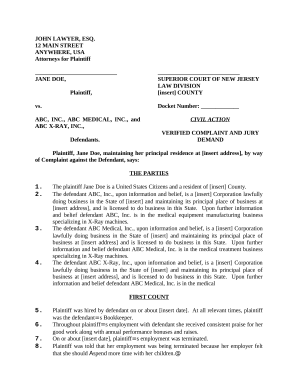
Pregnancy discrimination
The document is a verified complaint filed by plaintiff Jane Doe against defendants ABC, Inc., ABC Medical, Inc., and AB ...
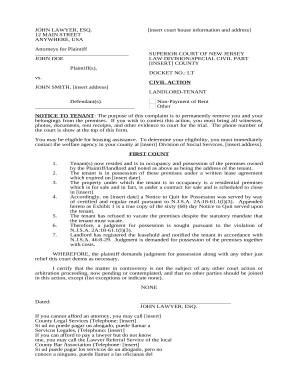
New jersey landlord
The document is a legal complaint filed by John Doe, the landlord, against John Smith, the tenant, in the Superior Court ...