
Get any PDF form from the DocHub library of ready-made templates - Page 965

Handbook 6500
Veterans affairs mental health

REQUEST FOR DUAL VA EMPLOYEE AND TRAINEE APPOINTMENT
Hand Therapy Fellowship Program Application - va
Va form 4637

Expiration Date: 11 30 2023
Cheyenne VAMC Demographic Form
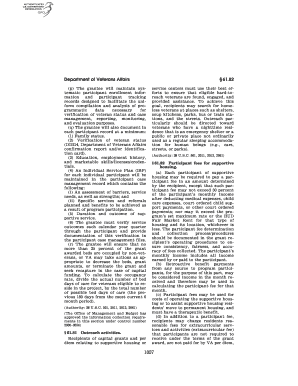
(p) The grantee will maintain systematic participant enrollment information
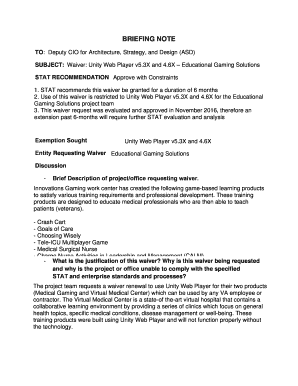
Briefing note - National Center for Ethics in Health Care Home
Pcl 5
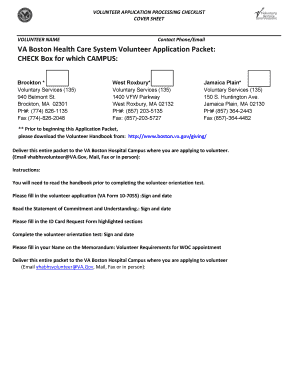
VA Boston Health Care System Volunteer Application Packet
Va appointment letter
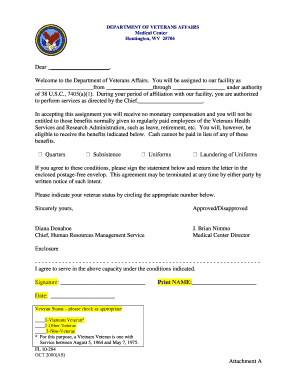
Blank va letterhead

Vocational exploration worksheet form
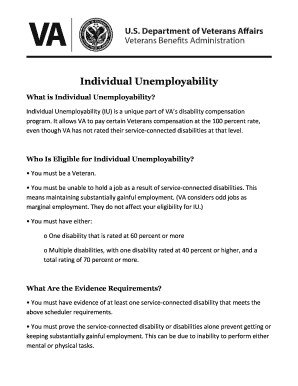
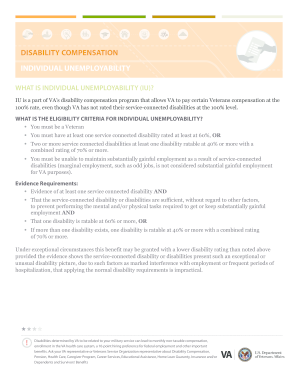
Unemployability fact get
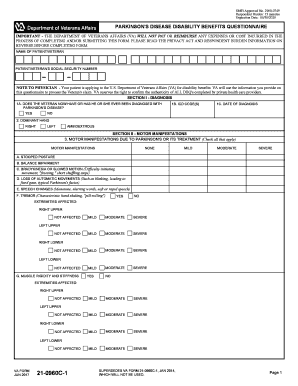
Va disease disability questionnaire
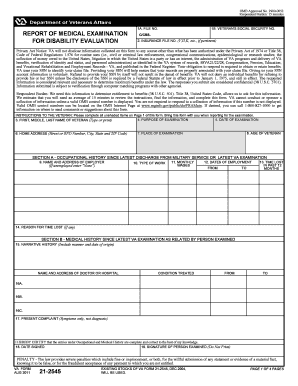
Va form 21 2545

Va 5 system form

Va 4 claimants certification
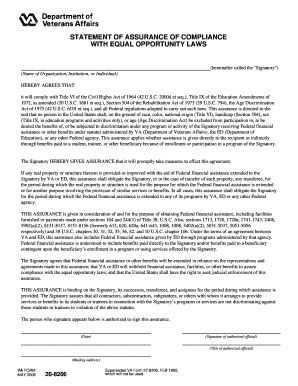
Statement assurance equal blank

Biopsychosocial mechanisms based
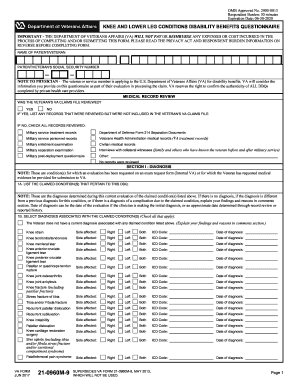
Va both millimeters fill
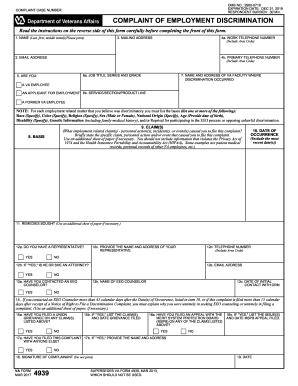
Va yes listed latest
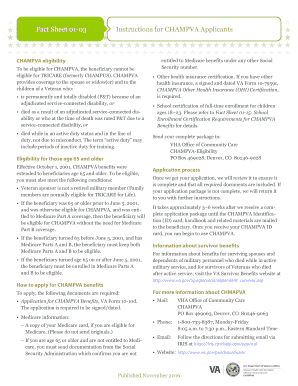
Fact sheet instructions template
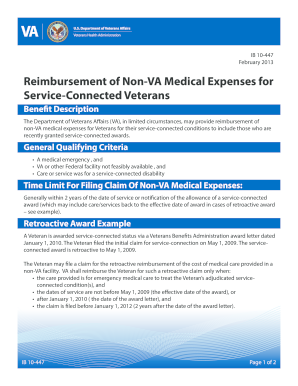
Va reimbursement for prescriptions

Va form 21 674c

Relocation gi bill

Va repository your
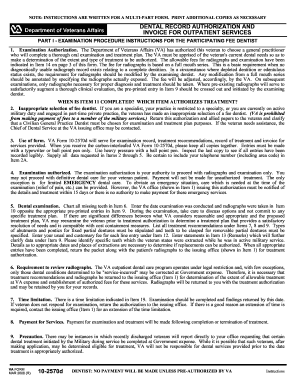
Dental record authorization form

Va enrollment australia make

Va form 21 651

FIN519, CE Automatic Fine Payment Voucher - Texas Department of - tdi texas
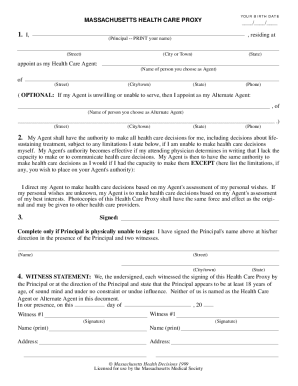
Massachusetts health care proxy fillable template 1 page 1999 form
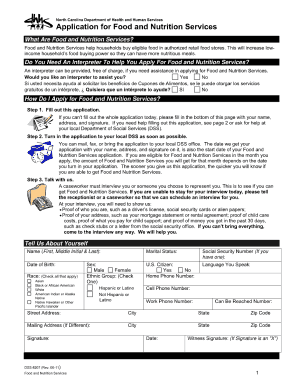
Dss 8207 form

Ontariooregon uploads 1 2 2City of Ontario, Oregon
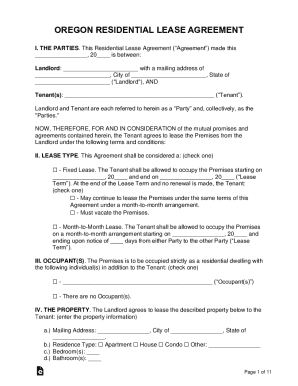
Oregon Lease Agreement (Free) 2022 Official PDF & WordOregon Lease Agreement (Free) 2022 Official PD
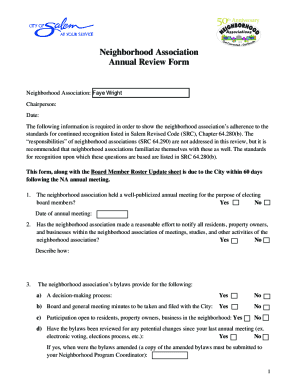
Docslib annual-review-form-word-formatAnnual Review Form - Word Format - DocsLib

Spouse certificate

Vacancy report format

Residency beverly hills

Boe 502 oil gas form
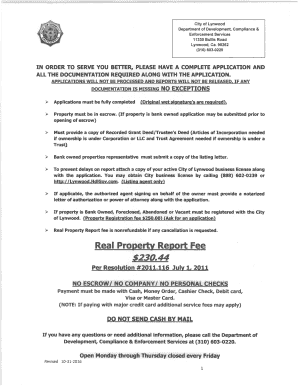
Real property report city
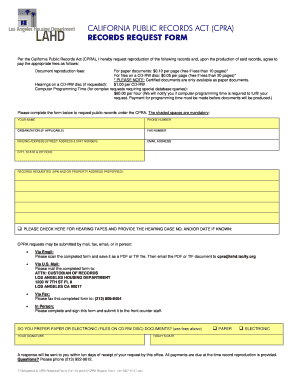
Lahd public los angeles housing department
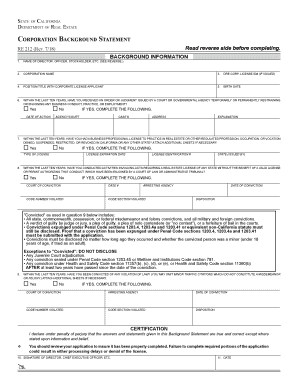
Ca re 212

Monterey county disclosure
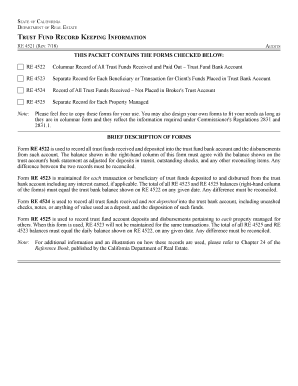
California record keeping real dre
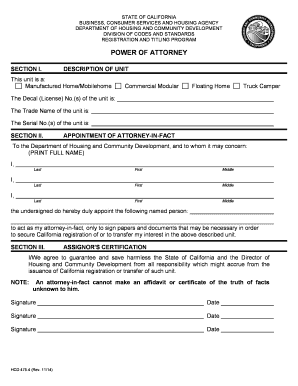
Hcd 475 4 power
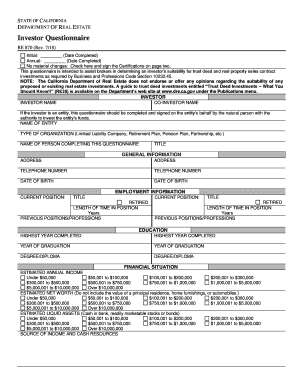
Ca questionnaire real estate
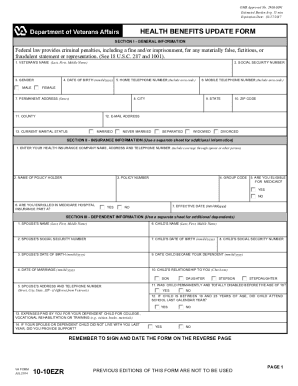
Please Read Before Your Start What is VA Form 10-10EZR used - va
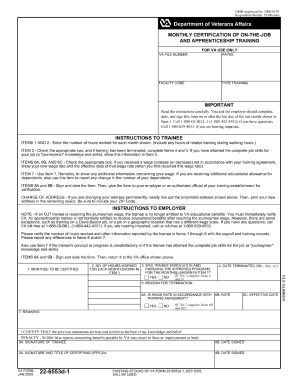
2009 form monthly

2004 va form 21 4138

PROVIDE ONLY DIAGNOSES THAT PERTAIN TO MS: - vba va
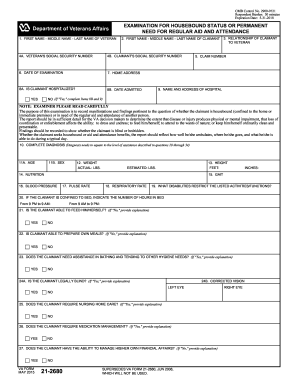
21 2680 2008 form
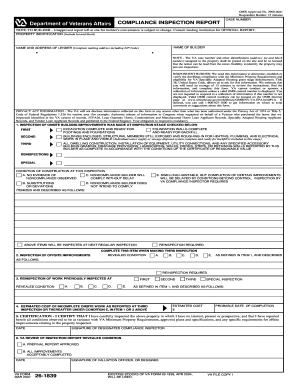
COMPLIANCE INSPECTION REPORT 26-1839 - vba va

2012 form appeal
I u fill in the blank form
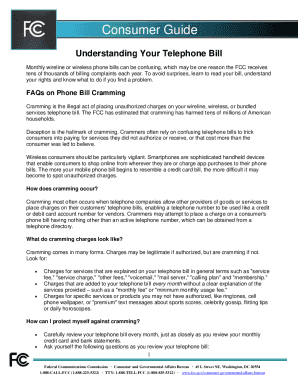
Your telephone bill

Radiotelephony fcc

Bd application registration
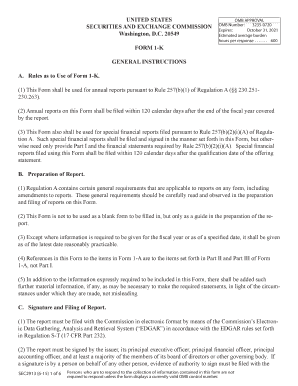
Form 1 k securities exchange
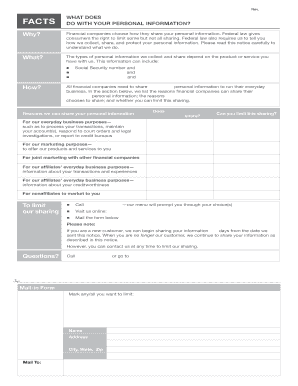
Federal reserve model privacy notice form
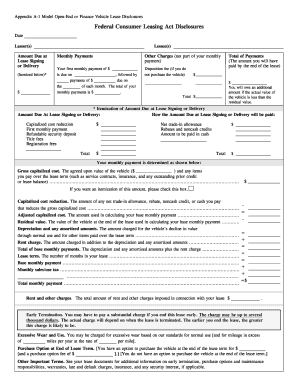
Federal consumer leasing act disclosures
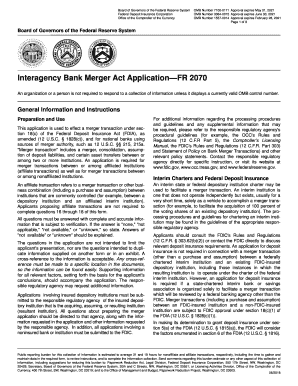
Federal merger act
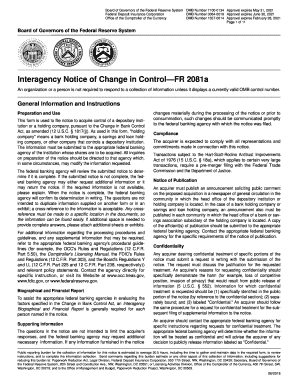
Notice control form
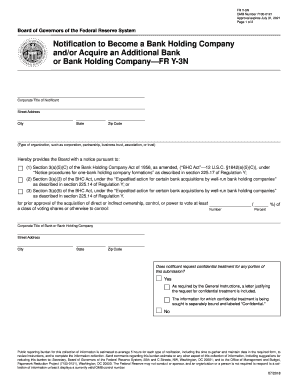
Y 3n make
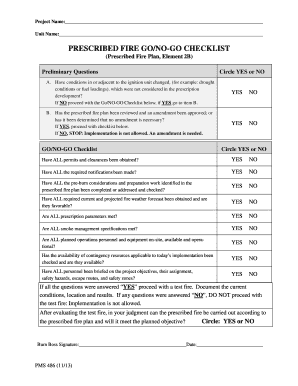
Go no go checklist
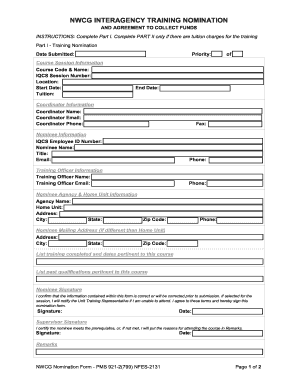
Nwcg nomination form
2017 market shouhardo search
Usaid handicrafts form get

Dairy chain analysis
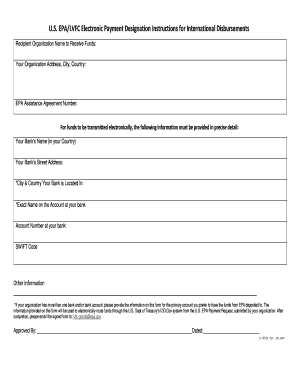
Electronic Payment Designation Instructions for International Disbursements U S EPA Las Vegas Financ
Continuity of Operations Plan Template This a template for laboratories to create a Continuity of Op
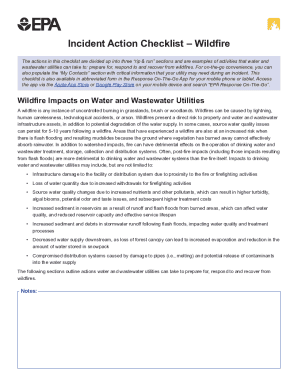
Water Sector Utility Incident Action ChecklistWildfire Examples of activities that water and wastewa

Without E-Invoicing and Stronger Payment Process Controls, EPA Is
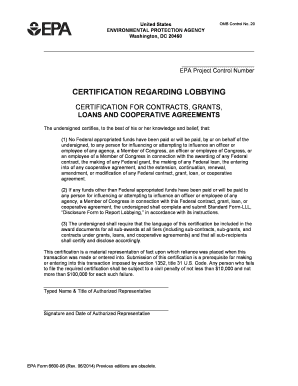
Form 6600

From lead home

12 8700 pdf
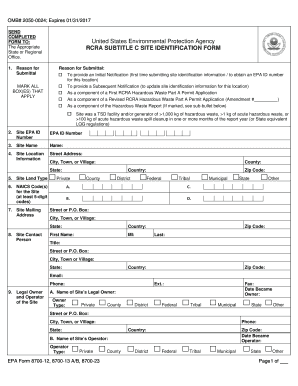
Id page
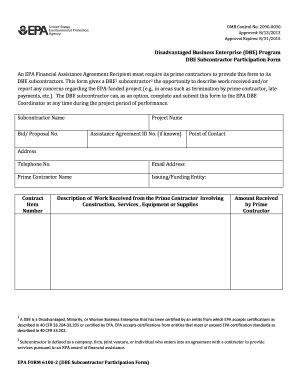
6100 2

Air epa
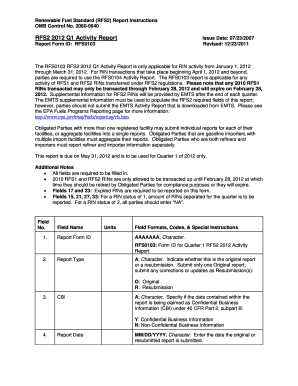
Epa rfs0103 activity instructions
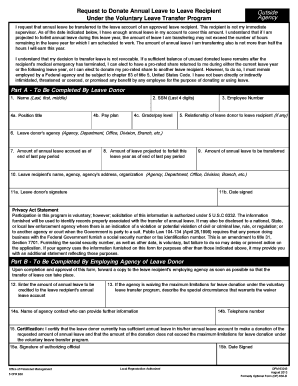
Leave request
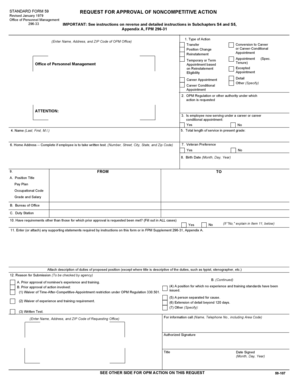
Sf 59

Sf 2821
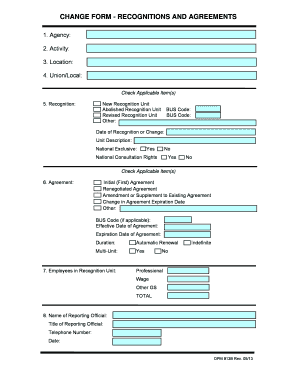
Opm opm change agreements
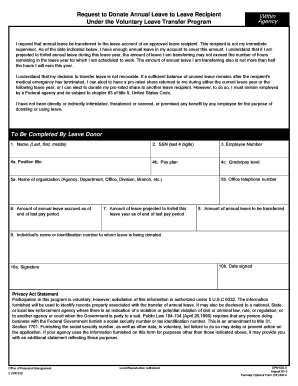
Income tax
Information annuitants

1652 form template
Icd 705 checklist
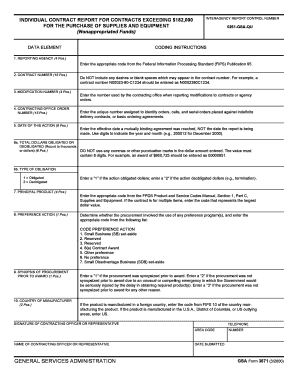
FOR THE PURCHASE OF SUPPLIES AND EQUIPMENT
Requirements Development - GSA
NAME AND ADDRESS OF MANUFACTURER
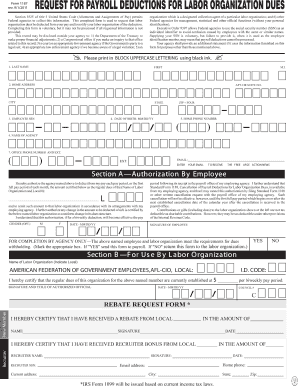
Afge form 1187 fillable
Gsa stos administration
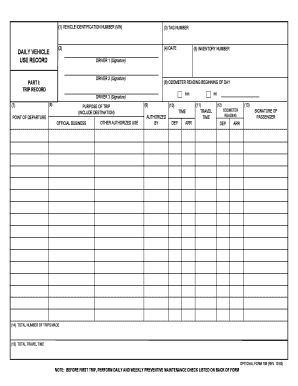
Optional form 108
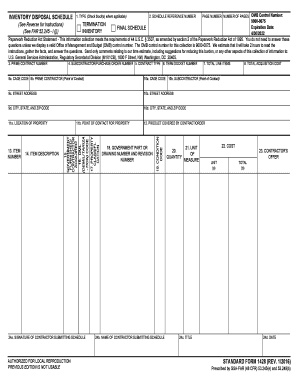
Sf 1428

Sf 515
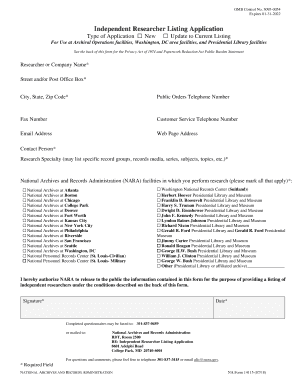
Researcher application form
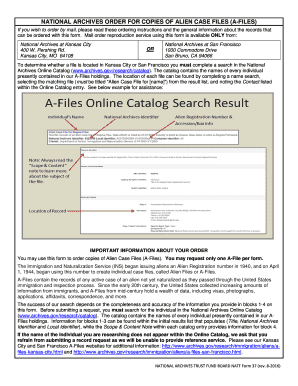
Nara order a files

National archives microfilm order
Benefit from the DocHub online library of fillable PDF forms
Searching the PDF forms doesn't have to be a tedious and time-consuming process. With the DocHub online library, it has become easier to find the fillable PDF forms and modify them in your browser. The service allows you to adjust the document to your needs using powerful editing tools.
You can use online document editing features to modify almost any type of document with ease. You just need to find the template of your choice, open it in the editor, and use the toolbar to make the necessary corrections.
Follow this guide to get your document done with DocHub:
- Find the PDF template you need.
- Click the Get Form button to open the file in the editor.
- Use the toolbar to fill out and edit the document.
- Easily add and highlight text, insert images, checkmarks, and symbols.
- Drop new fillable fields, and rearrange or delete pages from your file.
- Save changes and download your record.
DocHub empowers everyone to streamline document editing, signing, and distribution, and form completion. Create an account and benefit from our well-organized PDF Forms library and comprehensive editor.