




Here's how it works



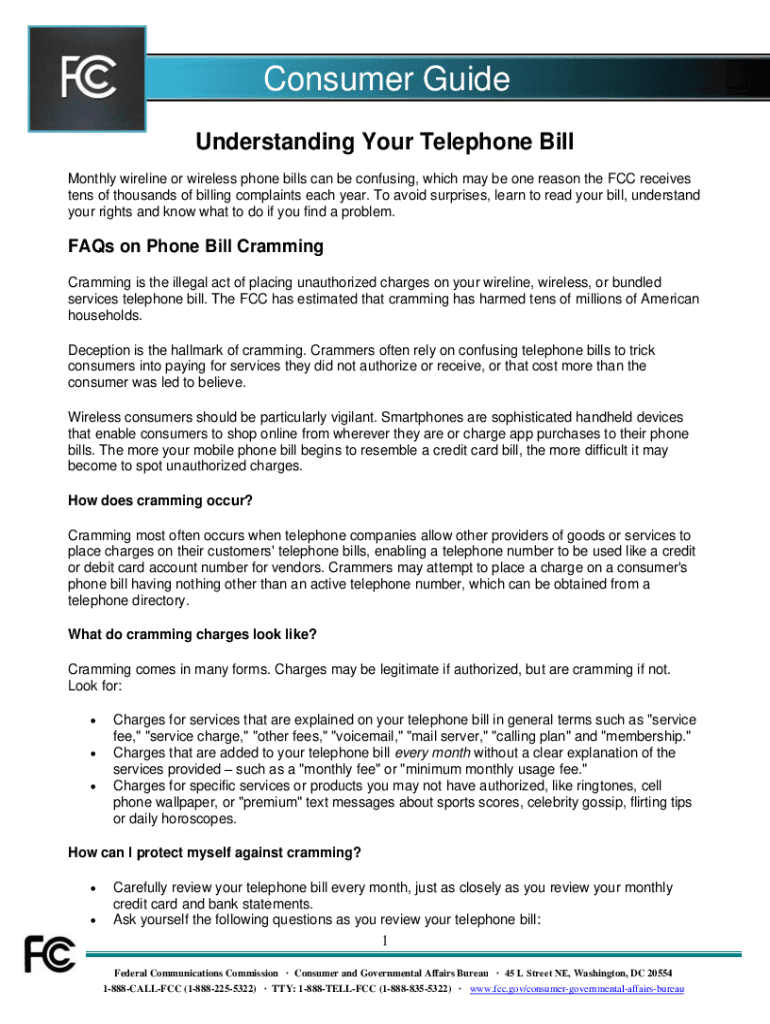
How to use or fill out your telephone bill with our platform

- Click ‘Get Form’ to open your telephone bill in the editor.
- Begin by reviewing the header section, which typically includes your name, account number, and billing period. Ensure all information is accurate.
- Next, navigate to the charges section. Here, you will find itemized charges such as monthly fees, taxes, and any additional services. Use our platform's highlighting tool to mark any unfamiliar charges for further investigation.
- In the payment section, check the total amount due and the due date. You can easily add notes or reminders using our editor's comment feature.
- Finally, if you need to dispute any charges, utilize the text box feature to draft a message outlining your concerns before sending it directly from our platform.
Start editing your telephone bill today for free and take control of your finances!
It's free
See more your telephone bill versions
Got questions?
What do I need to sign my understanding your telephone electronically?
Electronic document approval demands a software solution that works in compliance with data security and eSignature standards. DocHub is a perfect tool for that, since it meets all the previously mentioned requirements. Whatever method you prefer to sign your understanding your telephone in DocHub, your electronic signature will be legally binding and court-admissible.
How to manage my your telephone bill from Gmail?
In case your go-to electronic mail service is Gmail, you can easily integrate your DocHub editor into your work. Edit your your telephone bill with DocHub tools and attach it to your drafts in Gmail. See how effortless it is to exchange documents and collaborate with a swift PDF editing solution at hand.
Security and compliance
At DocHub, your data security is our priority. We follow HIPAA, SOC2, GDPR, and other standards, so you can work on your documents with confidence.
Learn more




