
Get any PDF form from the DocHub library of ready-made templates - Page 396

FORMULAIRE DE RETOUR INFORMATION CLIENT

Fill - Free fillable Mis Equipment Move Request Form PDF form

Alpha Epsilon Delta For National Office Use Only
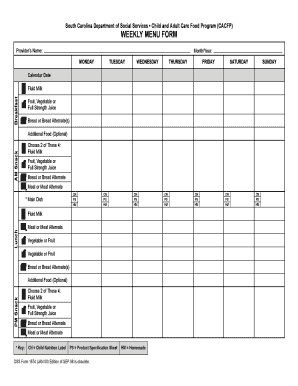
Dssform1674
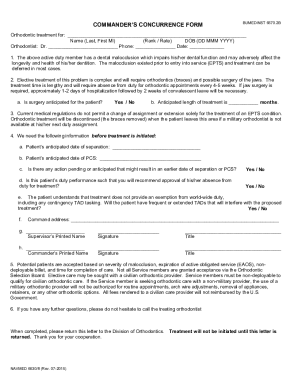
COMMANDERS CONCURRENCE FORM

Vehicle Registration Information - Virginia DMV

Injection confirmation form

National form ucc 11 fillable

PETITION FOR RULE TO SHOW CAUSE FORM - Illinois Legal Aid - illinoislegaladvocate

SBAR Palliative Reporting - bhpcconnectioncab

Blank Comparative Market Analysis Form for Unit 5

LLC INTAKE FORM

Loss and damage form

Basic life support ambulance medical necessity form
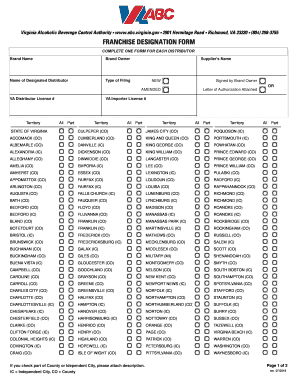
Abc franchise designation

Work permit texas

Order Appointing Custody Evaluator - Hawaii State Judiciary
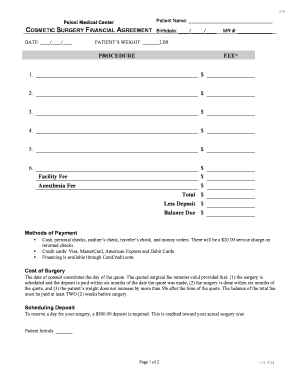
008 Cosmetic Surgery Financial Agreement 1113
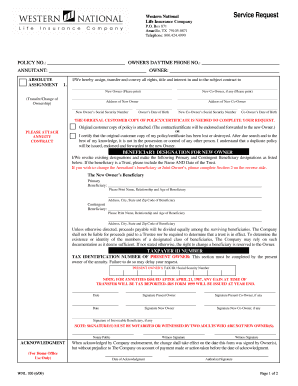
Western national life insurance company amarillo tx

General Orthodontic Rx

Pool Safety Inspection Checklist

Affidavit for jury duty

Sample of Advance Care Directive Form - advancecaredirectives sa gov

Iptaas form 1
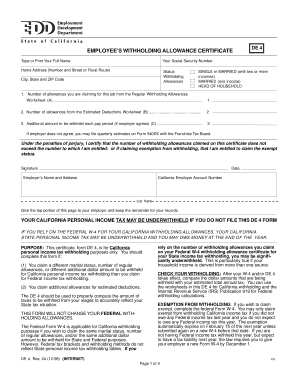
Ca de4

Lease rental form

PROPRIETARY TO LTCG, INC

PAYROLL TIMECARD CORRECTION FORM
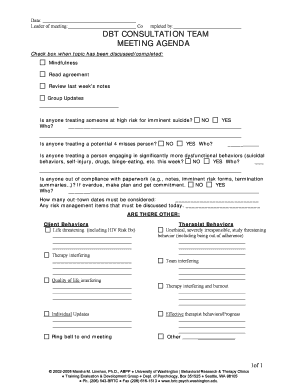
Dbt consultation team agenda template

Nsc form

DBS Consent Form

Contrat de travail

Opnav 4790 112

8300 form letter to customer
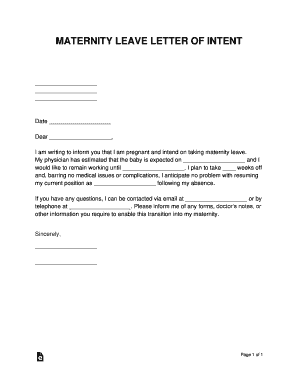
Application for medical leave

Regis Hadiaris Rocket Mortgage Product Lead Quicken Loans
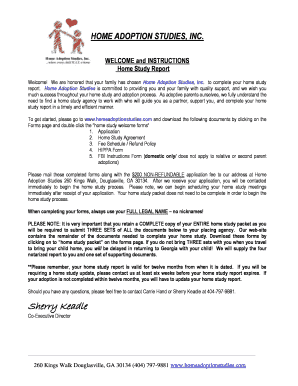
Sample home study report

Outreach and Housing Support Referral Form
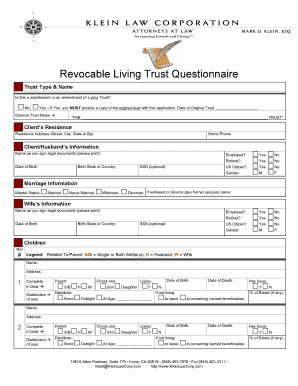
NEW LIVING TRUST INTAKE FORM - Klein Law Corporation

Nys barber apprentice application pdf

TR-216 Seller's Notification of Sale - Kansas Department of Revenue - ksrevenue
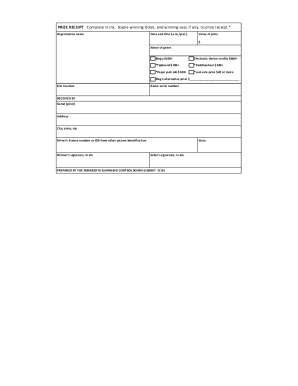
PRIZE RECEIPT Complete in ink Staple winning - Mn

Direct Entry Nursing Prerequisite Course Verification Form - gradschool unh

Corrections az inmate-visitation-applicationApplication To Visit an InmateArizona Department of

Southend hospital discharge team

TEACHER REFERRAL FORM FOR TITLE I PRE-K and KINDERGARTEN STUDENTS
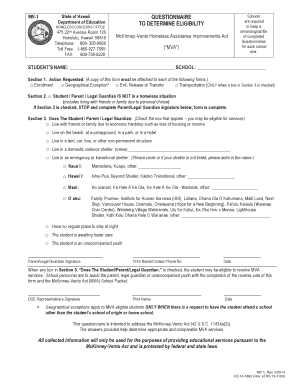
Mv1 form hawaii

Hoa contact information form

Worksheet 1 REPRESENTATIVE PARTICLES - newburyparkhighschool

Group Benefits Vision Care Claim Form - LiUNA

Fax this form to Bluechoice healthplan at 800-610-5685

Tuberculin Skin Test Record Form

Facilitator guide template word

60 month asq se

Corporate Transparency Act and Disclosure of Beneficial

Use of Facilities Request Approval bFormb 1023
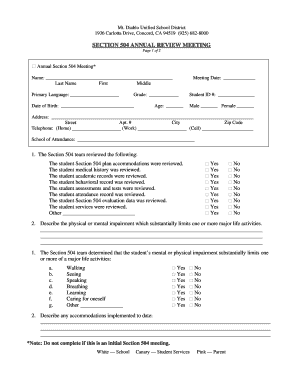
SECTION 504 ANNUAL REVIEW MEETING - Mount Diablo Unified
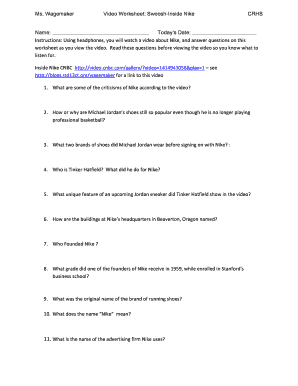
Swoosh inside nike answer key
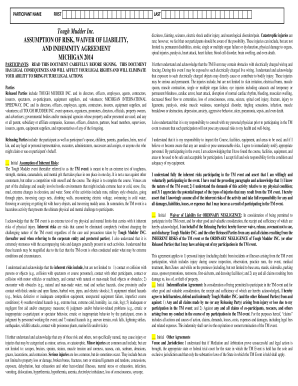
Tough mudder waiver

Application for Use of Parks Facilities - honolulu

Diva 2 0 online

Pharmacy inspection checklist pdf

Vango specialized services application

Download Microsoft Framework 3 5 Service Pack 1 from

Script supervisor notes template

Dyadic adjustment scale scoring

Pdf aid
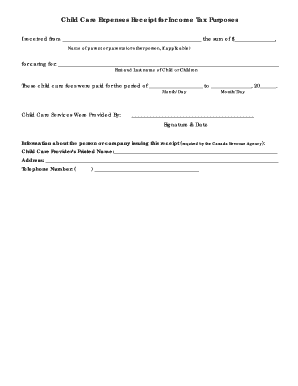
Child Care Expense Single Receipt for Income Tax Purposes

Lymphatic and haematic system worksheet

ACCI bCertificate of Originb AANZFTA bTemplatebpdf - Fremantle bb
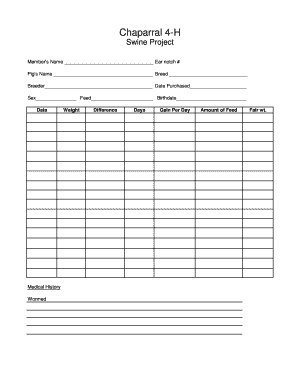
Swine Weight Gain Chart - Chaparral 4-H

Bpi dispute form download
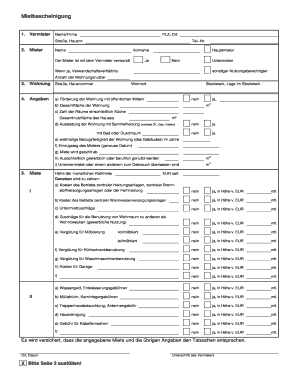
Mietbescheinigung zum ausdrucken

Restaurant Orientation Handbook - ColCal Taco Bell Franchisee - colcal

WAXING CONSENT and CLIENT INTAKE FORM

Employment agreement contracts

AUTHENTICATION REQUEST - commonwealth virginia
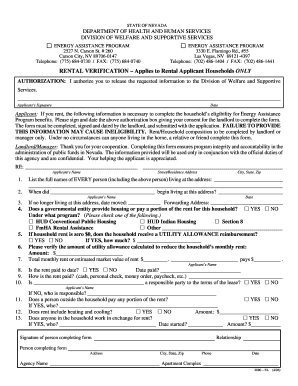
Dpss housing utility verification form

Military beneficiary form

Printable vial of life forms

Achd animal bite form

Subject verb agreement examples with answers pdf
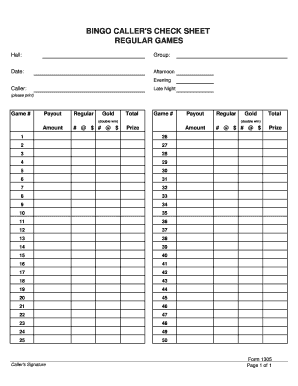
Printable bingo call sheet

Legacy Society Letter of Intent - Baton Rouge General Medical - brgeneral

Real id ny application form

Proof of residence in ghana
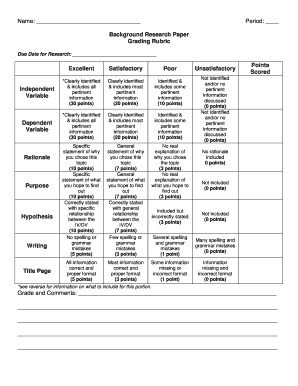
Simple rubric for research paper pdf

Nikkah papers
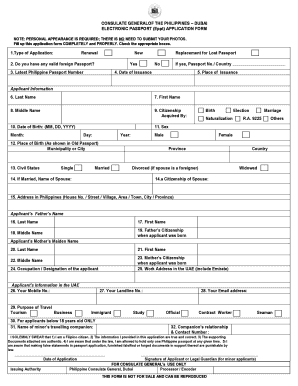
Philippine passport application form

Icici bank letterhead

To be filled by customer:- IN CASE OF NOMINATION IN SCSS
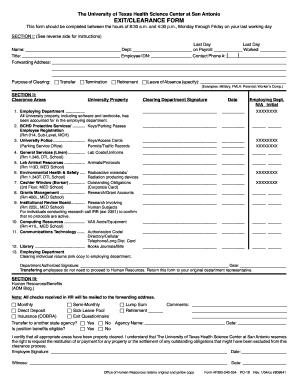
Sample of employee exit clearance form in the philippines

Registration information - Staab Agency

Sample Cover Sheet - Boone County Recorder of Deeds

Simplifying polynomials worksheet

Ems jump bag checklist

I90 application

Ucc 1 form georgia pdf

Safe form
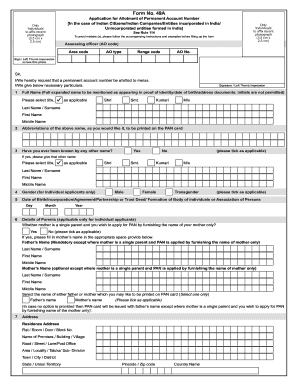
Pan form card
Benefit from the DocHub online library of fillable PDF forms
Searching the PDF forms doesn't have to be a tedious and time-consuming process. With the DocHub online library, it has become easier to find the fillable PDF forms and modify them in your browser. The service allows you to adjust the document to your needs using powerful editing tools.
You can use online document editing features to modify almost any type of document with ease. You just need to find the template of your choice, open it in the editor, and use the toolbar to make the necessary corrections.
Follow this guide to get your document done with DocHub:
- Find the PDF template you need.
- Click the Get Form button to open the file in the editor.
- Use the toolbar to fill out and edit the document.
- Easily add and highlight text, insert images, checkmarks, and symbols.
- Drop new fillable fields, and rearrange or delete pages from your file.
- Save changes and download your record.
DocHub empowers everyone to streamline document editing, signing, and distribution, and form completion. Create an account and benefit from our well-organized PDF Forms library and comprehensive editor.