Safe form 2026

Get Form
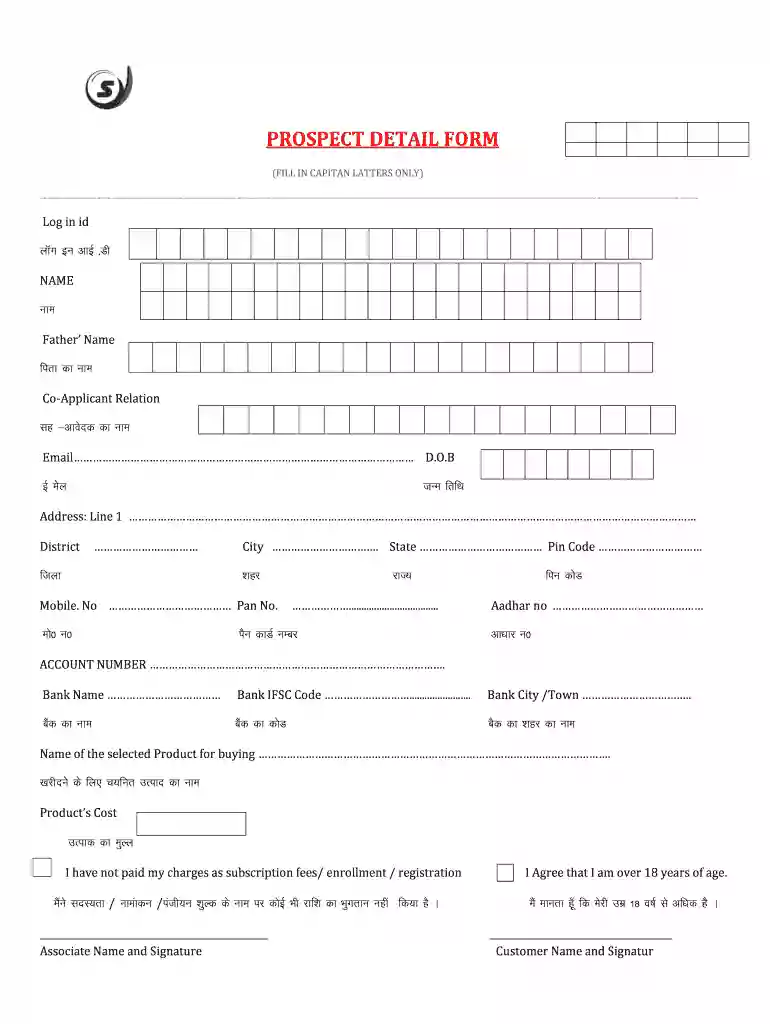
prospect detail form Preview on Page 1

Here's how it works

01. Edit your prospect detail form online
Type text, add images, blackout confidential details, add comments, highlights and more.

02. Sign it in a few clicks
Draw your signature, type it, upload its image, or use your mobile device as a signature pad.

03. Share your form with others
Send form prospect file via email, link, or fax. You can also download it, export it or print it out.

Definition & Meaning

The term "safe form" usually refers to a standardized document that is designed to simplify and secure the collection, processing, and validation of specific types of information. In many contexts, this type of form is used to ensure that data is captured consistently and securely, often within the framework of legal, financial, or organizational requirements. It might include fields for personal identification, contact details, or security measures such as signatures. The "safe" aspect typically relates to the security protocols in place to protect the information contained within the form.

How to Use the Safe Form

To effectively use a safe form, start by understanding its purpose and the type of information it is intended to collect. Next, ensure you have all necessary documents and details on hand before beginning to fill out the form. Follow these steps:

  1. Review All Sections: Examine the entire form to familiarize yourself with its layout and requirements.
  2. Complete Required Fields: Enter accurate information in all mandatory fields. Be mindful of sections denoted as “required.”
  3. Verify Details: Double-check all entries to ensure accuracy and completeness.
  4. Apply Security Measures: If the form allows, use password protection or other security features to safeguard sensitive information.
  5. Submit the Form: Follow submission instructions to ensure the form reaches the appropriate destination securely, whether electronically or through another specified method.

By adhering to these steps, you can ensure that the form is completed and submitted properly, enhancing both efficiency and security.

Steps to Complete the Safe Form

Completing a safe form involves a series of precise steps to ensure all information is captured and processed correctly. Here is a general guide to follow:

  1. Gather Information: Before starting, compile all necessary data and documentation.
  2. Read Instructions: Carefully review any provided instructions or guidelines.
  3. Fill Out Personal Information: Begin with sections related to personal identity, such as name and contact details.
  4. Follow Specific Section Guidelines: For sections like financial data, adhere strictly to the specified format or instructions.
  5. Utilize Optional Security Features: Implement available security measures, like encryption or password protection, for sensitive data.
  6. Review for Errors: Scan the form for any missing information or errors.
  7. Submit: Follow the preferred submission method, ensuring safe and secure delivery.

These steps are designed to help complete the form efficiently while maintaining data integrity.

Important Terms Related to Safe Form

Understanding key terminology associated with safe forms can improve comprehension and application. Here are several important terms:

  • Encryption: A method of converting information into a secure format to prevent unauthorized access.
  • Authentication: The process of verifying identity, often used in accessing secure systems or forms.
  • Mandatory Fields: Required sections that must be filled out to complete the form.
  • Compliance: Adherence to legal or regulatory requirements relevant to form usage.
  • Submission Protocol: The predefined method by which a form should be submitted to ensure validity and security.

Knowing these terms can aid in both completing and managing safe forms effectively.

Legal Use of the Safe Form

The legal use of a safe form often requires adherence to various laws and regulations that govern data collection and sharing. For instance, in the United States, forms collecting personal or financial information must comply with regulations like the ESIGN Act for electronic signatures and the GDPR for data protection standards. Ensure compliance by:

  1. Understanding Relevant Laws: Familiarize yourself with laws applicable to the form’s purpose and content.
  2. Incorporating Electronic Signatures: Use legally binding signature methods when required.
  3. Implementing Data Protection Measures: Deploy security measures such as encryption to protect sensitive information.

Legal compliance not only protects the individual completing the form but also the organization handling it.

Key Elements of the Safe Form

A safe form typically includes several critical elements designed to capture information securely and accurately:

  • Personal Information Fields: Sections for name, address, contact information, and other identifying details.
  • Security Features: Options such as password protection or data encryption to ensure information safety.
  • Signature Section: A field for electronic or handwritten signatures to validate the form.
  • Data Entry Guidelines: Instructions or examples to assist in completing fields correctly.
  • Submission Instructions: Clear directions for how to submit the form to maintain data integrity.

These elements are structured to maximize both security and efficiency during form use.

Who Typically Uses the Safe Form

Safe forms are utilized by various individuals and entities across different sectors. Typically, users include:

  • Businesses: Companies implement safe forms for activities like employee onboarding, client agreements, and data collection.
  • Government Agencies: Used for citizen and tax forms, ensuring secure data handling.
  • Healthcare Providers: Employed to securely collect and manage patient information.
  • Financial Institutions: Applied in gathering sensitive financial or personal details for banking and investment purposes.

These entities use safe forms to ensure consistent, secure, and legally compliant data management.


decoration image ratings of Dochub

Examples of Using the Safe Form

Safe forms find applications in numerous real-world scenarios, demonstrating their versatility:

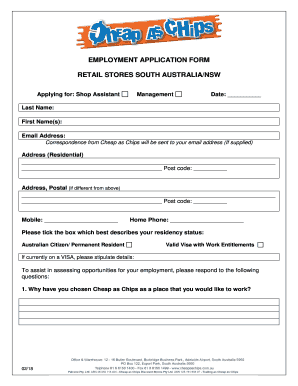
  • Employment Applications: Collecting secure personal and professional data from job seekers.
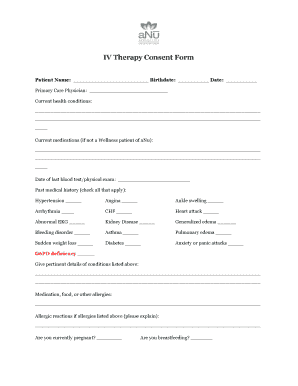
  • Healthcare Consents: Documenting patient approvals for procedures or data sharing.
  • Customer Feedback: Securing insights while maintaining customer confidentiality.
  • Loan Applications: Safeguarding sensitive financial data in a structured format.

Through these examples, safe forms illustrate their role in enhancing data protection across diverse applications.

Software Compatibility

Ensuring compatibility with software platforms can significantly enhance the utility of safe forms. Commonly compatible systems include:

  • DocHub: Allows for easy editing and signature application on various document types.
  • Adobe Acrobat: A popular tool for managing and securing PDF forms.
  • Microsoft Office: Enables creating and editing forms within Word or Excel, then saving as protected formats.
  • Google Workspace: Facilitates seamless integration with Google Docs and Drive for easy storage and sharing.

Compatibility with these platforms ensures that safe forms remain accessible and functional in various digital environments.

be ready to get more

Complete this form in 5 minutes or less

Get form

Got questions?

We have answers to the most popular questions from our customers. If you can't find an answer to your question, please contact us.
Contact us
SAFEs Simplified: SAFEs (Simple Agreements for Future Equity) offer a quick, founder-friendly way to secure early-stage funding while preserving investor upside. Warrants as Optionality: Warrants provide the right to purchase equity later at a set price, offering investors flexibility and potential long-term gains.
A simple agreement for future equity (SAFE) is an agreement between an investor and a startup that states an investor can receive an equity stake in the startup on a future date based on the occurrence of an agreed-upon event.
Related Content. MaintainedGlossaryUnited States. A simple agreement for future equity (SAFE) is a financing contract that may be used by a startup company to raise capital in its seed financing rounds.
SAFE stands for Simple Agreement for Future Equity. Y Combinator introduced this concept in 2013 after finding that founders of pre-revenue companies were having difficulty raising their first round of funding.
Simple Agreement for Future Equity (SAFE) A simple agreement for future equity (SAFE) is a financing contract that may be used by a startup company to raise capital in its seed financing rounds.

Security and compliance

At DocHub, your data security is our priority. We follow HIPAA, SOC2, GDPR, and other standards, so you can work on your documents with confidence.
Learn more
ccpa2
pci-dss
gdpr-compliance
hipaa
soc-compliance
be ready to get more

Complete this form in 5 minutes or less

Get form

People also ask

No, a SAFE note is not a loan or debt, it is accounted for an equity on the balance sheet. Unlike convertible debt - or pretty much any debt, it does not have an interest rate nor does it have a maturity date.
What is a SAFE agreement? A SAFE (Simple Agreement for Future Equity) is a legal contract between a startup and an investor that allows the investor to purchase equity in the company at a future date (typically during your companys next priced round or during a liquidity event).
SaveFrom is a reliable and mature video downloader that supports downloading videos in any resolution. It works on major browsers like Chrome, Firefox, and Safari, and can be used on both computers and smartphones. Downloads can be completed in just a few simple steps, making it easy even for beginners.

prospect form