
Get any PDF form from the DocHub library of ready-made templates - Page 1956
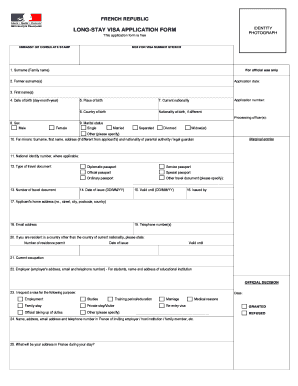
France visa application form 2021
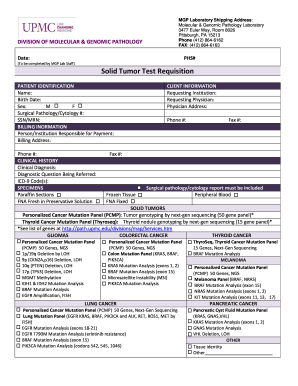
To be completed by MGP Lab Staff Solid Tumor Test
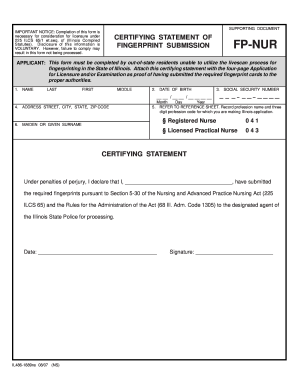
Applicant illinois attach
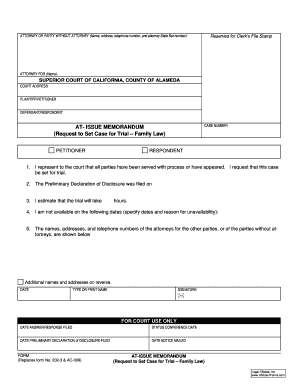
AT- ISSUE MEMORANDUM (Request to Set Case for Trial Family ...
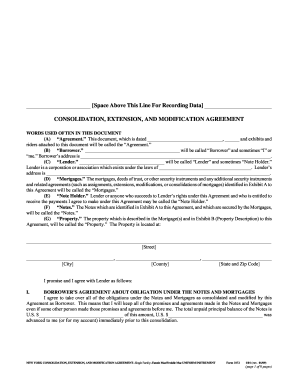
Form 3172
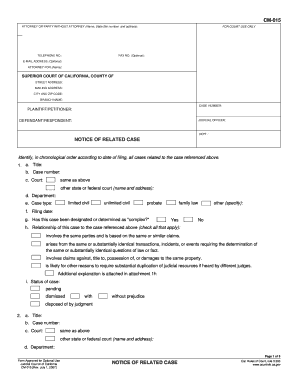
Cm 015
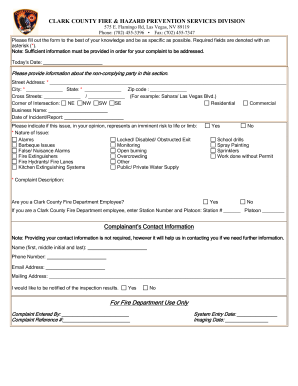
Fire department complaint form

Fmca classifieds
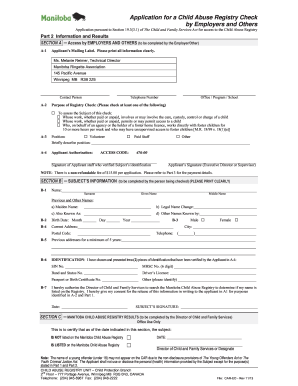
Manitoba child abuse registry form
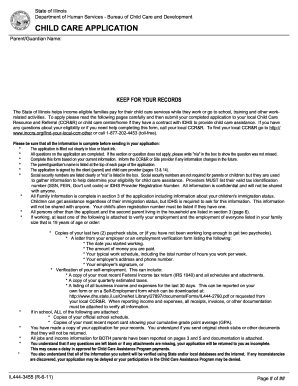
State of Illinois Department of Human Services - Bureau of Child Care and Development CHILD CARE APPLICATION Parent/Guardian Name: KEEP FOR YOUR RECORDS The State of Illinois helps income eligible families pay for their child care services -
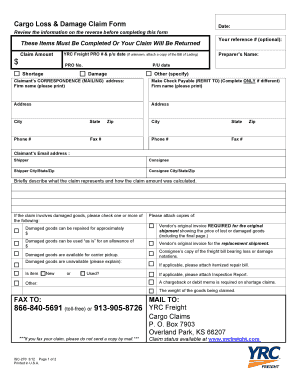
Yrc freight claim form pdf
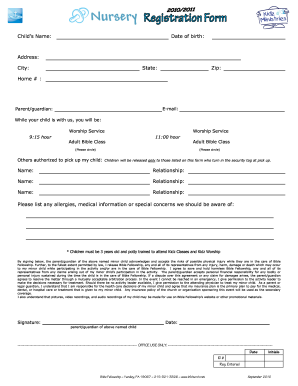
Nursery Registration Form - Bible Fellowship Evangelical Free Church
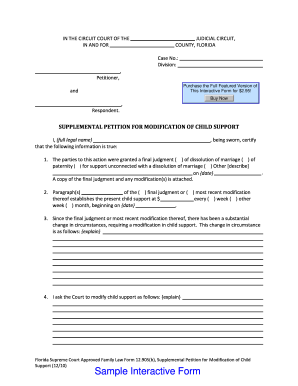
Petitioner modification modify
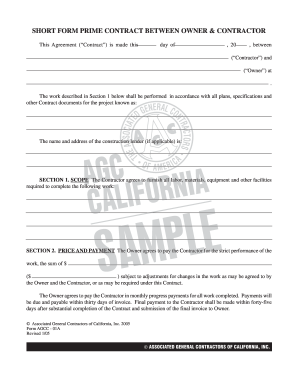
Short form prime contract between owner & contractor - AGC - agc-ca

Forms allegheny bar
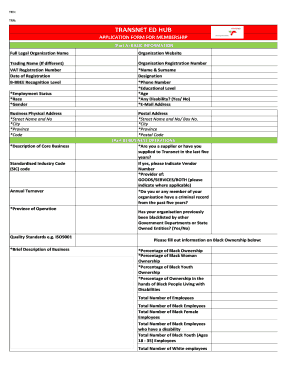
Transnet jobs application forms 2022
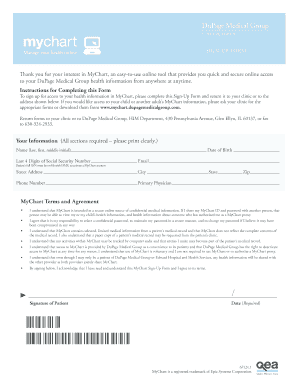
Mychart dupage

Dupage medical group medical records
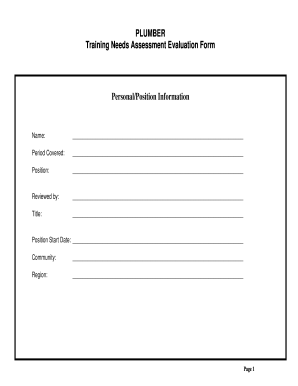
Needs assessment evaluation form
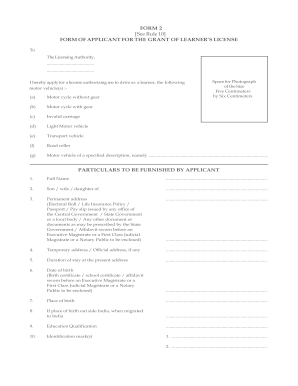
Form 2
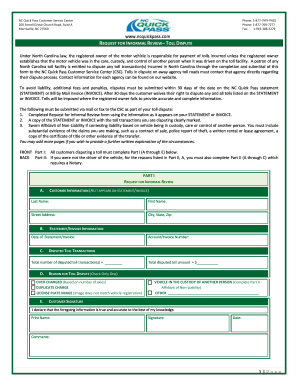
Nc quick pass dispute
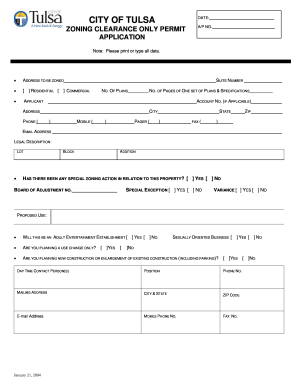
Oklahoma zoning clearance
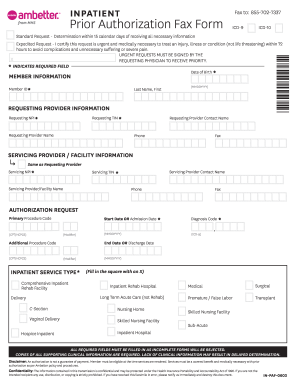
Ambetter inpatient prior form
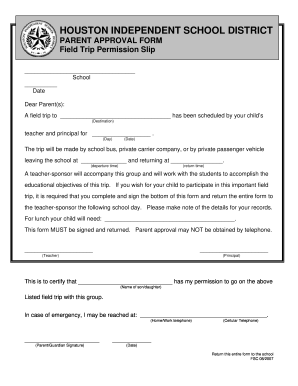
Nursing home permission slips
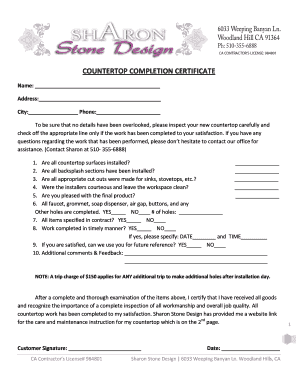
COUNTERTOP COMPLETION CERTIFICATE

Wellstar medical release form
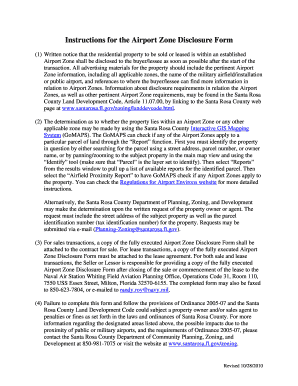
Airport disclosure form
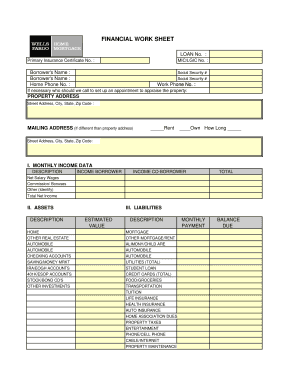
Wells fargo financial worksheet

Sag ultra low budget agreement
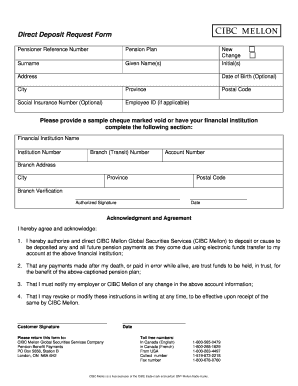
Direct deposit form
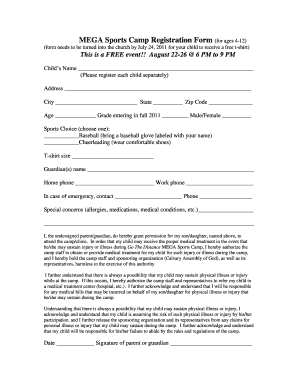
MEGA Sports Camp Registration Form (for ages 4-12)

Letter of medical necessity template for dme
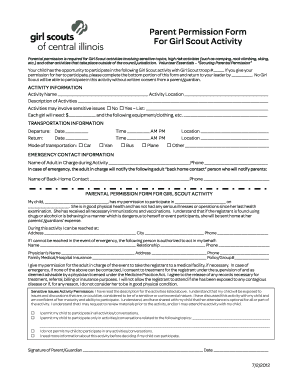
Parent Permission Form - Girl Scouts of Central Illinois - girlscouts-gsci
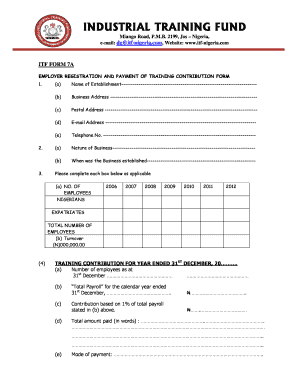
Is itf registration
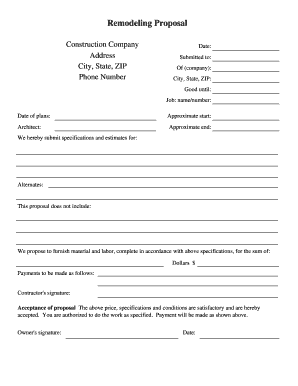
Remodeling Proposal - Construction-Forms.net - construction-forms
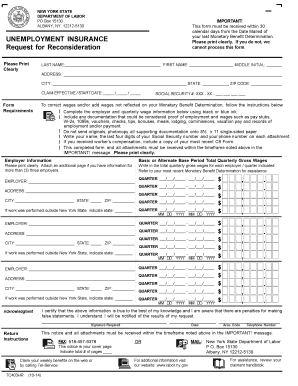
Tc403hr
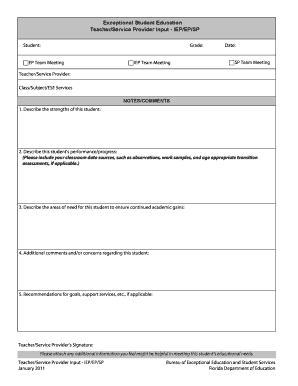
Teacher EXPERIENCE FORM.doc
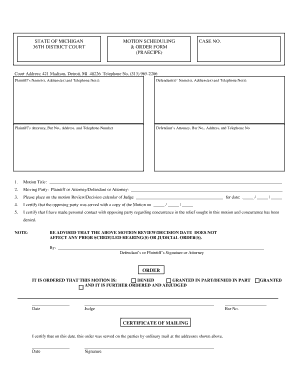
Motion Scheduling and Order (Praecipe) Form.pub - 36th District Court
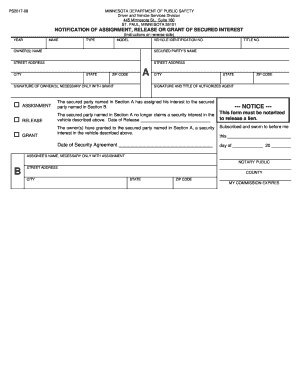
Dmv mn

Visting forms 300 01j
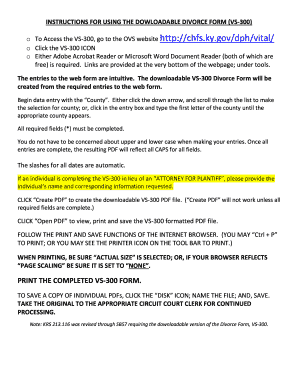
Vs 300 downloadable divorce form
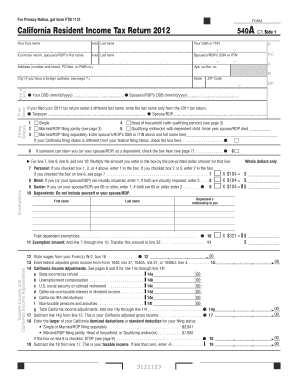
Download California Form 540A - Taxhow.net - taxhow
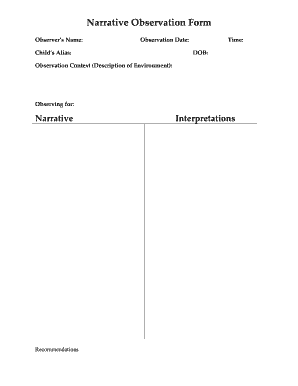
Narrative observation template
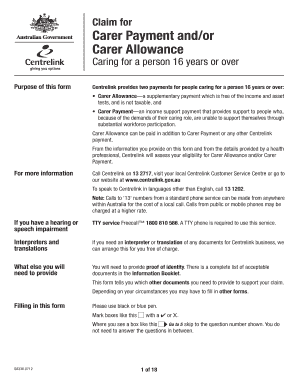
Sa332a
Daily readiness attendance
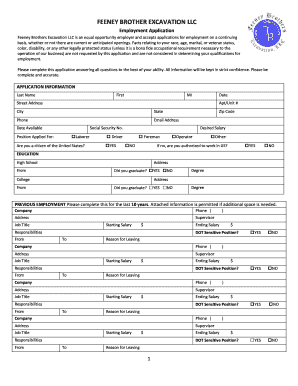
Download Application - Feeney Brothers Excavation
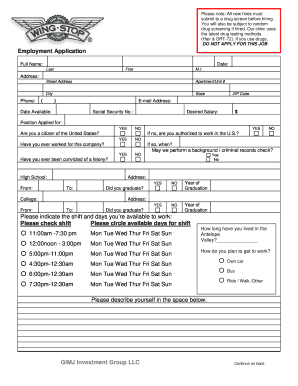
Wingsyop online job application
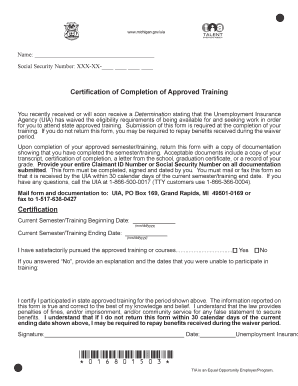
UIA 1680 (Rev - mich
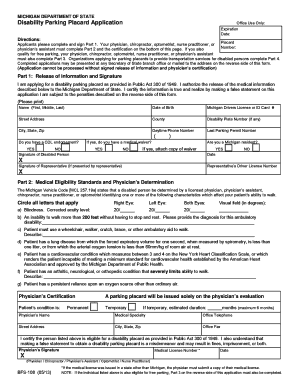
Sos handicap parking form

Degree certificate online form date
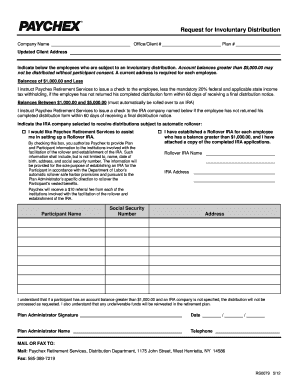
Paychex distribution request form
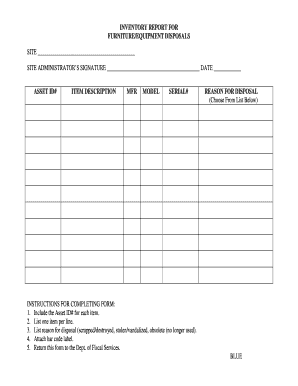
Scrap disposal format in excel
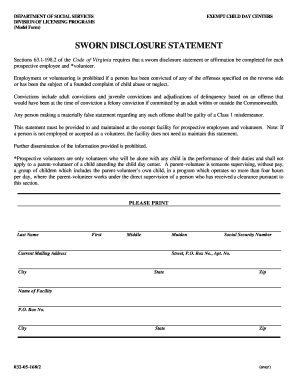
Sworn disclosure statement virginia
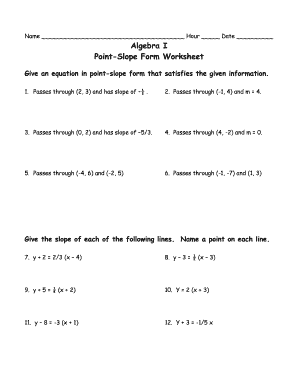
Algebra 1 point slope form worksheet answers
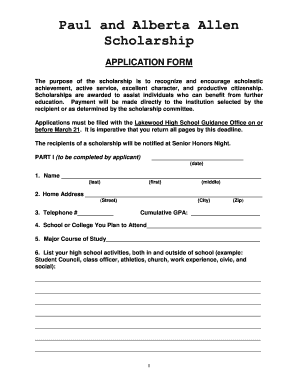
Allen Scholarship application - lakewood k12 mi
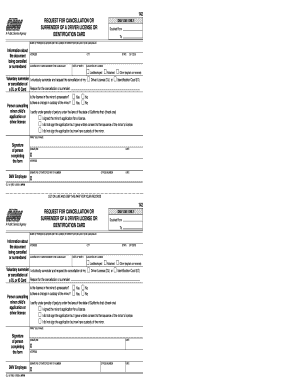
Ca dl 142
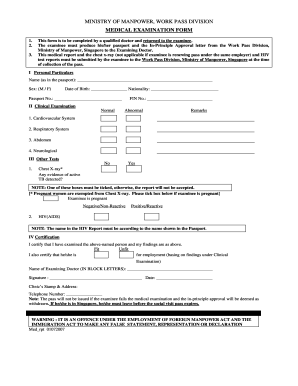
Medical examination form for employment

Puppy Deposit bReceiptb

Fox business systems

Hoosier healthwise tax forms

Kepak bodmin
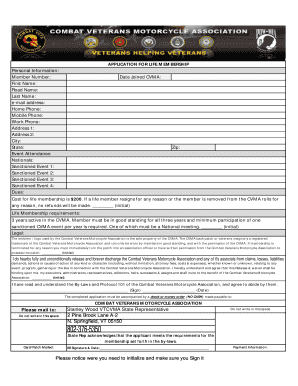
Cvma life membership

Transcript Request Office of Admissions and Records Blinn College ... - blinn
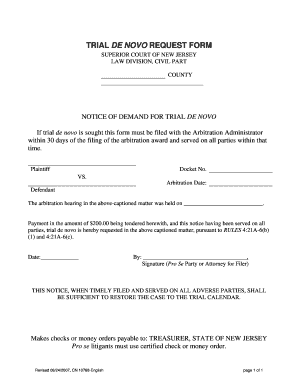
Trial de novo form

G1 application form
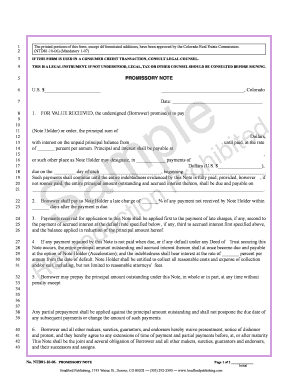
Bradford publishing promissory note no ntd81 11 83

Answer under simplified civil procedure
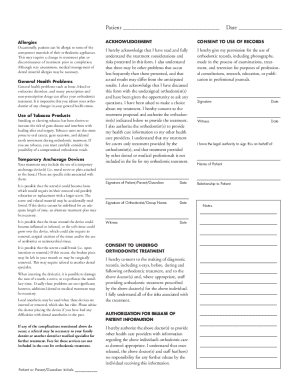
Orthodontic consent form
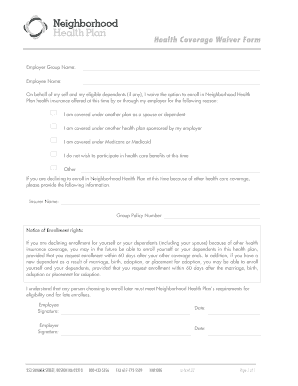
Ma neighborhood health plan

Doterra event form

Montana public safety
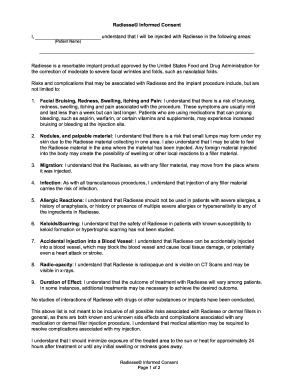
Radiesse online
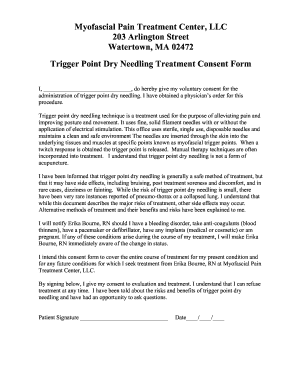
Dry needling consent form
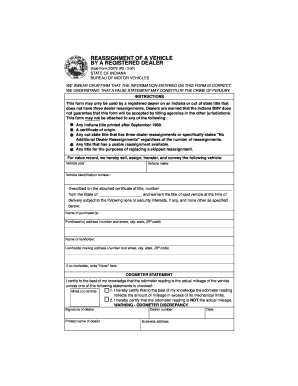
Online reassegment forn 1997 form
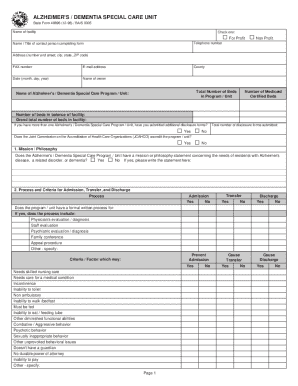
Indiana state form 48896

Primary Care Provider (PCP) Selection Form - Gold Coast Health Plan - goldcoasthealthplan
Yard card application

Sample motion for substitution of judge illinois

Ccdr n104

Career day invitation letter

Marjory stoneman douglas form
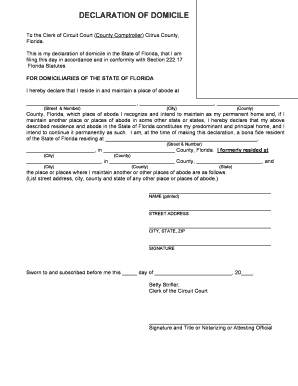
Declaration of domicile broward county
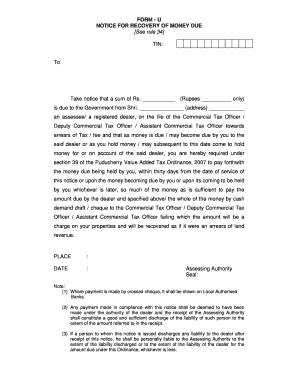
Legal notice format for recovery of money
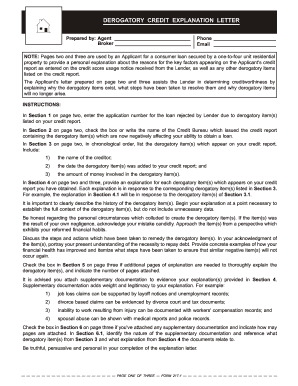
Sample delinquent credit explanation letter
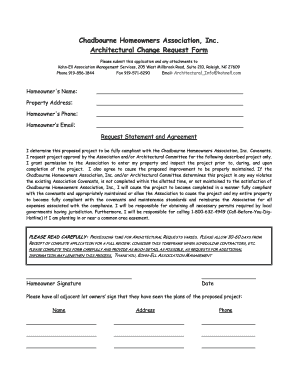
Change request checklist

Shelby county schools shared residence affidavit
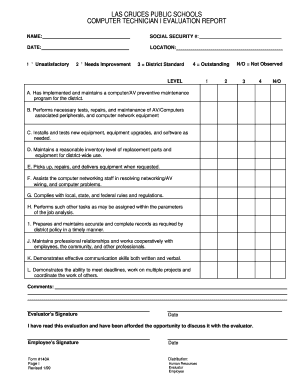
Technician evaluation form

Mn bcbs claim form
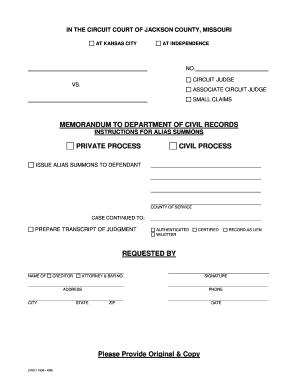
Form 1699 Alias/Transcript of Judgment Request - 16th Circuit ... - 16thcircuit
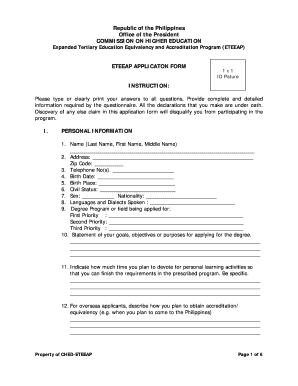
Eteeap application form with answer
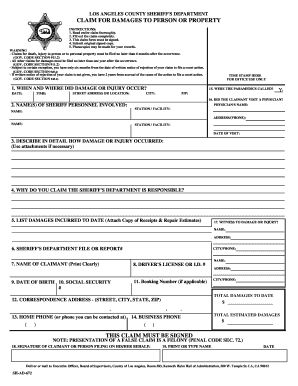
Sheriff department documentation
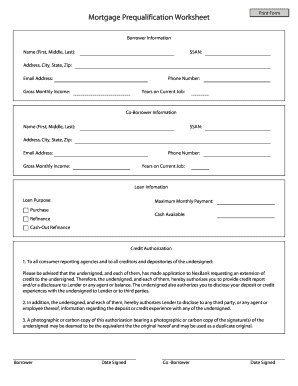
Make your own worksheet

Zoning Verification App Form - City of El Paso
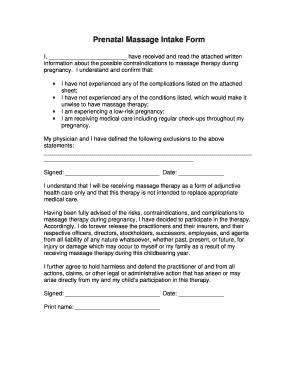
Prenatal massage consent form
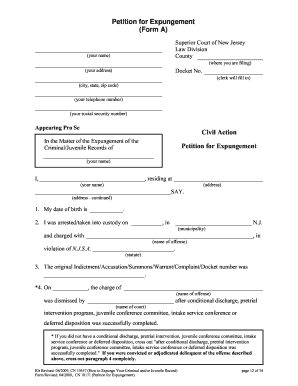
How to Expunge Your Criminal and/or Juvneile Record
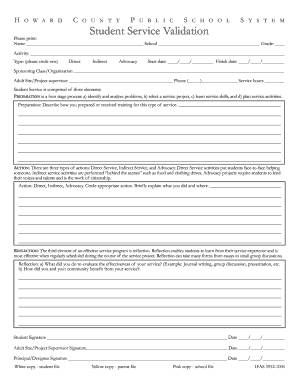
Hcpss service hours form
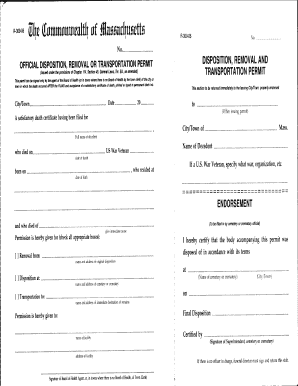
Burial permit kenya pdf
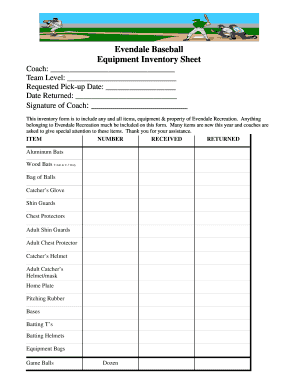
Baseball inventory sheet
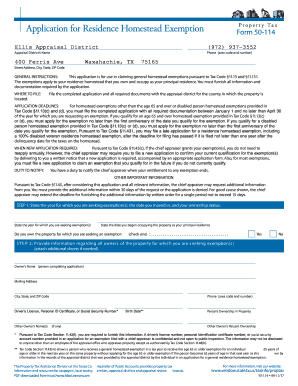
Form 50 114 2011
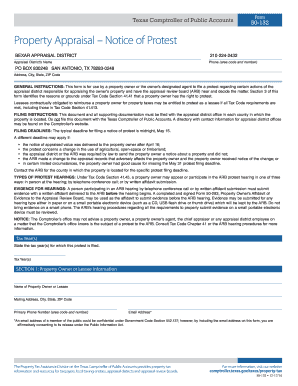
Residence Homestead Exemption Application - Bexar Appraisal District
Benefit from the DocHub online library of fillable PDF forms
Searching the PDF forms doesn't have to be a tedious and time-consuming process. With the DocHub online library, it has become easier to find the fillable PDF forms and modify them in your browser. The service allows you to adjust the document to your needs using powerful editing tools.
You can use online document editing features to modify almost any type of document with ease. You just need to find the template of your choice, open it in the editor, and use the toolbar to make the necessary corrections.
Follow this guide to get your document done with DocHub:
- Find the PDF template you need.
- Click the Get Form button to open the file in the editor.
- Use the toolbar to fill out and edit the document.
- Easily add and highlight text, insert images, checkmarks, and symbols.
- Drop new fillable fields, and rearrange or delete pages from your file.
- Save changes and download your record.
DocHub empowers everyone to streamline document editing, signing, and distribution, and form completion. Create an account and benefit from our well-organized PDF Forms library and comprehensive editor.