
Get any PDF form from the DocHub library of ready-made templates - Page 1954
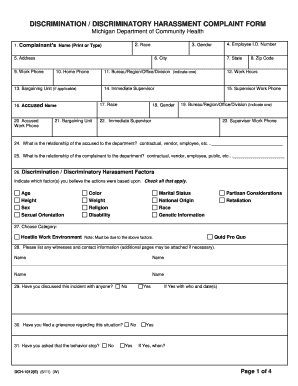
Michigan harassment complaint
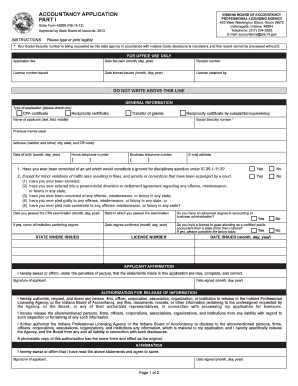
FORM 49209 - IN.gov - in
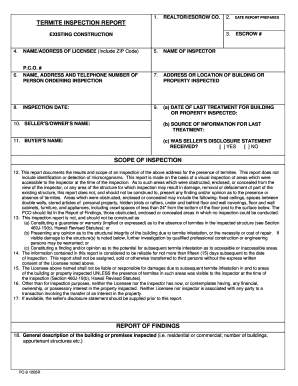
Form pc9
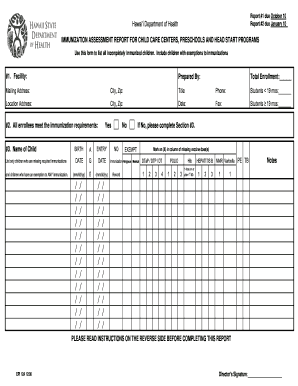
Doh epi 7 form
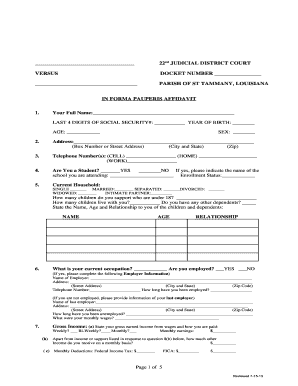
22nd jdc forms
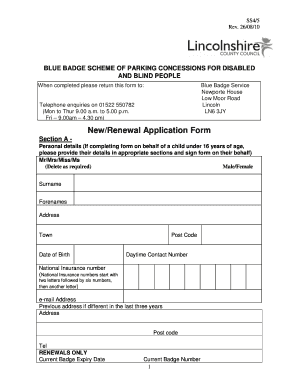
Blue badge application

Power of attorney affidavit pdf

Booster club membership form
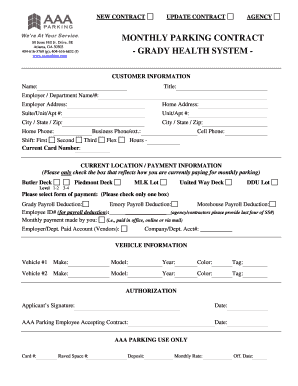
Grady employee parking
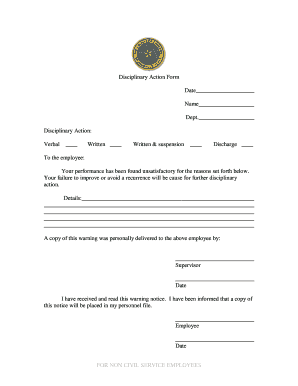
Disciplinary action form
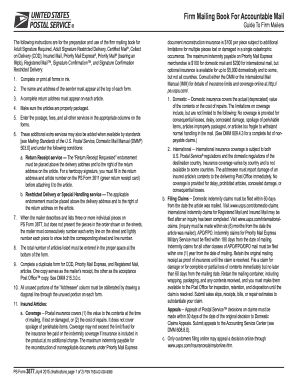
Firm mailing book for accountable mail

Date: GUARDIAN CONTACT FORM - Alaska Air Group
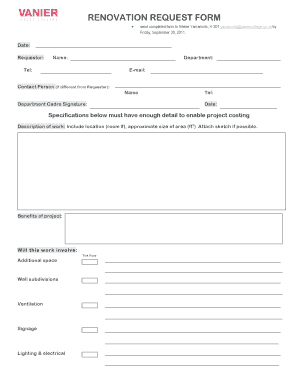
Renovation request form
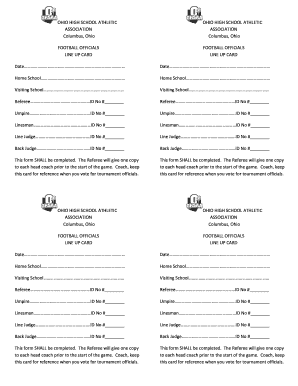
Ohio high school football athletic association
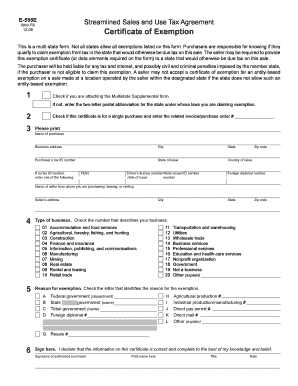
E 595e
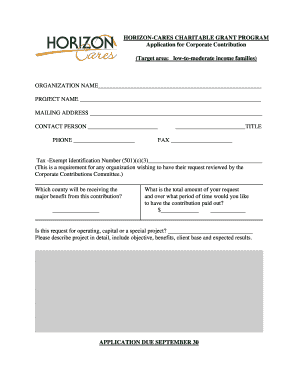
Grant application forms pdf
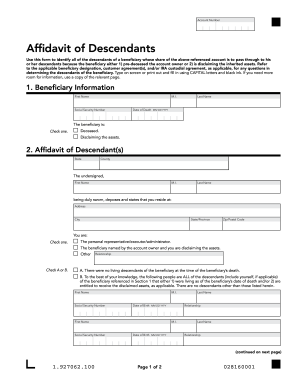
Affidavit of descendants
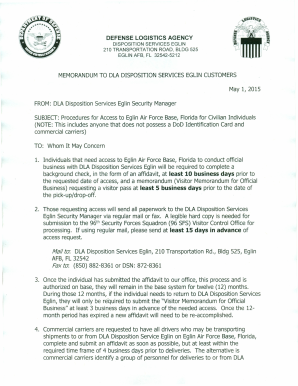
Eglin form force base

Register of wills sussex county delaware forms
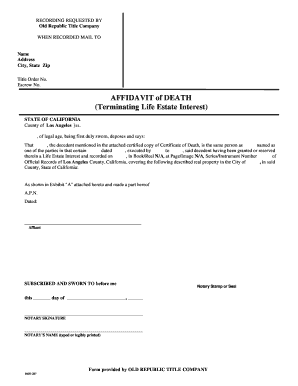
Termination of life estate form
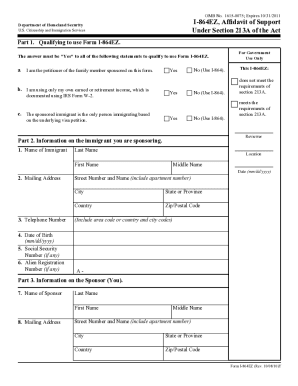
I864ez
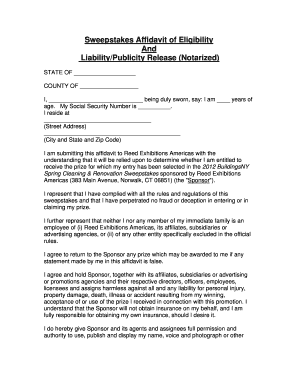
Affidavit of eligibility
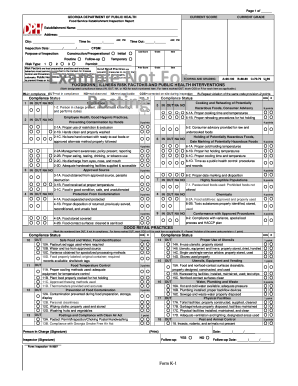
K-1 Food Service Inspection Form - Georgia Department of Public ...
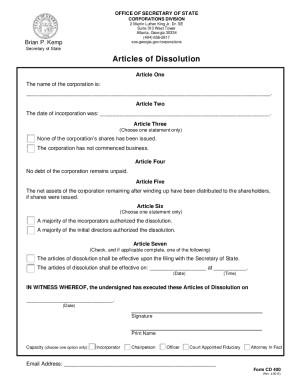
Cd 400 articles dissolution
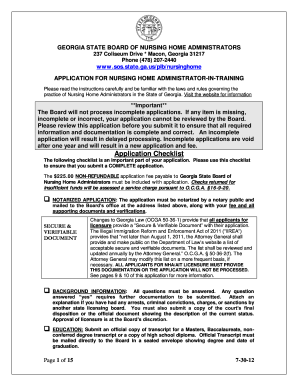
Ga application nursing home
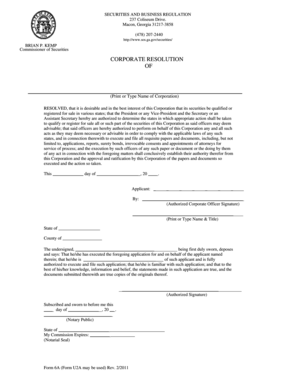
Corporate resolution form georgia
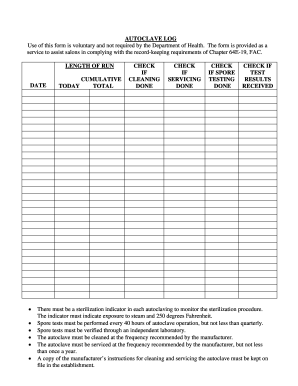
Midmark autoclave maintenance log sheet
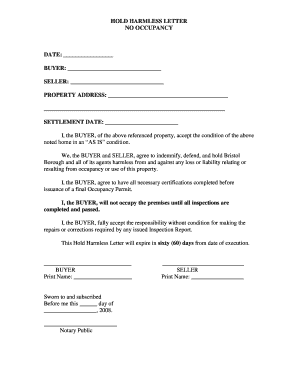
Hold harmless

Hotel voucher format for travel agency
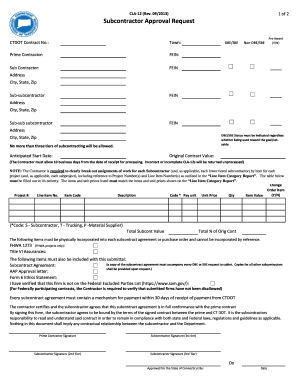
Cla 12
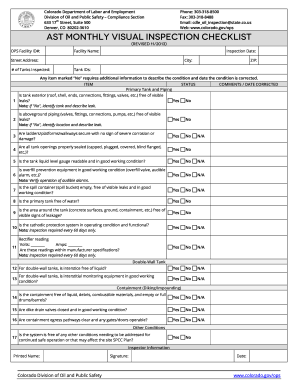
Laser visual inspection checklist
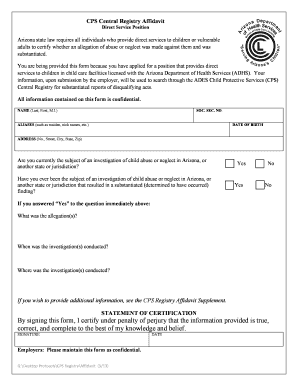
Adcs central registry affidavit
Texas Divorce Waiver form. Waiver for Texas Divorce without Children - texasatj
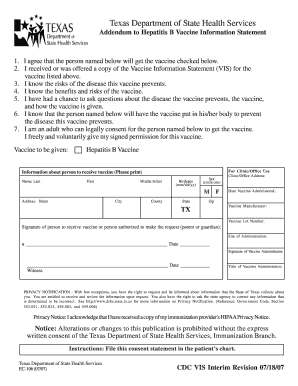
Tdap form pdf
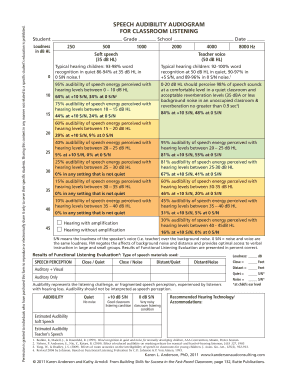
Speech audibility audiogram for classroom listening - Success For ...
Instrument inventory template
Death claim
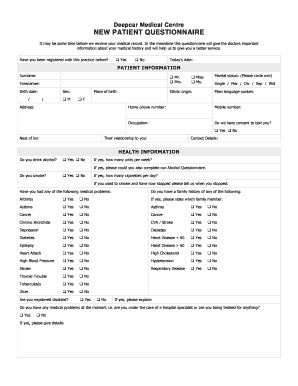
New Patient Medical History Form.doc. Mercy Hospital Medical Partners New Patient Registration Forms - deepcarmedicalcentre co
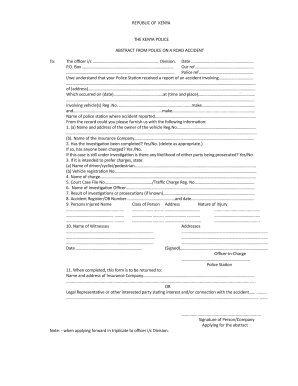
Police abstract

Printable pet agreement form
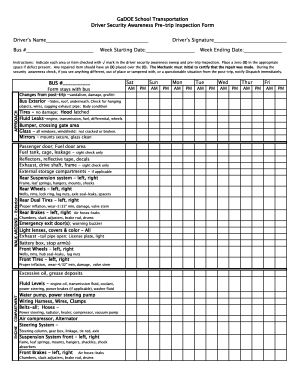
School bus pre trip inspection cheat sheet
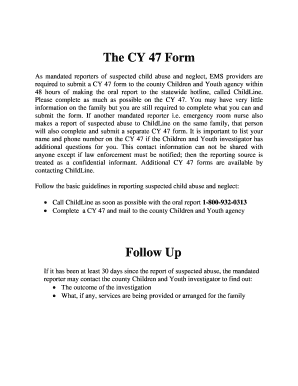
Cy 47
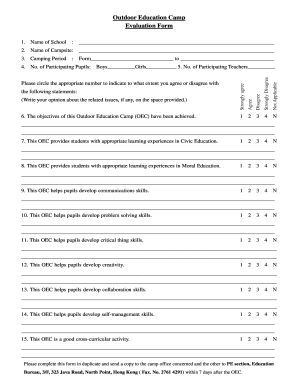
Summer camp staff evaluation template
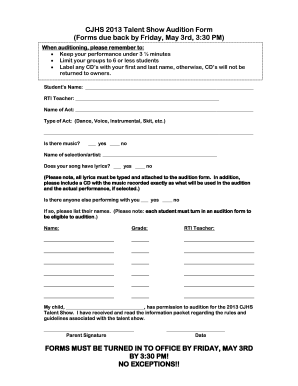
2013 cjhs talent get

Henry ford tuition reimbursement
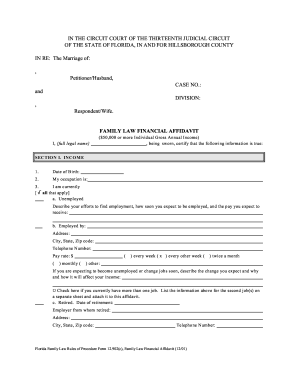
Decort kirkner pl
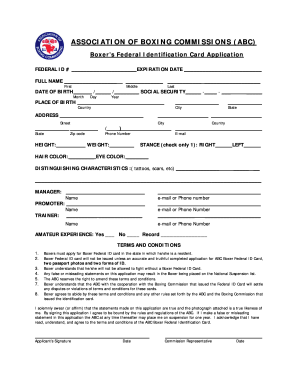
Federal boxing id

Pr bond
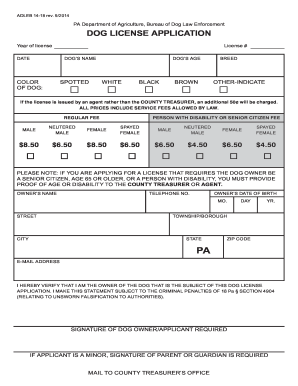
Mckean county dog license
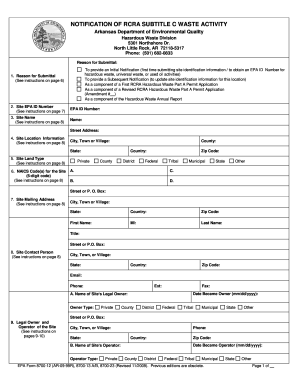
Arkansas epa 8700 12

Allegheny praecipe

Sam sharpe teachers college
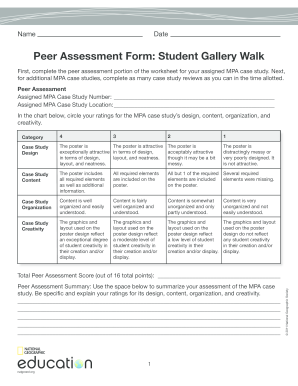
Gallery walk activity worksheet pdf

Proquote copart
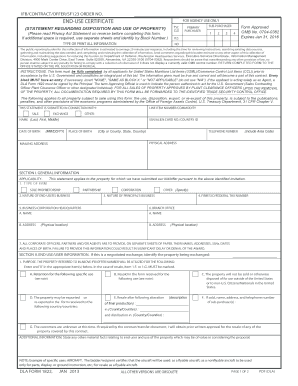
IFB/CONTRACT/OFFER/SF123 ORDER NO. END-USE CERTIFICATE
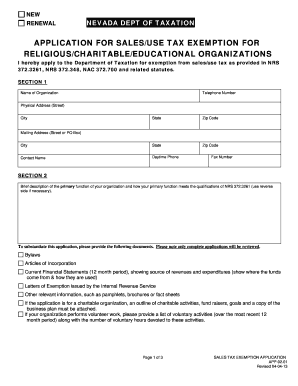
Nevada tax exemption

Omb 0960 0292

Restaurant kitchen cleaning checklist template word
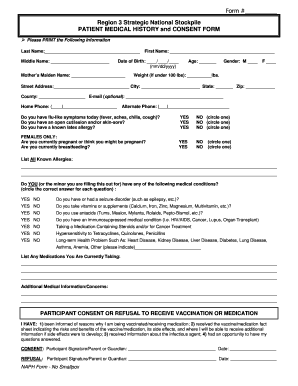
Health screening for kids singapore hpb health screening form
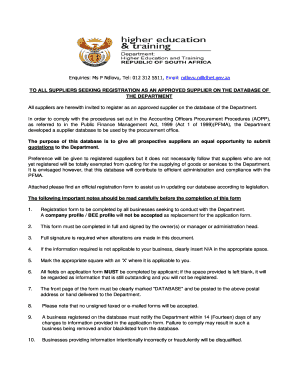
Vodacom tenders
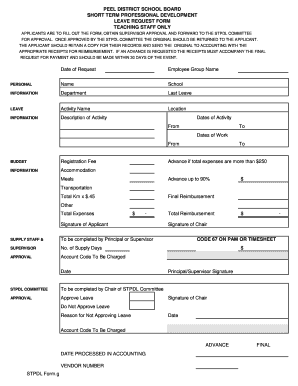
Stpdl
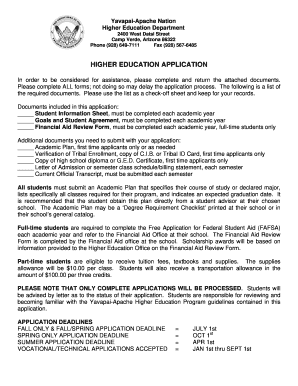
Higher Education Application - The Yavapai-Apache Nation - yavapai-apache

CORPORATE RESOLUTION Date: Gentlemen: The undersigned, Secretary of (the "
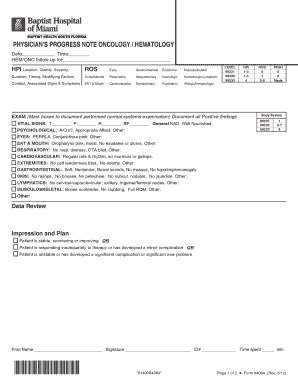
Form 4064 Physician Progress Note - Oncology-Hematology.indd
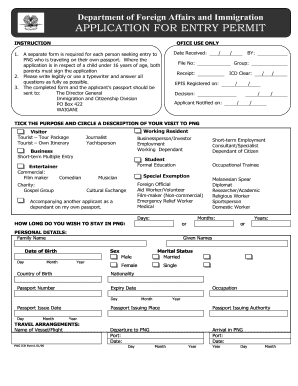
Nid application form
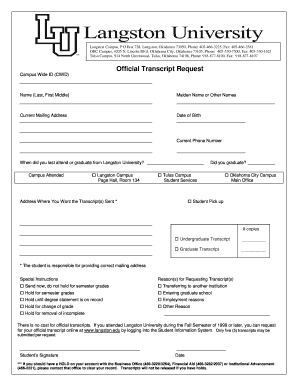
Langston transcript

Jetblue unaccompanied minor form
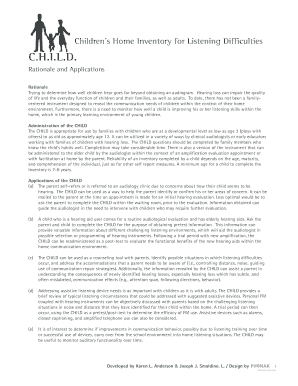
Children's home inventory for listening difficulties
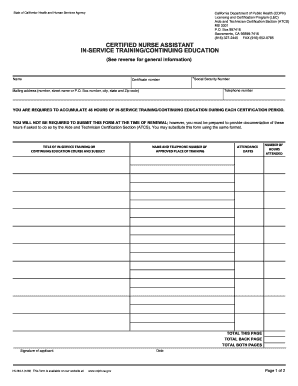
Sample continuing education form
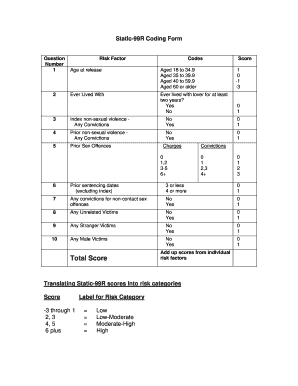
Static 99r scoring sheet
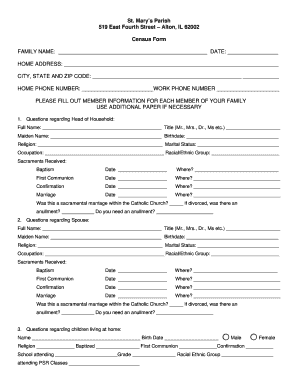
St. Mary's Parish Census Form - St. Mary's Catholic Church
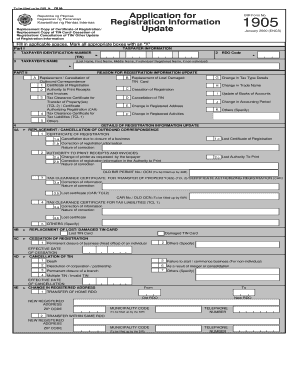
Bir form 1905
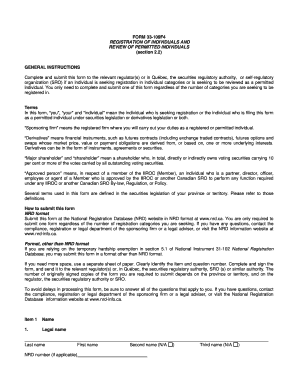
33 109f4 gov online
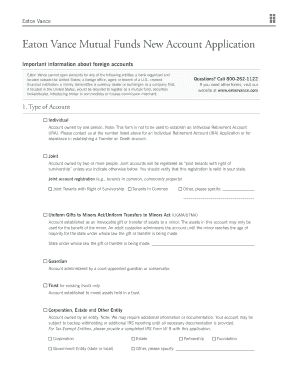
Eaton Vance Mutual Funds New Account Application
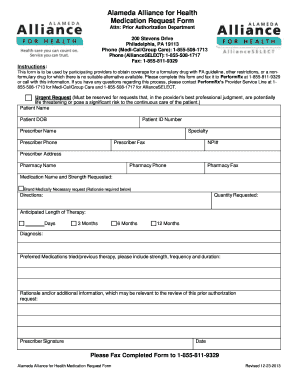
California alameda alliance health

Agent application form pdf
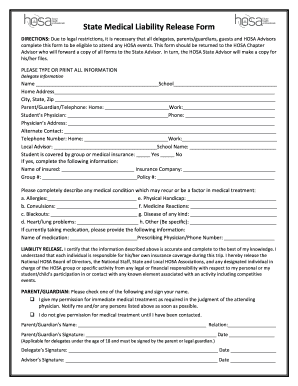
Medical schosaorg online
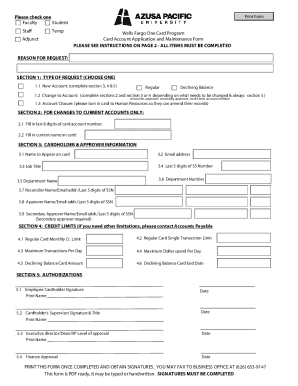
Fargo card application form
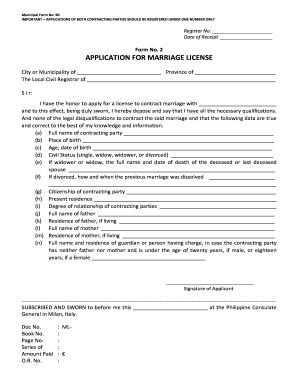
APPLICATION FOR MARRIAGE LICENSE - Philippine Consulate ... - philcongenmilan
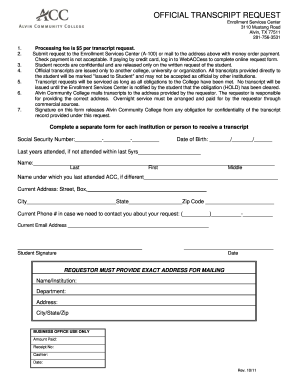
Transcript request alvin college
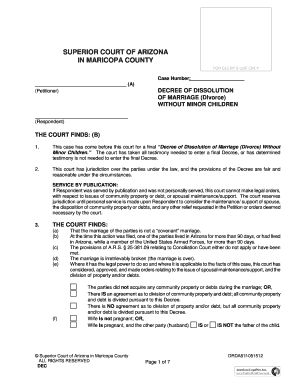
Superior court of arizona in maricopa county - US Court Forms
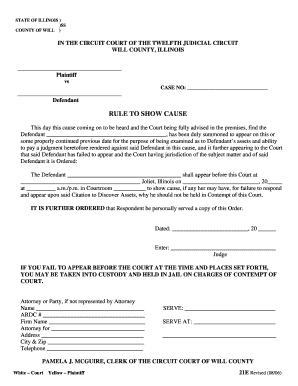
Rule to Show Cause - Will County, Illinois Circuit Court Clerk
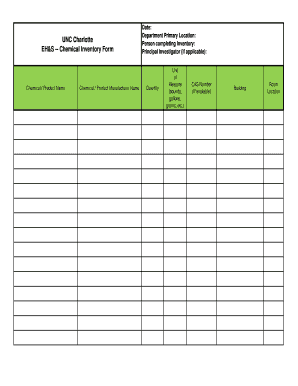
Sds chemical inventory list template
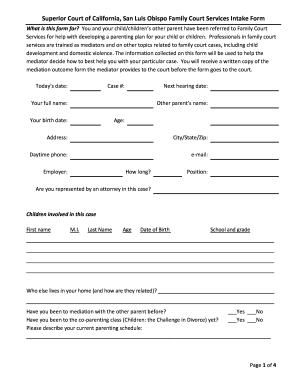
San luis obispo family court services
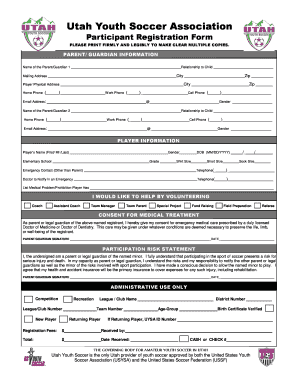
Uysa participation form
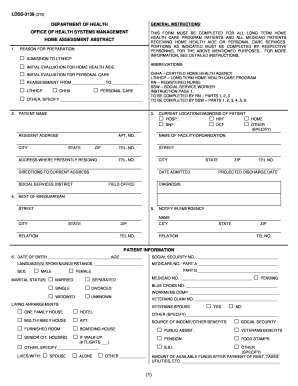
Dss 3139
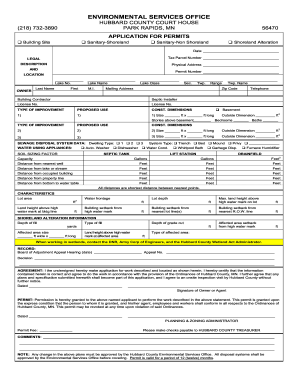
Hubbard county building permits
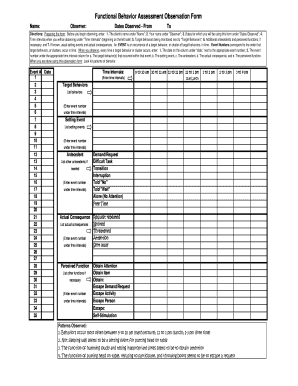
Functional behavior assessment example
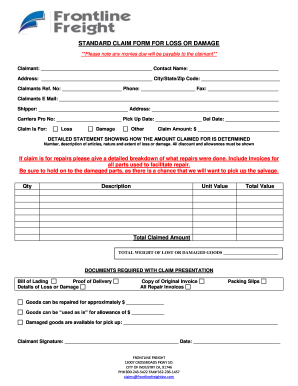
Frontline claim
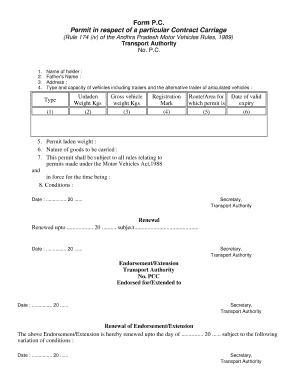
Contract carriage permit
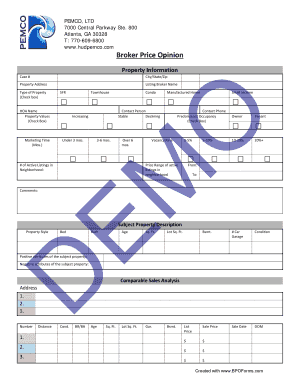
Broker price opinion template
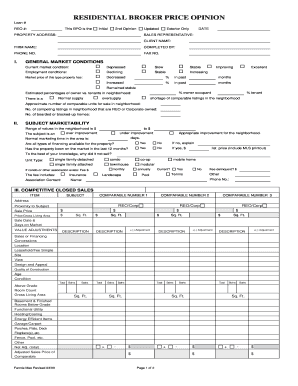
RESIDENTIAL BROKER PRICE OPINION. NHS Broker Price Option Form
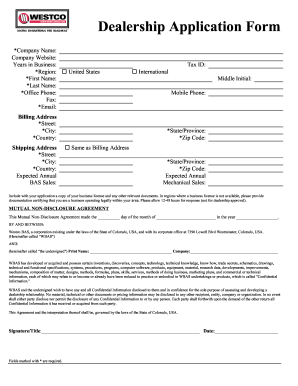
Download Dealer Application (PDF, 90K) - Westco BAS

Nkf registration form pdf
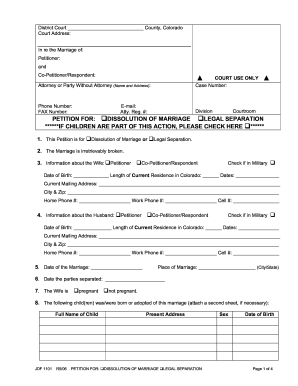
Jdf1101

FORM A: Application for Process Maintenance - ASPRI

Sheetz job application form
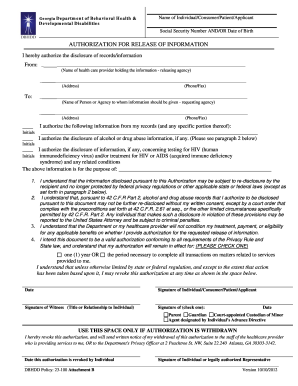
Dbhdd authorization
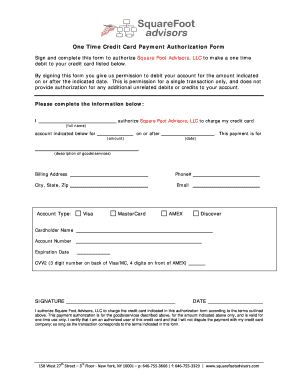
One time credit card authorization form
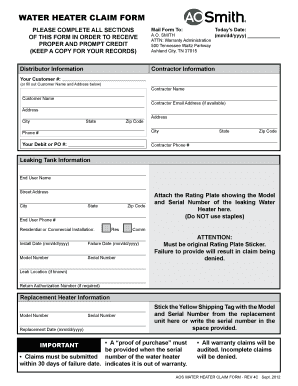
A o smith warranty claim form
Benefit from the DocHub online library of fillable PDF forms
Searching the PDF forms doesn't have to be a tedious and time-consuming process. With the DocHub online library, it has become easier to find the fillable PDF forms and modify them in your browser. The service allows you to adjust the document to your needs using powerful editing tools.
You can use online document editing features to modify almost any type of document with ease. You just need to find the template of your choice, open it in the editor, and use the toolbar to make the necessary corrections.
Follow this guide to get your document done with DocHub:
- Find the PDF template you need.
- Click the Get Form button to open the file in the editor.
- Use the toolbar to fill out and edit the document.
- Easily add and highlight text, insert images, checkmarks, and symbols.
- Drop new fillable fields, and rearrange or delete pages from your file.
- Save changes and download your record.
DocHub empowers everyone to streamline document editing, signing, and distribution, and form completion. Create an account and benefit from our well-organized PDF Forms library and comprehensive editor.