




01. Edit your child abuse registry online
Type text, add images, blackout confidential details, add comments, highlights and more.

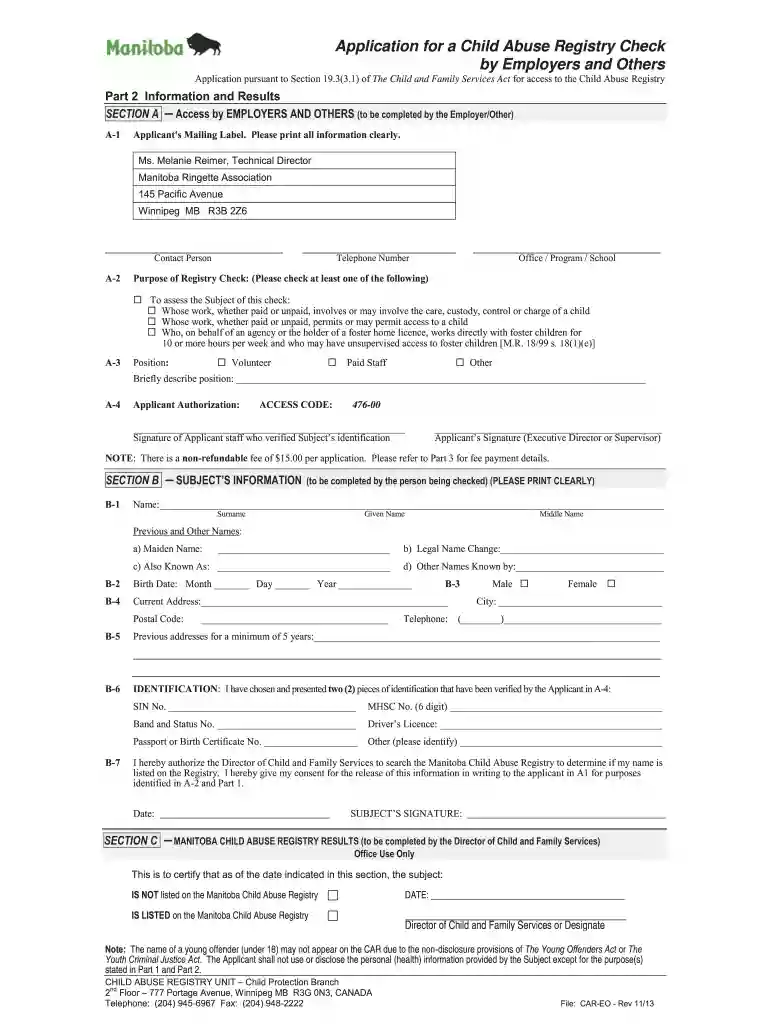
Type text, add images, blackout confidential details, add comments, highlights and more.

Draw your signature, type it, upload its image, or use your mobile device as a signature pad.

Send child abuse registry check manitoba via email, link, or fax. You can also download it, export it or print it out.

Start using our platform today to fill out your Manitoba Child Abuse Registry form easily and for free!
We've got more versions of the child abuse registry form. Select the right child abuse registry version from the list and start editing it straight away!
| Versions | Form popularity | Fillable & printable |
|---|---|---|
| 2013 | 4.8 Satisfied (118 Votes) |
At DocHub, your data security is our priority. We follow HIPAA, SOC2, GDPR, and other standards, so you can work on your documents with confidence.
Recognition of non-binary gender identities in law and other paperwork is an important issue confronting modern society.Read more
Background Paper: Major Research Advances Since the Publication of the 1993 NRC Report *Understanding Child Abuse and Neglect*: Highlights from the Literature.Read more
In July 1971, the Registry for Physically Abused Children in. Manitoba was established. Its purpose was to facilitate reporting and recording of child abuse andRead more


