
Get any PDF form from the DocHub library of ready-made templates - Page 943
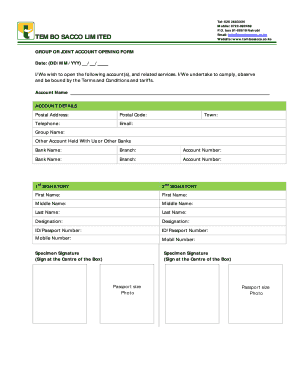
GROUP OR JOINT ACCOUNT OPENING FORM - Tembo Sacco - tembosacco co

Fill ioWARNING-PROTECTED-B-When-completedFill - Free fillable WARNING PROTECTED B (When completed

Cowichan tobacco tax distribution
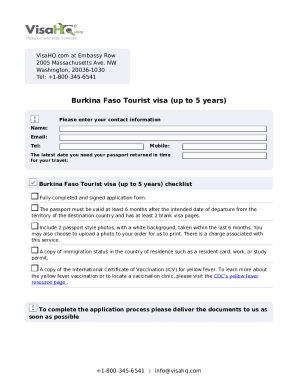
Thailand-Tourist-visa-application-Kenya-jurisdiction
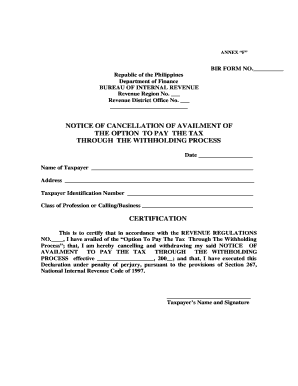
Annex f bir
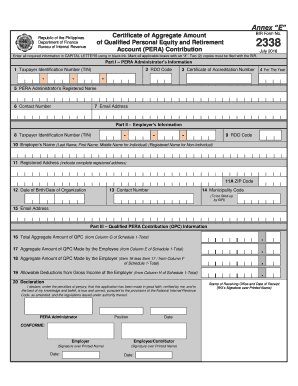
Bir form 1932 quarterly report of printer
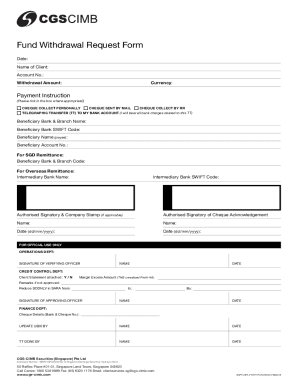
Support zerodha orbis-fund-withdrawalHow do I place a fund withdrawal request for my Orbis account?

Aviva car insurance glass
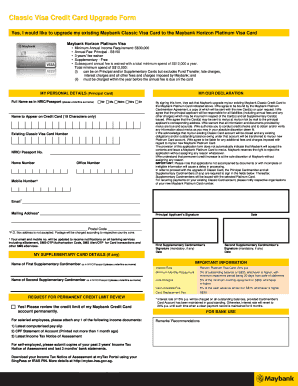
How to upgrade maybank credit card from gold to platinum
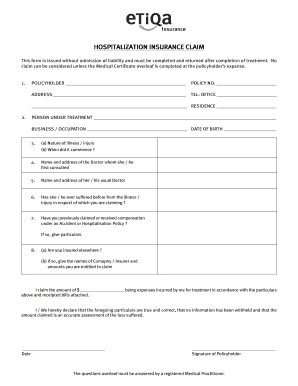
Etiqa form

Homeowners enhanced insurance bapplicationb form - Etiqa Insurance

Rhb online banking forgot password
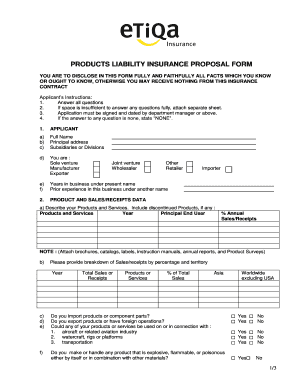
Application formhdb basic fire insurance
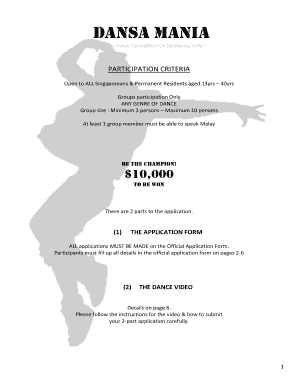
Dansa mania

Singapore standard chartered indemnity form

Rule Notice R361 GG 37631 Form CR1 16 May 2014 - Sars
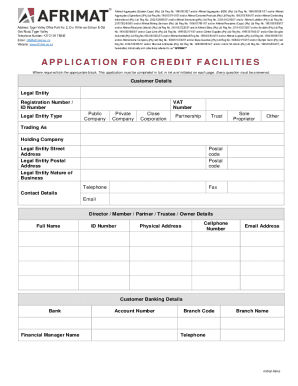
AFRIMAT LTD Company ProfileWESTERN CAPE, Western Cape

Sacssp application form

Unisa registration

Joint address form

Sacssp online registration
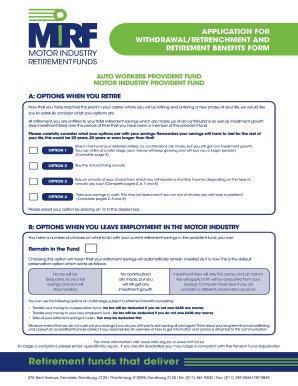
Motor industry retirement funds reviews
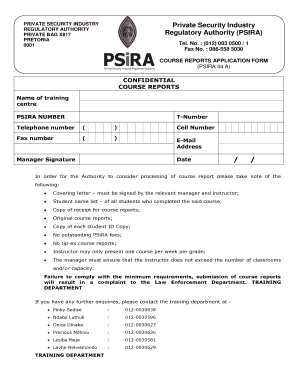
Psira course report verification
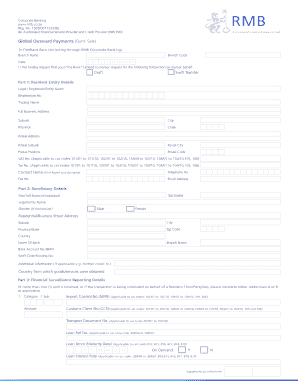
Global outward payments form
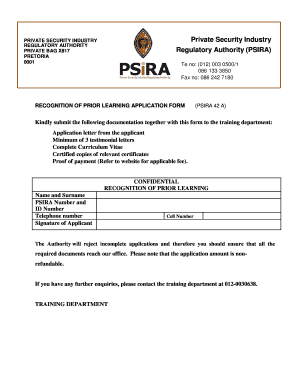
Psira a application regulatory online
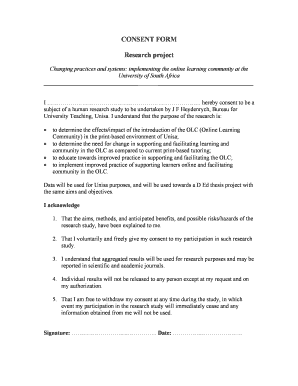
Unisa consent
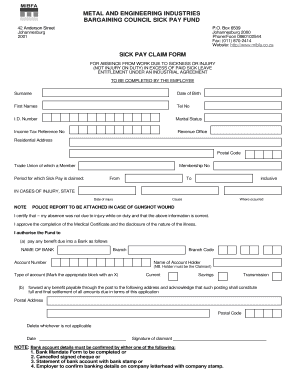
Iod forms pdf download
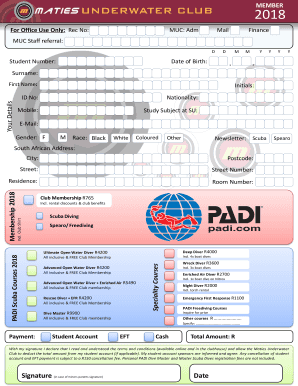
Maties email 2018-2019 form
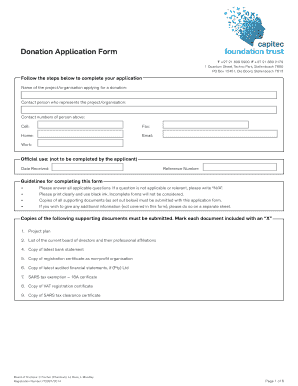
How to get capitec bank statement without app
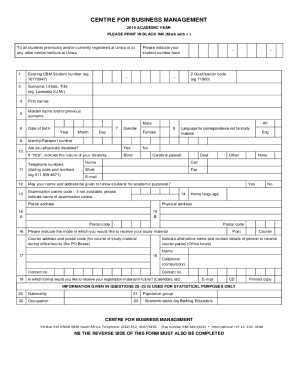
Unisa application form download

Sssbc referral form

Fps shop details telangana

Annexure8 medical report form

Vivekananda scholarship form pdf
Sarv suraksha hdfc

Bank Account Details Updation Form - PNB Met Life Insurance
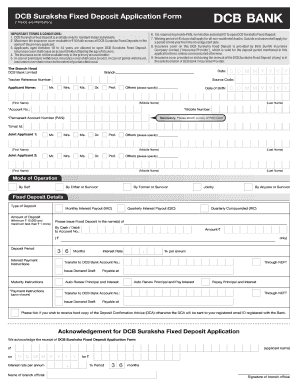
Dcb rtgs form
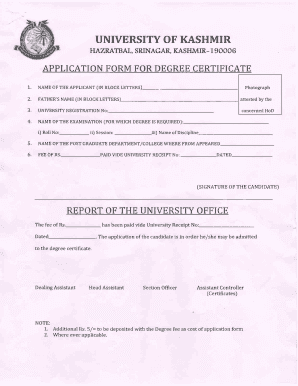
How to get degree certificate from kashmir university

Bonafide certificate format in word
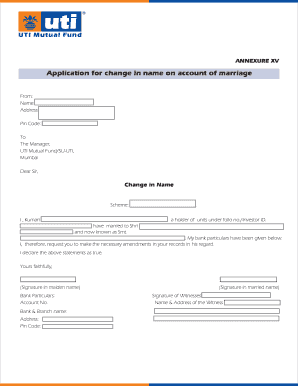
Uti name change form
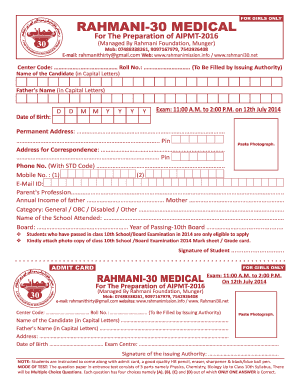
Rahmaniya super 30
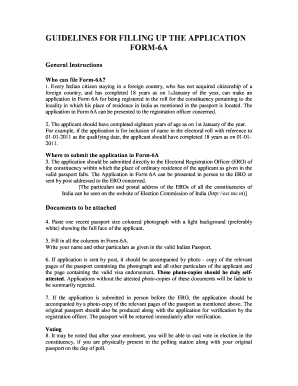
Eci citizenservices nic
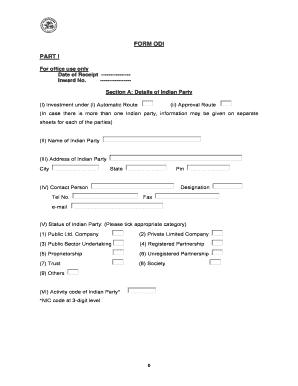
Form part 1
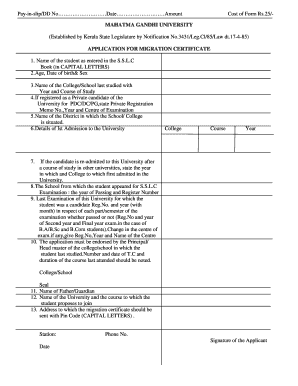
Mg university migration certificate
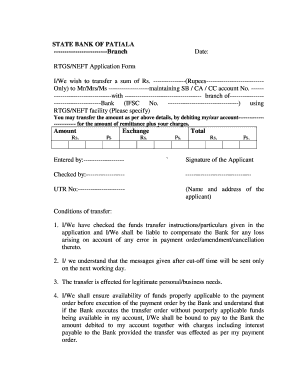
Sbi rtgs form in excel format download
American express insurance nomination form
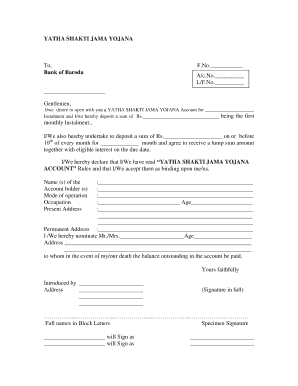
Yatha shakti jama yojana
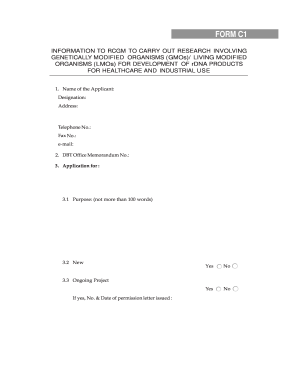
Worksheet online
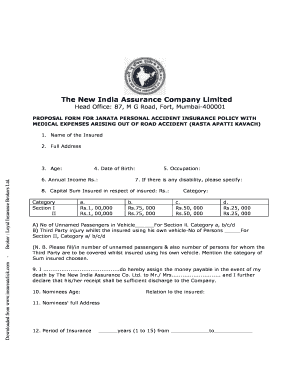
Rasta apatti kavach policy brochure

Annexure n3 form

Updation euin
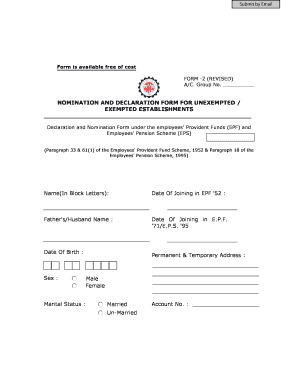
Form
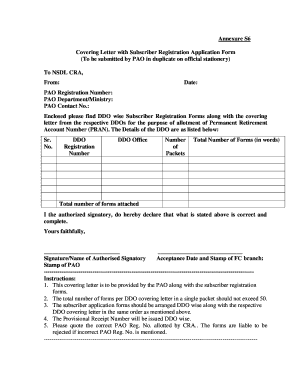
Nps covering letter annexure s6
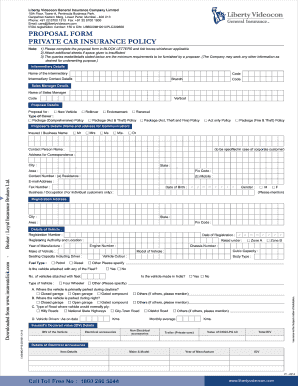
Liberty claim form
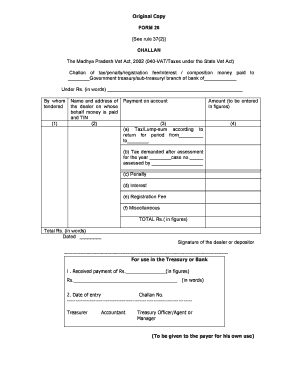
Form 26 madhya template
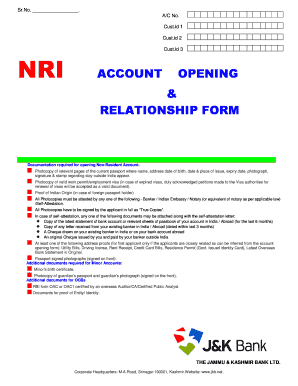
J k bank account opening form pdf
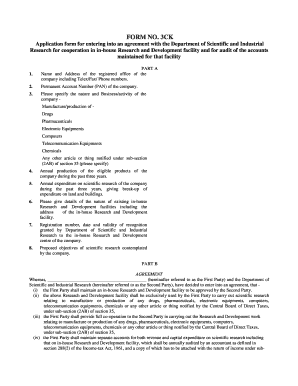
Form 3ck

Form 20c kerala download
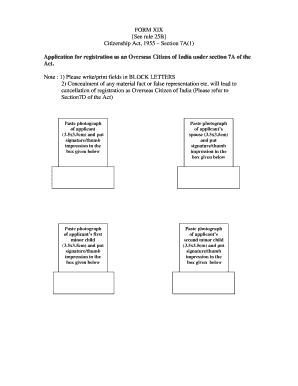
Registration online xix pdf
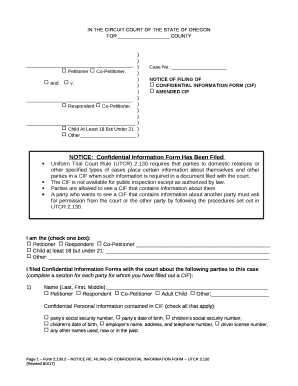
Clatsop county court docket

Form appeal tillamook county
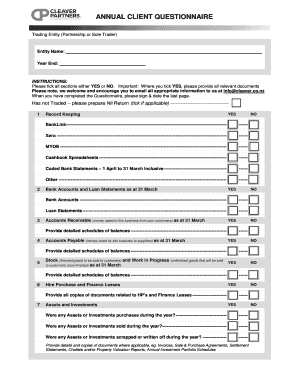
SAM User Guide - SAM

Ir346 form
DocHub 418354154--The-Heurich-House-Museum

Eligibility declaration application Eligibility declaration application

Skills Assessment Application Form - acecqa
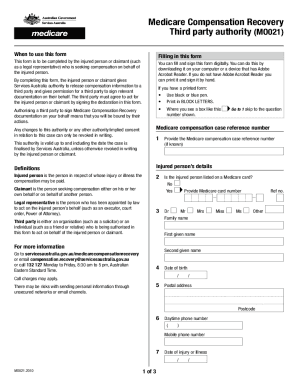
AU DHS MO021
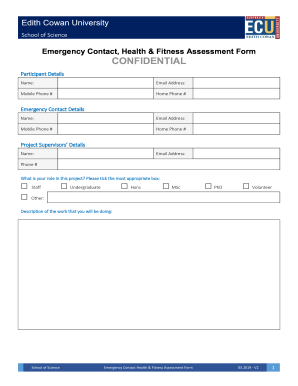
Emergency Contact, Health & Fitness Assessment Form Forms and Induction Checklists
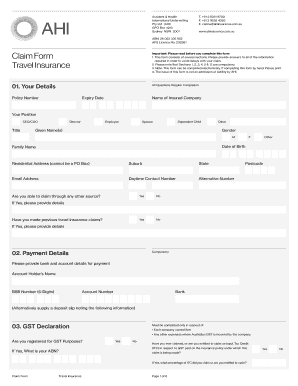
Ahi claim form
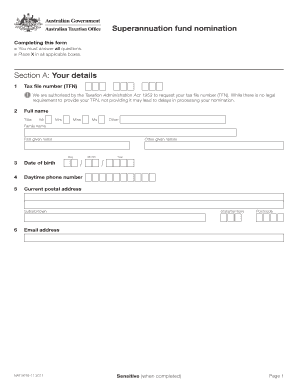
Superannuation nomination form
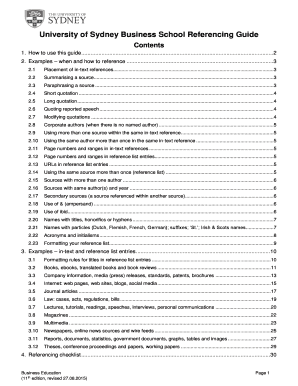
Business school referencing guide

Please fill out front and back of this form * signature - Eleanor
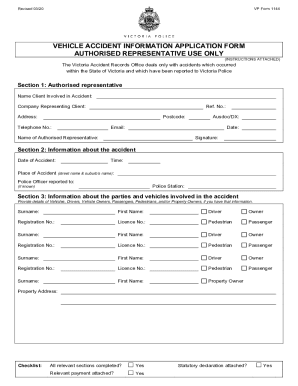
Vehicle accident information application

Qantas club corporate membership
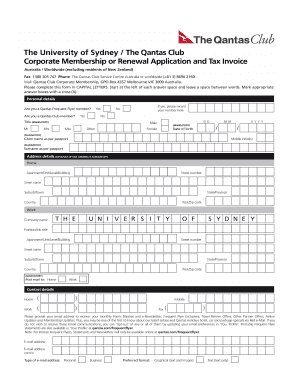
University of sydney application form

Group Risk Insurance Personal Statement - Zurich Australia

Uon employment
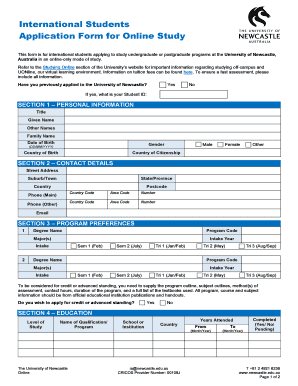
International Students Application Form for Online Study

Imed complaints

Life Insurance Pre-assessment Form White Label - AIA Australia

Australia form declaration

ECU Staff Photograph Release Form - Edith Cowan University
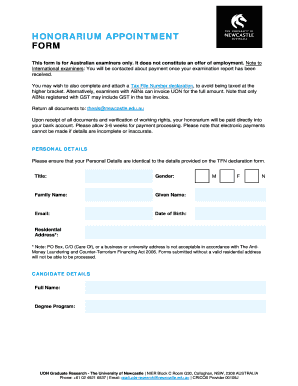
Honorarium appointment form - University of Newcastle

Residential Real Estate & Property for Sale & Lease in
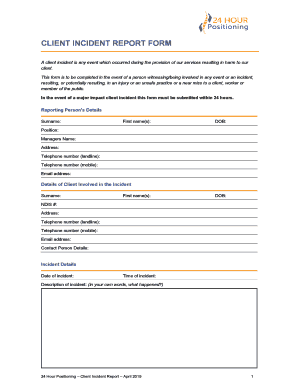
A client incident is any event which occurred during the provision of our services resulting in harm

DYT For Men Post - Dressing Your Truth Store - Energy Profiling
United Nations Security Council and Australian Autonomous

Au declaration blank
Rfp-18-010-general-liability-claims-administration-services
Cpa special consideration
Applicant Agreement Form - RMIT University

Personal declaration relating to professional standards
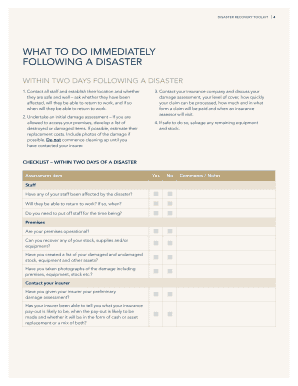
Disaster Recovery Toolkit for Small Businesses - Connecticut

Financial consent form bendigo bank
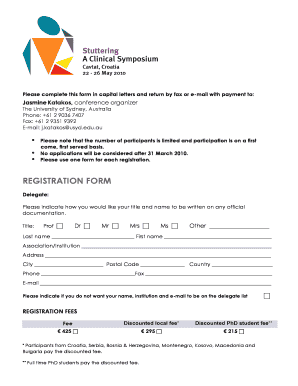
Form university
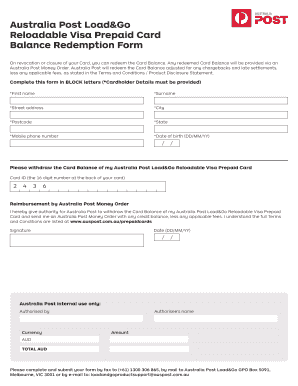
Auspost com au giftcards

Casa flight plan form

Australia acceptance form

Ivanhoe grammar school watts
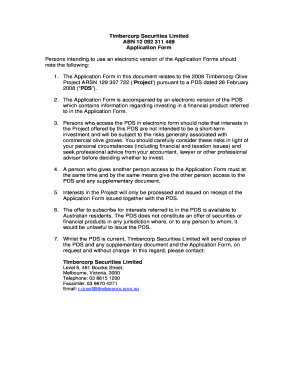
2008 timbercorp 092 311
Benefit from the DocHub online library of fillable PDF forms
Searching the PDF forms doesn't have to be a tedious and time-consuming process. With the DocHub online library, it has become easier to find the fillable PDF forms and modify them in your browser. The service allows you to adjust the document to your needs using powerful editing tools.
You can use online document editing features to modify almost any type of document with ease. You just need to find the template of your choice, open it in the editor, and use the toolbar to make the necessary corrections.
Follow this guide to get your document done with DocHub:
- Find the PDF template you need.
- Click the Get Form button to open the file in the editor.
- Use the toolbar to fill out and edit the document.
- Easily add and highlight text, insert images, checkmarks, and symbols.
- Drop new fillable fields, and rearrange or delete pages from your file.
- Save changes and download your record.
DocHub empowers everyone to streamline document editing, signing, and distribution, and form completion. Create an account and benefit from our well-organized PDF Forms library and comprehensive editor.