
Get any PDF form from the DocHub library of ready-made templates - Page 942
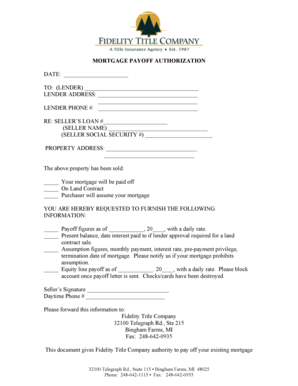
Fidelity mortgage payoff authorization form
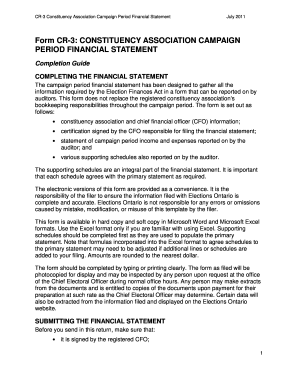
Cr 3 campaign
Legacy 1099 5498 form
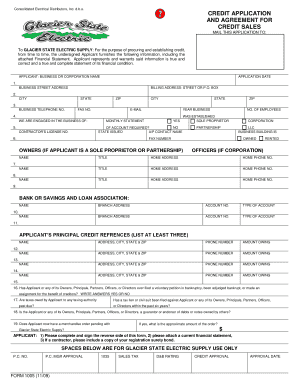
State 1005 application form
Ct divorce guide

Form 27a
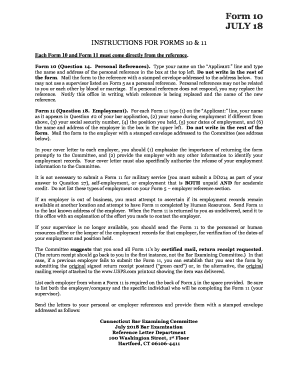
Ct form 10
Connecticut form 2

Ct law examining committee
Ct form 17a

ANSWER PATERNITY PETITION - Connecticut Judicial Branch - jud ct

Ct form 14
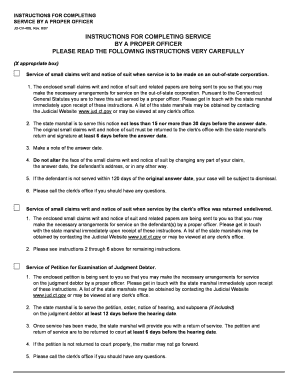
Ct instructions completing
Address form 13
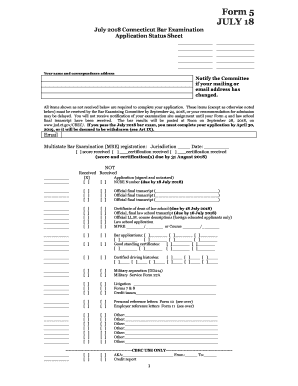
Connecticut form 5

TITLE OF FORM GOES HERE - Connecticut Judicial Branch - CT - jud ct

Ct form 7

Person termination parent order form

Connecticut adoption data

Law request judge

Form 8 disorders template

2011 ct attorney registration form court printable

FORM 12

Affidavit examining committee

Ct form 11

Affidavit funds
Form 13a form
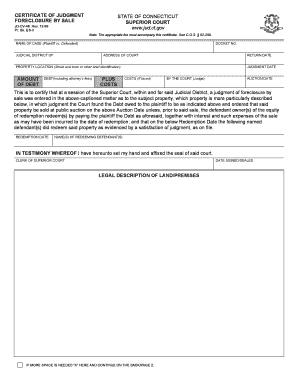
Connecticut judgment foreclosure
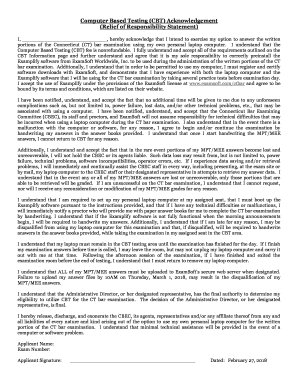
Connecticut testing cbt
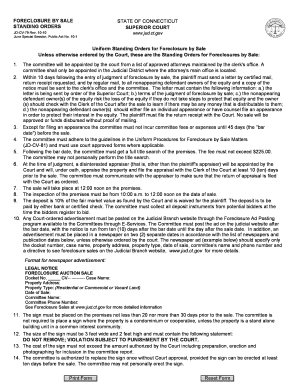
Jd cv79 foreclosure standing orders blank
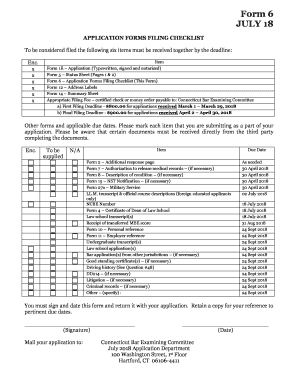
Ct form 6 application

Form 48a form
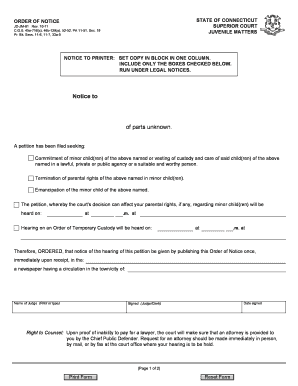
Ct jdjm 61 form

Ct form 47

Ct custody form

BCertificateb of Mailing - 16th Circuit Court of Jackson County Missouri - 16thcircuit
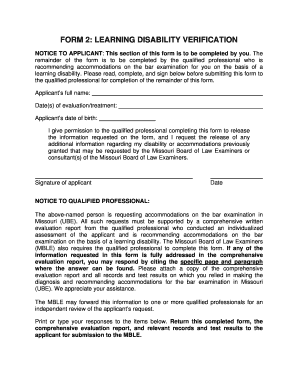
Form 2-20150831 doc
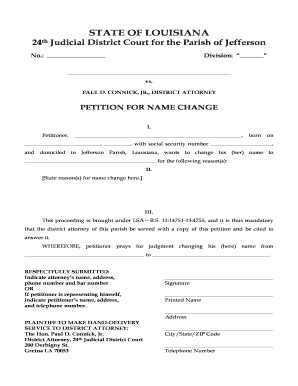
Jefferson-Name-Change-Petition-Sample
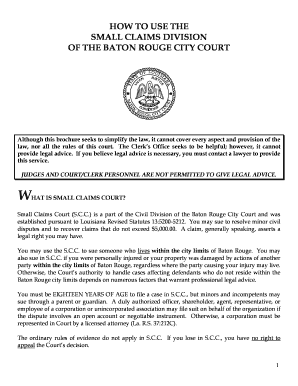
Small claims court baton rouge

Louisiana bill of sale
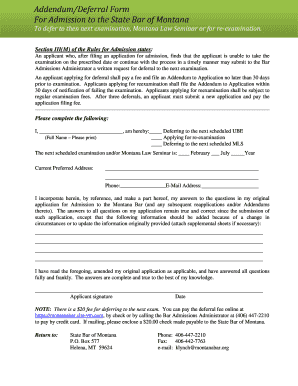
ADDENDUM TO APPLICATION AND QUESTIONNAIRE
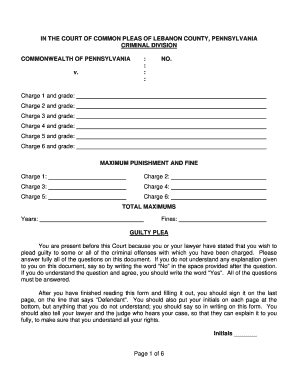
Plea lebanon county

Hawaii commercial agreement
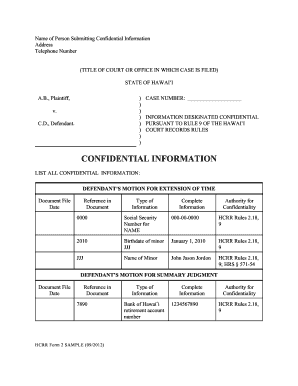
Hcrr form

Hcrr form

Hawaii order withhold income form
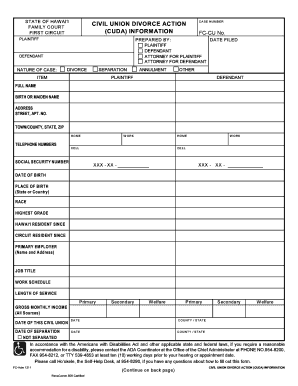
Civil Union Divorce Action (Cuda) Information - courts state hi

Hawaii 1cp 517 arbitration award sample

Hawaii lt e031 appeal court printable
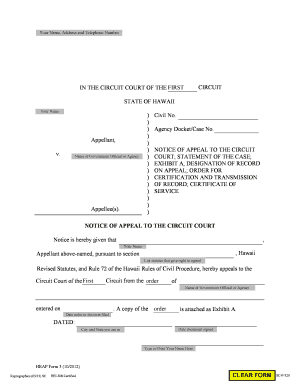
Hawaii hrap notice statement certification fillable
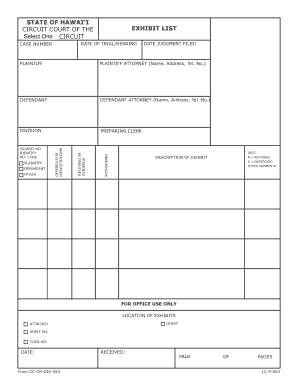
Cc cr div 034 sample

Hawaii lt e 009 appeal create

Hi proof service form

Hrap hourly form get
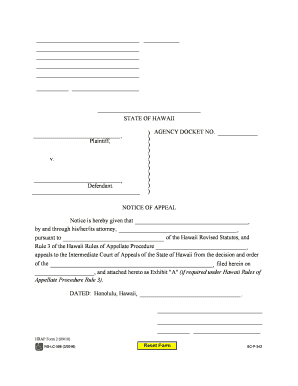
) AGENCY DOCKET NO - courts state hi
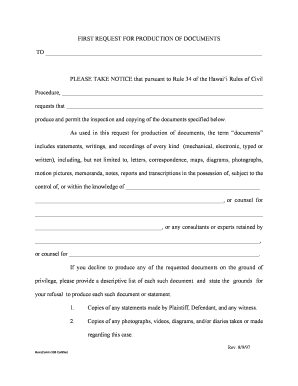
TO PLEASE TAKE NOTICE that pursuant to Rule 34 of the - courts state hi
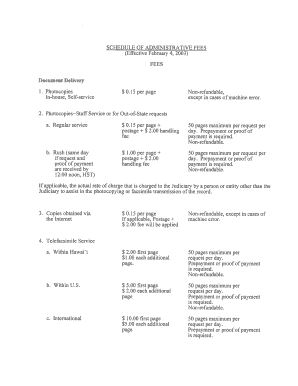
Schedule of Administrative Fees - Hawaii State Judiciary - courts state hi

Exhibit list continuation

Hi direct payment
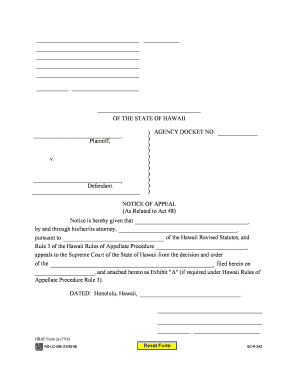
Notice of Appeal (As Related to Act 48) - Hawaii State Judiciary - courts state hi
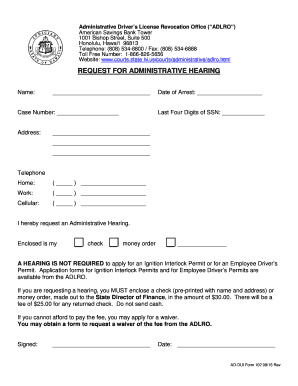
REQUEST FOR ADMINISTRATIVE HEARING - courts state hi

Hi docketing statement
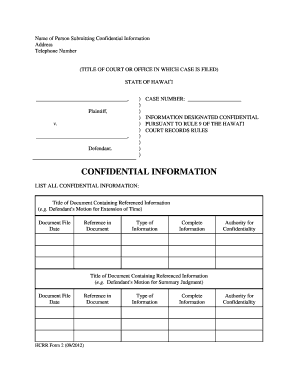
Hcrr form

Request excused attending sample

Adlro change form print
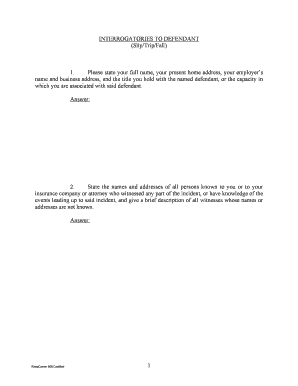
Hi interrogatories
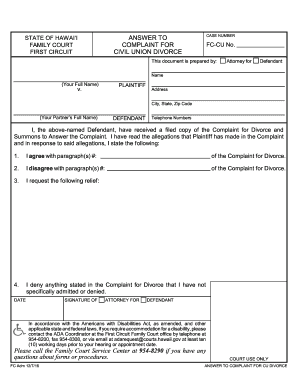
Hawaii complaint civil cu

Complaint civil union

Hrap 8a hourly worksheet form

Hi answer divorce
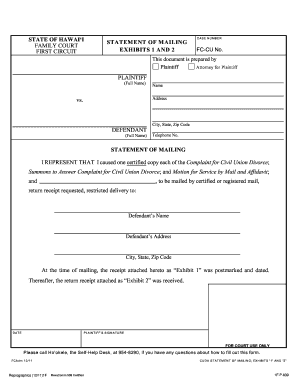
Statement exhibits

V NOTICE OF APPEAL TRIAL COURT CASE NO STATE OF - courts state hi
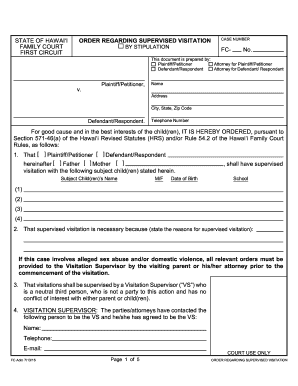
2016 hi regarding supervised visitation search

Adlro request copies
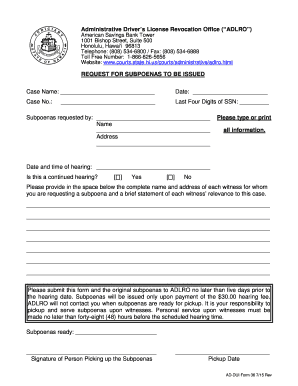
Request for Subpoenas to be Issued - courts state hi
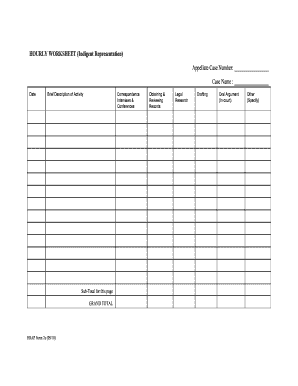
Hi wourly worksheet

SAMPLE of Form 7a - HOURLY WORKSHEET (Indigent - courts state hi
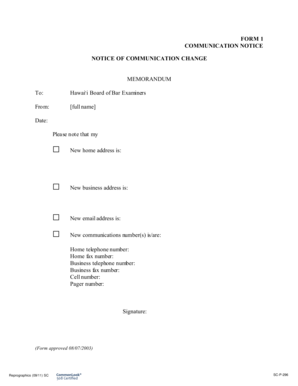
Fiscal Policies - General Information General Information - courts state hi

Hawaii form 45 adlro process
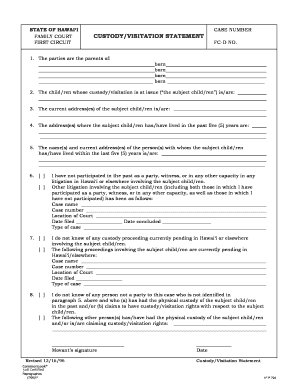
Custody visitation statement
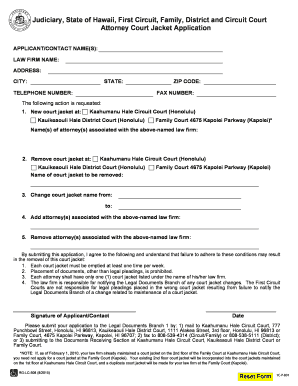
Attorney Court Jacket Application - Hawaii State Judiciary - courts state hi
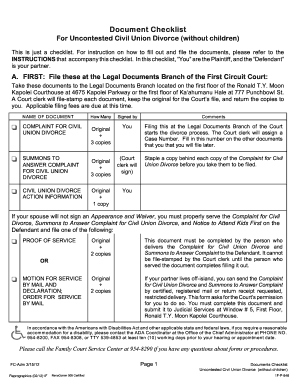
Document uncontested civil divorce form

Hawaii hcrr adlro
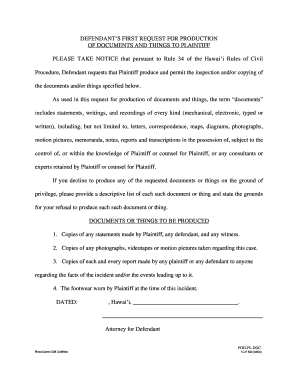
Hi request documents

Property division chart hawaii

Interrogatories defendant blank

Phs assignment request form 2019

Fda form 3794

EMPLOYEE RIGHTS AND RESPONSIBILITIES UNDER THE FAMILY AND MEDICAL LEAVE ACT - dol
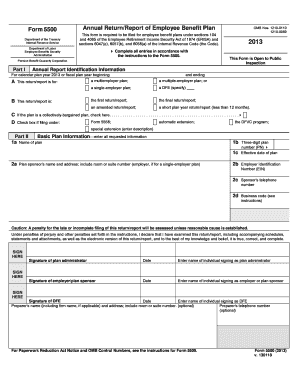
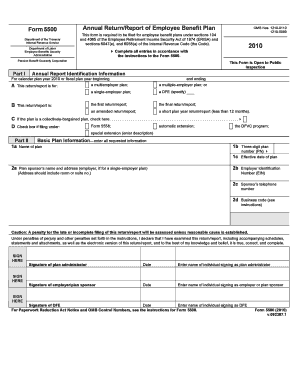
Is it true l7-de ilovepdf serve
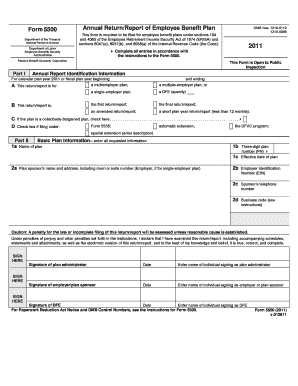
What about l3-de ilovepdf serve
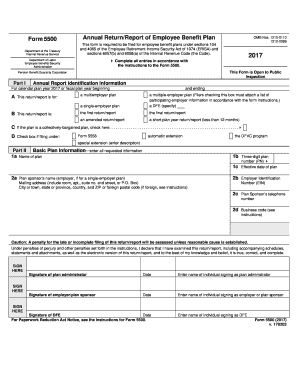
What is ti l5-de ilovepdf serve
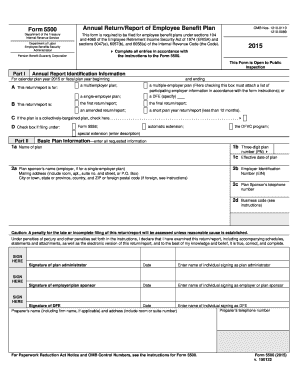
What about l6-de ilovepdf serve
City or town, state or province, country, and ZIP or foreign postal code (if foreign, see instructio
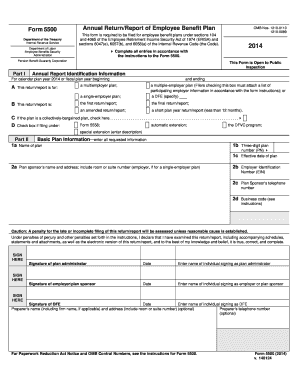
D B A ABCDEFGHI ABCDEFGHI ABCDEFGHI ABCDEFGHI ABCDEFGHI ABCDEFGHI

Navmc 11381
CAPP 50-1 - Capmembers

DD Form 2088 Certificate of Ecclesiastical Endorsement - DMNA

2577 0169 omb form

North carolina examiners d deficit disorder form
Benefit from the DocHub online library of fillable PDF forms
Searching the PDF forms doesn't have to be a tedious and time-consuming process. With the DocHub online library, it has become easier to find the fillable PDF forms and modify them in your browser. The service allows you to adjust the document to your needs using powerful editing tools.
You can use online document editing features to modify almost any type of document with ease. You just need to find the template of your choice, open it in the editor, and use the toolbar to make the necessary corrections.
Follow this guide to get your document done with DocHub:
- Find the PDF template you need.
- Click the Get Form button to open the file in the editor.
- Use the toolbar to fill out and edit the document.
- Easily add and highlight text, insert images, checkmarks, and symbols.
- Drop new fillable fields, and rearrange or delete pages from your file.
- Save changes and download your record.
DocHub empowers everyone to streamline document editing, signing, and distribution, and form completion. Create an account and benefit from our well-organized PDF Forms library and comprehensive editor.