
Get any PDF form from the DocHub library of ready-made templates - Page 920

Td critical accident recovery plan

Select - University of Alberta
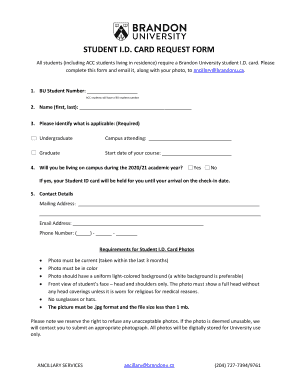
Brandon university id
Bcla form

Mackenzie Health Genetics Clinic

Td claim package
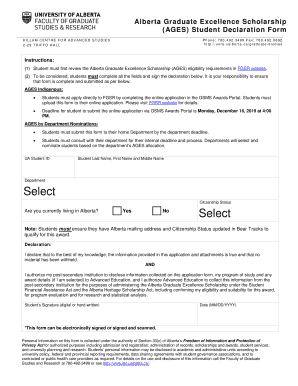
Ualberta ages edit

Calgary asbestos abatement
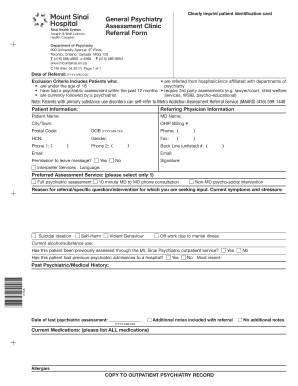
Psychiatric assessment referral form
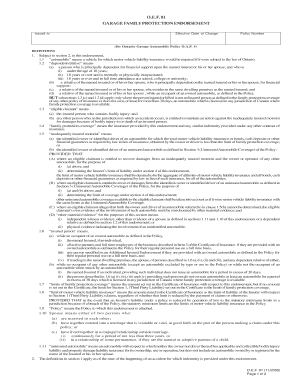
2005 o e f 81
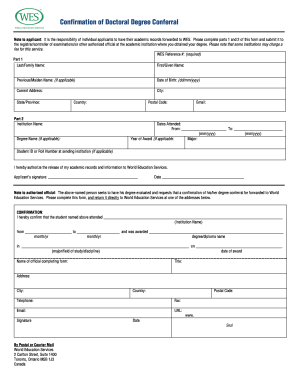
Doctoral confirmation

Finance payment agreement
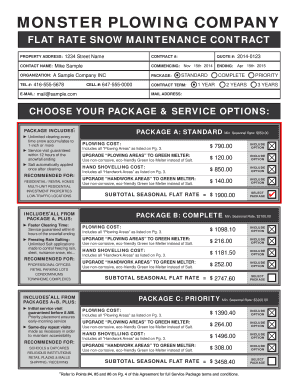
Monster plowing company
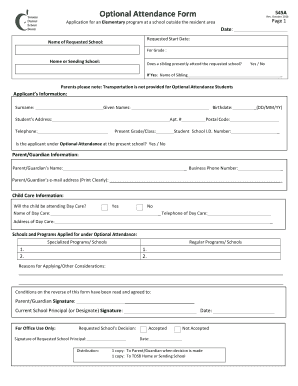
545a optional
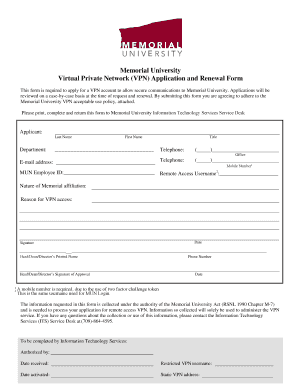
Mun vpn
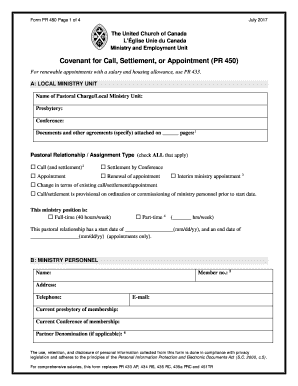
United church pr form
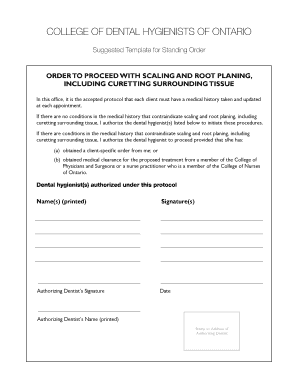
Standing order cdho
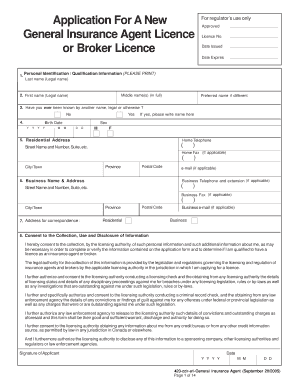
E1 insurance agent
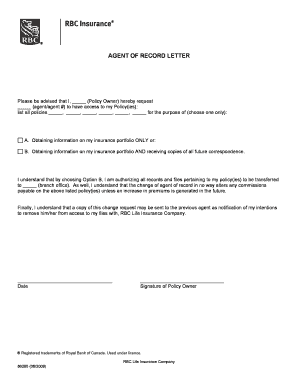
Agent of record letter
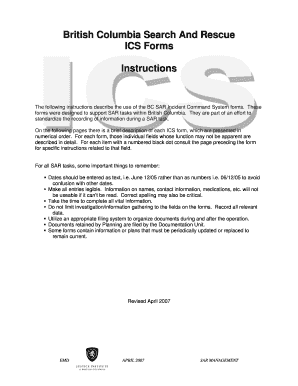
British columbia rescue forms

Bctesg form pdf

Canada sun application form

Alberta 4ephf control printable

Ok 1006bt b corporation commission
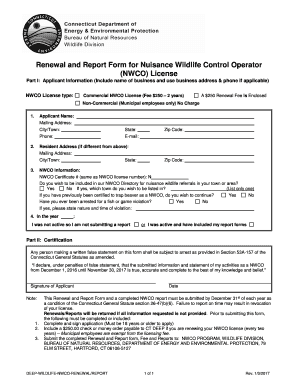
Deep nwco report form
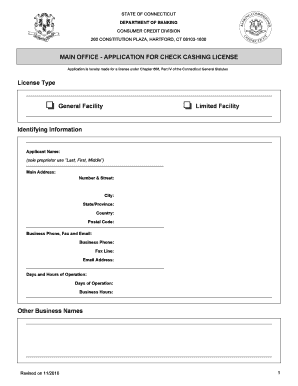
2010 ct application check cashing license dob make

APPLICATION FOR A BOWLING ALLEY LICENSE - cityofwestfield
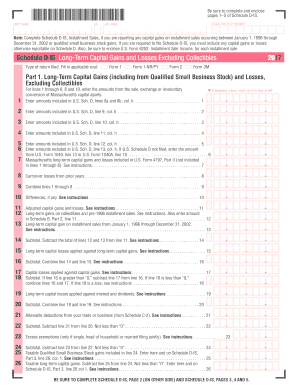
Massachusetts schedule d is

Massachusetts application erecting

Business license city alexandria
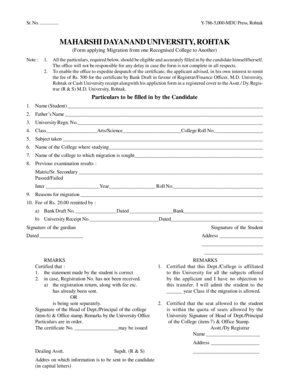
Maharshi dayanand university migration form

Pnb mobile number change form
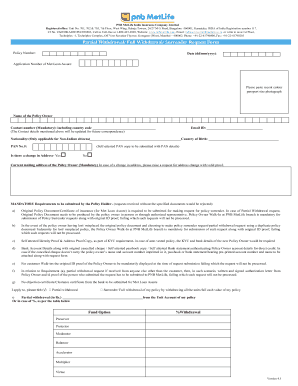
Insurance policy form

CERTIFICATE COURSE IN CARDIOVASCULAR DISEASE AND STROKE (CCCS)

Bajaj allianz insurance proposal form download
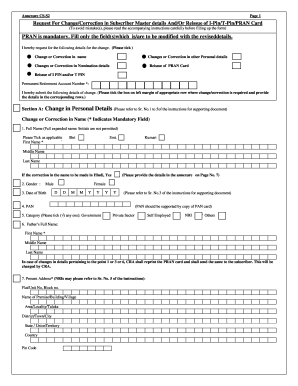
Nps date of birth correction online
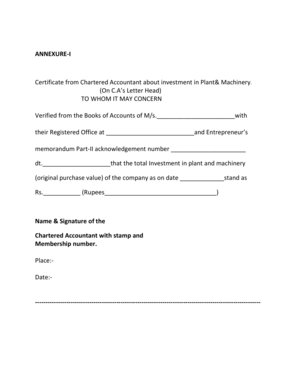
Download form 16a tds certificate
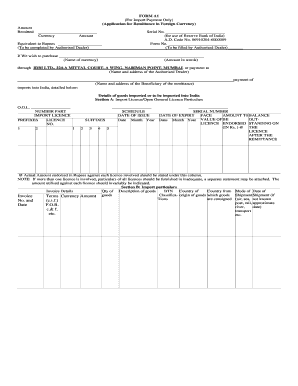
Form a2 word format

Form insurance money proposal
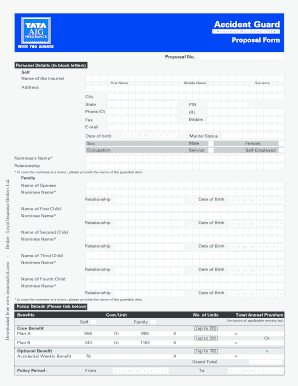
Word to pdf
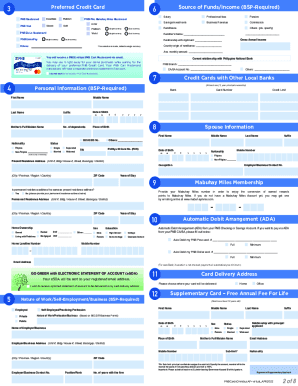
PNB OMNIBUS FORM APPDownloadv4editedTrial 7

Upcm application form
Ayala coop loan form

Dlsu promissory note form

Hawaii special use permit
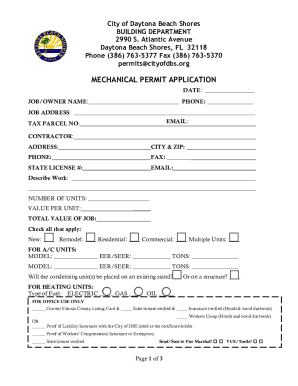
City of Daytona Beach Shores - Mechanical Permit Application
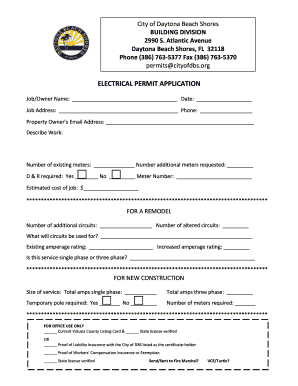
Application for Electrical Permit Application for an Electrical Permit for proposed work on resident
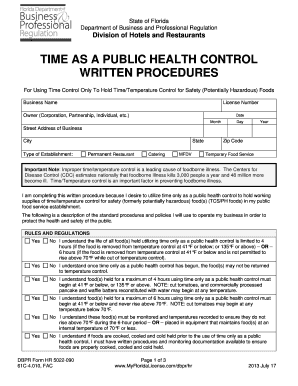
Hr 5022090

2013 sler 0950 survey requirements
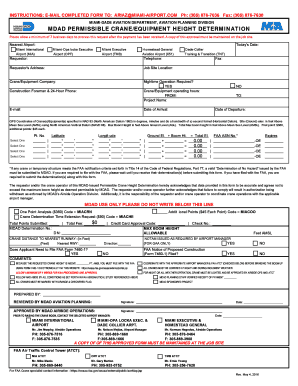
Miami dade permissible

Net listing agreement form

Pompano beach change of contractor form

Application permit

Lic33 how

Ny update form
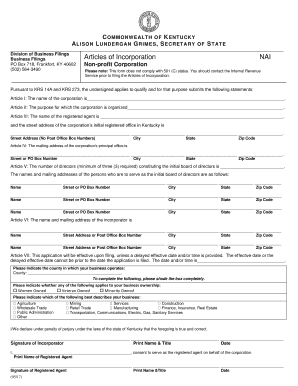
Kentucky non profit corporation search
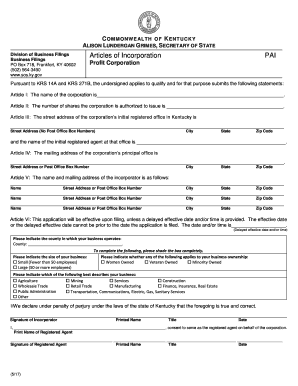
Kentucky incorporation search
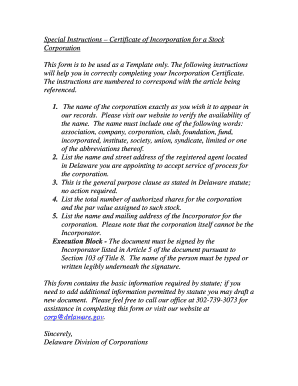
Delaware certificate incorporation stock form
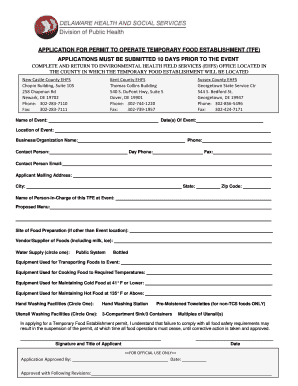
Permit operate temporary food
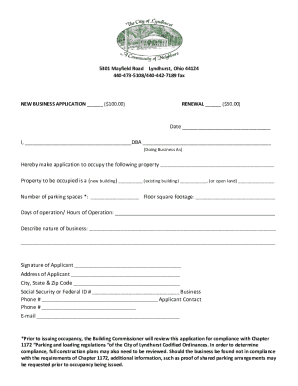
Permit Applications & Forms - City of Arlington

Gdc050

2012 OH RFP Prev-31059

Ohio livestock dealer license get

Idfpr financial agency application form

Illinois affidavit license

Illinois dual registration
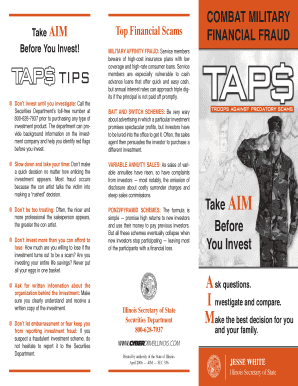
Illinois fraud taps

Bca1030r
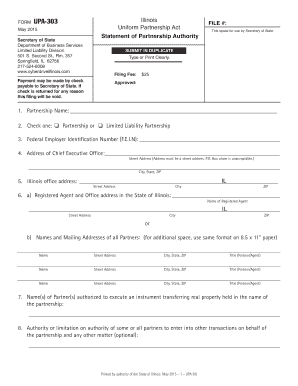
Illinois authority form
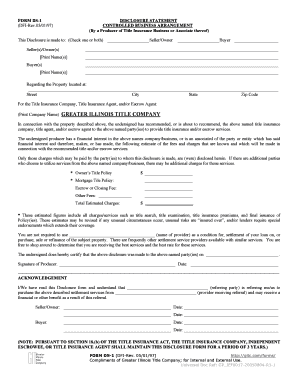
Illinois disclosure arrangement
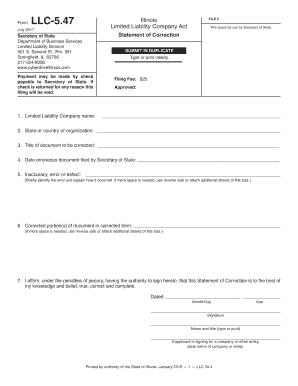
Llc correction illinois
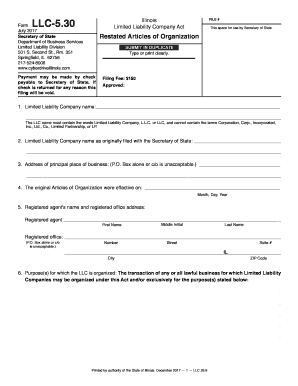
Il limited restated organization search

Illinois investment advisers

Il form consent

Design, Environment and Construction City of Decatur, GA
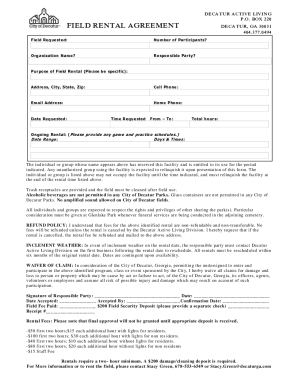
Business credit application
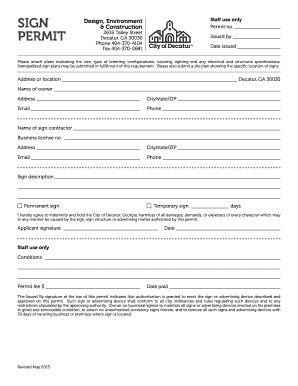
Design, Environment
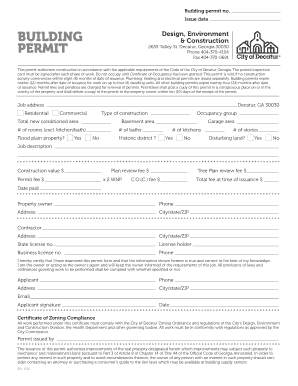
Building Permit - City of Decatur

BT-welcoming-business-nomination-form indd
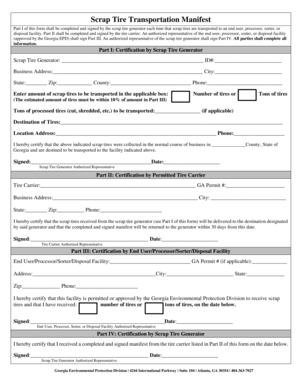
Tire manifest

Ga liquefied license application

Cd518 form
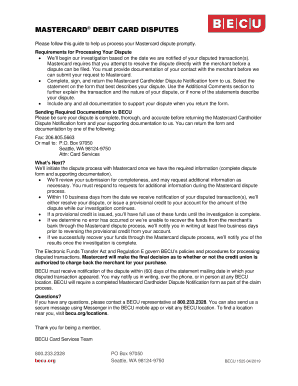
Reference Letter Template - Lending
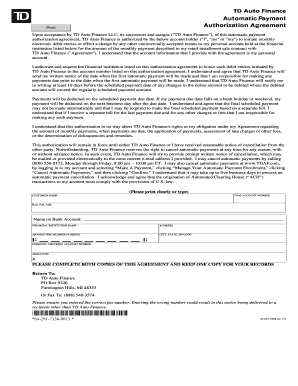
Upon acceptance by TD Auto Finance LLC, its successors and assigns ("TD Auto Finance"), of this auto
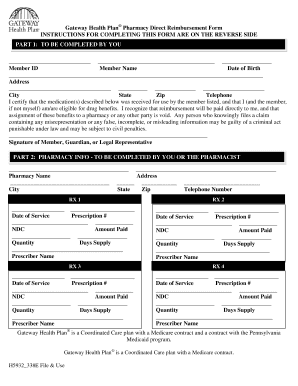
Gateway health form
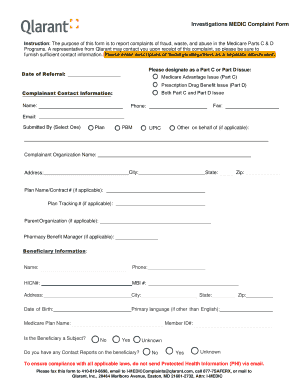
Medic form

To be sent
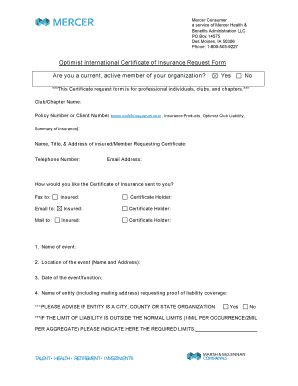
Optimist request form fill

Southcoast health mychart access information online

Az western college assistant form application

Tracking Form for Disclosure of Protected Health Information
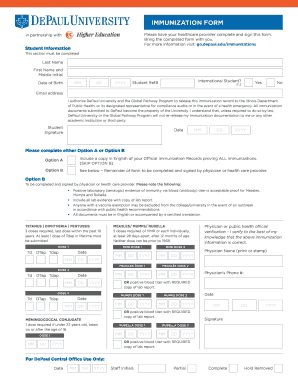
Illinois immunization form

Acsm form
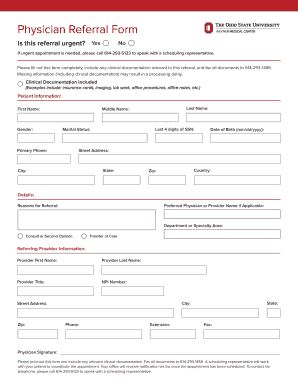
Center physician referral form

1847 arizona mb eng 03-13 - K&K Insurance - susd30

Aetna appeal forms
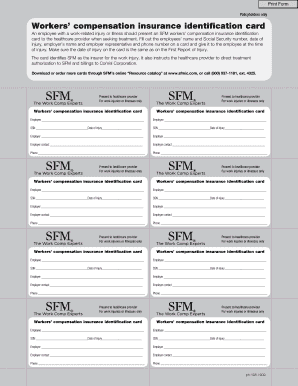
Print insurance cards
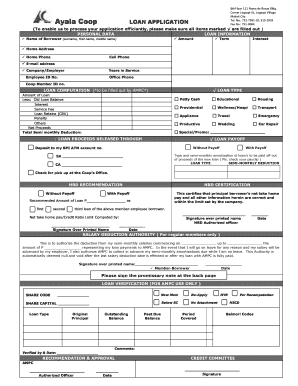
Ayala coop

Freelook Cancellation form
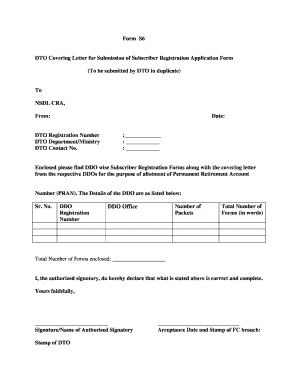
Annexure s6
Benefit from the DocHub online library of fillable PDF forms
Searching the PDF forms doesn't have to be a tedious and time-consuming process. With the DocHub online library, it has become easier to find the fillable PDF forms and modify them in your browser. The service allows you to adjust the document to your needs using powerful editing tools.
You can use online document editing features to modify almost any type of document with ease. You just need to find the template of your choice, open it in the editor, and use the toolbar to make the necessary corrections.
Follow this guide to get your document done with DocHub:
- Find the PDF template you need.
- Click the Get Form button to open the file in the editor.
- Use the toolbar to fill out and edit the document.
- Easily add and highlight text, insert images, checkmarks, and symbols.
- Drop new fillable fields, and rearrange or delete pages from your file.
- Save changes and download your record.
DocHub empowers everyone to streamline document editing, signing, and distribution, and form completion. Create an account and benefit from our well-organized PDF Forms library and comprehensive editor.