




Here's how it works

01. Edit your td life insurance beneficiary form online
Type text, add images, blackout confidential details, add comments, highlights and more.

02. Sign it in a few clicks
Draw your signature, type it, upload its image, or use your mobile device as a signature pad.

03. Share your form with others
Send td insurance logo via email, link, or fax. You can also download it, export it or print it out.
How to use or fill out td claim package with our platform

- Click ‘Get Form’ to open the td claim package in the editor.
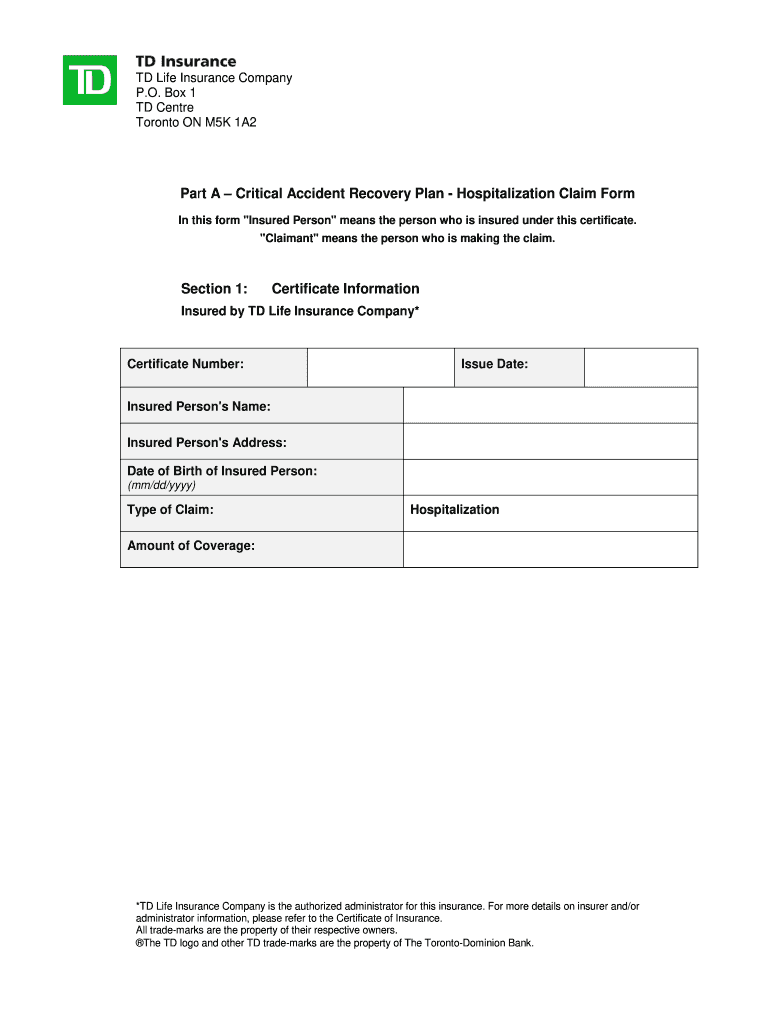
- Begin with Part A, filling in your Certificate Information. Ensure you provide accurate details such as your name, address, and date of birth.
- Complete Section 2 by providing your statement regarding the injury or illness. Include dates of occurrence and hospitalization.
- If applicable, fill out Section 3 for Electronic Funds Transfer Authorization. Attach a void cheque if you wish to receive payments directly into your bank account.
- In Section 4, sign and date the Declaration, ensuring all information is true and complete to avoid delays.
- Proceed to Part B for the Attending Physician's Statement. Provide this section to your physician for completion.
- Finally, gather any additional supporting documentation required in Part C and ensure everything is attached before submission.
Start using our platform today to streamline your td claim package completion!
Fill out td claim package online
It's free
It's free
Security and compliance
At DocHub, your data security is our priority. We follow HIPAA, SOC2, GDPR, and other standards, so you can work on your documents with confidence.
Learn more


