




01. Edit your td critical accident recovery insurance plan online
Type text, add images, blackout confidential details, add comments, highlights and more.

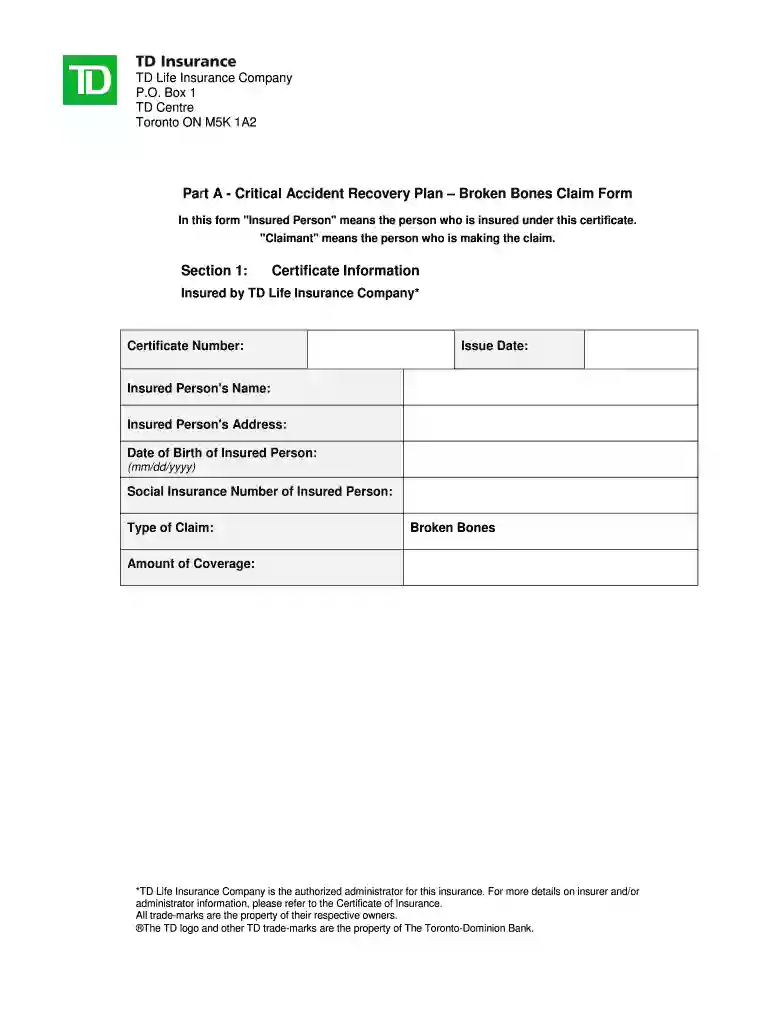
Type text, add images, blackout confidential details, add comments, highlights and more.

Draw your signature, type it, upload its image, or use your mobile device as a signature pad.

Send td critical accident recovery plan via email, link, or fax. You can also download it, export it or print it out.

Start using our platform today to streamline your claims process effortlessly!
At DocHub, your data security is our priority. We follow HIPAA, SOC2, GDPR, and other standards, so you can work on your documents with confidence.
A plan to restore wetlands or avoid the anticipated loss of a critical habitat area might be used to offset ecological impacts from PCB contamination.
Recovery plans delineate reasonable actions believed necessary to recover and/or protect listed species. Plans are published by the Environment Canada


