
Get any PDF form from the DocHub library of ready-made templates - Page 922

2017 instruction 65 air force form 938

Federal document r 1409

Afi 11 421

177010 form

Afrotc det 380 planned academic program form

Form iii

Savable cms 1500 template
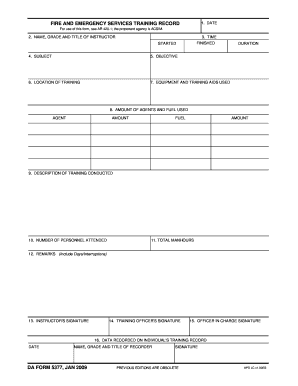
Da form 5377
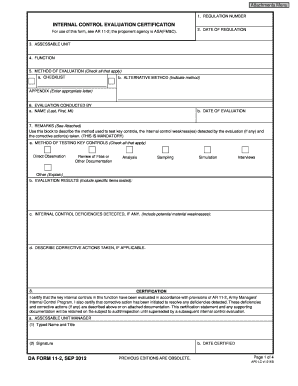
Form 11 2 form

Cfetp fighter
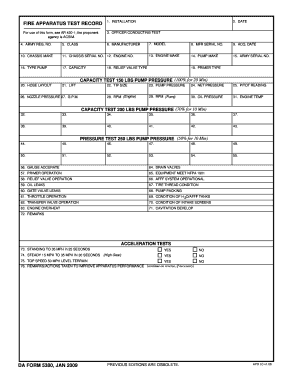
Form 5380 record form

Food risk assessment survey form

Erb military
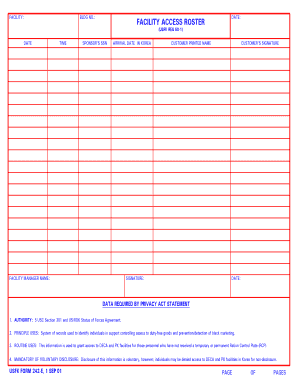
Form 242e facility get
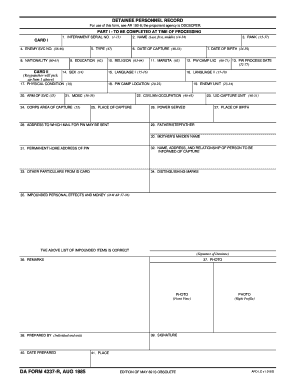
Detainee personnel search
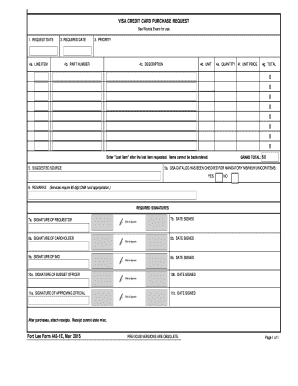
Fort lee visa form

Special purpose

Suid afrikaanse raad op verpleging
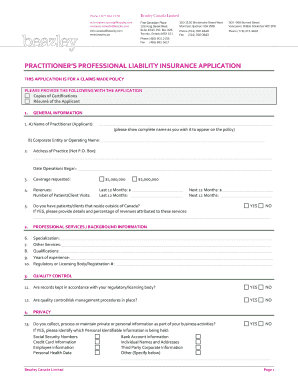
Florida Nurse Practitioner Claims-Made Application ONLY

Mun vpn

Maryland sdat application
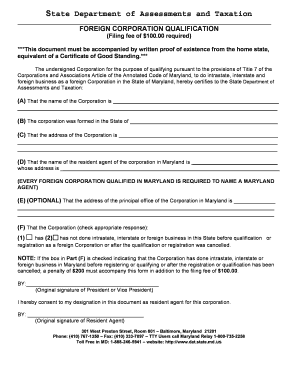
Form taxation
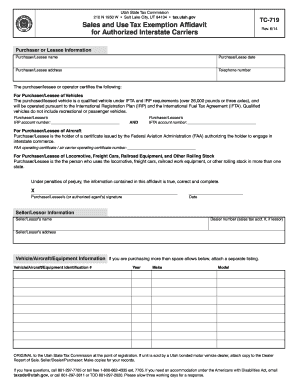
Tc 719

Pa rent certificate application 2016 pa1000 rc

MO-1040A Single Married (Income from one spouse) short form - dor mo
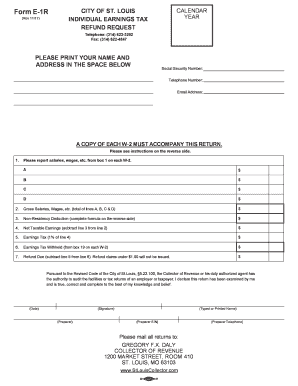
Form E-1R (Nov 2017)

Fillable BPT-V 2017
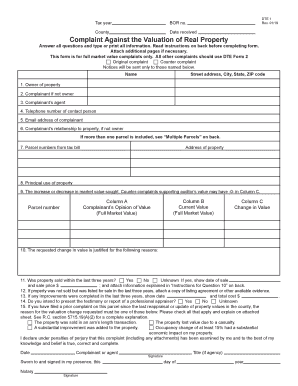
All other complaints should use DTE Form 2

Form m 990t
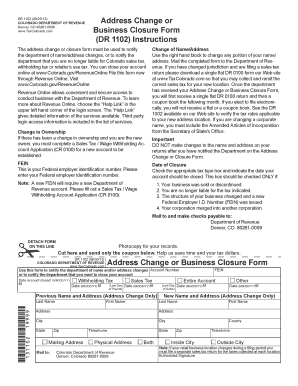
Dr1102

Form 05 2019
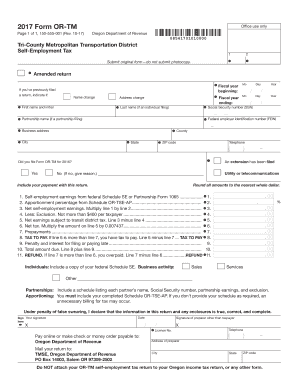
2017 Form OR-TM, Tri-County Metropolitan Transportation District Self-Employment Tax, 150-555-001

PIT-B
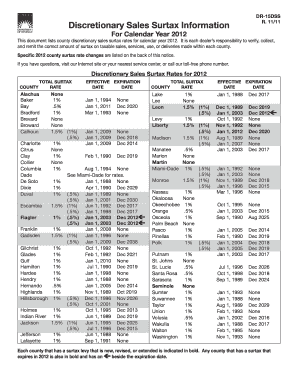
Food supplier pass application form
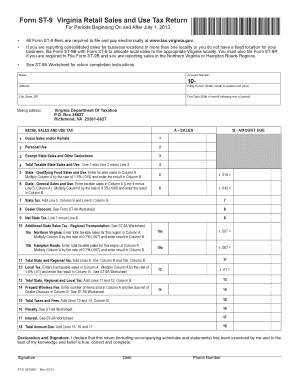
2013 va sales tax form

2016 tax tables - Arkansas

F 2007 AR1000 ARKANSAS INDIVIDUAL INCOME TAX RETURN Full Year Resident Dept - arkansas
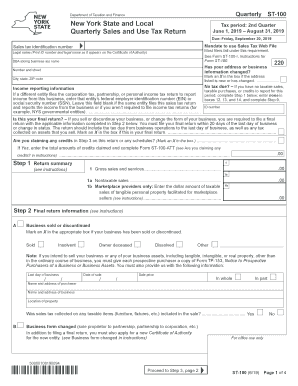
Form ST-100:6 19:New York State and Local Quarterly Sales and Use Tax Return:st100
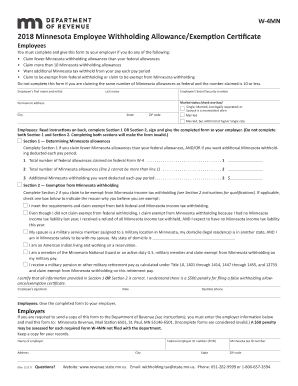
Form W-4MN, Minnesota Employee Withholding Allowance

Mn form instructions 2017
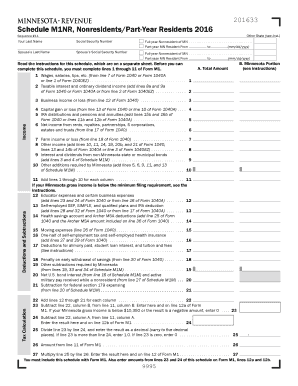
M1nr form 2016

INDIVIDUAL INCOME TAX INSTRUCTIONS 2015 INDIVIDUAL INCOME TAX INSTRUCTIONS 2015 - hacienda pr
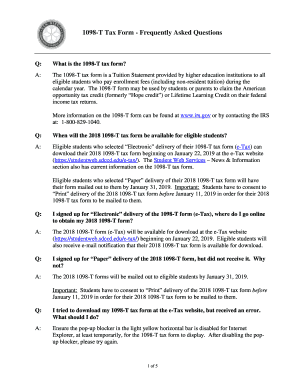
Sdccd 1098 t
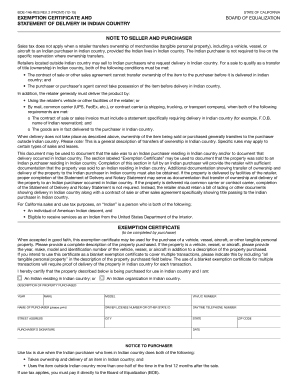
BOE-146-RES REV
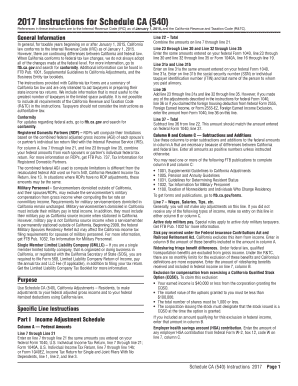
2017 CA Schedule CA (540) Instructions

2014 il 8453 form

NJ Form 630- Application for Extension of Time to File NJ Gross
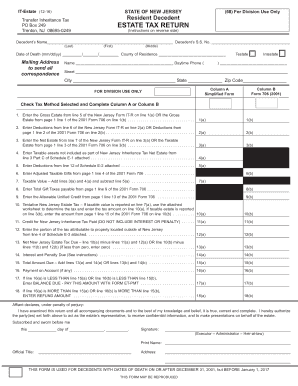
New jersey estate 2016 form

2016 nj form

Adams National Historical Park (U S National Park Service)
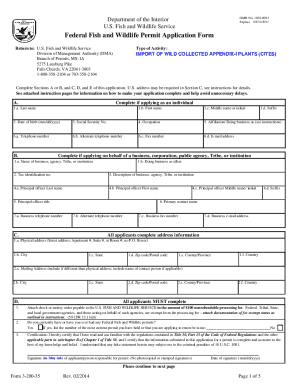
DOI Form 3-200-35

DOI NIGC Sample Quarterly Fee Worksheet

Employees on the Move
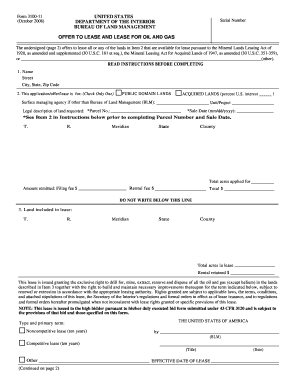
Form offer gas

Nps form 10 550

Form 3809 rider form

Policy plan level 43cfr
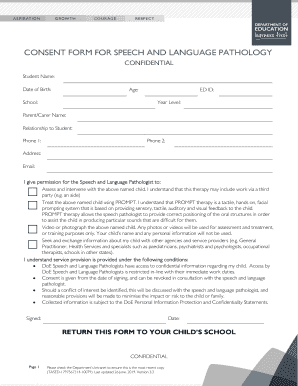
Speech and Language Pathology Consent Form - Department
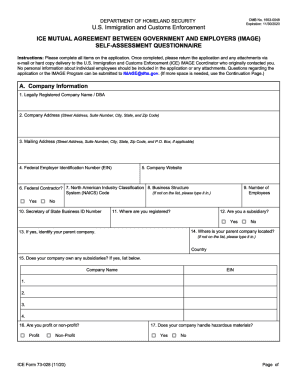
ICE Form 73-028 - image73-028

Business Law- How Do I Comply With The Department of
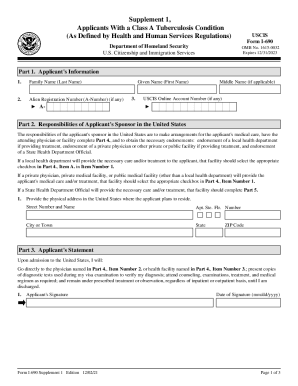
Uscis i 690

Homeland security citizenship immigration services instructions
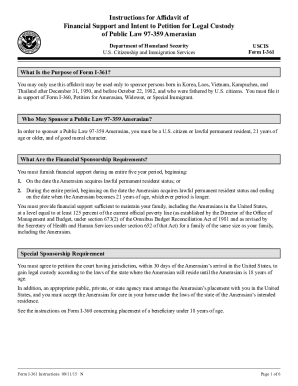
DHS USCIS I-361 Instructions

Citizenship immigration instructions application
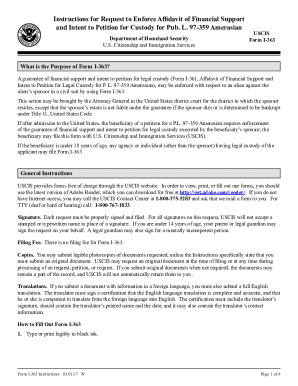
Form I-363, Request to Enforce Affidavit of Financial Support and Intent to Petition for Custody for
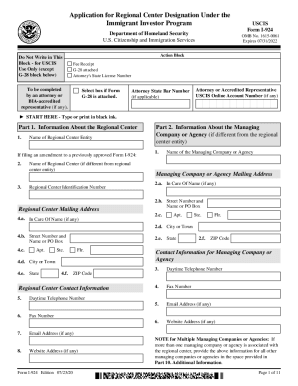
Application for Regional Center Designation Under theImmigrant Investor Program

Uscis i 690

Citizenship immigration services instructions family

Fillable Online Instructions for Form I-800, Department of
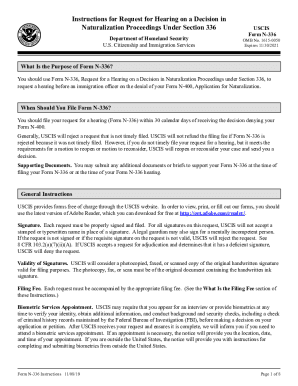
Aila FileRelatedTABLE OF CHANGESINSTRUCTIONS Form N-336, Request for
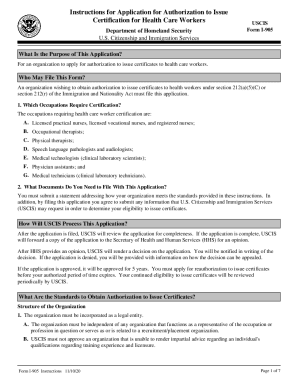
Citizenship immigration services instructions application

Fillable Online Form I-800A Instructions Instructions for
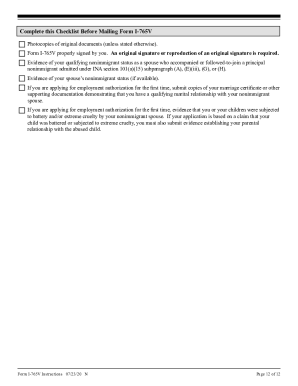
Uscis instructions application nonimmigrant

Update to Form I-881, Application for Suspension of
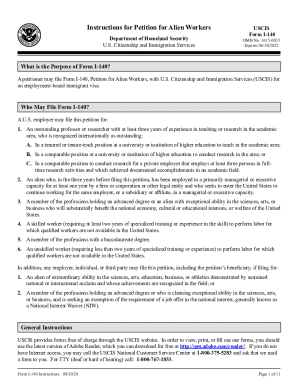
I 140 instructions

Homeland security instructions application
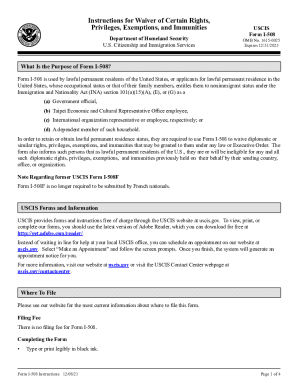
I 508 instructions

SAFECOM Fact Sheet - CISA
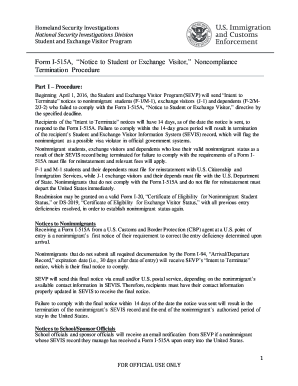
Form I-515A, Noncompliance Termination Procedure

Dhs declaration

Form g1190

Disaster housing rent

Uscis assessment update latest
Hud 52672

Hud5282

8 tenant based assistance voucher

Hud requisition form hud online

US USDA Form usda-rd-3550-20 Free download

Aphis form 256 1

Rd 1951 26
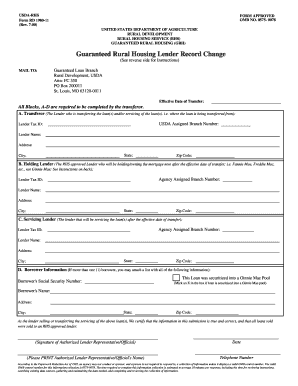
Housing lender change
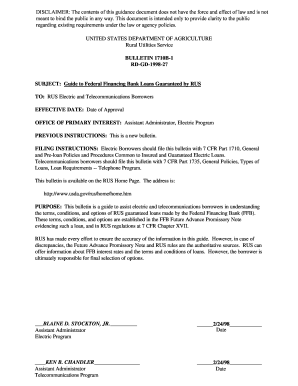
Usda guide federal financing loans

Usda 6702 ab bovine tb tb affected herds
Fs daily diary printable

2016 rus form 793 request approval sale

Ad1147 form

Fsis live sample
Of 346
Usda form section

"NF 57-03-01 (3-15) Diving Incident Report" NOAA Form 57-03-01
Benefit from the DocHub online library of fillable PDF forms
Searching the PDF forms doesn't have to be a tedious and time-consuming process. With the DocHub online library, it has become easier to find the fillable PDF forms and modify them in your browser. The service allows you to adjust the document to your needs using powerful editing tools.
You can use online document editing features to modify almost any type of document with ease. You just need to find the template of your choice, open it in the editor, and use the toolbar to make the necessary corrections.
Follow this guide to get your document done with DocHub:
- Find the PDF template you need.
- Click the Get Form button to open the file in the editor.
- Use the toolbar to fill out and edit the document.
- Easily add and highlight text, insert images, checkmarks, and symbols.
- Drop new fillable fields, and rearrange or delete pages from your file.
- Save changes and download your record.
DocHub empowers everyone to streamline document editing, signing, and distribution, and form completion. Create an account and benefit from our well-organized PDF Forms library and comprehensive editor.