
Get any PDF form from the DocHub library of ready-made templates - Page 918

Wellmark s 53260
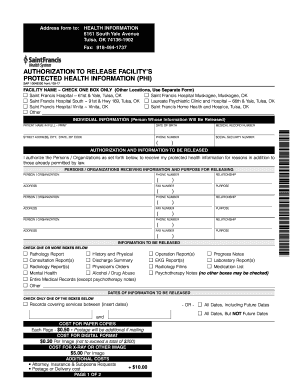
St francis hospital discharge papers
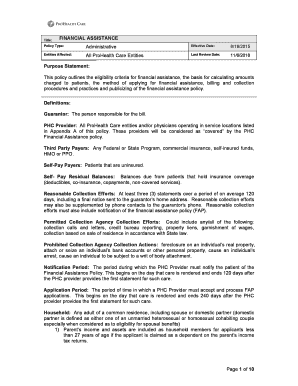
Prohealth care financial assistance form police

Retrospective review form
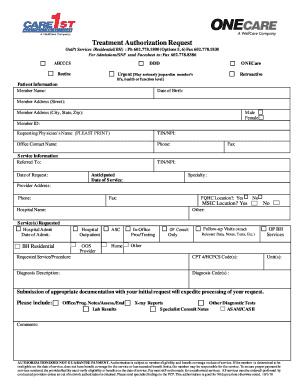
Care1st prior auth form

2016 permanente claim self funded
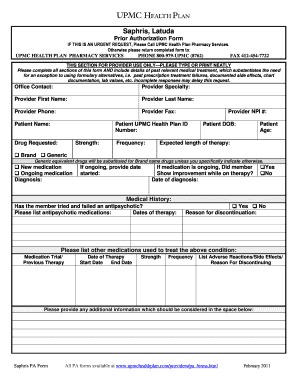
Form latuda prior sample
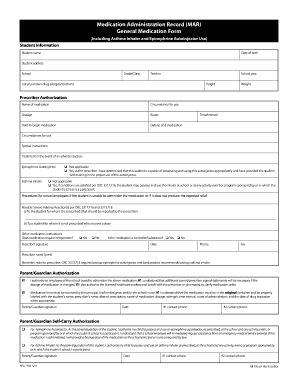
Administration general medication form

Assurity agent kit pdf
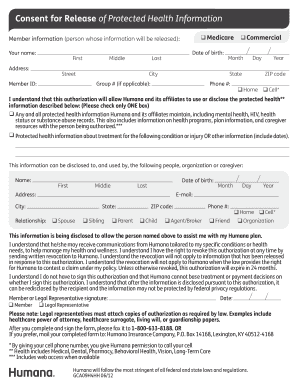
Form humana consent form

Form sb6
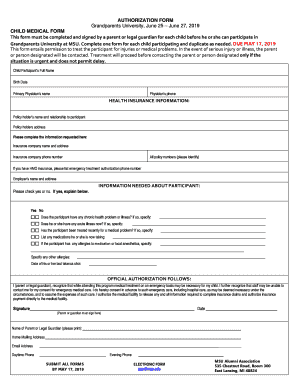
Grandparents medical form
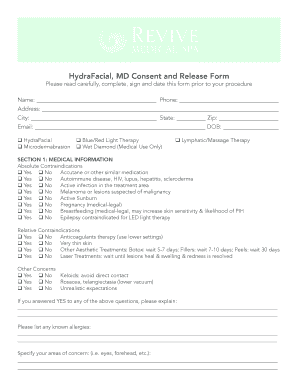
Hydrafacial consent form printable
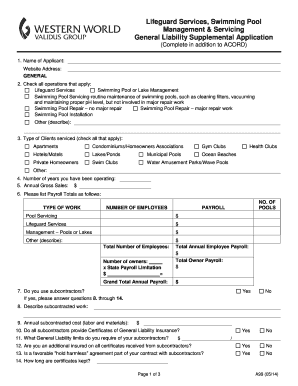
Western world a99

Jp drain log sheet pdf
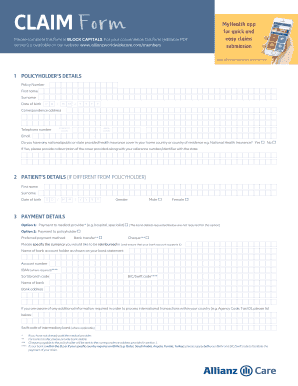
Allianz worldwide claim form

Ssm information form
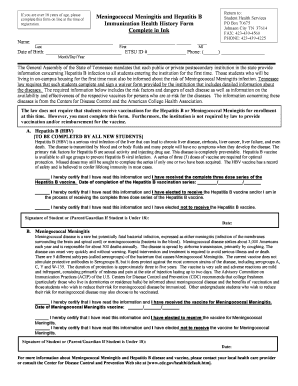
Meningococcal hepatitis

Beneficial assignment insurance form
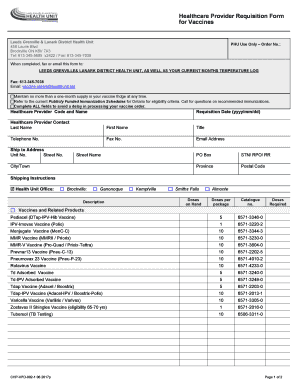
Chpvpd 002 1

Virginia written i131 make

Capital blue pegol print
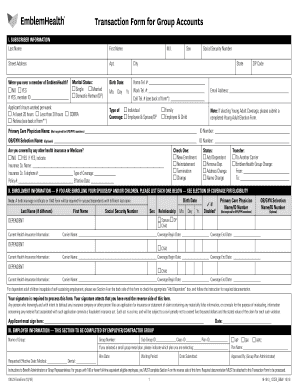
Transaction form accounts pdf
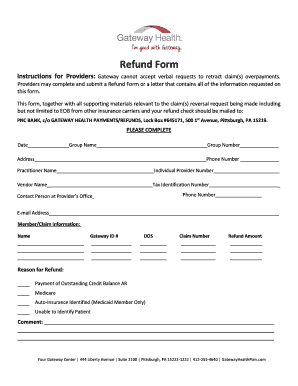
Refund form

Cigna 009320 insurance ar 809799
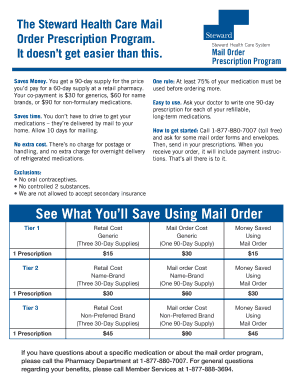
Pharmacy reorder form
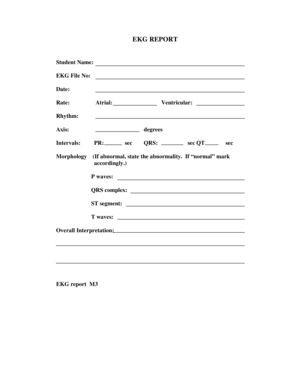
Ekg flashcards printable
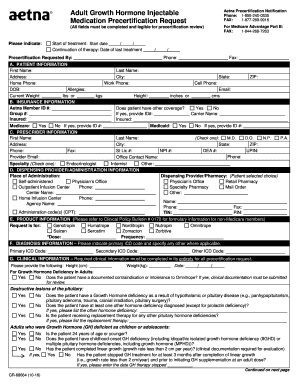
Aetna medicare referral form
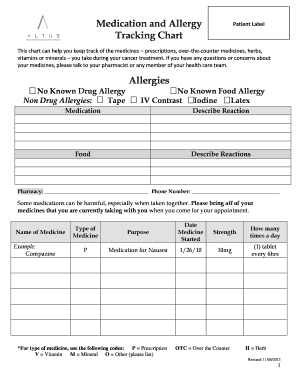
Medicine Tracking Chart - Altus Health System
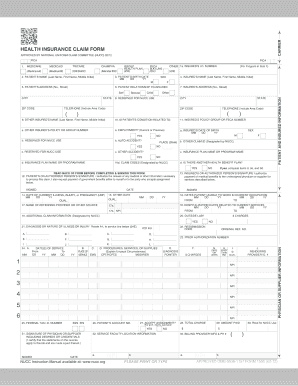
Cms 1500 national claim
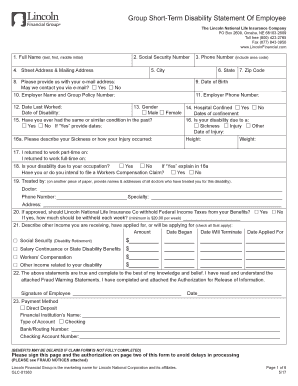
Lincoln financial direct deposit
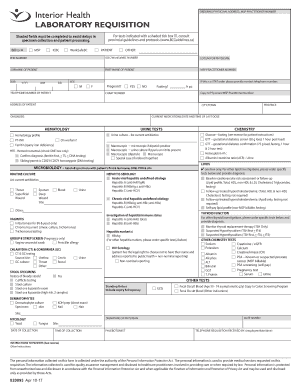
Interior health ct requisition

2012 protective icc 12 form

2015 medicare j05 part b request form

Allergy form word template

Partners cms 1500 form
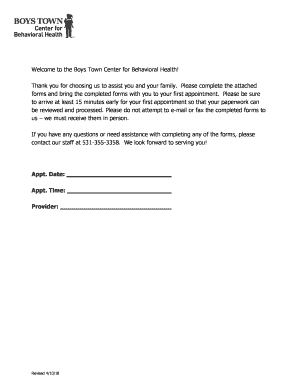
Boys town application

Ngl claim form
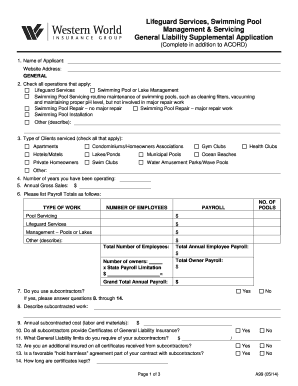
Western world group lifeguard

Ebpa form

Chubb autopay authorization form

Elliot health release information
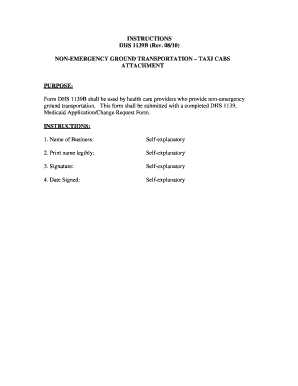
The dhs 1139b form
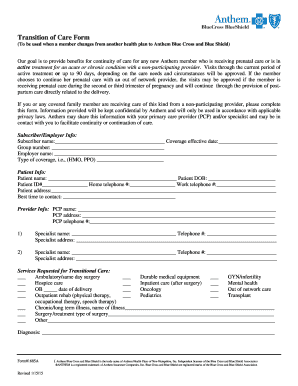
Anthem form transition
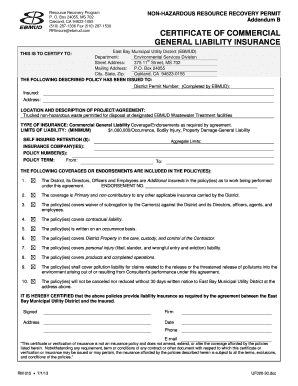
Ebmud insurance

Narrative fax cover form
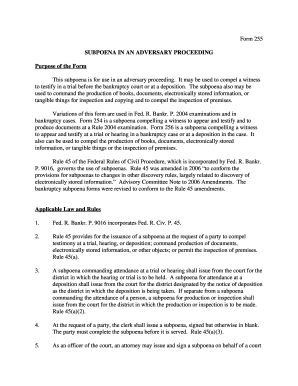
Subpoena adversary
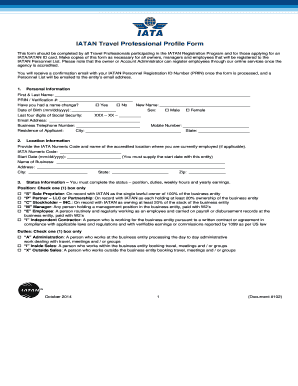
Iatan document travel

Allegiant check chrc online

Post judgment remedies donna brown texas
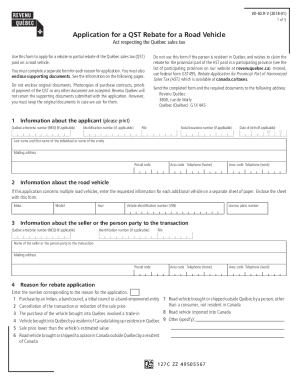
Canada qst rebate road vehicle

2020 ca tax return
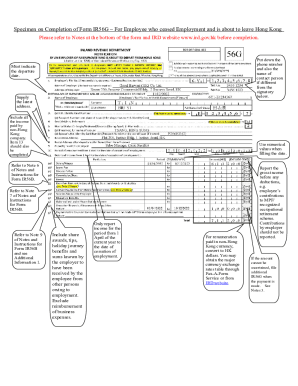
Hong kong ird specimen ir56g
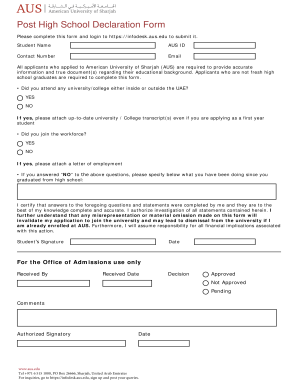
High declaration form
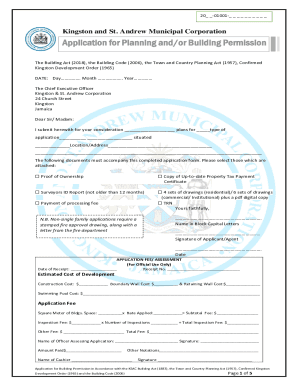
Kingston st andrew municipal corporation

Canada plan care child
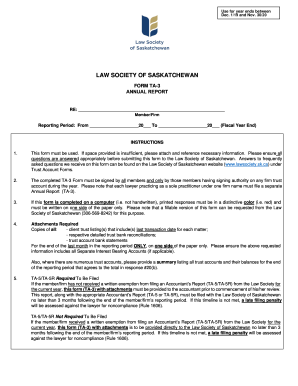
New TA-5R Accountant's report - Law Society of Saskatchewan

Canada form

Canada alberta surrogate checklist returned following
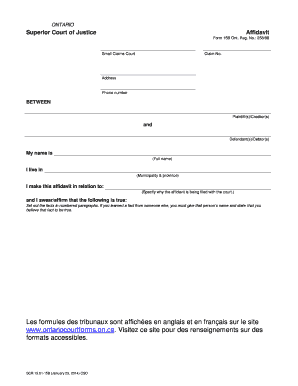
01 15b affidavit form
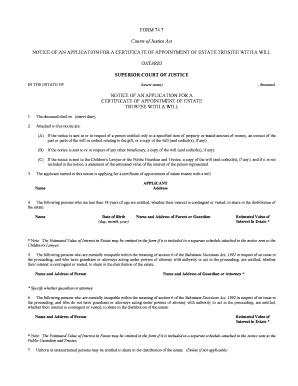
Ontario notice trustee form

New zealand college application
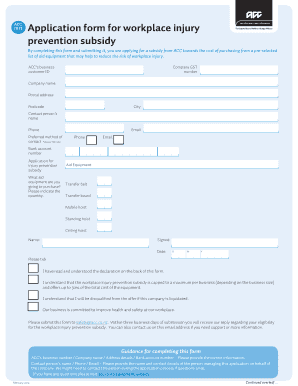
Acc form workplace

Form 1 F D Dividends arising outside the Republic of Ireland and the United Kingdom - revenue
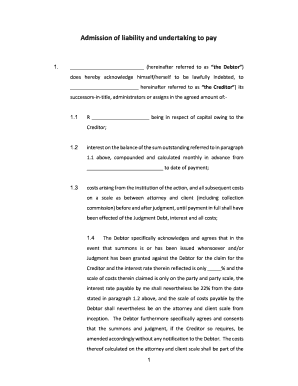
Acknowledgement of debt pdf - sample acknowledgement of debt

Za stellenbosch university merit form online
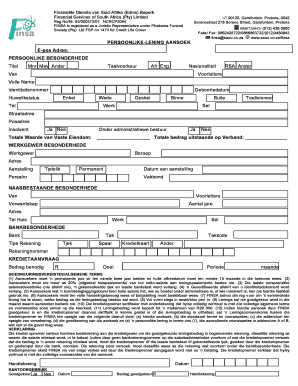
Saou hd vf cpm form
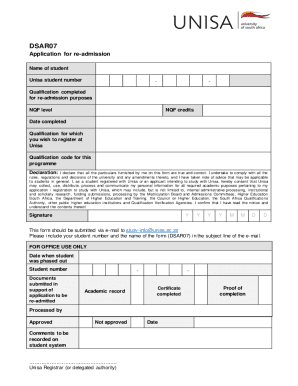
Unisa appeal form
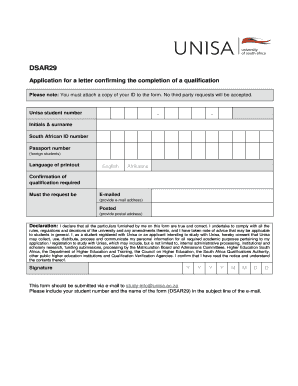
Unisa form download

Apprentice lobster
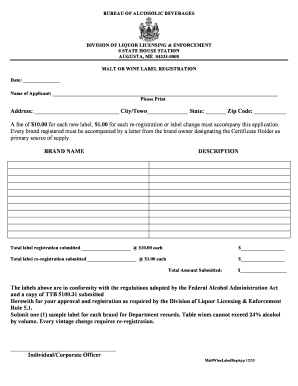
Maine malt wine label registration

DocHub form-library431543-davDav - Fill and Sign Printable Template OnlineUS Legal Forms
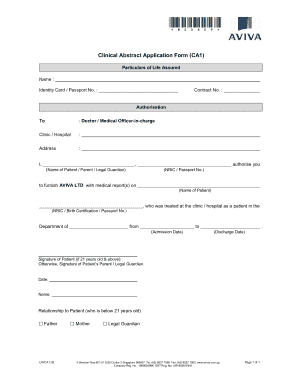
Clinical abstract application form
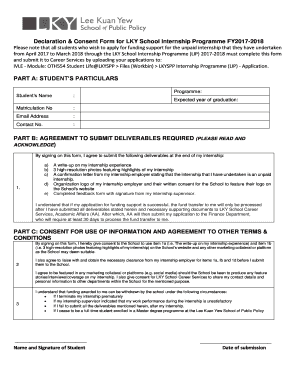
Consent programme form
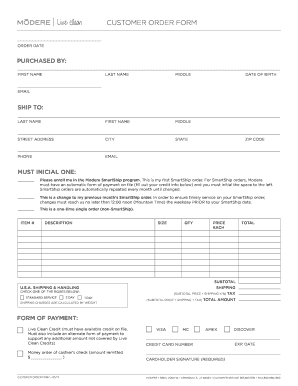
PURCHASED BY:

Robinson po box 1235 singapore
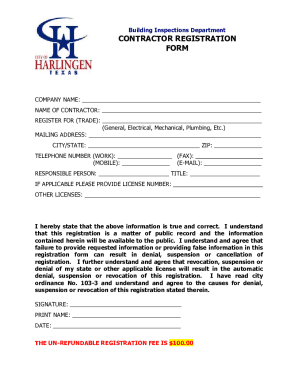
Building InspectionsAustinTexas Building InspectionsCity of TorontoContractor RegistrationWelcome to
Bowen Rd
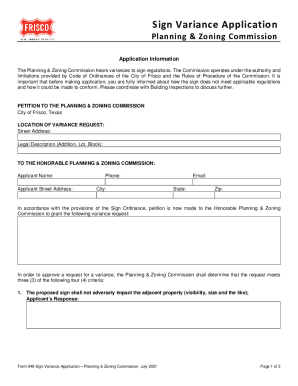
Sign Variance Application - Frisco, Texas

Building Relocation Permit Application Application for Building Relocation Permit in Austin, Texas
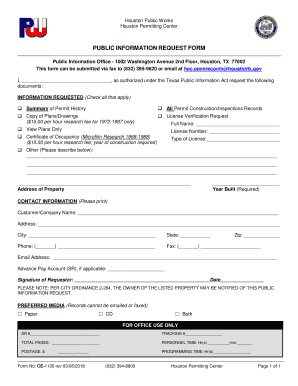
Tx houston works form

Pwe 100 houston
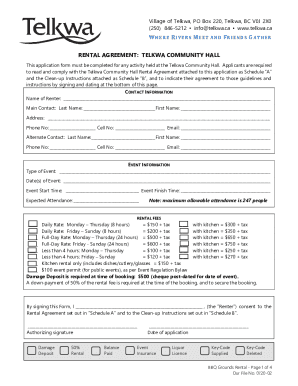
Hall rental agreement event
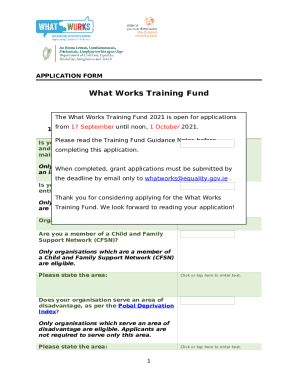
Training Fund Application Form - What Works
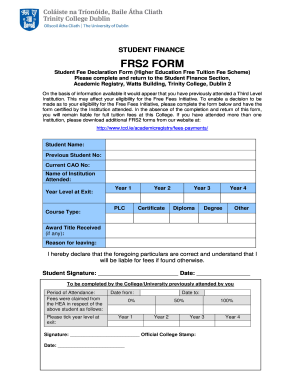
Frs2 form

Form rsa proposal

Ireland europe accident report form
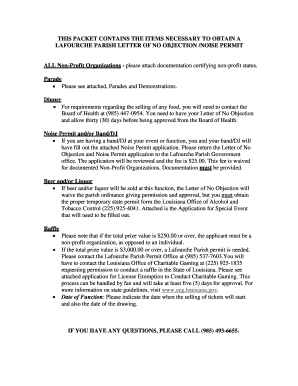
Parish letter no objection

Pa exposition liquor board
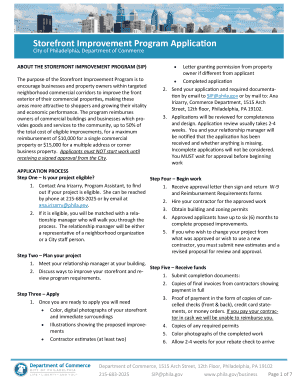
Pennsylvania philadelphia sip program

Pennsylvania form asbestos
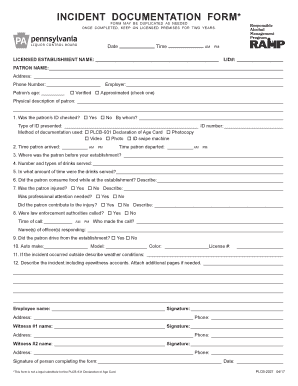
Incident documentation template
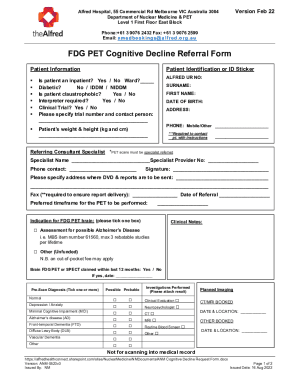
ANM Cognitive Decline Request Form

Schriber group tenancy application

Application for Special Financial Assistance

Australia paid parental leave

Dstv Registration Form - Fill Out and Sign Printable PDF
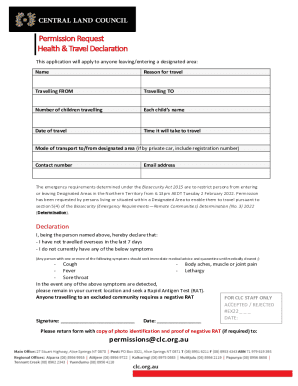
Australia request travel declaration
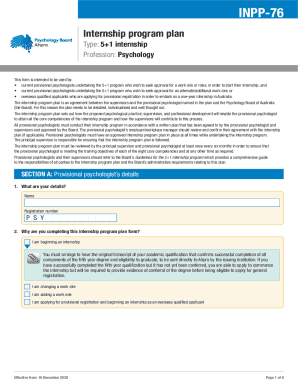
Health practitioner regulation agency
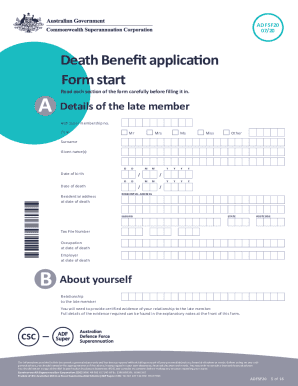
Commonwealth superannuation corporation death benefit
Benefit from the DocHub online library of fillable PDF forms
Searching the PDF forms doesn't have to be a tedious and time-consuming process. With the DocHub online library, it has become easier to find the fillable PDF forms and modify them in your browser. The service allows you to adjust the document to your needs using powerful editing tools.
You can use online document editing features to modify almost any type of document with ease. You just need to find the template of your choice, open it in the editor, and use the toolbar to make the necessary corrections.
Follow this guide to get your document done with DocHub:
- Find the PDF template you need.
- Click the Get Form button to open the file in the editor.
- Use the toolbar to fill out and edit the document.
- Easily add and highlight text, insert images, checkmarks, and symbols.
- Drop new fillable fields, and rearrange or delete pages from your file.
- Save changes and download your record.
DocHub empowers everyone to streamline document editing, signing, and distribution, and form completion. Create an account and benefit from our well-organized PDF Forms library and comprehensive editor.