
Get any PDF form from the DocHub library of ready-made templates - Page 888
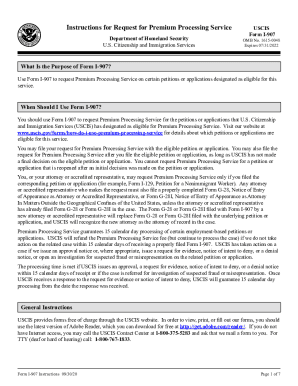
I 907 instructions
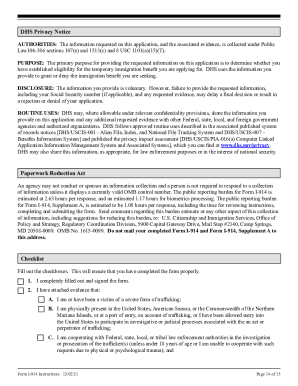
Instructions for Form I-914, Department of Homeland

Uscis verification form
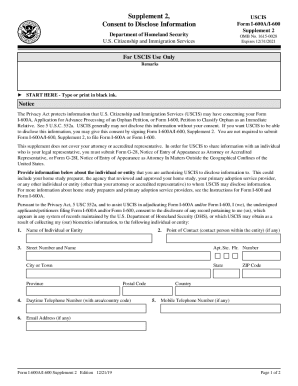
Uscis i 600a form

Uscis affidavit financial support

Dhs uscis petition status
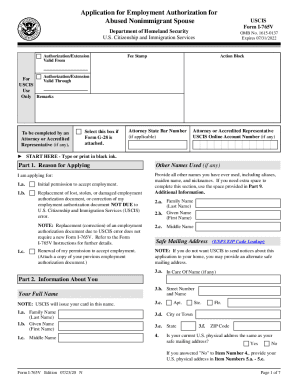
Homeland security employment authorization
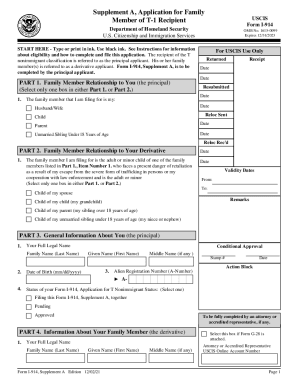
Application family member form
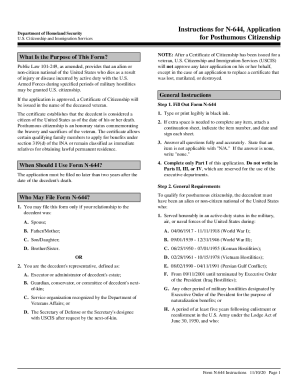
Instructions for N-644, Application Department of Homeland
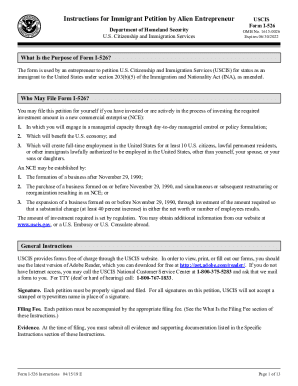
Homeland security citizenship immigration instructions petition

I 914 supplement b
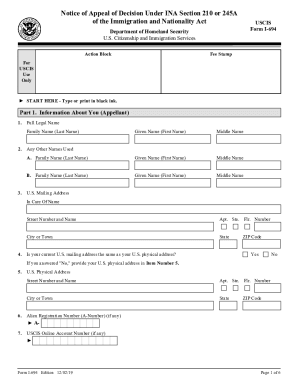
I 694 printable
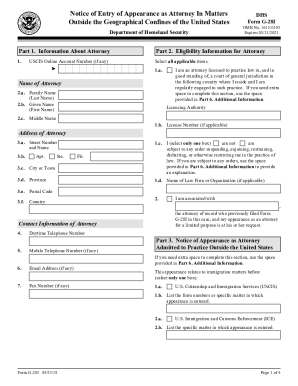
Uscis attorney form

Citizenship immigration application instructions
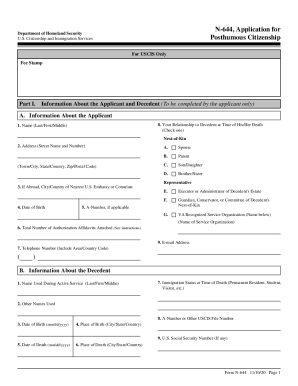
2020 citizenship immigration services

Application for Entrepreneur USCIS Parole Department of

Instructions i 864w

Uscis fee form

Uscis application civil surgeon

Citizenship immigration services instructions application

Citizenship immigration services naturalization

I 941 application

Consent disclose information form
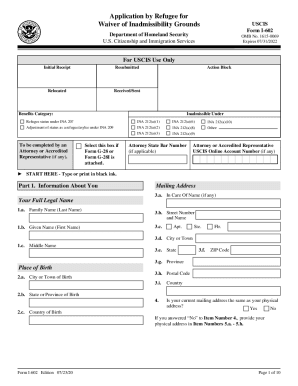
I 602 waiver

Uscis i 601 instructions

Uscis immigrant petition alien

I 9 certificacion
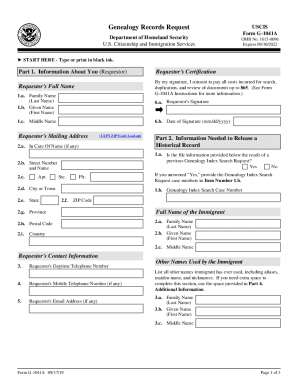
Homeland security uscis genealogy
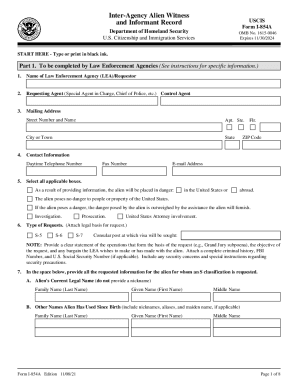
Citizenship immigration services inter agency

Uscis instructions notice form

I 539a form sample

Uscis n 426

I 942 reduced
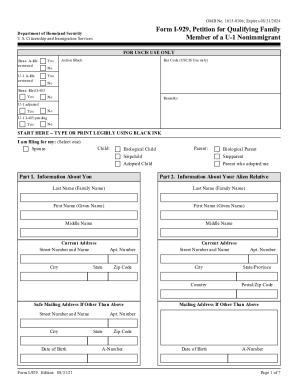
Uscis i 929
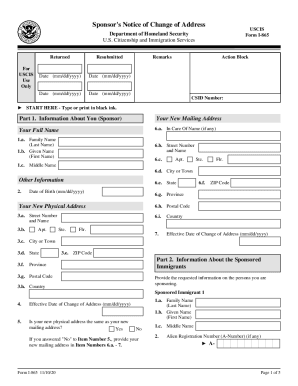
Uscis notice change address

Citizenship immigration services application

Dhs citizenship immigration instructions processing
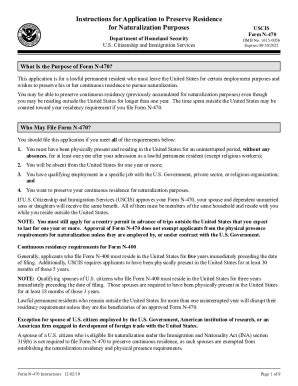
Naturalization purposes form

Homeland security uscis instructions medical
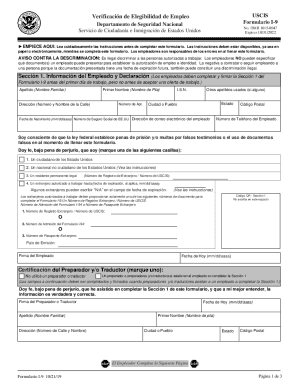
Homeland security i9

Fillable Online Form I-942 Instructions Instructions for
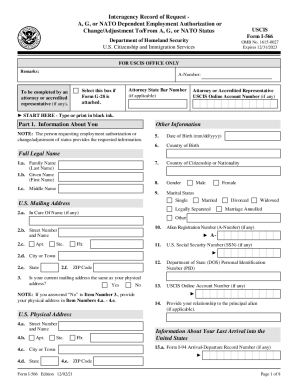
Uscis employment authorization status
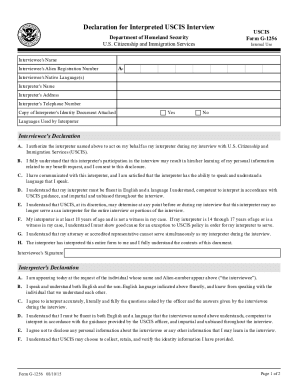
Homeland security citizenship immigration

I 212 instructions

Homeland security citizenship immigration instructions application
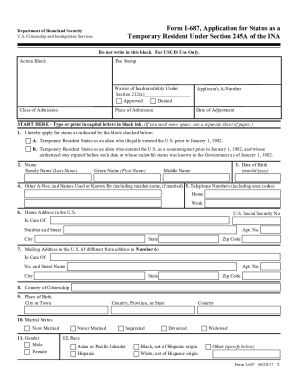
Dhs uscis application status
Agency federal

Period probationary
Selmo bradley scholarship
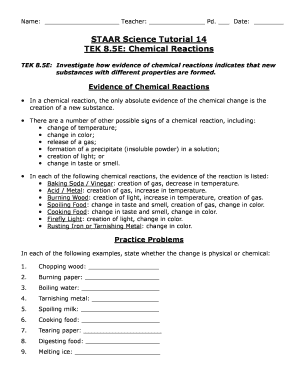
Staar reactions online

Vaccination fecal record printable
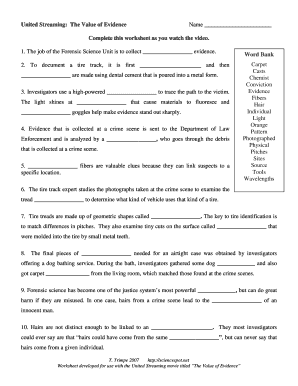
The value of evidence worksheet
Ofa application form

AnalyticaLaboratory technology, Analysis, Biotechnology

Portrait commission contract

Ncc renewal form 2023

Share certificate ontario template

International Membership ApplicationAmerican Society of Plastic Surgeons
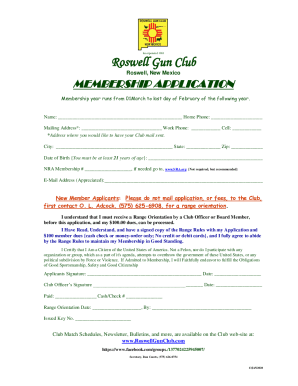
Roswell gun club

Download Center - ITB Berlin

SAMPLE POLICE SERVICES AGREEMENT - Arkansas

Nam knights show
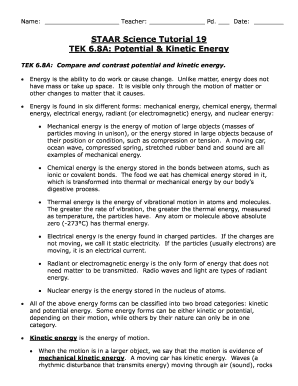
Staar science tutorial 19 tek 6 8a potential kinetic energy answer key

Customer claim form
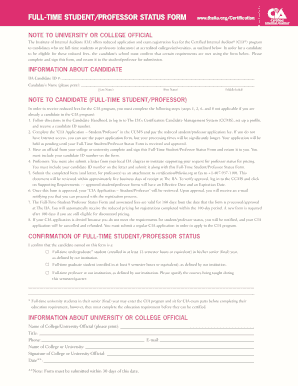
Student professor status
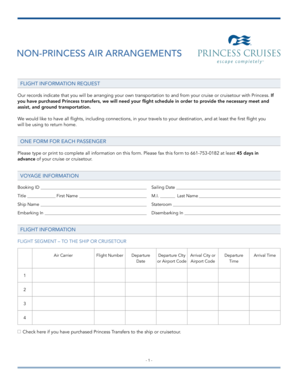
Itinerary airline
FIH Medical Officer:
Fillable Online Patient Financial Assistance Application - Hill
FAQ - ERV
Online Registration & Forms Athletics - Tukwila School District
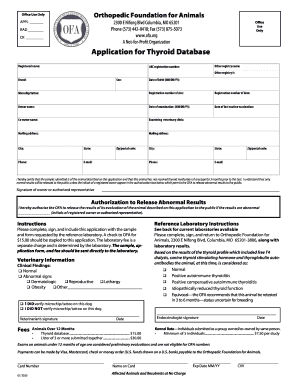
Ofa forms
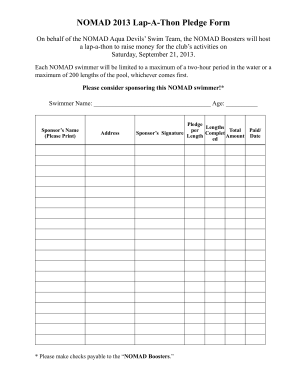
Non refundable donation
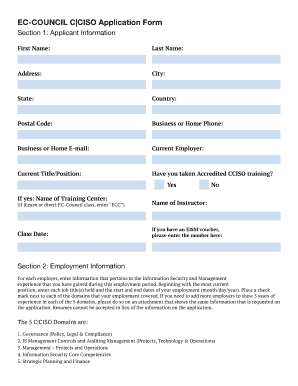
Ciso exam
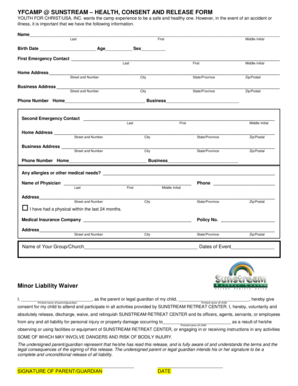
Here - Martin County Youth for Christ - Youth for Christ USA - martincounty yfc
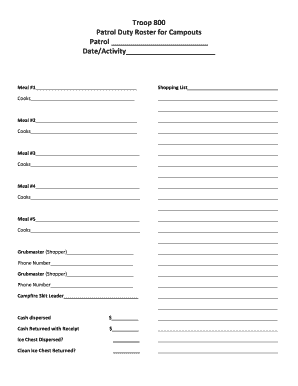
Boy scout duty roster
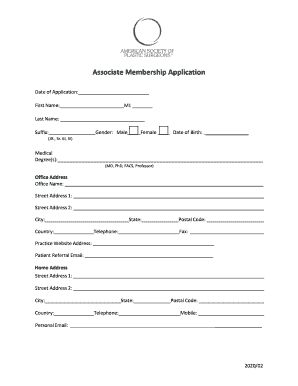
Asps associate membership application
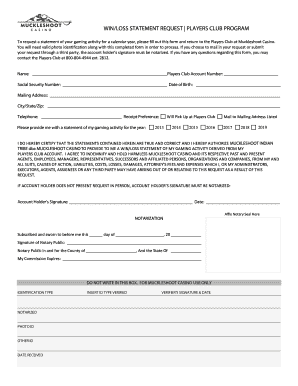
Muckleshoot win players
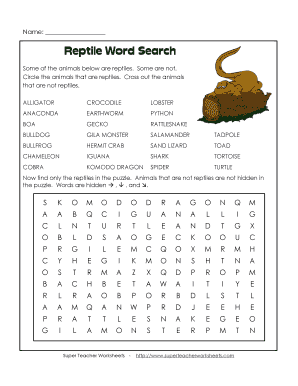
Reptile word search
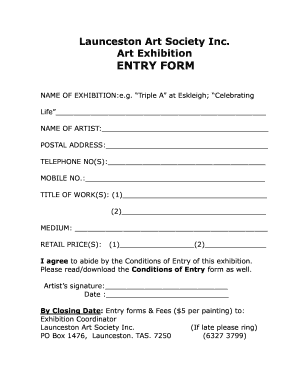
Exhibition registration
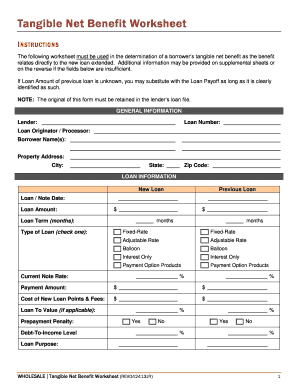
Tangible Net Benefit Worksheet - InterBank
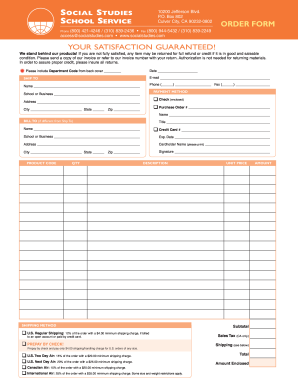
Printable Order Form - Social Studies School Service
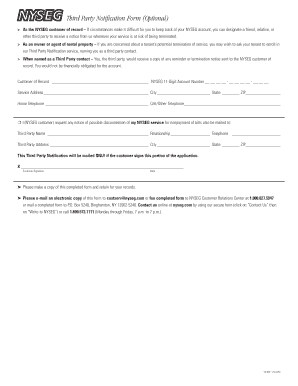
Nyseg third printable
2017 Media Ministry FBCW Video Memories Order Form
Van iperen
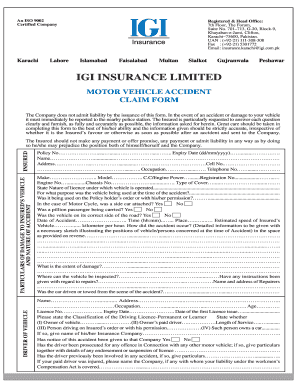
Igi claim form
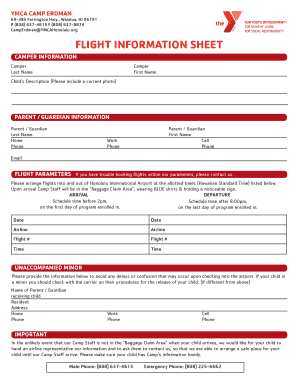
CampErdman YMCAHonolulu FLIGHT INFORMATION SHEET - ymcahonolulu

Amended amend
IS-BAO Audit Forms 2016 - ibac

Bsp loan application
Palkkatodistus

Order form
Mileage total
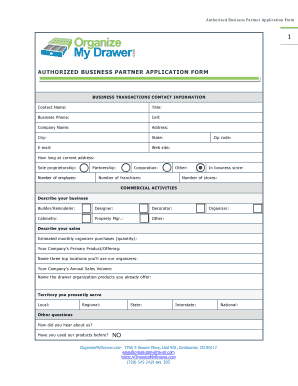
Authorized Business Partner Application Form

On camera release form
Adams Radio Group Internship Application
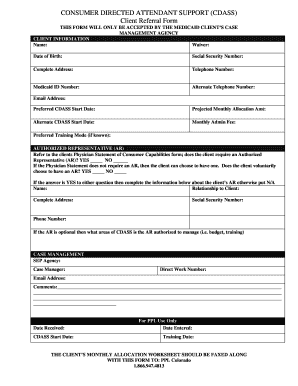
(CDASS) Client Referral Form - PCG Public Partnerships
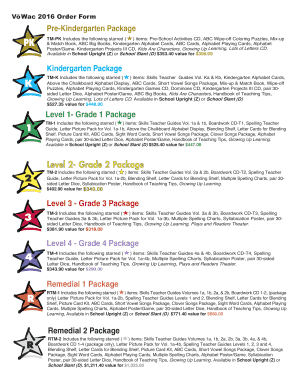
Vowac
All sections of this form are required
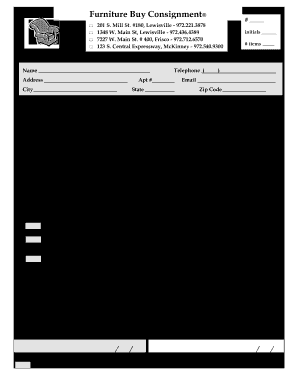
Our Consignment Agreement - Furniture Buy Consignment
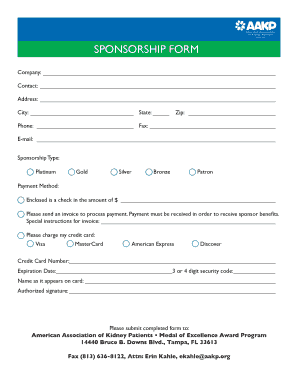
The American Association of Kidney Patients Calls for
Benefit from the DocHub online library of fillable PDF forms
Searching the PDF forms doesn't have to be a tedious and time-consuming process. With the DocHub online library, it has become easier to find the fillable PDF forms and modify them in your browser. The service allows you to adjust the document to your needs using powerful editing tools.
You can use online document editing features to modify almost any type of document with ease. You just need to find the template of your choice, open it in the editor, and use the toolbar to make the necessary corrections.
Follow this guide to get your document done with DocHub:
- Find the PDF template you need.
- Click the Get Form button to open the file in the editor.
- Use the toolbar to fill out and edit the document.
- Easily add and highlight text, insert images, checkmarks, and symbols.
- Drop new fillable fields, and rearrange or delete pages from your file.
- Save changes and download your record.
DocHub empowers everyone to streamline document editing, signing, and distribution, and form completion. Create an account and benefit from our well-organized PDF Forms library and comprehensive editor.