
Get any PDF form from the DocHub library of ready-made templates - Page 577

*PARENT-DEPENDENTS-VERIF* - fullerton
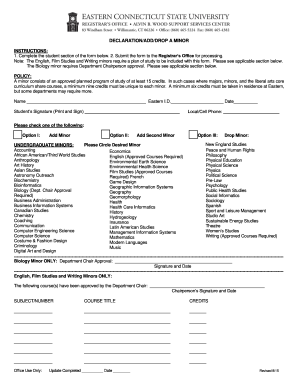
FormsOffice of the RegistrarUniversity of Alaska
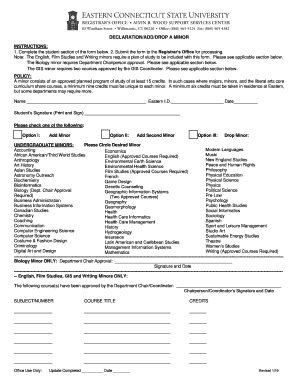
William and Mary INSTRUCTIONS FOR PO Box 8795 DECLARATION
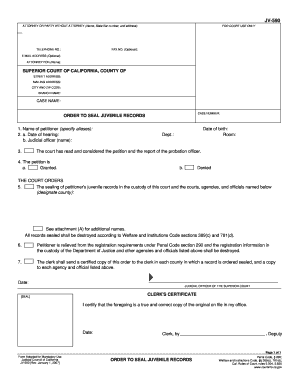
JV-590 Order to Seal Juvenile Records Judicial Council forms - courts ca

Florida supreme court approved family law form 12993 2013

JV-472 FINDINGS AND ORDERS AFTER HEARING TO CONSIDER Judicial Councilf orms - courts ca
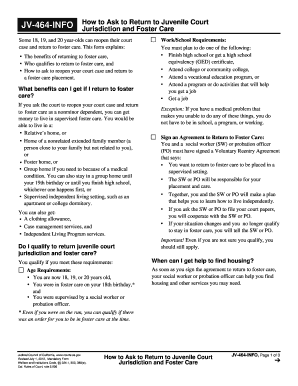
JV-464-INFO How to Ask to Return to Juvenile Court Jurisdiction and Foster Care Judicial Council for
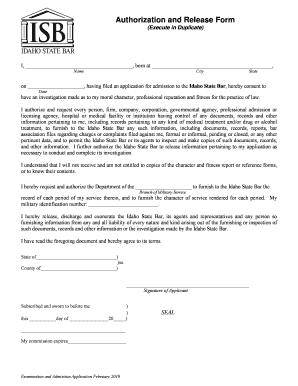
Basic Estate Planning QandA indd - Idaho State Bar
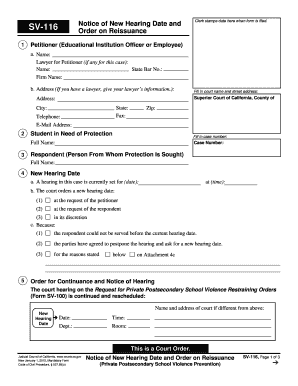
SV-116 Notice of New Hearing Date and Order on Reissuance Judicial Council forms - courts ca
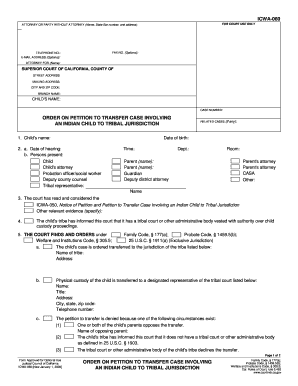
Petition transfer case involving an indian child 2008 form
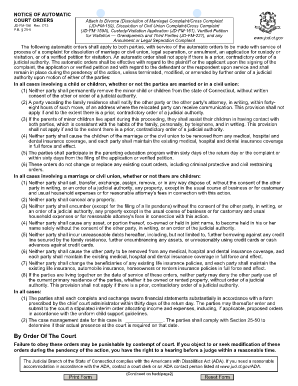
Notice of Automatic Court Orders (JD-FM-158 - Connecticut Judicial

Corporate Cards Rewards and SavingsAmerican Express SG

Student Records Review and
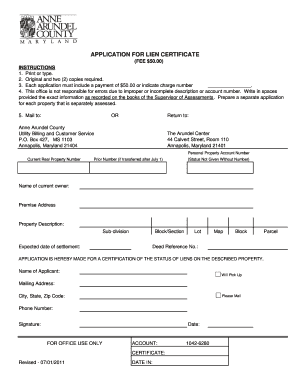
Anne arundel county lien certificate

FW-005 Notice of Waiver of Court Fees and Costs Judicial Council forms - courts ca

WV-115 - California Courts - State of California - courts ca

Wv 116 2012 form

JV-810 Recommendation for Appointment of Appellate Attorney for - courts ca

Temporary Protective Order - Ex Parte Order (3 10 2014)
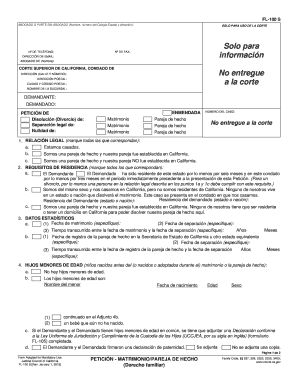
FL-100 S PetitionMarriageDomestic Partnership Spanish Judicial Council forms - courts ca

Hearing Requirements - Illinois Secretary of State

Information on Appeal Procedures for Infractions - courts ca
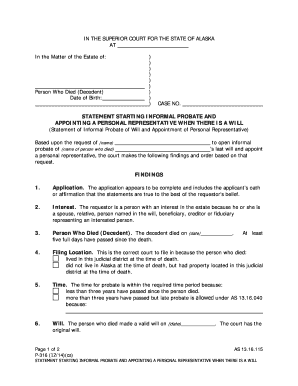
P-316 Statement Starting Informal Probate and Appointing a Personal Representative When There Is a W

Subpoena Duces Tecum
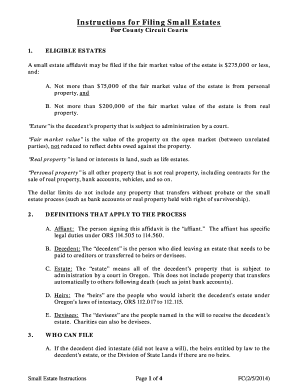
Free Oregon Small Estate AffidavitAffidavit of Claiming
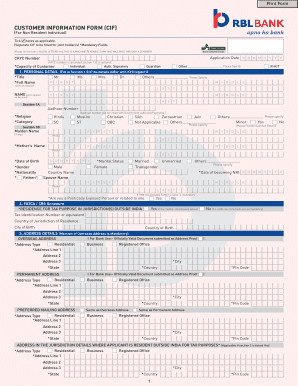
Rbl cif number

Sp 34 pdf

Contact UsDivision of Motor VehiclesNH Department of
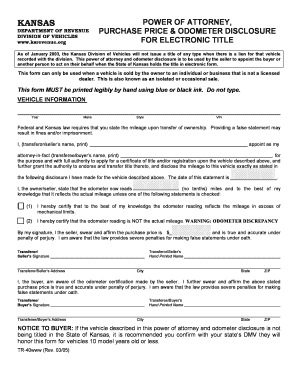
Kansas tr 40
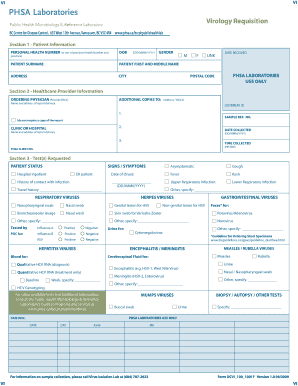
Laboratory Services - Web Editor Hub - PHSA

BC Centre for Disease Control, 655 West 12th Avenue, Vancouver, BC V5Z 4R4 www
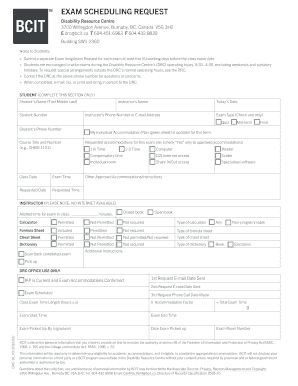
Form DRC-10 - Exam Scheduling Request Exam scheduling request - bcit

JD-JM-13 Rev - jud ct

Library - Document library - Aviva for Advisers
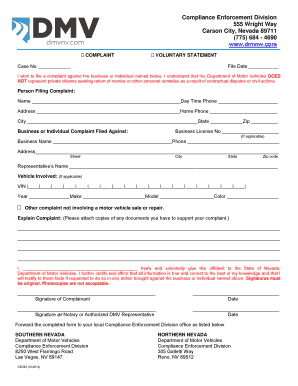
CED 20 - Compliance Enforcement Complaint Form - dmv nv

Instruction for Completion of Application for
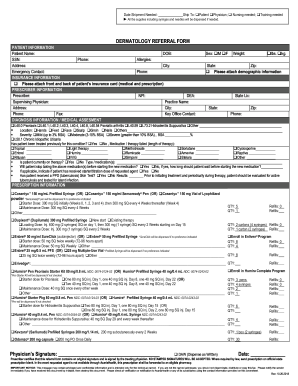
VA-Dermatology Referral Form Dermatology Referral Form
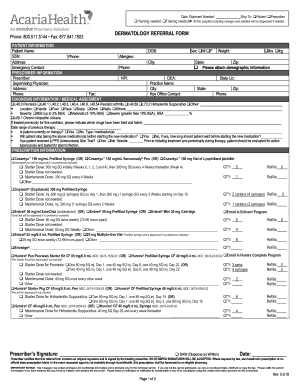
Acaria Heatlh - Dermatology Referral Form Dermatology Referral Form
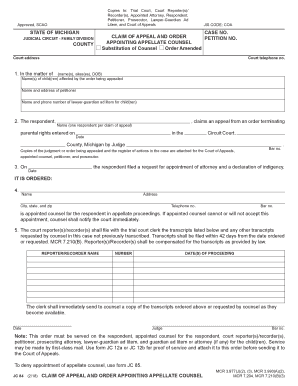
JC 84, Claim of Appeal and Order Appointing Appellate Counsel
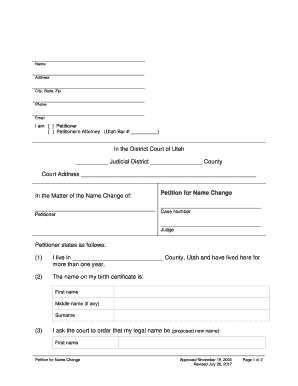
Certificate of Readiness for Adoption Hearing Doc Template
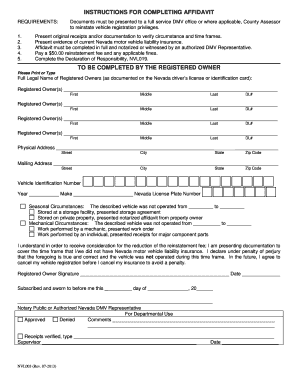
Dormant vehicle affidavit
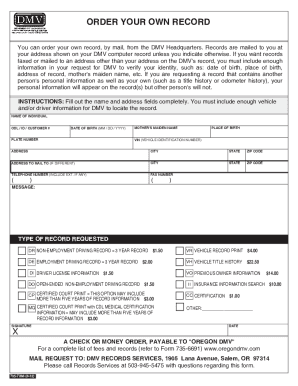
Fillable ORDER YOUR OWN RECORD X

Oregon dmv order your own record

Certificate of Title for a Motor Vehicle (DMV-1-TR) - West Virginia - transportation wv

Application for Certificate of Title for a Motor Vehicle - West Virginia
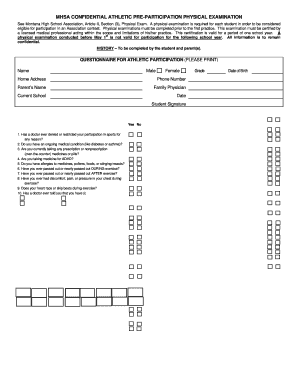
FREE 8+ Sample School Physical Forms in MS Word PDF

2017 Canada FIN 274 - British Columbia

Booked Hire Service Licence Application
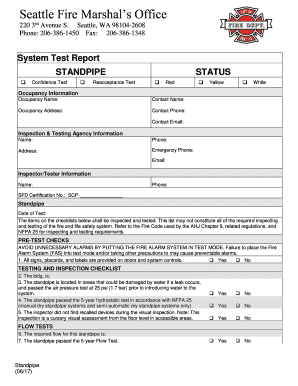
Standpipe

Illinois 2017 Offense Code Book - CyberDrive Illinois
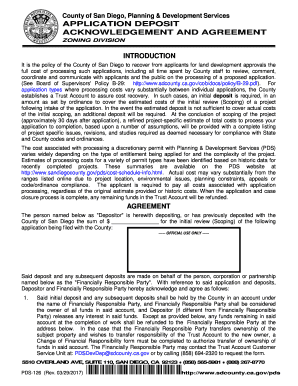
Application Deposit Acknowledgement and Agreement

Your Guide to Recycling and Sustainable Materials Management

Pennsylvania State Police - Surcharge Remittance Continuation Form - SP4-134A(11-2003) Surcharge Rem

Fillable Dogs and cats from Category B Countries

Example of parents affdavit applying children basaries

City of san jose building department

Marijuana Worker Permit - Oregon

APPLICATION FOR SCHOOL BUS DRIVER'S PERMIT OR CERTIFICATE
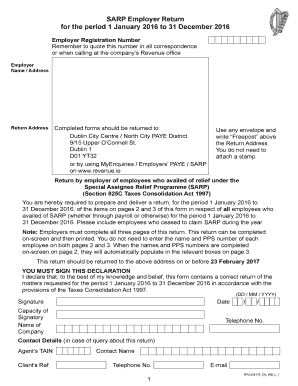
SARP Employer Return for the period 1 January 2016 to 31 December 2016 Return by employer of employe

Petition for permission test or retest form

1 PETITION FOR PERMISSION TO TEST OR RETEST Please print

See CDL Study Guide for addresses - Illinois Secretary of State
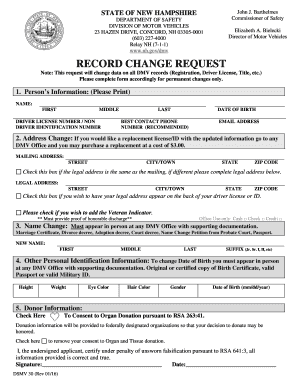
DEPARTMENT OF SAFETY DIVISION OF MOTOR VEHICLES 23 HAZEN
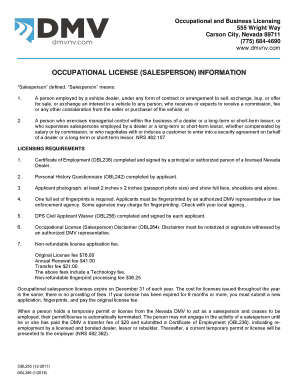
OBL 337 Occupational License (Salesperson) Packet
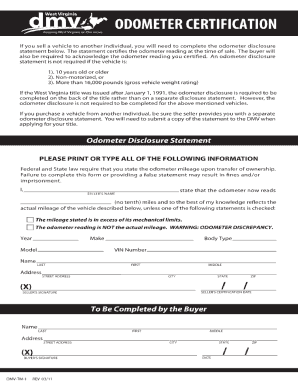
Dmv tm 1
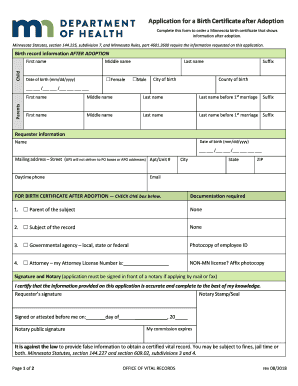
Birth Certificate Application after Adoption Application to purchase birth certificate at same time

Limited Scope X-ray Operator application

Death Certificates - New York State Department of Health

Report for legal blindness ny state

Navient forbearance online

Texas Vaccines for Children (TVFC)
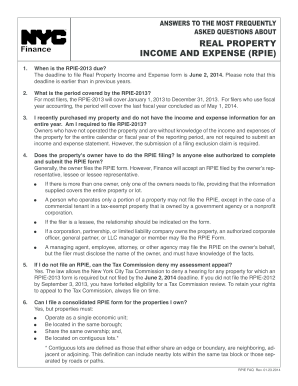
Real Property Income and Expense (RPIE) FAQ - NYC - nyc

Billing form for in-home supportive services - California Victim - vcgcb ca

Dl2 form

45-14B Acta de divorcio de Oregon - Formulario de solicitud - public health oregon

Texas bar reciprocity application form printable

Soswy

Arizona corporations division form l043

Application for authority certificate of authority

Limited Liability Company Instructions1pdf

69121-13 Doctors Office Claim Form indd

Authorization for Release of Information and Payment

158302 - Sponsor - Voya Financial

Global Prior Authorization Form - CVS Caremark

Symphonix value rx prior auth
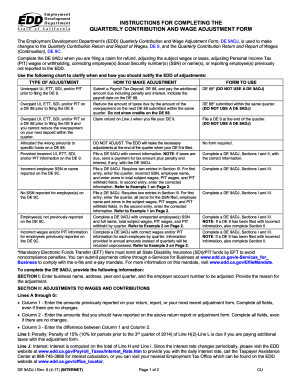
De 9adj i 2011 form

Virginia Line of Duty Act

COS004 Cosmetology Esthetician and Manicurist Specialty License Applicationpub Read-Only

MEMORANDUM OF UNDERSTANDING - NYC

Publication 4436 (Rev 8-2011) - irs
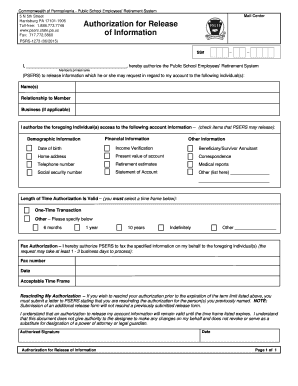
Authorization for Release of Information - Public School - psers state pa

MAP 351A Form Waiver Assessment - Kentucky - chfs ky

1129 form dhec

Attorney or Person Without Attorney INSTRUCTIONS: - courts ca
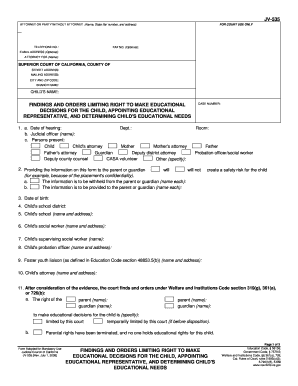
California Rules of Court - California Courts - CA
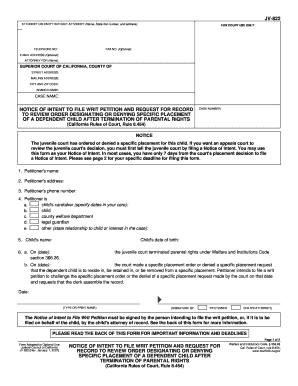
TO REVIEW ORDER DESIGNATING OR DENYING SPECIFIC PLACEMENT - courts ca
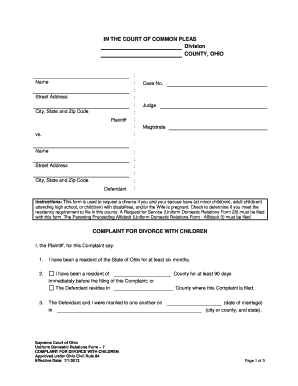
Complaint for Divorce With Children - Supreme Court - State of Ohio - supremecourt ohio

CIV-501 Information for Issuance of Writ of Execution - State of

Green Buildings Declaration Form for Existing Buildings and Medium-sized Additions Green Buildings D
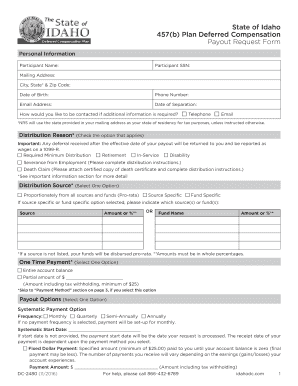
457(b) Plan Deferred Compensation
Benefit from the DocHub online library of fillable PDF forms
Searching the PDF forms doesn't have to be a tedious and time-consuming process. With the DocHub online library, it has become easier to find the fillable PDF forms and modify them in your browser. The service allows you to adjust the document to your needs using powerful editing tools.
You can use online document editing features to modify almost any type of document with ease. You just need to find the template of your choice, open it in the editor, and use the toolbar to make the necessary corrections.
Follow this guide to get your document done with DocHub:
- Find the PDF template you need.
- Click the Get Form button to open the file in the editor.
- Use the toolbar to fill out and edit the document.
- Easily add and highlight text, insert images, checkmarks, and symbols.
- Drop new fillable fields, and rearrange or delete pages from your file.
- Save changes and download your record.
DocHub empowers everyone to streamline document editing, signing, and distribution, and form completion. Create an account and benefit from our well-organized PDF Forms library and comprehensive editor.