
Get any PDF form from the DocHub library of ready-made templates - Page 42
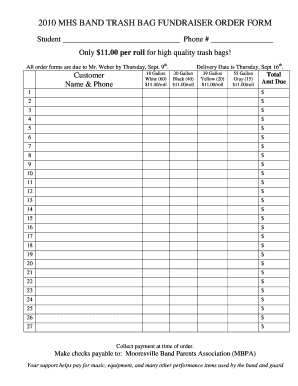
2010 MHS Band Trash Bag Fundraiser Order Form
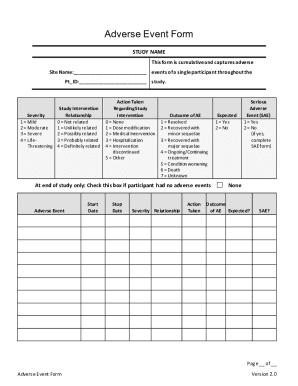
Adverse Event Form

NAB Home Loan Discharge Form
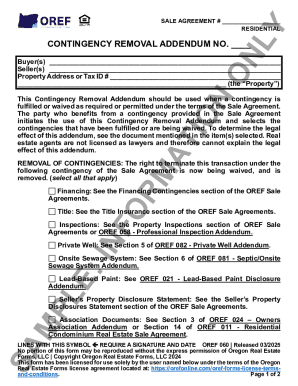
Oregon Residential Contingency Removal Addendum
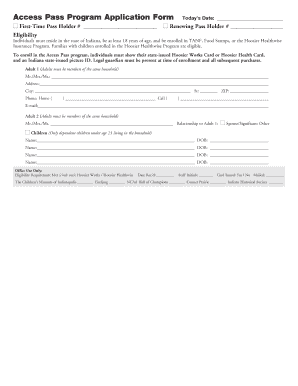
Access Pass Program Application Form
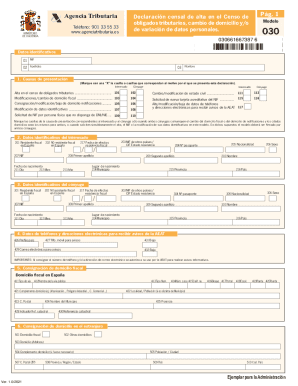
Spanish Tax Form 030

Infant Potty Training Plan

Lulus Return Form
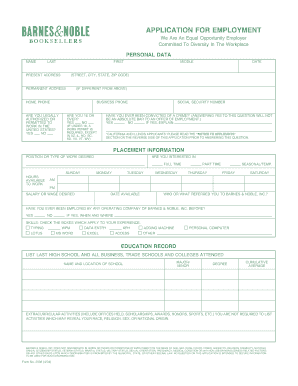
Barnes and Noble Employment Application

StarHub GIRO Application Form

Mechanic's Lien Form
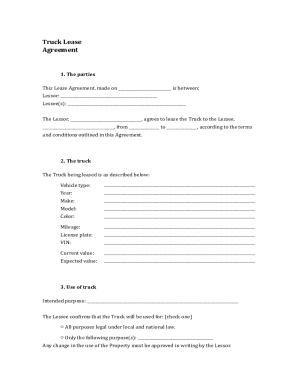
Truck Lease Agreement

Statement of Grounds for VCAT
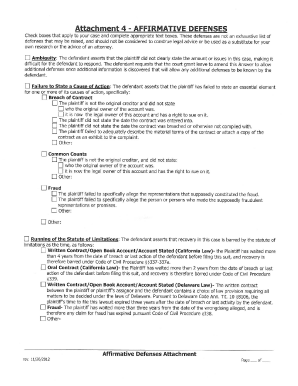
Attachment 4 affirmative defenses
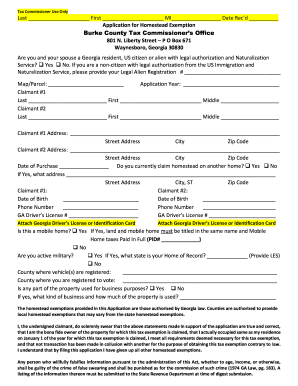
Georgia Homestead Exemption Application
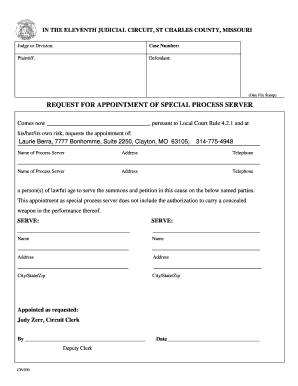
Request for Appointment of Special Process Server

Course Withdrawal Form

Vaccine Adverse Event Reporting Form
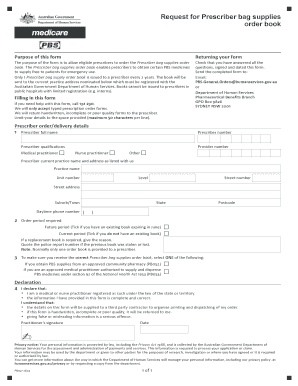
Prescriber Bag Supplies Order Form

Strata Property Act Proxy Appointment Form

Schedule K-1 2016
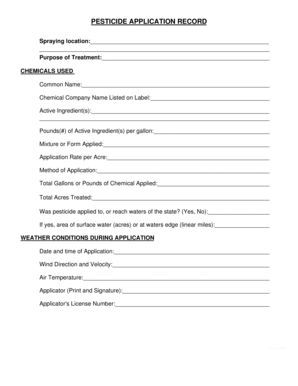
Pesticide Application Record

Medicare Part A and B Special Enrollment Period Application

British Columbia Freehold Transfer Form A

RCF Suicide Risk Form
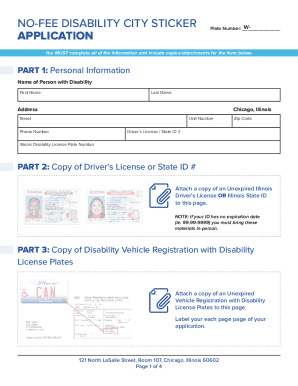
Chicago No-Fee Disability City Vehicle Sticker Application

Blue Badge Application Form

Animal Health Diagnostic Center Submission Form

California Civil Subpoena (Duces Tecum)

Freedom Pass Application Form

Lady Bird Deed (Enhanced Life Estate Deed)

Illinois Lead-Based Paint Disclosure Form

Grassland Reserve Program Contract
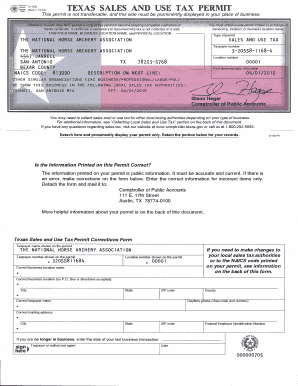
Texas Sales and Use Tax Permit
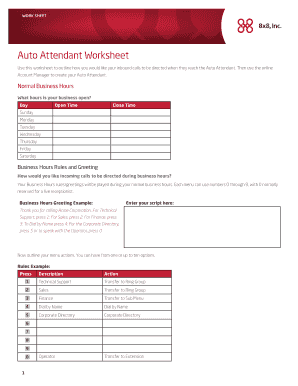
Auto Attendant Worksheet

Consent to Sharing of Information

Complaint Initiation Form
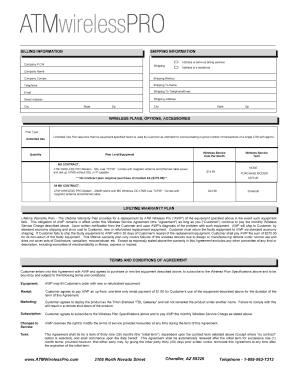
Atm contract

Spring ISD Student Service Verification Form

California Affidavit of Residency

US Motor Vehicle Import Declaration Form
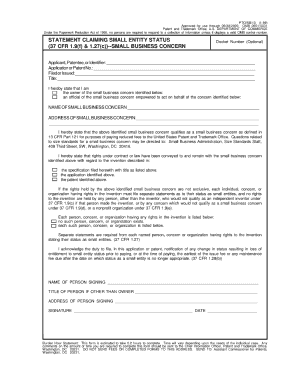
Uspto small entity form

Professional Development Feedback Form

South Dakota Exemption Certificate

Request for Access to the Synbad Secure Site of the OACIQ
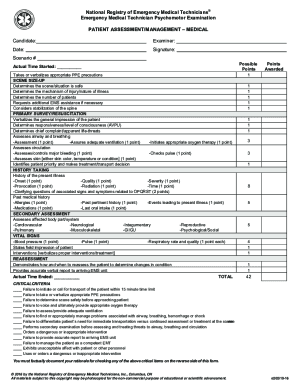
Emergency Medical Technician Psychomotor Examination

USCIS Form I-765, Application For Employment Authorization

School Code 60 for Youth Survey Form
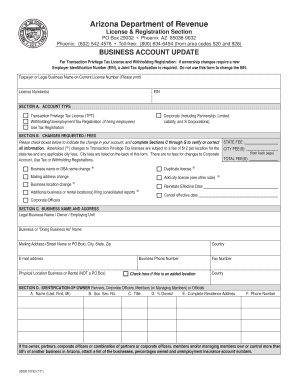
Arizona Business Account Update Form
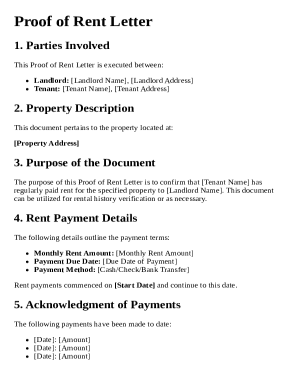
Proof of Rent Letter Template
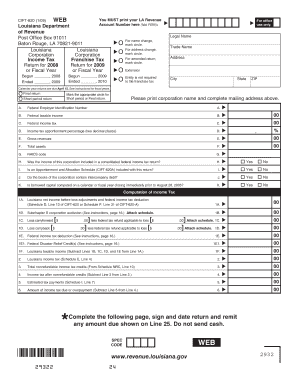
Louisiana CIFT-620 Form
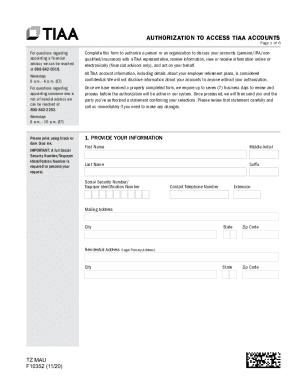
Authorization to Access TIAA Accounts
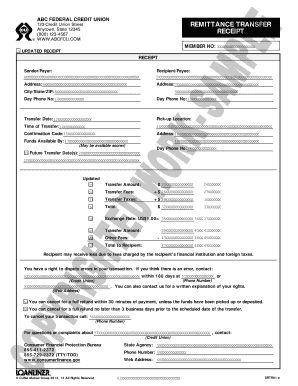
Remittance Transfer Receipt
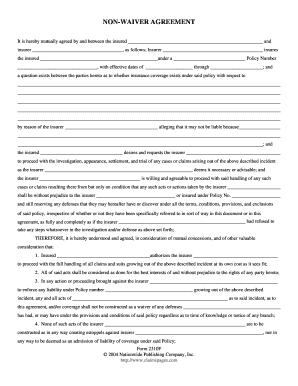
Non-Waiver Agreement

Law Society Property Information Form (3rd Edition)

Pediatric Environmental Home Assessment Form

Form 8606 Nondeductible IRA Contributions
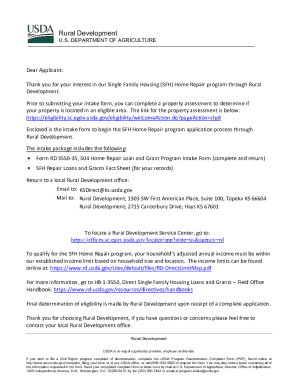
USDA 504 Home Repair Loan and Grant Program Intake Form
Florida Seller's Property Disclosure Form

Texas Boat Bonded Title Application
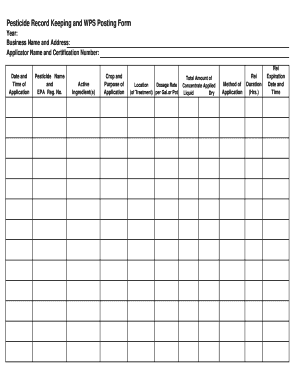
Pesticide Record Keeping and WPS Posting Form

Chicago Park District Volunteer Application

California Caregiver Authorization Affidavit
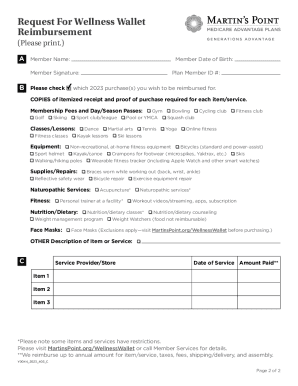
2023 Wellness Wallet Reimbursement Form

Diminished Value Request Form
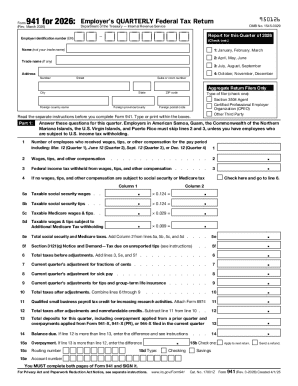
Form 941 2026 Employer s Quarterly Federal Tax Return

Homeschool Transcript Template

US Coast Guard Special Request Authorization Form

Bereavement Account Closure Form

Authorization Letter
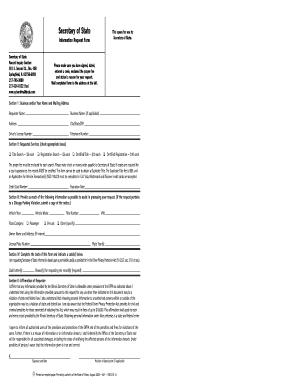
Illinois Secretary of State Information Request Form
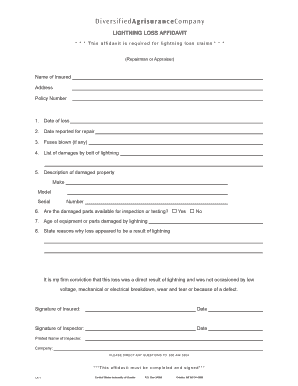
Lightning Loss Affidavit
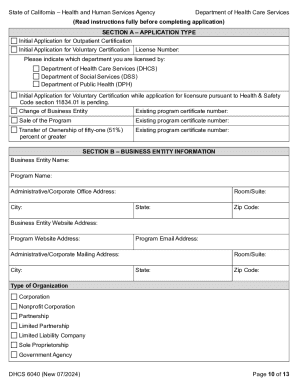
California Alcohol and Drug Program Certification Application
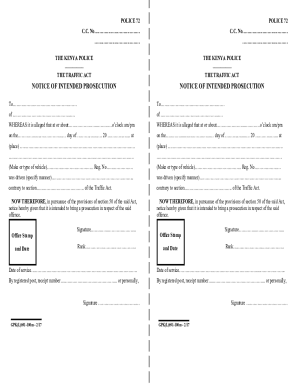
Kenya Police Notice of Intended Prosecution

DD Form 1907 Signature and Tally Record
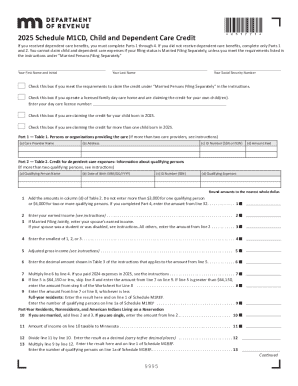
2025 M1CD, Child and Dependent Care Credit M1CD, Child and Dependent Care Credit
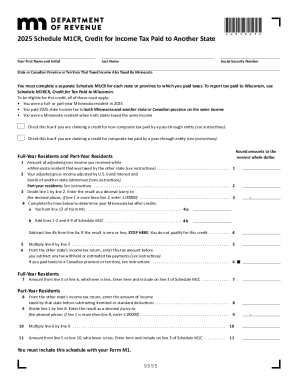
2025 M1CR, Credit for Income Tax Paid to Another State
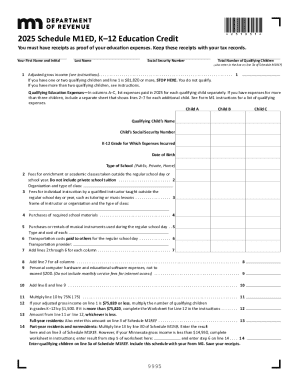
2025 Minnesota K-12 Education Credit Form
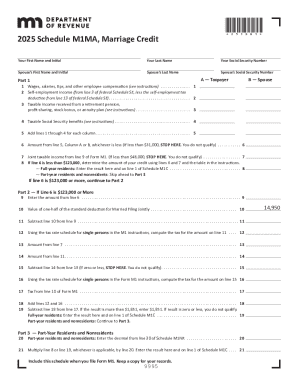
2025 Schedule M1MA Marriage Credit
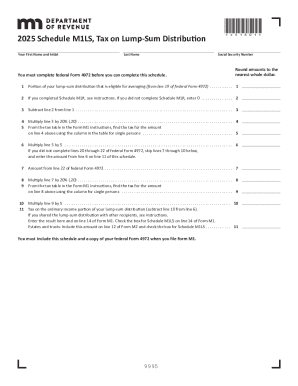
2025 M1LS, Tax on Lump-Sum Distribution
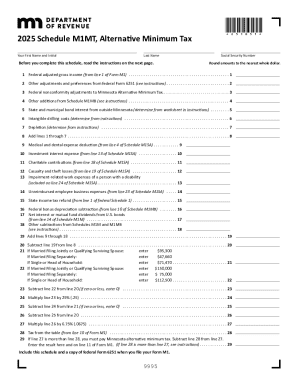
2025 M1MT, Alternative Minimum Tax
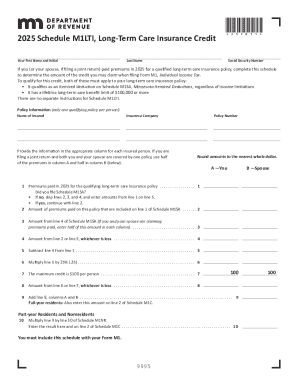
2025 M1LTI, Long-Term Care Insurance Credit Long-Term Care Insurance Credit
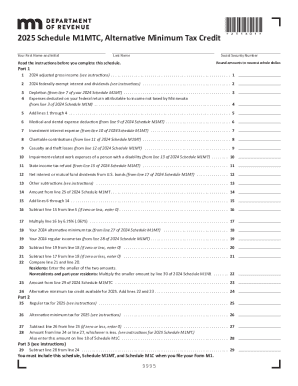
2025 M1MTC, Alternative Minimum Tax Credit Schedule for calculating the Minnesota Alternative Minimu
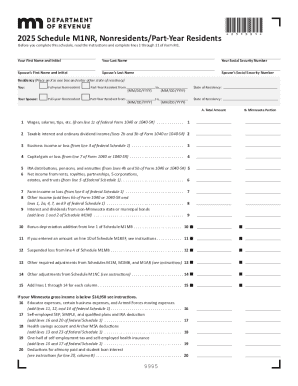
2025 Minnesota Schedule M1NR
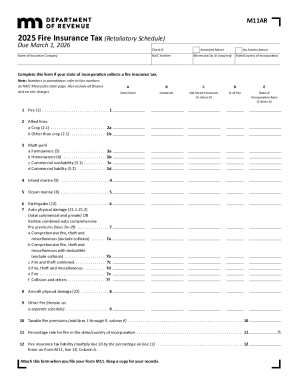
2025 M11AR, Fire Insurance Tax (Retaliatory Schedule)
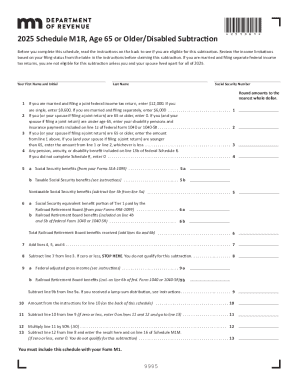
2025 M1R, Age 65 or Older Disabled Subtraction 2025 M1R, Age 65 or Older Disabled Subtraction

2025 M1X, Amended Income Tax Return
PA 1768 qxp
Uniform Mitigation Verification Inspection Form - floir
UK Parent Company Guarantee Statement
ACA Change Application

Dnr form 3300 77a
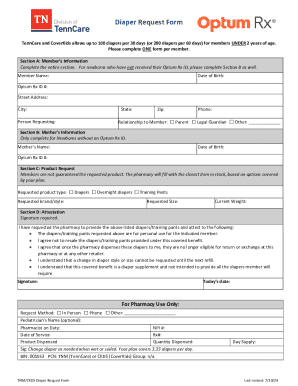
TNM CKDS Diaper Request Form

Combat Veterans Motorcycle Association Patch Agreement
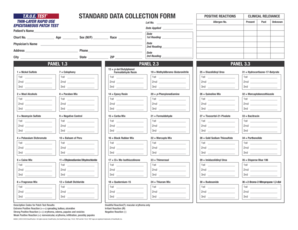
Allergen Patch Test Form
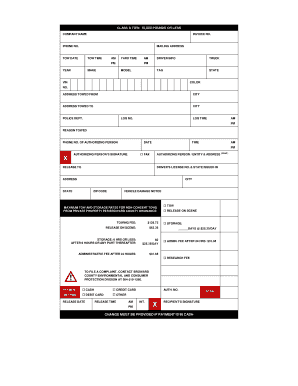
Tow Invoice Form
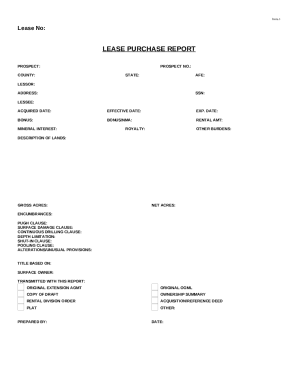
Lease Purchase Report

Patient History Form

Kentucky Motor Vehicle Record Request Form
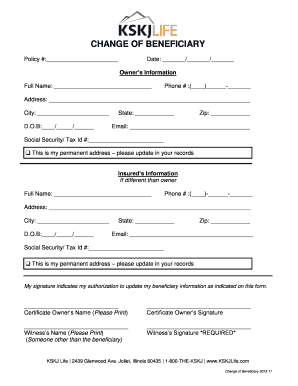
Change of Beneficiary Form
Benefit from the DocHub online library of fillable PDF forms
Searching the PDF forms doesn't have to be a tedious and time-consuming process. With the DocHub online library, it has become easier to find the fillable PDF forms and modify them in your browser. The service allows you to adjust the document to your needs using powerful editing tools.
You can use online document editing features to modify almost any type of document with ease. You just need to find the template of your choice, open it in the editor, and use the toolbar to make the necessary corrections.
Follow this guide to get your document done with DocHub:
- Find the PDF template you need.
- Click the Get Form button to open the file in the editor.
- Use the toolbar to fill out and edit the document.
- Easily add and highlight text, insert images, checkmarks, and symbols.
- Drop new fillable fields, and rearrange or delete pages from your file.
- Save changes and download your record.
DocHub empowers everyone to streamline document editing, signing, and distribution, and form completion. Create an account and benefit from our well-organized PDF Forms library and comprehensive editor.