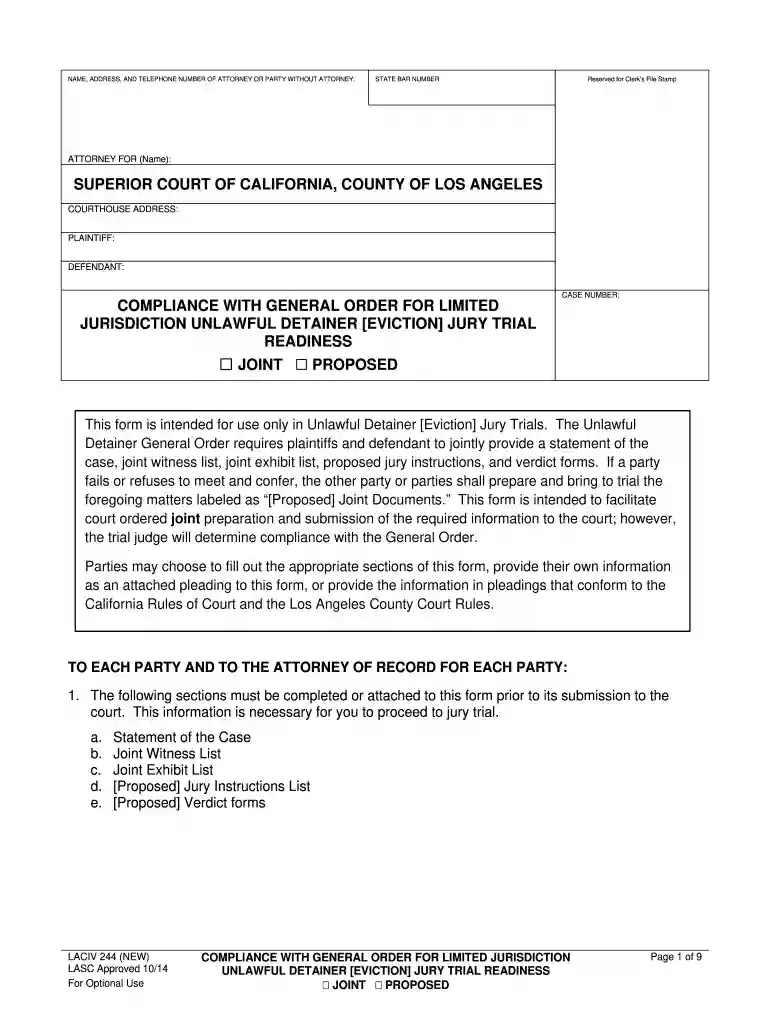
laciv244 Preview on Page 1

LACIV 244 - Comp w Gen Ord for Lim Juris UD Trial Readiness- NEW 10-01-14.docx 2026

Here's how it works

  • 01. Edit your laciv244 online

    Type text, add images, blackout confidential details, add comments, highlights and more.

  • 02. Sign it in a few clicks

    Draw your signature, type it, upload its image, or use your mobile device as a signature pad.

  • 03. Share your form with others

    Send it via email, link, or fax. You can also download it, export it or print it out.

How to use or fill out LACIV 244 - Comp w Gen Ord for Lim Juris UD Trial Readiness- NEW 10-01-14.docx with Our Platform

Form edit decoration
9.5
Ease of Setup
DocHub User Ratings on G2
9.0
Ease of Use
DocHub User Ratings on G2
  1. Click ‘Get Form’ to open the document in the editor.
  2. Begin by filling in the NAME, ADDRESS, and TELEPHONE NUMBER of the attorney or party without an attorney at the top of the form. Ensure that you also include the STATE BAR NUMBER.
  3. In the section labeled 'COMPLIANCE WITH GENERAL ORDER', indicate whether you are submitting a JOINT or PROPOSED document.
  4. Complete the 'STATEMENT OF THE CASE' section by providing details about the case, including names of parties and their representation. Use clear language to describe your position.
  5. List all witnesses in alphabetical order under 'WITNESSES'. Include their names, descriptions of testimony, and estimated lengths of examination.
  6. Fill out the 'EXHIBIT LIST' with all relevant exhibits. If there are more than 12, ensure they are properly numbered and organized in a binder.
  7. Prepare a list of proposed jury instructions under 'JURY INSTRUCTIONS', ensuring to reference California Civil Jury Instructions (CACI) as needed.
  8. Finally, complete any necessary sections for verdict forms before submitting your document to ensure compliance with court requirements.

Start using our platform today to streamline your document editing and submission process for free!

See more laciv244 versions

We've got more versions of the laciv244 form. Select the right laciv244 version from the list and start editing it straight away!

VersionsForm popularityFillable & printable
20184.8 Satisfied (86 Votes)
20144.2 Satisfied (54 Votes)

be ready to get more

Complete this form in 5 minutes or less

Got questions?

We have answers to the most popular questions from our customers. If you can't find an answer to your question, please contact us.

Yes, electronically drawing your signature is acceptable, but only if you use a tool that complies with industry laws and regulations. Try DocHub, which guarantees eSignature validity under ESIGN and UETA requirements. All you need to eSign your LACIV 244 - Comp w Gen Ord for Lim Juris UD Trial Readiness- NEW 10-01-14.docx is an account with DocHub and an internet connection. After you open your file in our editor, click Sign and select the Draw tool.

You can easily edit and complete your LACIV 244 - Comp w Gen Ord for Lim Juris UD Trial Readiness- NEW 10-01-14.docx on any iOS gadget. Open an internet browser of your choice, go to the DocHub website, authorize or create a new account, upload your file for editing, and make your desired alterations. Our service is mobile-friendly, so using its features on your phone will be a no-brainer, even on the first try.

Security and compliance

At DocHub, your data security is our priority. We follow HIPAA, SOC2, GDPR, and other standards, so you can work on your documents with confidence.

If you believe that this page should be taken down, please follow our DMCA take down process here