
Get any PDF form from the DocHub library of ready-made templates - Page 2107
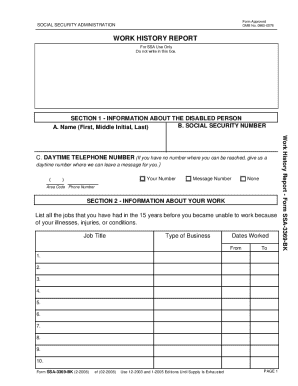
2008 ssa 3369 bk form
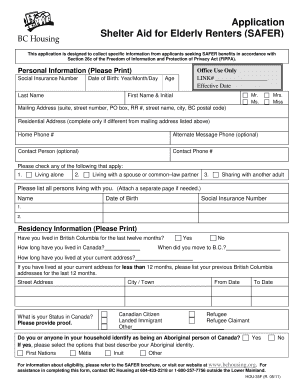
Safer bc
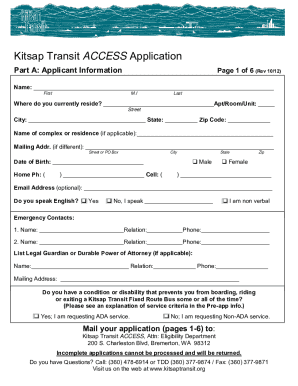
Kitsap access application form
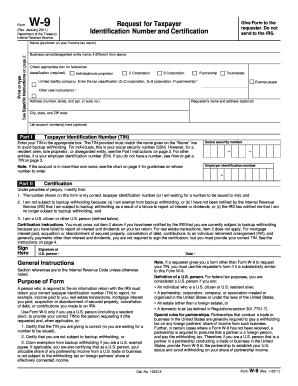
Blank w9 form
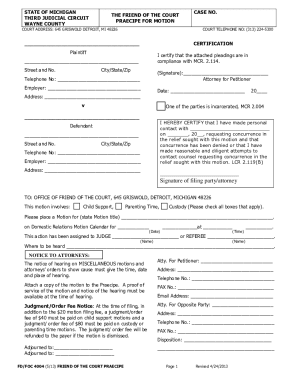
Fd foc 4035
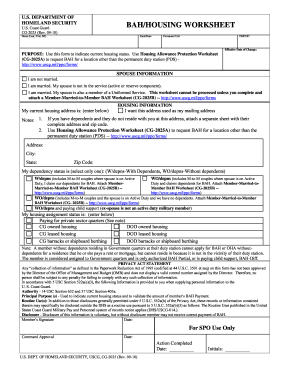
Cg 2025
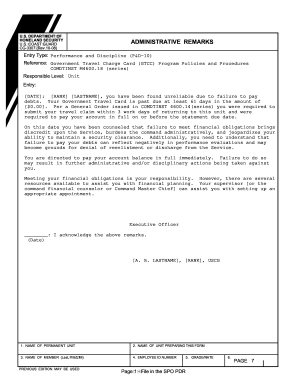
Cg 3307

Comdtinst m16120 7a
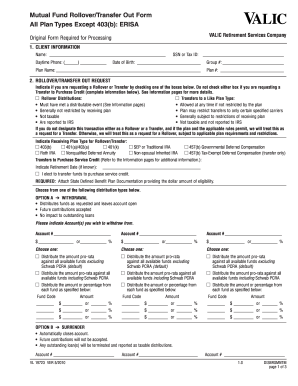
Valic rollover transfer out form

Form bc 170
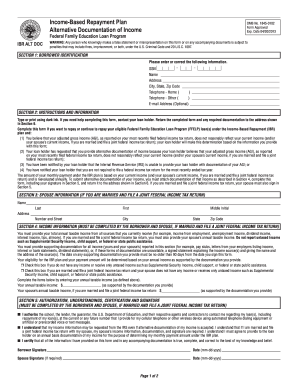
Documentation income

500024 2012 form
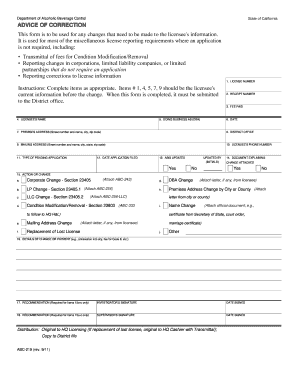
Form 219 abc

Ut wage claim
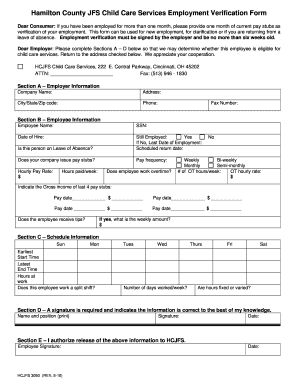
Hcjfs forms
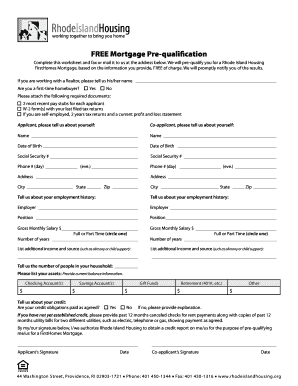
Housing pre qualification online

Snap periodic report ny 2007 form
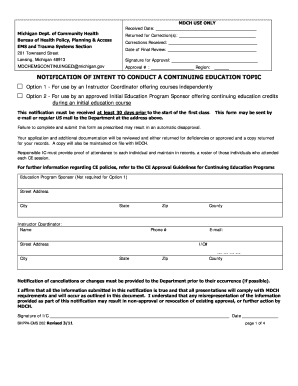
Bhppa 202
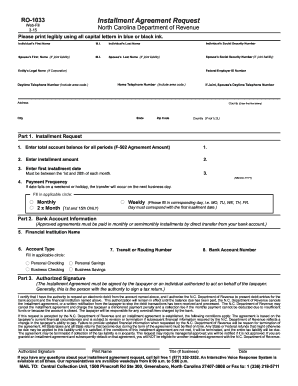
Nc installment agreement 2007 form
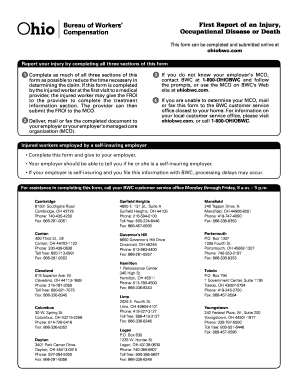
Form first report of an injury ohio 2009

Tsp 76 form print
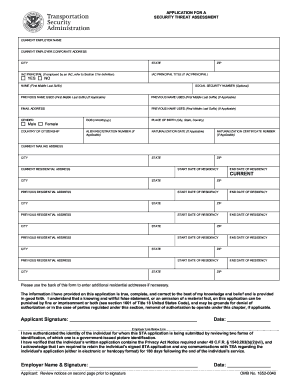
Tsa threat assessment form

Pinal county jury duty
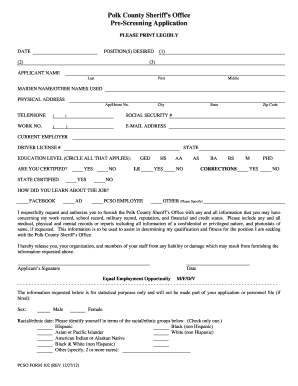
Polk screening sheriff
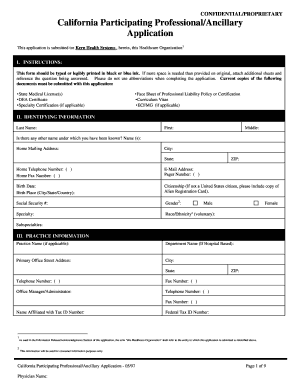
California participating ancillary
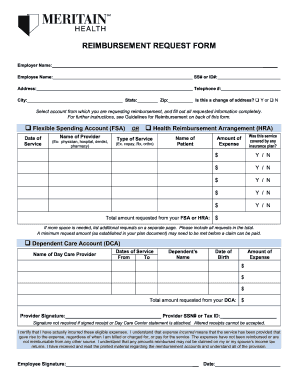
Meritain health reimbursement
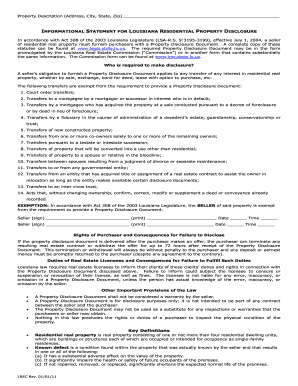
Louisiana residential purchase agreement 2011 form

Va form 10 5345a
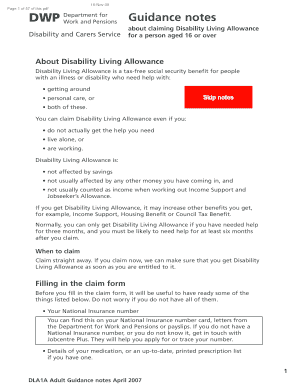
Dla1a

Qireport
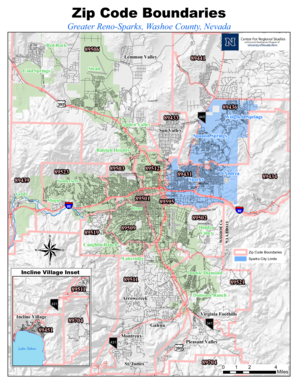
Zip Code Boundaries - Center for Regional Studies - centerforregionalstudies
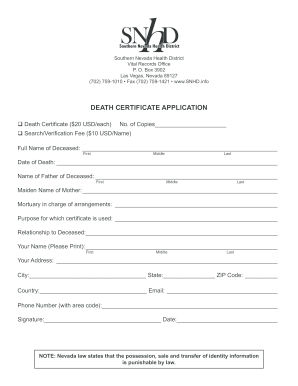
Ohio birth certificate application pdf
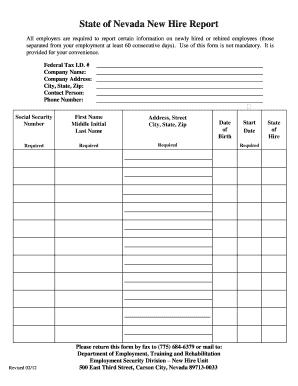
Nevada new hire reporting

Worksource job search log 2008 form
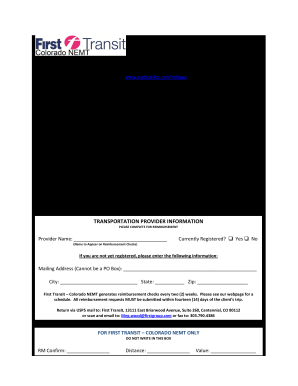
Intelliride mileage reimbursement form

Hpd dismissal request form 2019
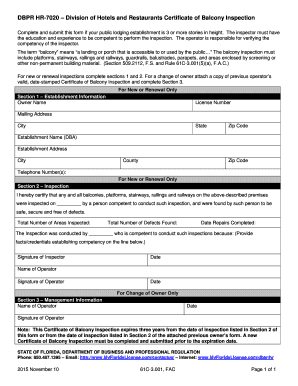
Dbpr hr 7020

Mv 619 form download 2009

Georgia vendor
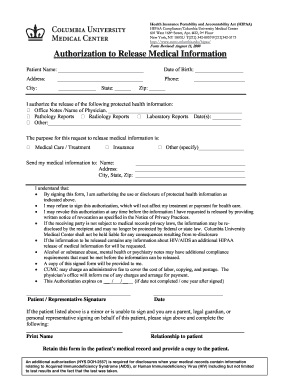
Information medical released
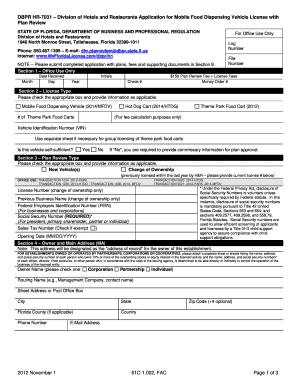
Dbpr hr 7031
Eei form pdf
West virginia university transcript request
Sli db schenker online
Listing agreement
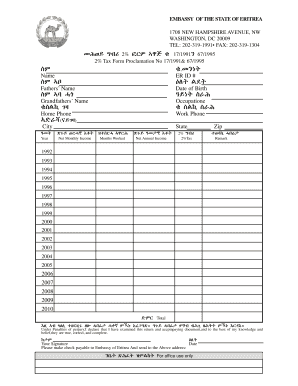
Eritrean embassy tax form

How to fill out a north carolina appendix b building code summary form
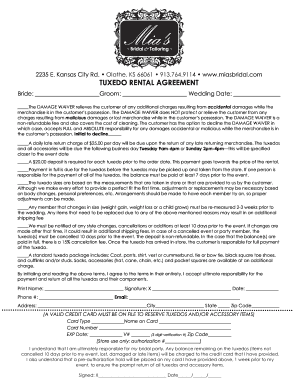
Tuxedo rental agreement form
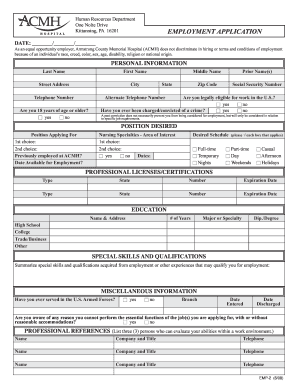
Acmh orm

Ohio vendors license form
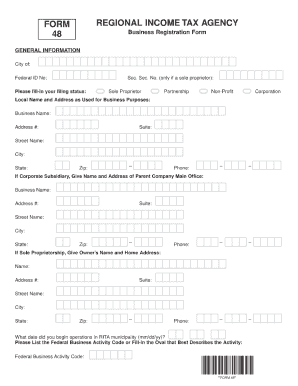
Rita form 48

Nj new car lemon law
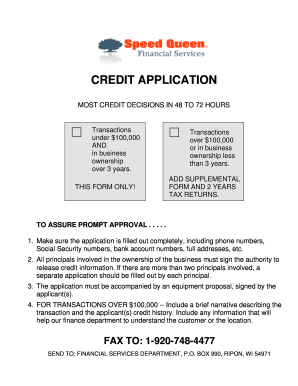
Speed queen application
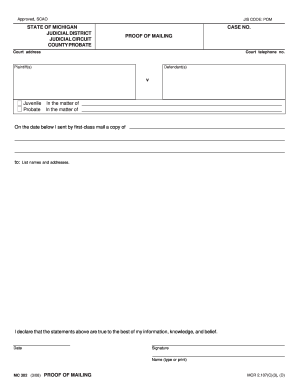
Plea by mail michigan
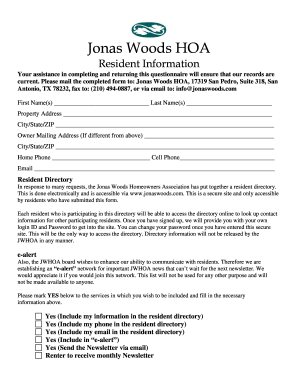
Hoa templates

Ldss 3559
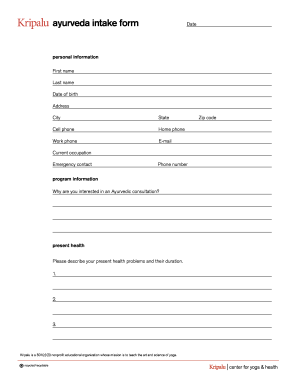
Ayurveda intake
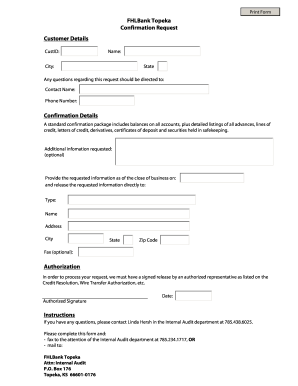
Fhlbank topeka confirmation
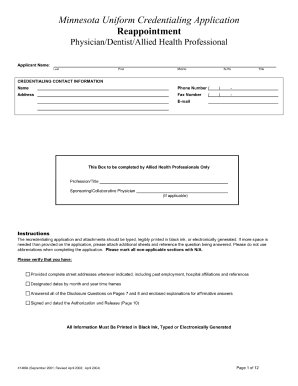
Minnesota uniform credentialing application reappointment 2004

Printable daycare enrollment forms

Crb 3 crash report

Dh 4081

Oes 33
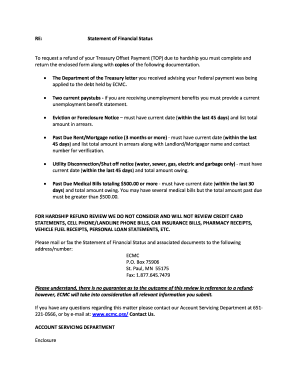
Financial status hardship
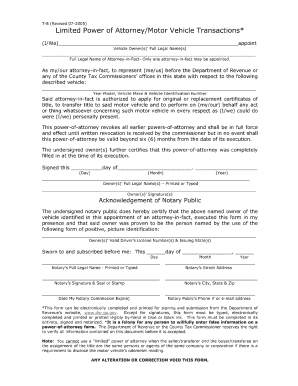
Limited power of attorney motor vehicle transactions in maryland 2005 form

How do i get an exempt organization certificate
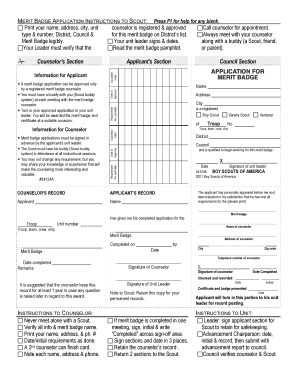
Merit badge card printer template
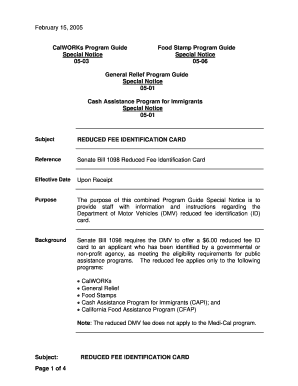
California reduced fee identification form

Riversource request form

Contractors bond form 13b 1

Bir form 1600 download
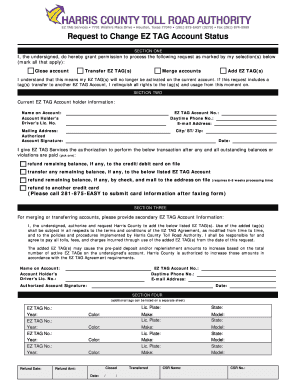
Hctra app

Kickapoo lucky eagle casino employer identification number form
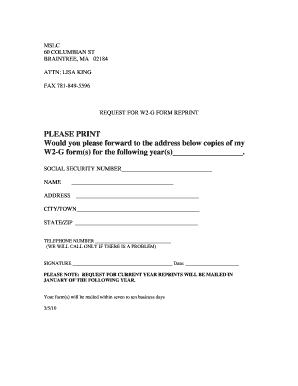
Mass lottery w2g form
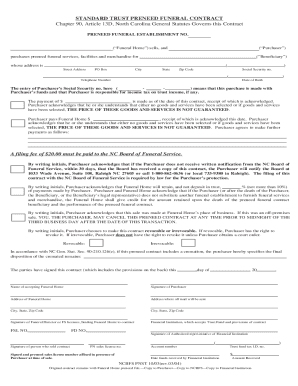
Funeral contract form
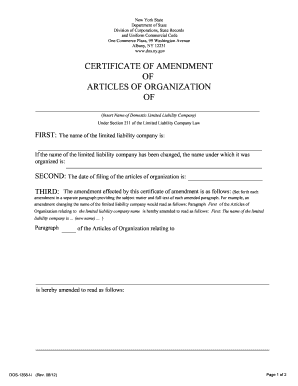
Filling out amendment forms for birth certificate

Wisconsin associate flock form
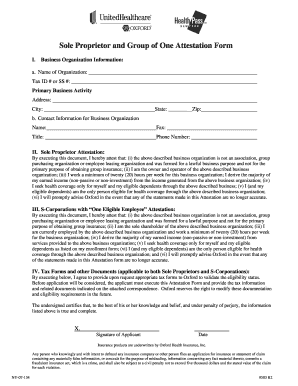
Proprietor letter
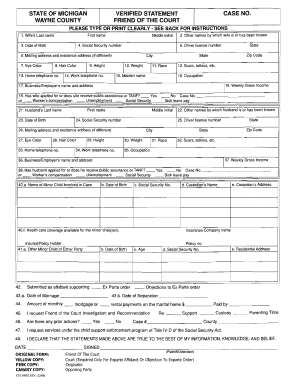
Wayne county friend of the court forms

North dakota state penitentiary phone application

Beaver express bol
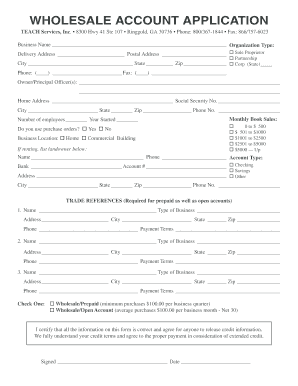
WHOLESALE ACCOUNT APPLICATION

Chandler alarm permit

Kentucky boilers form get

Wounded warrior online
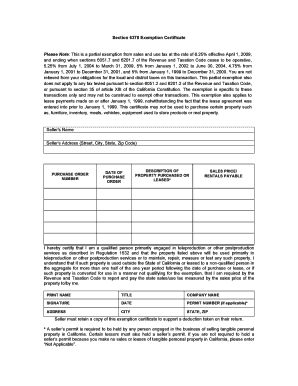
Section 6378 exemption certificate 2019

Form 01 339
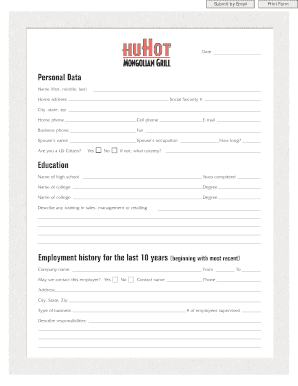
Personal data form for employees
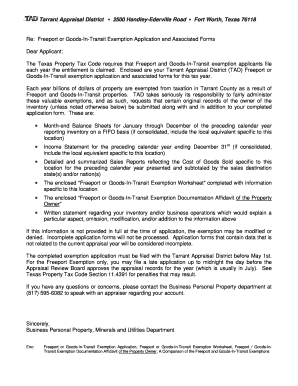
Port exemption worksheet 2007 form
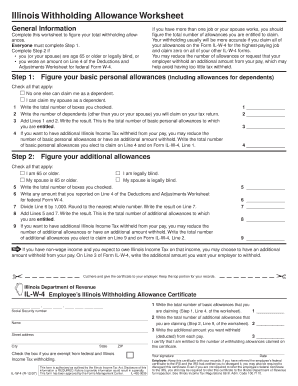
Illinois withholding allowance worksheet example
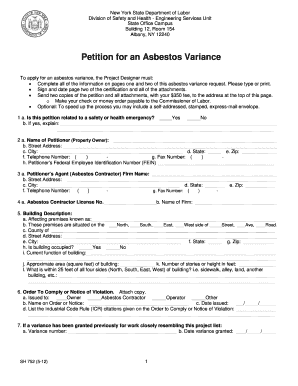
Asbestos variance

Ohio notification demolition

Tapani information
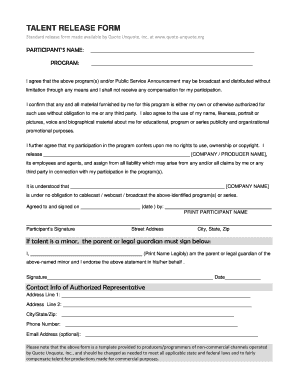
Media release form
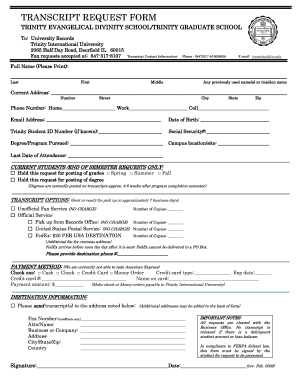
Trinity international university transcript request form

Minnesota lawyers complaint
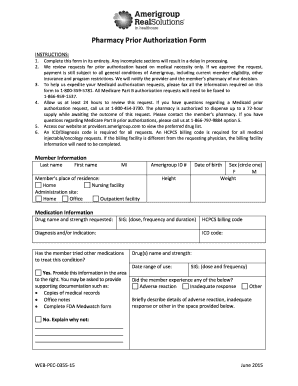
Pharmacy prior authorization form
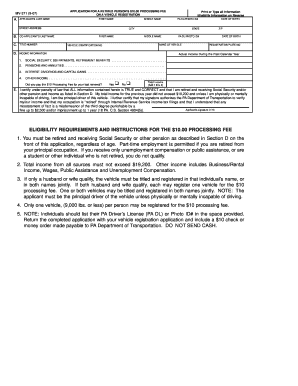
Pa registration form mv 371
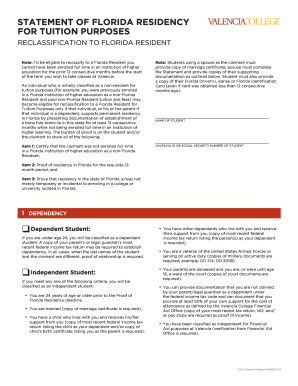
Valencia residency
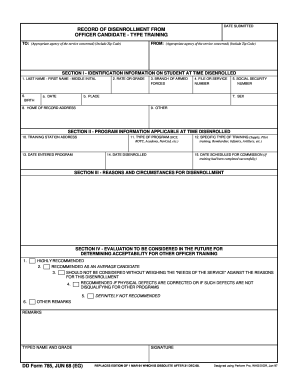
Dd 785
Benefit from the DocHub online library of fillable PDF forms
Searching the PDF forms doesn't have to be a tedious and time-consuming process. With the DocHub online library, it has become easier to find the fillable PDF forms and modify them in your browser. The service allows you to adjust the document to your needs using powerful editing tools.
You can use online document editing features to modify almost any type of document with ease. You just need to find the template of your choice, open it in the editor, and use the toolbar to make the necessary corrections.
Follow this guide to get your document done with DocHub:
- Find the PDF template you need.
- Click the Get Form button to open the file in the editor.
- Use the toolbar to fill out and edit the document.
- Easily add and highlight text, insert images, checkmarks, and symbols.
- Drop new fillable fields, and rearrange or delete pages from your file.
- Save changes and download your record.
DocHub empowers everyone to streamline document editing, signing, and distribution, and form completion. Create an account and benefit from our well-organized PDF Forms library and comprehensive editor.