




01. Edit your loterymass online
Type text, add images, blackout confidential details, add comments, highlights and more.

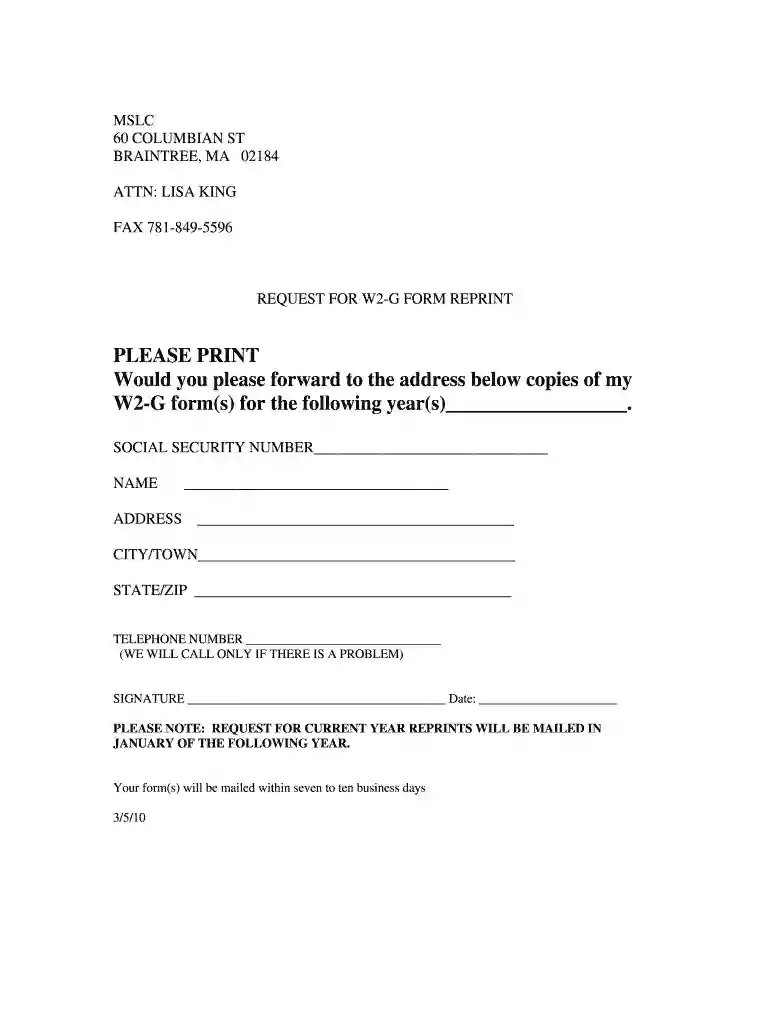
Type text, add images, blackout confidential details, add comments, highlights and more.

Draw your signature, type it, upload its image, or use your mobile device as a signature pad.

Send ma lotery via email, link, or fax. You can also download it, export it or print it out.

Start using our platform today to easily fill out and manage your mass lottery W2-G forms online for free!
With DocHub, you can quickly approve your mass lotery or any other document on iOS, even without setting up extra applications. You can access your DocHub account from any web-connected browser and complete and sign your form in any way you like with just a couple of clicks.
You may easily complete, edit, and even eSign your mass lottery tax form utilizing DocHub. Create a new account and begin your free trial. After that, you may upload the document with the form and easily make all the needed edits. No need to print on paper or use a third-party application to sign it, as you can put your electronic signature on your document quicker via DocHub.
At DocHub, your data security is our priority. We follow HIPAA, SOC2, GDPR, and other standards, so you can work on your documents with confidence.
Dec 31, 2025 Generally, any income tax withheld reported on Forms. 1099 or W-2G must be reported on Form. 945. Any income tax withheld reported on. Form W-2,Read more
Jun 2, 2022 If you win more than $600 the payer must give you a Forms W-2G when you receive your winnings. If not, they must send you the form beforeRead more


