




01. Edit your ashworth college semester exam answers online
Type text, add images, blackout confidential details, add comments, highlights and more.

Type text, add images, blackout confidential details, add comments, highlights and more.

Draw your signature, type it, upload its image, or use your mobile device as a signature pad.

Send ashworth college proctored exams via email, link, or fax. You can also download it, export it or print it out.

Start filling out your ashworth proctor form today on our platform for free!
At DocHub, your data security is our priority. We follow HIPAA, SOC2, GDPR, and other standards, so you can work on your documents with confidence.
The worlds largest one-make racing series, with national championships on every continent. Teams race identically prepared Porsche 911 GT3 Cup cars, providingRead more
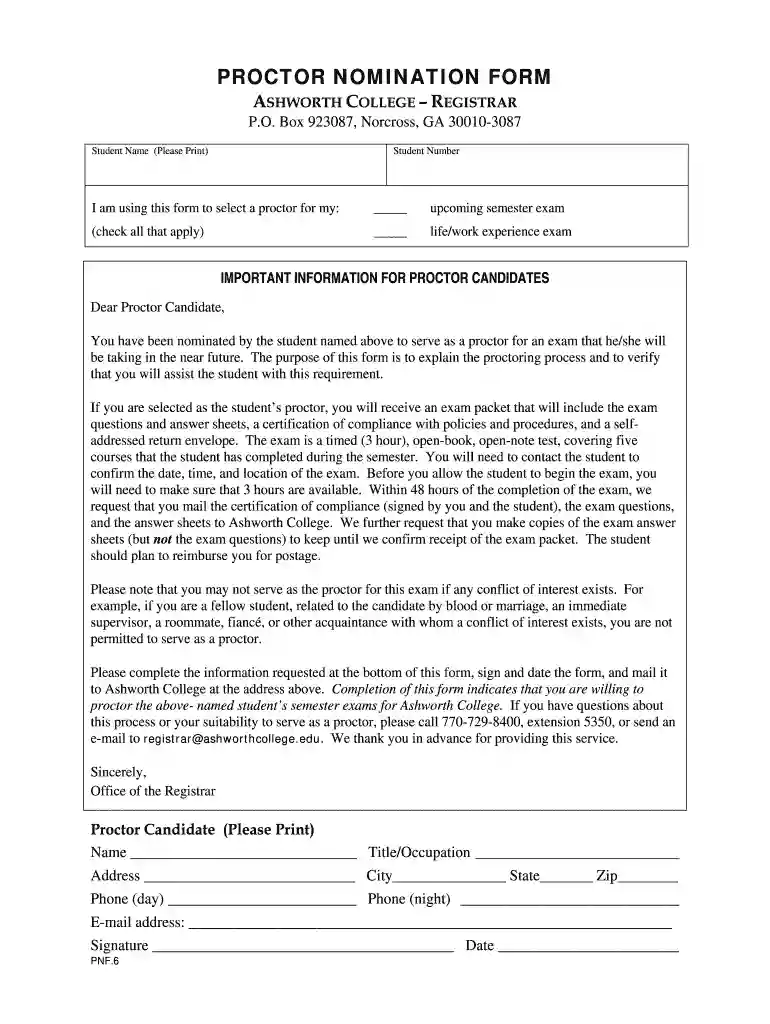
This Proctor Nomination Form needs to be completed and sent to Ashworth College only once. . If nominating proctors for Life/Work Experience Exams, pleaseRead more


