
Get any PDF form from the DocHub library of ready-made templates - Page 1743
Rookie teacher of the year miami dade

Vgm form
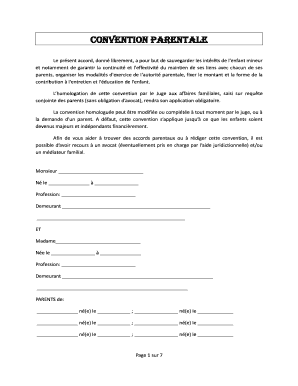
Convention parentale

Certificate of Immunization Status form - Washington State ... - mgaes

Certification of conformance - Honeywell

Naeyc 5th year accreditation fee
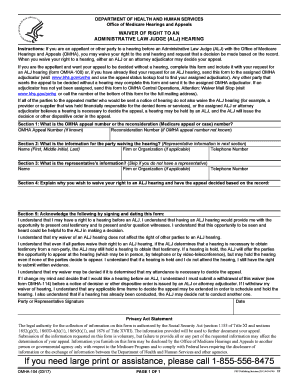
Form health human services
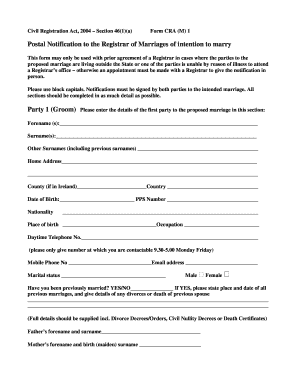
Form CRA (M) 1 - hse
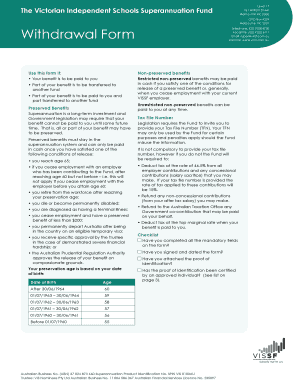
Withdrawal Form - VISSF
Math 106-8 Exam 2 - math wsu

Mjc list
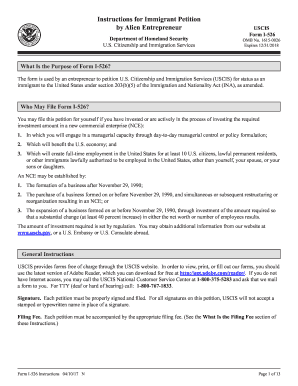
Form I-526 Instructions. Instructions for Immigrant Petition by Alien Entrepreneur
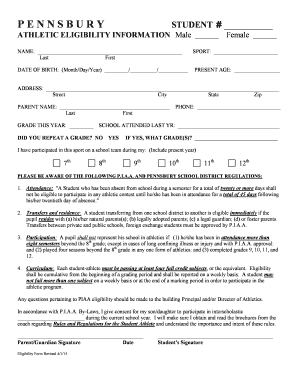
Pennsburysd
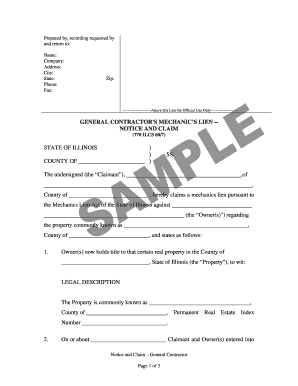
IL-04A-09.doc
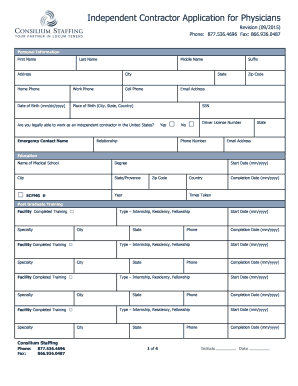
Physician Application - Search Locum Tenens Jobs
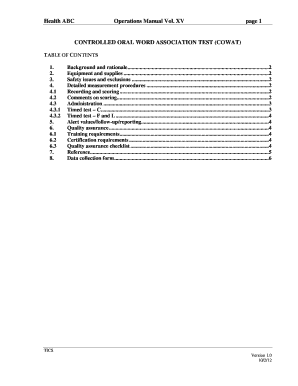
Cowat test pdf
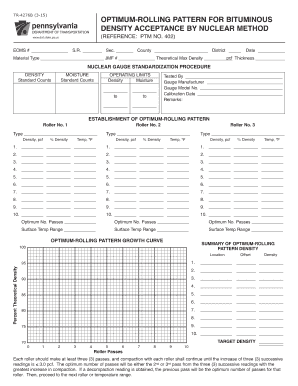
TR-4276B (3-15) OPTIMUM-ROLLING PATTERN FOR BITUMINOUS ...

Labor Code section 2810 - younglife

Amd 23e form

Ct-gutter-pro-order-form.docx

Background claims com

Vhse trade certificate

Azalea Trail Maid homeschool application - Moffett Road Christian ... - mobilemrcs

New employee form

Animal diversity webquest answer key
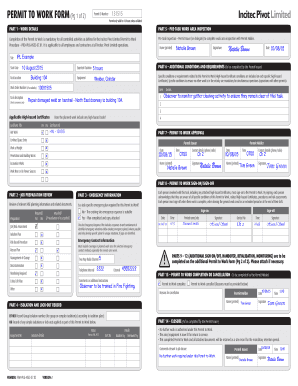
PERMIT TO WORK FORM - Skillport

Of request approval form

Bp a521 060

Cr 120

Iowa 470 medicaid form

Iowa 6251B balance sheet/statement of net worth
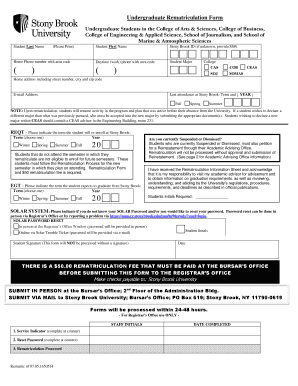
Undergraduate rematriculation pdf
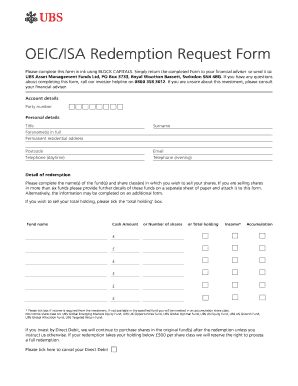
Isa standards pdf

Peer comparison Observation Form

Daily oral language pdf

Bright Futures Family Day Care Family Enrolment Contract

Icao flight plan form
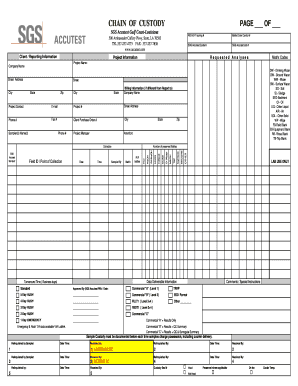
Sgs scott la
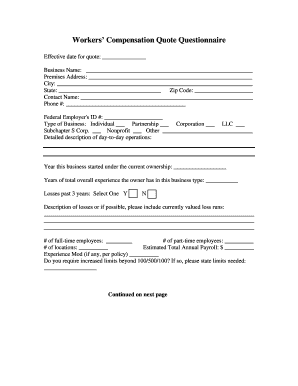
Workers compensation quote
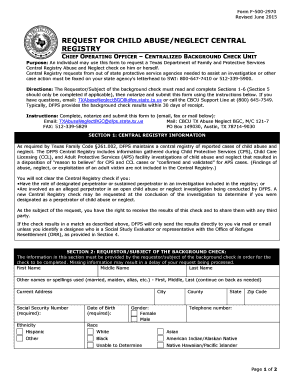
Form f 500 2970
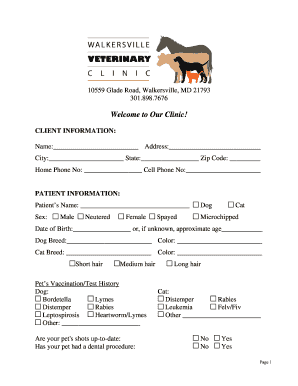
Walkersville veterinary clinic
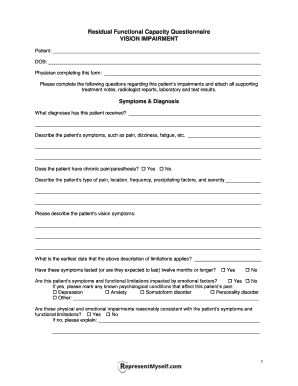
Vision Impairment RFC Questionnaire. SS Disability Practice
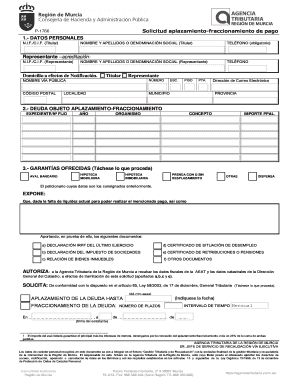
Carmfax
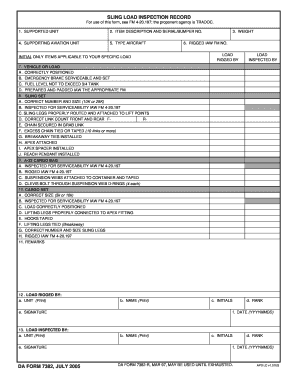
Form sling inspection

Coaching self assessment form

Nrcc prc e

Application united kingdom
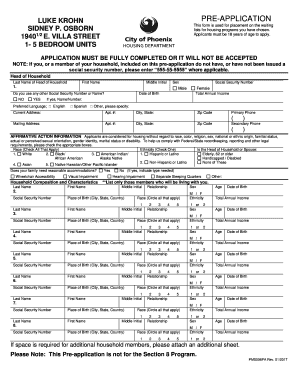
Luke krohn

Belize passport application

Dod 7120 r form
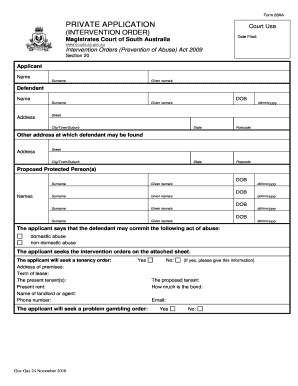
Form 28aa

Organizers manual

STAFF COMMUNICATION LOG - portal.alliesnj.org
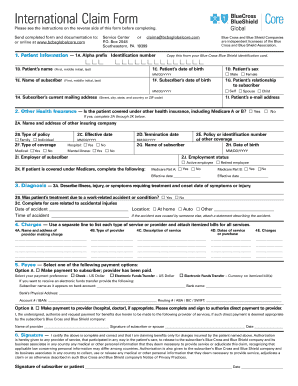
Bcbsglobalcore international claim form
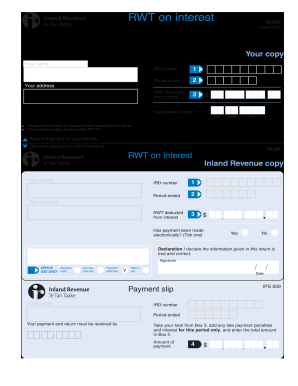
Ir15p
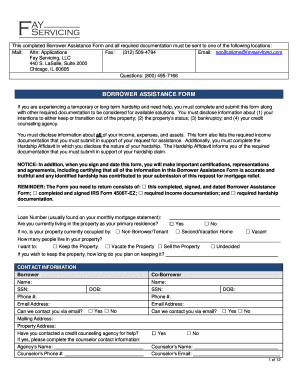
Fay servicing borrower assistance form
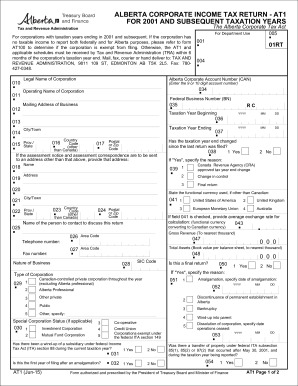
Alberta at1 fillable
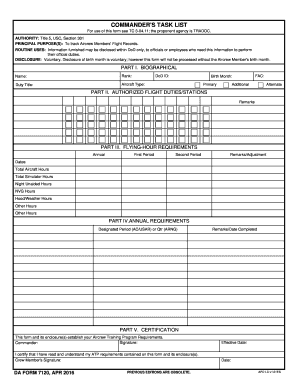
Da 7120
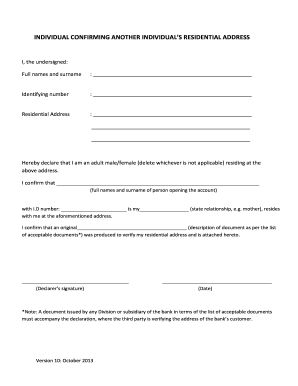
Fnb address form
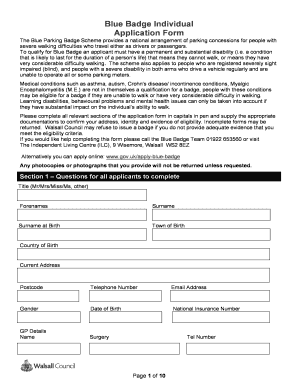
Walsall blue application
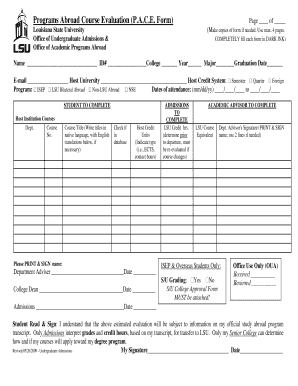
Programs Abroad Course Evaluation (P.A.C.E. Form) - oip-server1 lsu

Opposition to motion for summary judgment - form
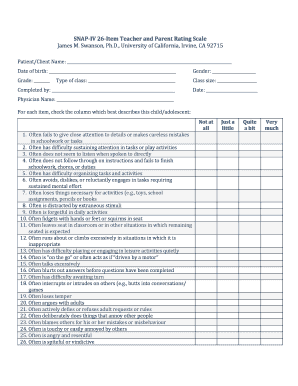
Snap iv
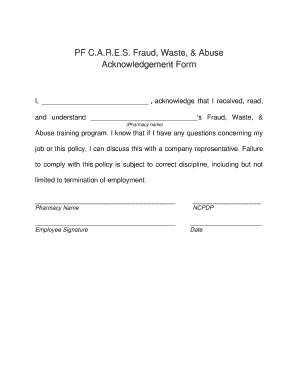
Pf cares
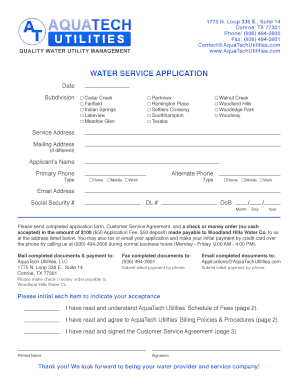
Aquatech utilities

THE H. BECK, INC. - cfginc.com
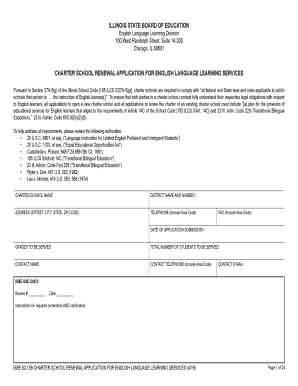
92-15 B Charter School renewal application English Language Learning - isbe
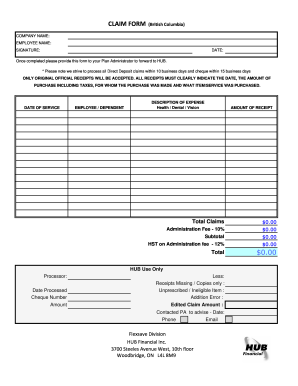
Flex save
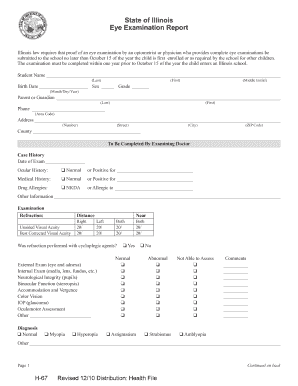
Illinois school eye exam form 2021

SAMPLE Program Completion Letter PN
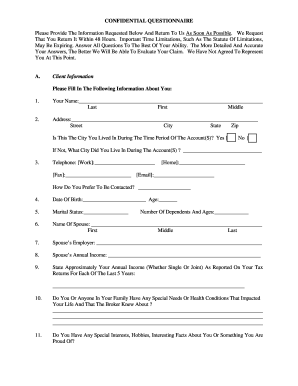
Client questionnaire - Invest Securities Consulting - securitiesexpertwitness
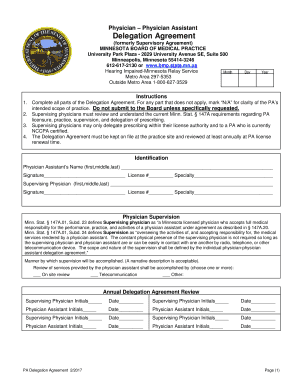
Delegation agreement

Jordan visa application form for pakistan pdf

Application for an inspection of file - euipo - oami europa

Kenilworth registration form

Sydney swallow questionnaire pdf
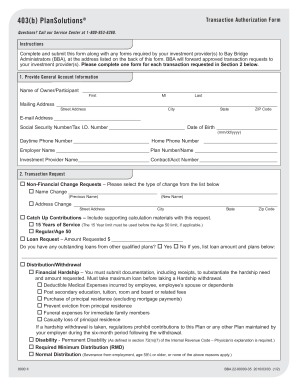
22-80000-35 403b PlanSolutions Transaction Authorization BBA 2010-03-03.qxp

Site-Specific Safety Plan - certified co
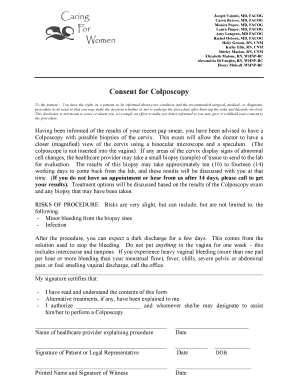
Consent for Colposcopy - cfwdfw.com

Architect appointment letter format

Mrcf military cac
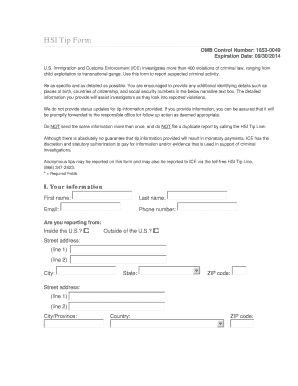
Icetip
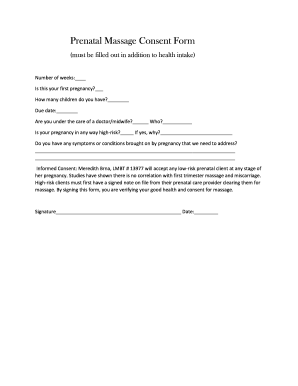
Prenatal massage consent form
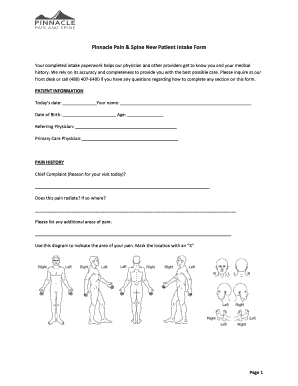
Pinnacle Pain & Spine New Patient Intake Form

Wands for wildlife submission form

INDIVIDUAL DECLARATION OF EXEMPTION - onelakewood.com
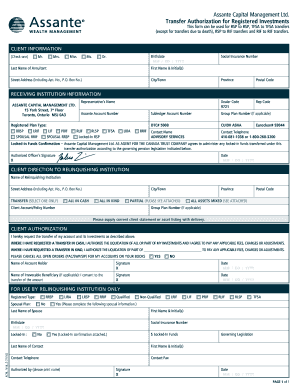
Assante Capital Management Ltd. Transfer Authorization for ...
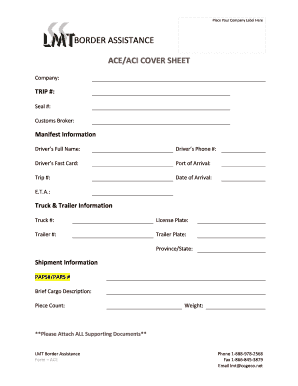
ACE/ACI COVER SHEET - LMT Border Assistance

Common teacher recommendation
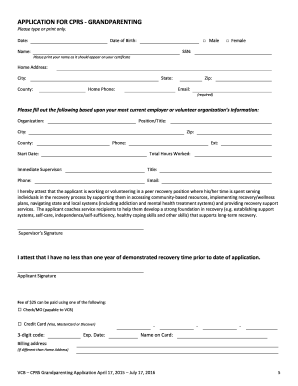
CPRS Application GRANDPARENTING - vsias
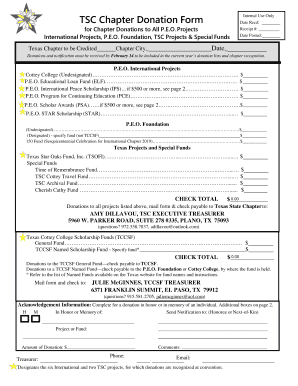
Peotexas org

Incident report form
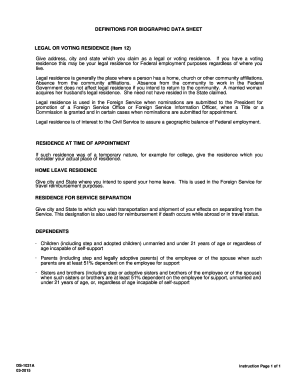
Biographic data

Career brainstorming worksheet

Acupuncture referral form - Ricardo B. Serrano, R.Ac.

Time-conflict-override-request.docx - registrar oregonstate

Utlandsutdrag
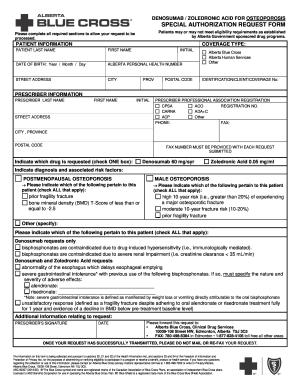
/ ACID FOR OSTEOPOROSIS - idbl ab bluecross
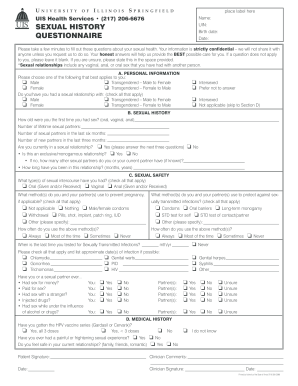
Sexual history questionnaire
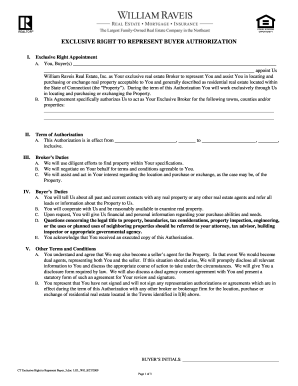
CT Exclusive Right to Represent Buyer 3 - intranet.raveis.com
Benefit from the DocHub online library of fillable PDF forms
Searching the PDF forms doesn't have to be a tedious and time-consuming process. With the DocHub online library, it has become easier to find the fillable PDF forms and modify them in your browser. The service allows you to adjust the document to your needs using powerful editing tools.
You can use online document editing features to modify almost any type of document with ease. You just need to find the template of your choice, open it in the editor, and use the toolbar to make the necessary corrections.
Follow this guide to get your document done with DocHub:
- Find the PDF template you need.
- Click the Get Form button to open the file in the editor.
- Use the toolbar to fill out and edit the document.
- Easily add and highlight text, insert images, checkmarks, and symbols.
- Drop new fillable fields, and rearrange or delete pages from your file.
- Save changes and download your record.
DocHub empowers everyone to streamline document editing, signing, and distribution, and form completion. Create an account and benefit from our well-organized PDF Forms library and comprehensive editor.