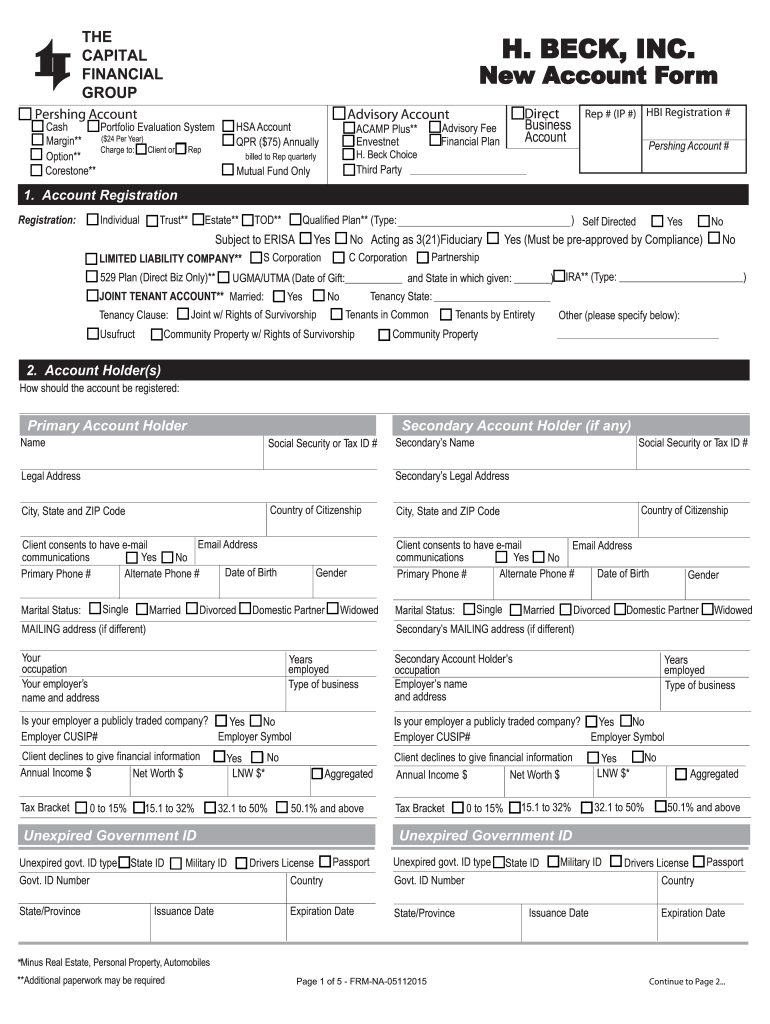
THE H. BECK, INC. - cfginc.com 2026

Get Form
beck services inc charge Preview on Page 1

Here's how it works

01. Edit your beck services inc charge online
Type text, add images, blackout confidential details, add comments, highlights and more.
02. Sign it in a few clicks
Draw your signature, type it, upload its image, or use your mobile device as a signature pad.
03. Share your form with others
Send it via email, link, or fax. You can also download it, export it or print it out.

How to use or fill out THE H. BECK, INC. - cfginc.com with our platform

Form edit decoration
9.5
Ease of Setup
DocHub User Ratings on G2
9.0
Ease of Use
DocHub User Ratings on G2
  1. Click ‘Get Form’ to open it in the editor.
  2. Begin with the 'Account Registration' section. Select the type of account you wish to open, such as Individual, Estate, or Trust. Fill in the required fields accurately.
  3. Proceed to 'Account Holder(s)'. Enter the primary account holder's name, Social Security or Tax ID number, and contact details including email and phone numbers.
  4. Complete the 'Investment Knowledge and Experience' section by indicating your knowledge level for various investment types like Equities and Fixed Income.
  5. In the 'USA Patriot Act Information' section, provide details about your source of funds and confirm if your account is exempt from the Patriot Act.
  6. Review all entered information for accuracy before submitting. Ensure that any optional sections are filled out if applicable.

Start using our platform today to streamline your form completion process for free!

See more THE H. BECK, INC. - cfginc.com versions

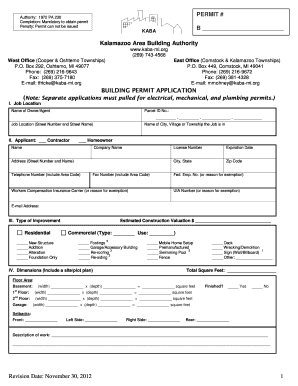
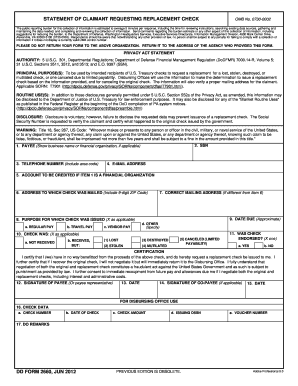
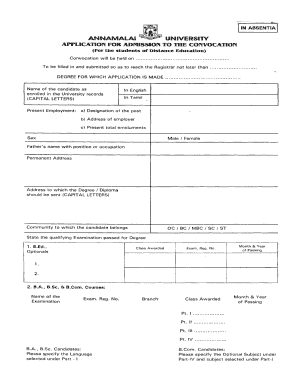
We've got more versions of the THE H. BECK, INC. - cfginc.com form. Select the right THE H. BECK, INC. - cfginc.com version from the list and start editing it straight away!
Versions Form popularity Fillable & printable
2015 4.1 Satisfied (57 Votes)
be ready to get more

Complete this form in 5 minutes or less

Get form

Got questions?

We have answers to the most popular questions from our customers. If you can't find an answer to your question, please contact us.
Contact us

Sign in to your DocHub account and import your THE H. BECK, INC. - cfginc.com to our editor using one of its upload methods - from your device, cloud storage, secure URL, or your DocHub folders if you have already managed your form before. Open our editor, click the Sign key in the upper toolbar, and choose your signing method. You can use an image of your handwritten signature, draw it, type in your name, or utilize a QR code instead.

If you go for analog methods of completing your THE H. BECK, INC. - cfginc.com, it is simple to download your file for printing. Search DocHub’s Forms & Templates catalog to locate the exact document template you require and open it for editing or download it on your gadget in the format of your liking. It is easy to complete your form electronically and place your handwritten signature on it right after printing or eSign your document with DocHub.

Security and compliance

At DocHub, your data security is our priority. We follow HIPAA, SOC2, GDPR, and other standards, so you can work on your documents with confidence.

Learn more
ccpa2
pci-dss
gdpr-compliance
hipaa
soc-compliance
be ready to get more

Complete this form in 5 minutes or less

Get form