
Get any PDF form from the DocHub library of ready-made templates - Page 1741
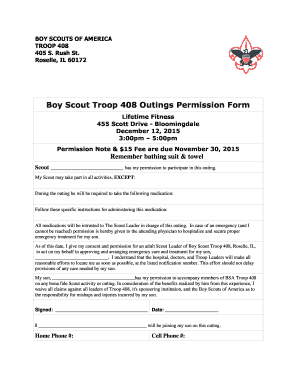
Bsa permission slip
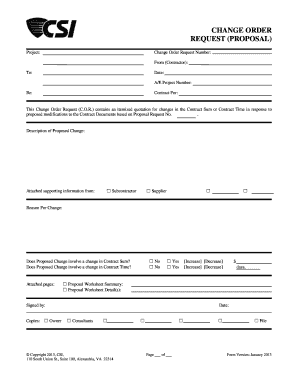
Change order proposal
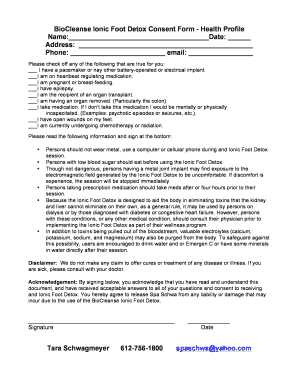
Ionic foot detox instructions

NON TAX FILER STATEMENT
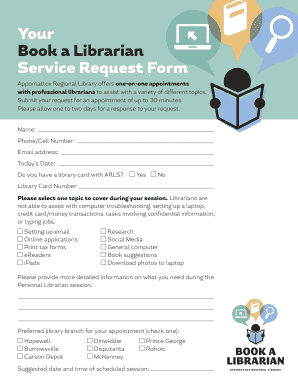
Librarian application form template
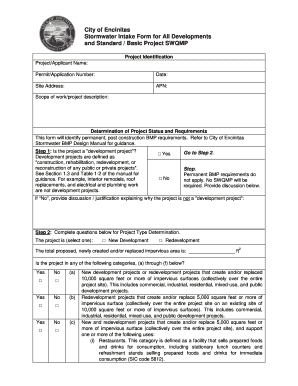
Intake Form and Standard SWQMP - City of Encinitas

Form DSF NP. California Nonprofit Corporation -Short Form Dissolution Certificate

Evacuation form
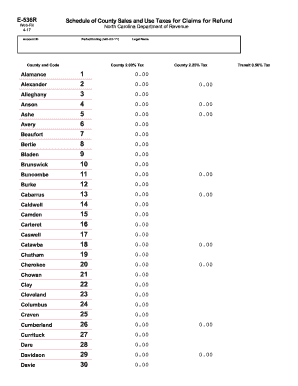
Nc form e 536r 2017
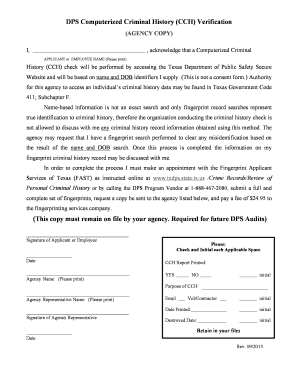
Dps computerized criminal history cch verification form 2021
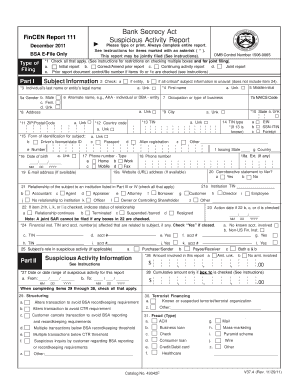
FinCEN Form 10X, SAR-DI. SAR-DI 04/08/2004
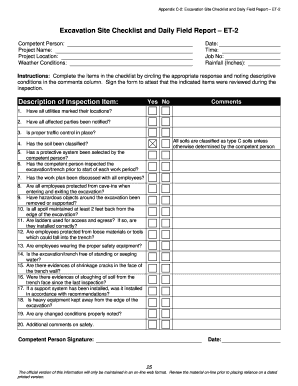
Excavation Site Checklist and Daily Field Report ET-2
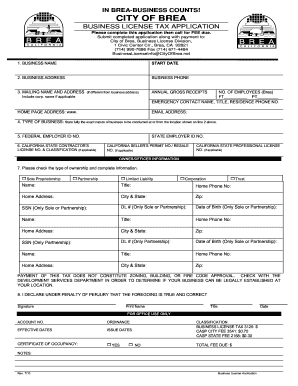
Brea business license
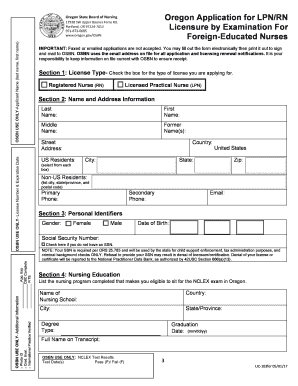
Oregon oregon
CS-ES51 - Florida Department of Revenue
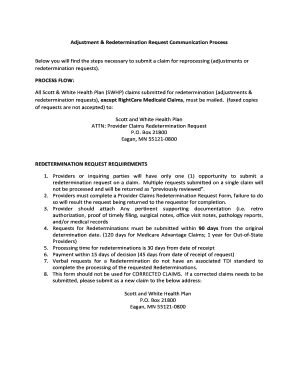
Scott and white appeal form

It's Alive Reading Comp.doc

Student medical certificate - Griffith University
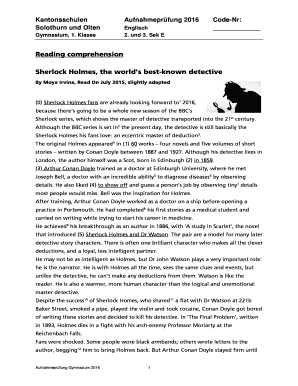
Sherlock holmes ielts reading pdf
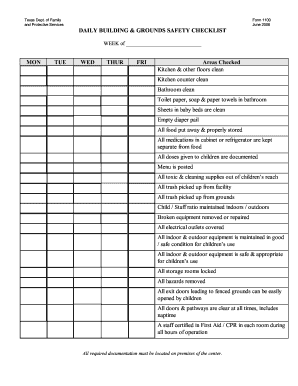
Daily building and grounds checklist
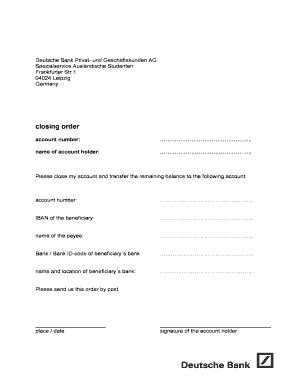
Deutsche bank account closure form
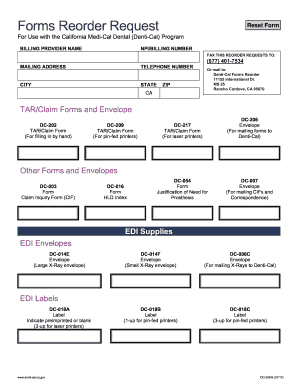
Forms Reorder Request - Denti-Cal - CA.gov
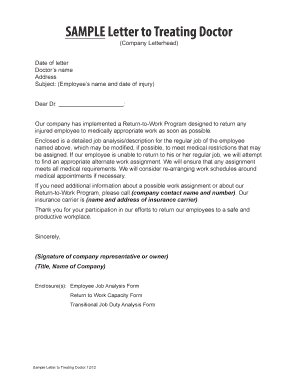
Doctor s name
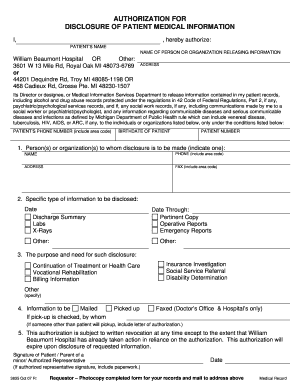
Authorization for disclosure of patient medical ... - Beaumont
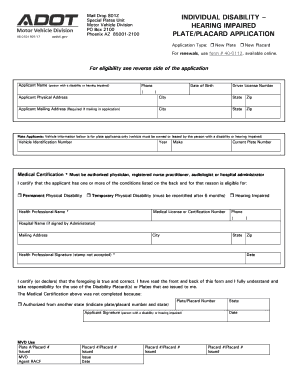
Form 96 0104
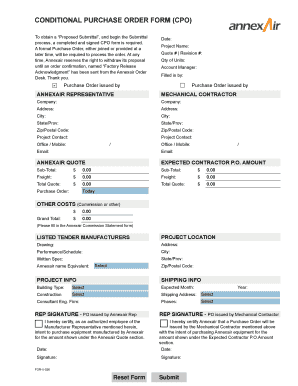
Conditional purchase order template

Clever slusd
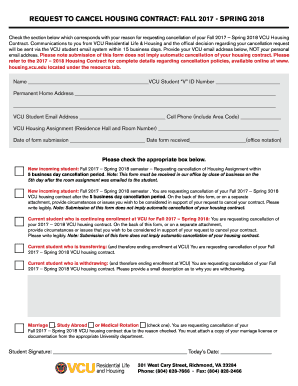
2017 cancel form pdf
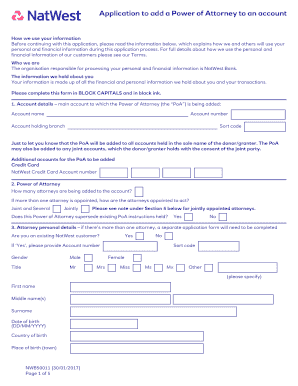
Nwb50011
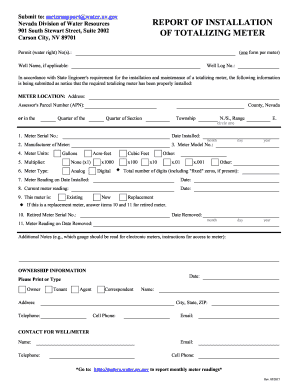
Nv totalizing meter water
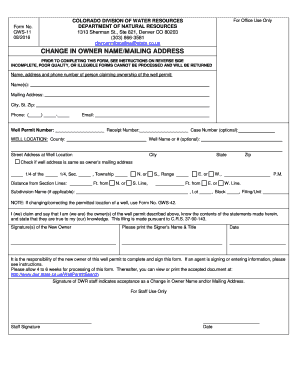
Dwrpermitsonline state co us

Unnamed horse transfer of ownership
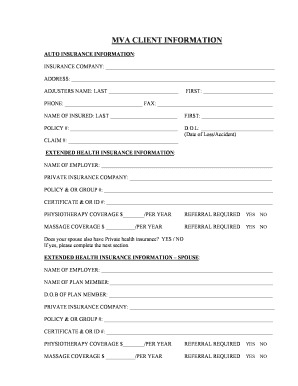
MVA- Information Sheet.doc

Template for Creating a Parent/Student Handbook - Word of Life ...
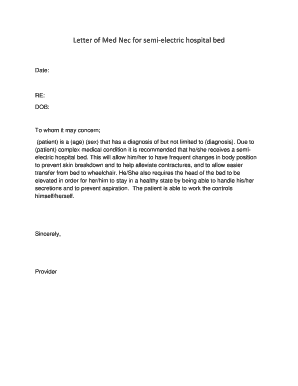
Medical necessity letter for electricity
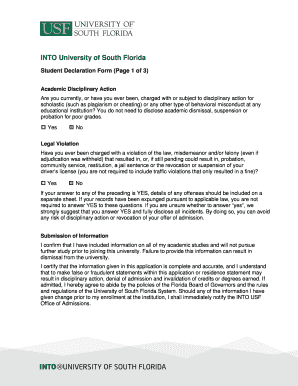
Applicant declaration for usf
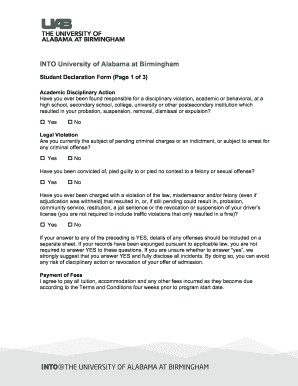
UAB Applicant Declaration Form - INTO PartnerPortal
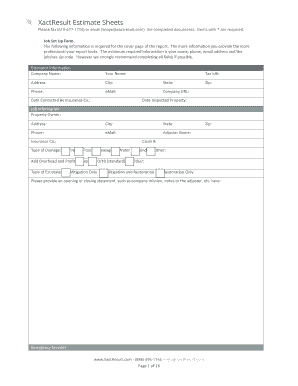
XactResult Restoration Estimate Form. Restoration Estimate

CPR FIRST AID REGISTRATION FORM
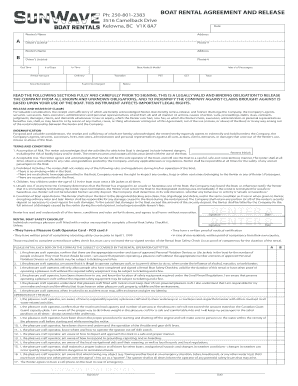
Sun Wave Boat Rental Agreement (PDF) - Sunwave Boat Rentals
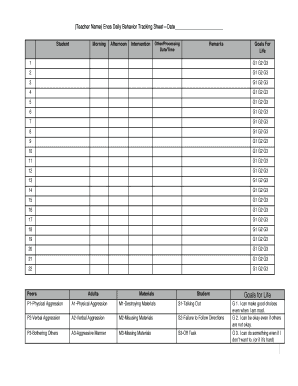
Behavior Tracking Sheet
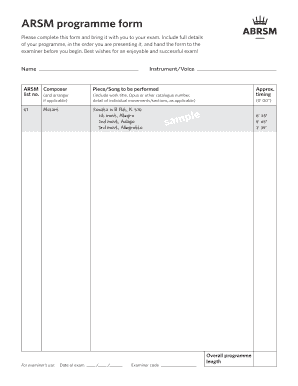
Abrsm programme form
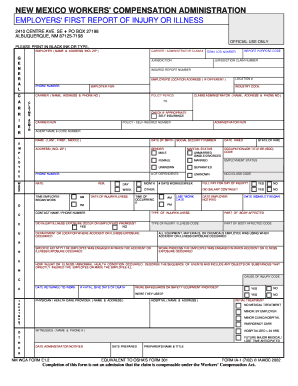
New mexico worker compensation claims form
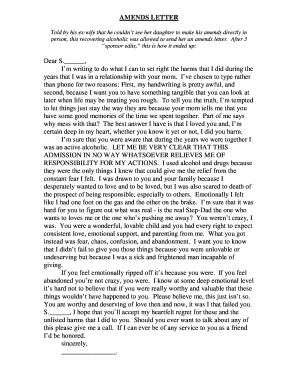
Aa amends letter template
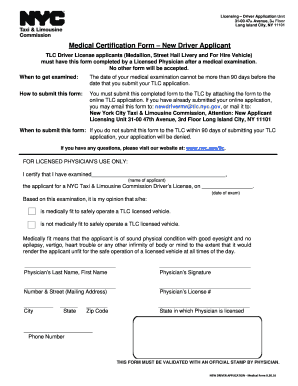
Tlc medical form

Poetry booklet.docx
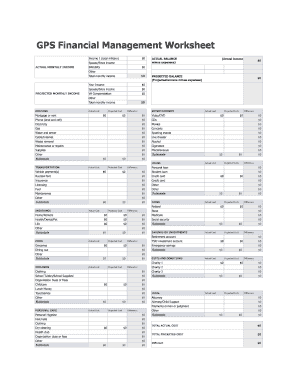
Copy of Personal-Budget-Worksheet Rev Jan 2013.xlsx
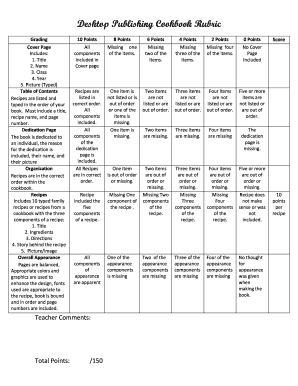
Cookbook rubric

Pop Up Shop Application St Patricks Day.docx
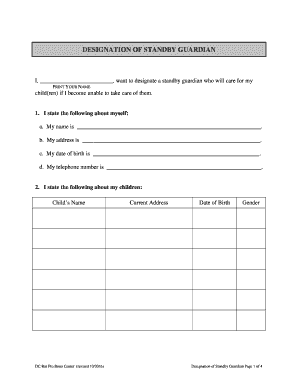
Dc guardian form
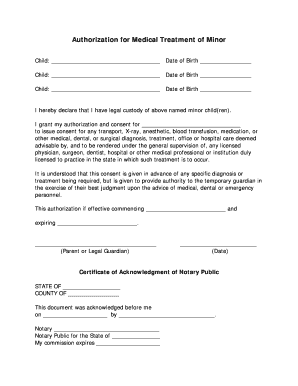
Keemd Com Keemd File Axd File 2011 2 Authorization For Minor ...
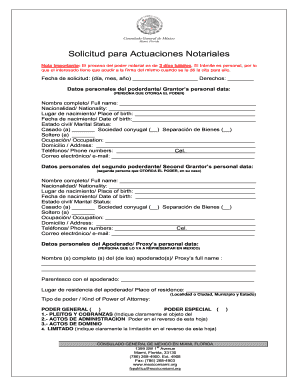
Embabada demexico en miami
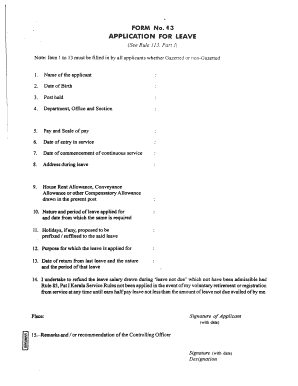
Lwa application form
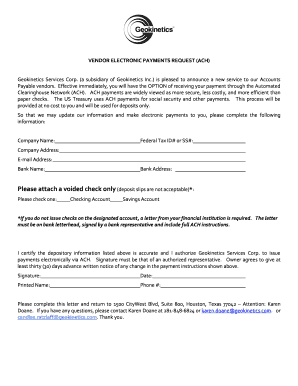
Ach letter to vendors
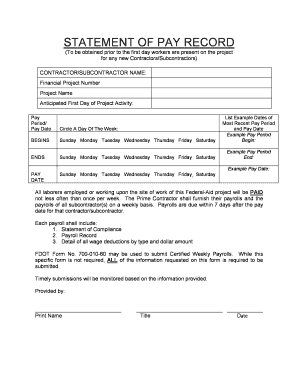
Statement of pay

Bt behavior tracking form
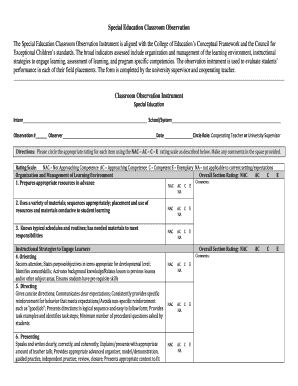
Special Education Classroom Observation The Special Education ...
EdIndex application form - CEC Hosting
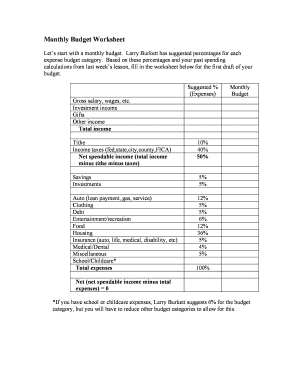
Larry burkett budget worksheet
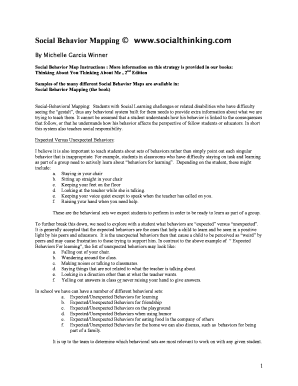
Social mapping worksheet

IMM 5690E : Document Checklist - Permanent Residence ...
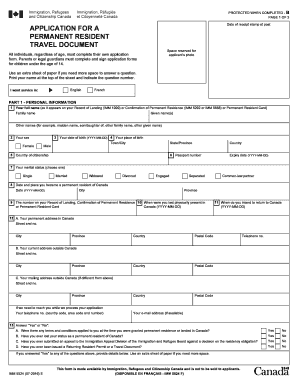
IMM 5524 E : Application for a Permanent Resident Travel Document

Teste gjuha shqipe 4
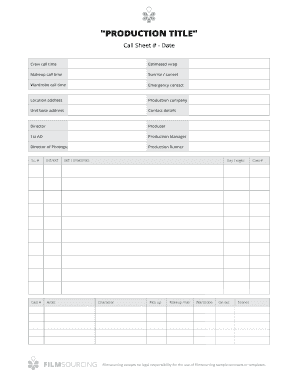
Filmsourcing Call Sheet. Call Sheet
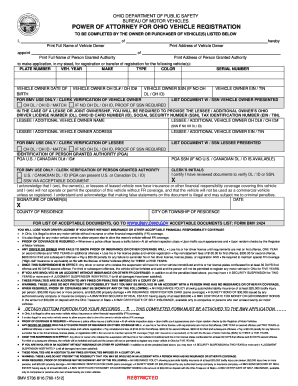
Ohio bmv 5736 fillable
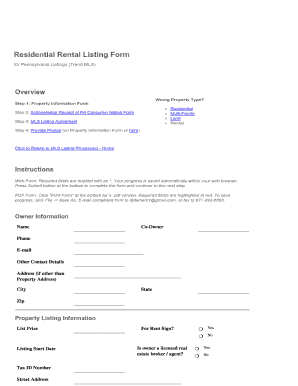
Rental (.pdf) - MLSbyDan.com
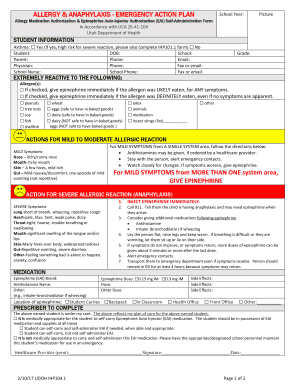
Printable allergy action plan pdf
Adp Paystub Template - lkshore.org. Adp Paystub Template
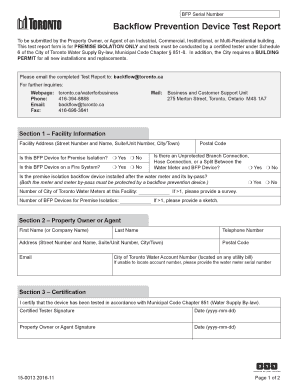
Toronto backflow test report

MMC FHA Full 203K Contractor Profile/Resume Report
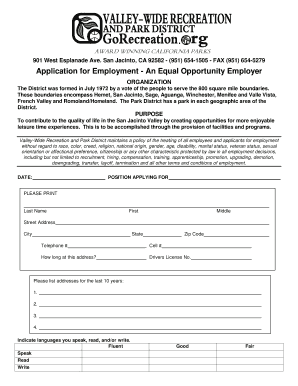
Application - Valley-Wide Recreation & Park District
Malignant hyperthermia drill checklist

Blank invoice

Nc permit application form
Missed punch form
APOLOGY LETTER TEMPLATE
MERCHANT PROCESSING APPLICATION - simplyswipeit.com

Region power attorney
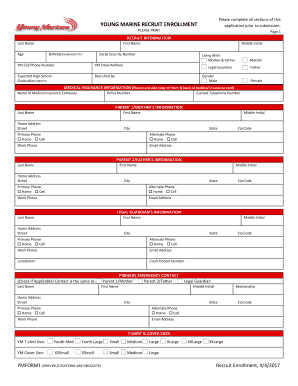
YM Recruit Enrollment Package - Members - Young Marines
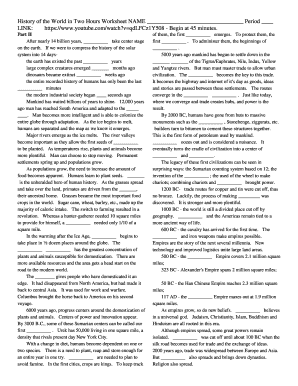
History of the world in two hours worksheet answers
Bp a0224
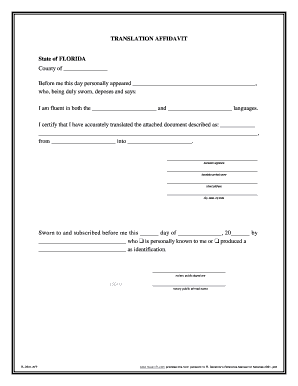
Aff translation affidavit notary sample
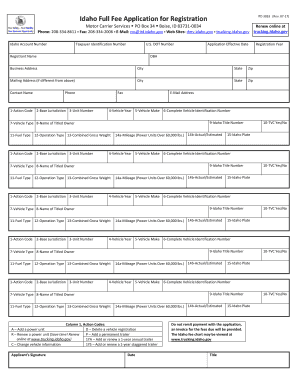
Idaho application registration form
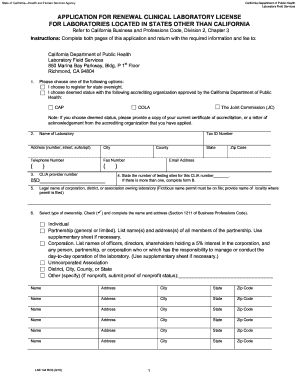
Application for Renewal Clinical Lab License for Labs out of California. LAB 144 ROS
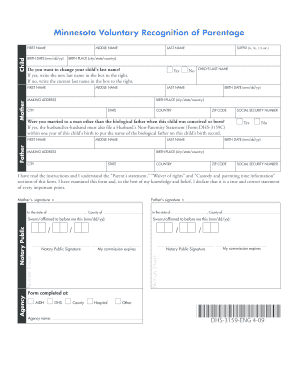
DHS-3159-ENG 4-09 Minnesota Voluntary Recognition of Parentage
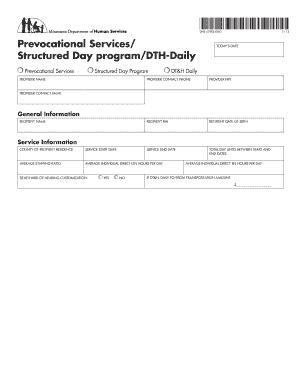
6790 form

Vechs waiver
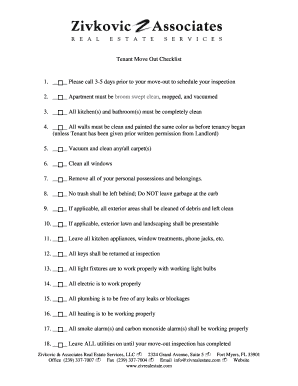
Tenant Move Out Checklist 1. Please call 3-5 days prior to ...
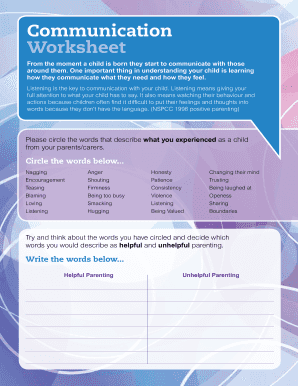
From the moment a child is born they start to communicate with those
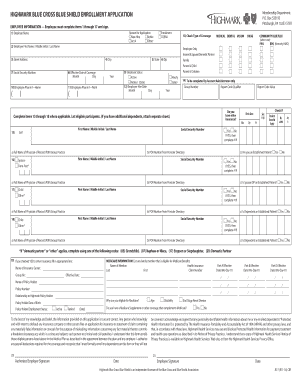
HOW TO COMPLETE YOUR HIGHMARK BLUE CROSS BLUE SHIELD ENROLLMENT APPLICATION
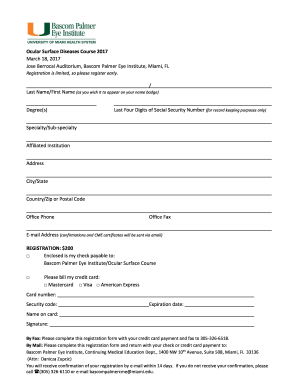
Jose berrocal auditorium
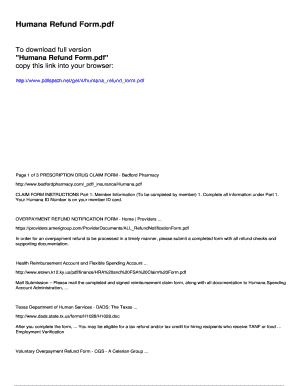
Humana refund form
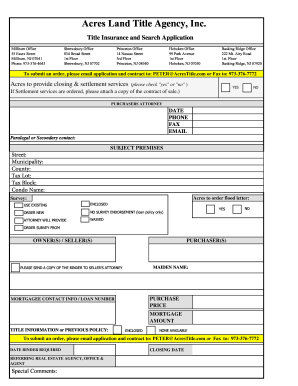
Acres Title Order Fillable Form
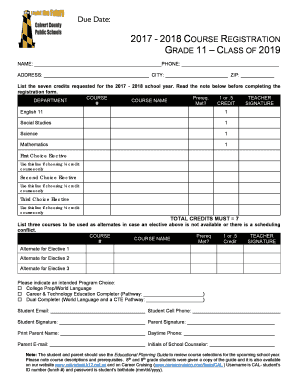
11class ragestrasion form
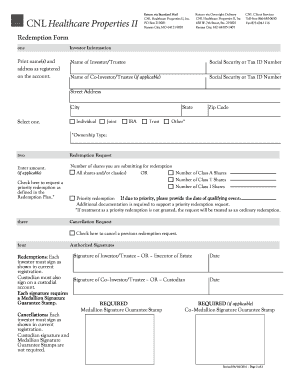
Cnl healthcare properties redemption

Mahal Medical Declaration English
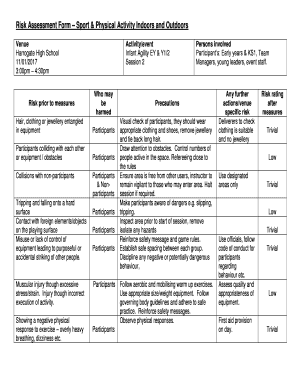
Risk assessment sports

Inventory & Appraisement form.docx
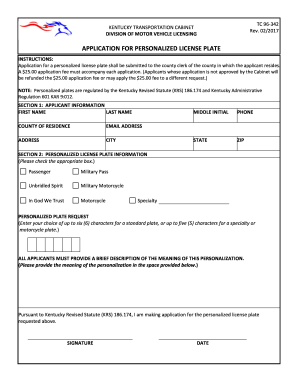
TC 96-342
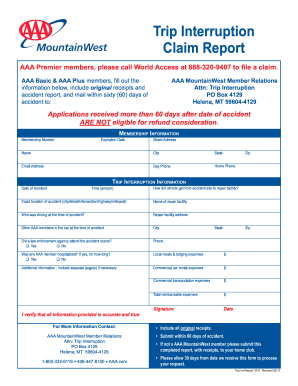
Aaa trip interruption form
Benefit from the DocHub online library of fillable PDF forms
Searching the PDF forms doesn't have to be a tedious and time-consuming process. With the DocHub online library, it has become easier to find the fillable PDF forms and modify them in your browser. The service allows you to adjust the document to your needs using powerful editing tools.
You can use online document editing features to modify almost any type of document with ease. You just need to find the template of your choice, open it in the editor, and use the toolbar to make the necessary corrections.
Follow this guide to get your document done with DocHub:
- Find the PDF template you need.
- Click the Get Form button to open the file in the editor.
- Use the toolbar to fill out and edit the document.
- Easily add and highlight text, insert images, checkmarks, and symbols.
- Drop new fillable fields, and rearrange or delete pages from your file.
- Save changes and download your record.
DocHub empowers everyone to streamline document editing, signing, and distribution, and form completion. Create an account and benefit from our well-organized PDF Forms library and comprehensive editor.