
Get any PDF form from the DocHub library of ready-made templates - Page 1742
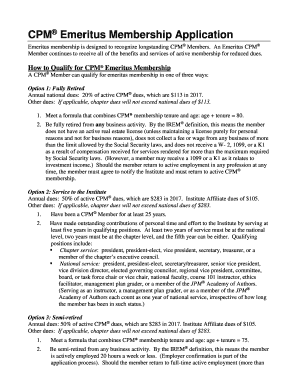
Cpm emeritus
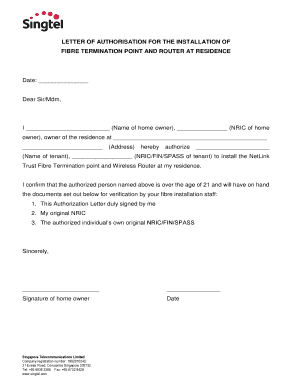
Singtel authorisation letter for termination
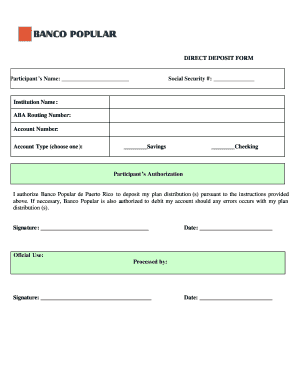
Direct deposit form banco popular
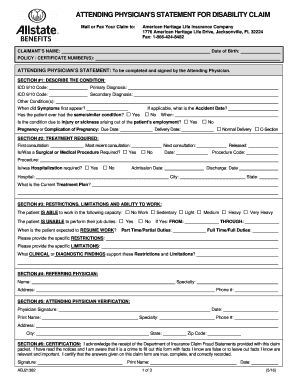
18664248482

Directv notice of dispute
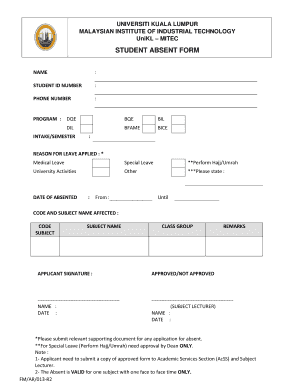
Absent form
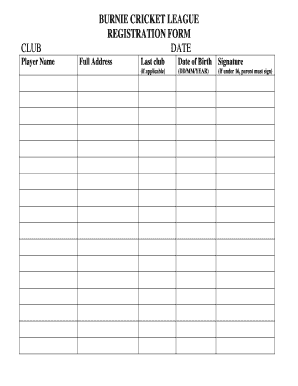
Bulk Registration Form - Burnie Cricket League
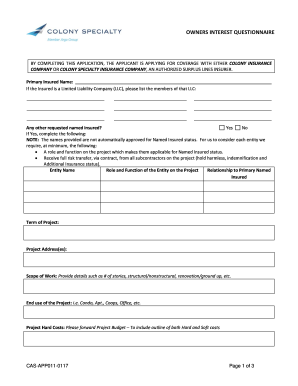
Colony owners interest
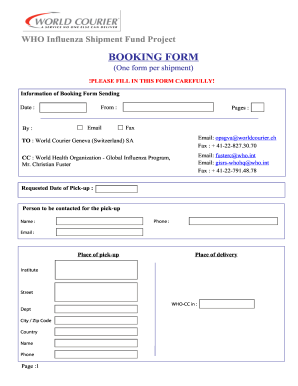
WHO Shipping Fund Booking form
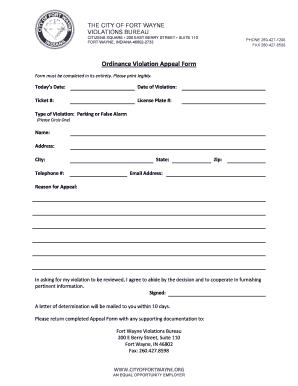
Fortwayneviolations org
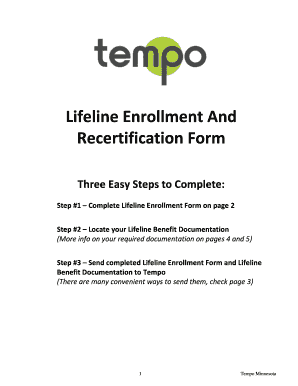
Lifeline Enrollment And Recertification Form - Tempo Wireless
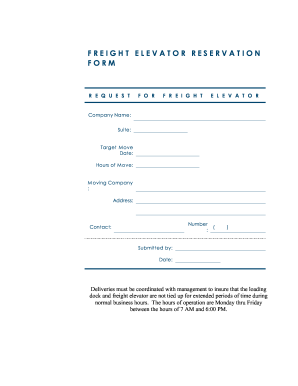
To download a Freight Elevator Reservation Form

Astp variation form
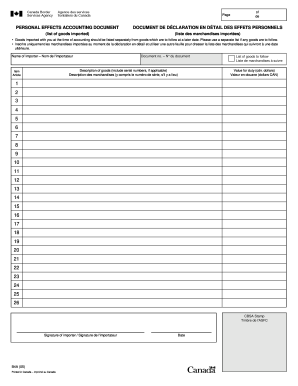
PERSONAL EFFECTS ACCOUNTING DOCUMENT DOCUMENT DE ...

Incite indiana

Grand lodge of maine forms
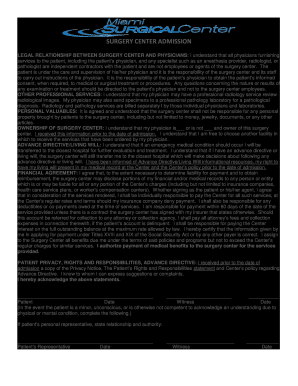
SURGERY CENTER ADMISSION

Oral presentation evaluation form
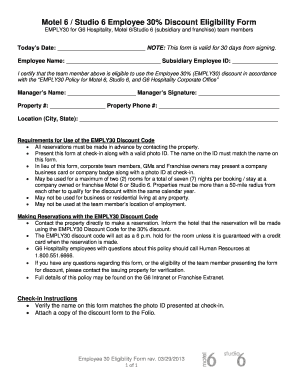
Motel 6 employee discount code
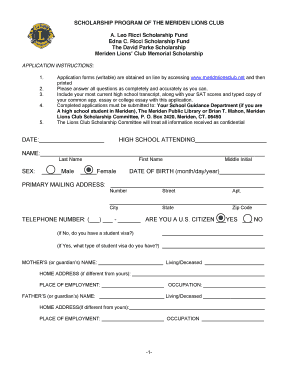
SCHOLARSHIP PROGRAM OF THE MERIDEN LIONS CLUB A. Leo Ricci ...

MARY LOU & ARTHUR F. MAHONE FUND CEO SCHOLARSHIP 2016 ...

Umid id template
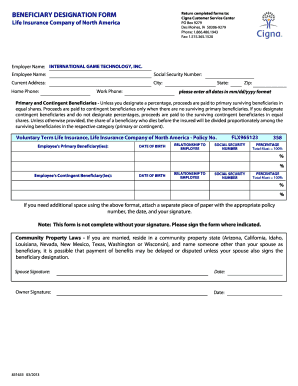
Beneficiary form for real estate
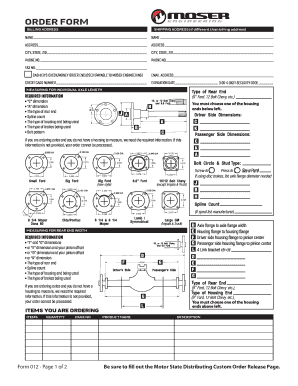
Moser axle order form
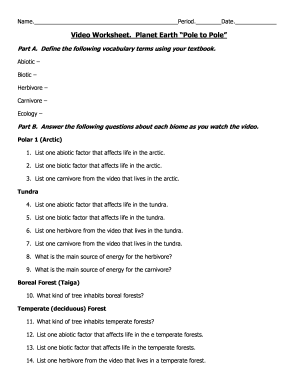
Planet earth pole to pole video questions answers

C504 WORKER'S PROGRESSIVE INJURY ... - WCB Alberta - wcb ab
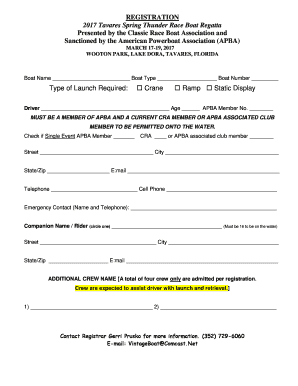
Regatta Registration Form - Vintage Race Boat Shop

RECORD OF CONTINUITY OF BRAZER QUALIFICATION
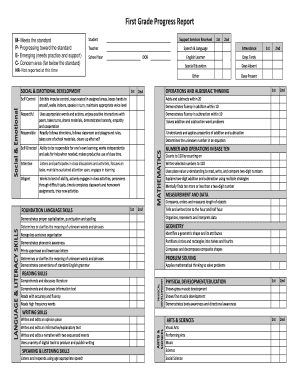
Grade progress report form
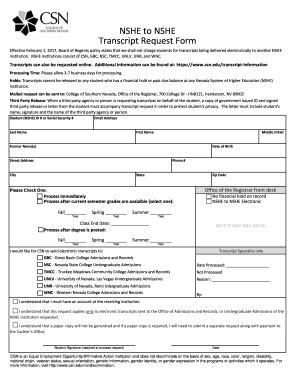
Transcript request csn
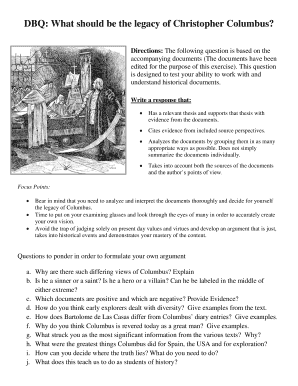
Columbus dbq

Short-Term Disability Employee Request - teamsters145
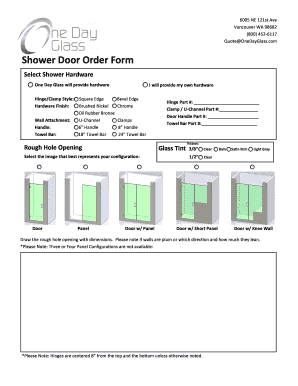
Onedayglass com reviews

Public schools milwaukee services
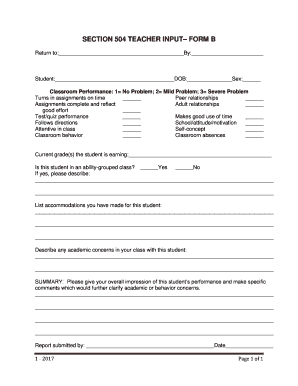
504 teacher input form
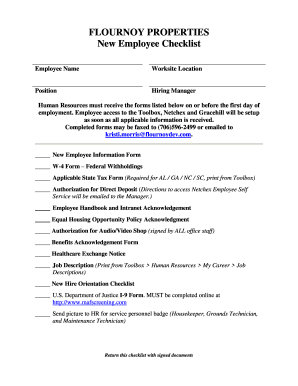
FLOURNOY PROPERTIES New Employee Checklist

Ride entry liability
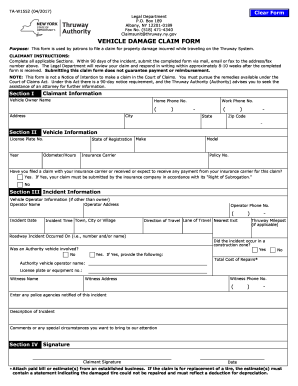
Vehicle damage claim form
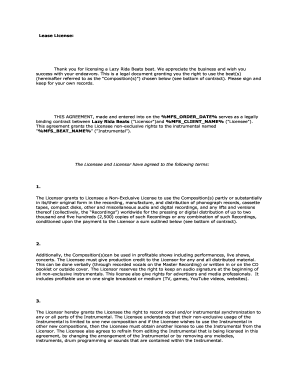
Sample - MGR Consulting
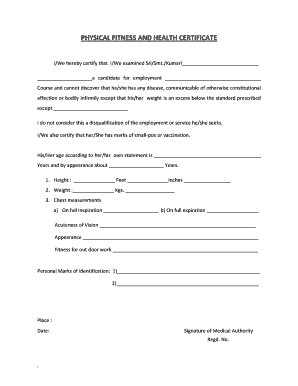
Physical fitness and health certificate pdf
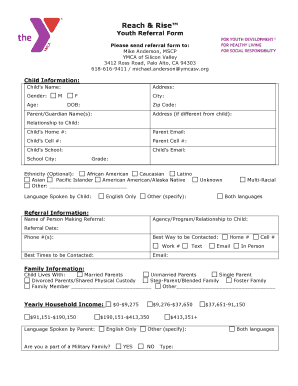
Complete a mentee referral form - YMCA of Silicon Valley - ymcasv
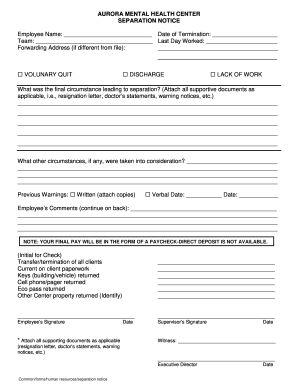
Myweb aurora mental health
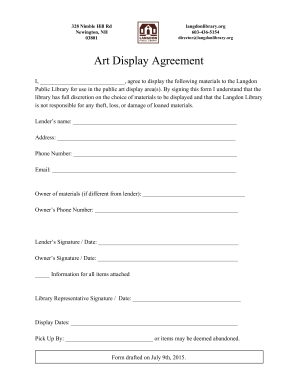
Art display agreement

Kentucky form tb
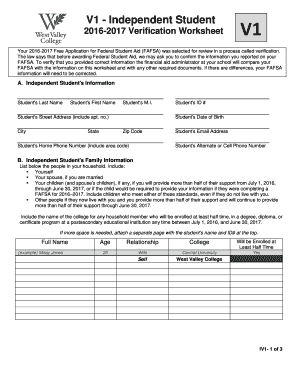
V1 Independent Verification 2016-2017 form. V1 Independent Verification 2016-2017 form - westvalley
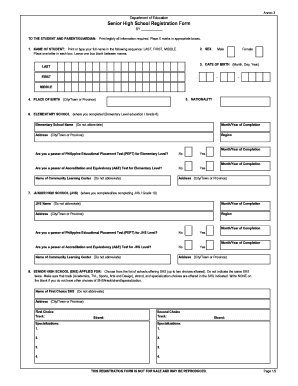
High school enrollment form

Mtg hm biling printable
Job Application Form Template - ifsf.net

PTO DONATION PROGRAM - Cannon Companies

Nv resale certificate
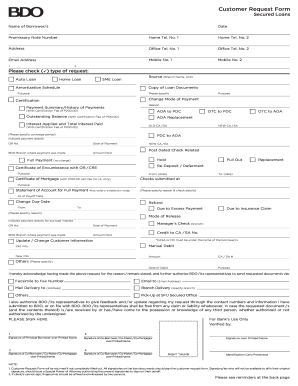
Bdo customer request form

Navac chaplain

Aesthetic Consultation Intake Form - Associated Skin Care Specialists

Dental registration form

Wv schedule m 2016 form
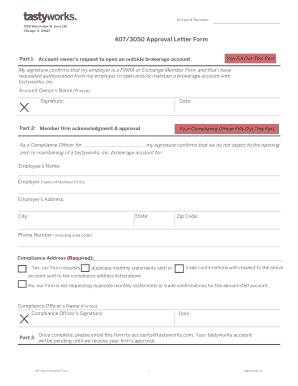
Letter 407

Cshcn application
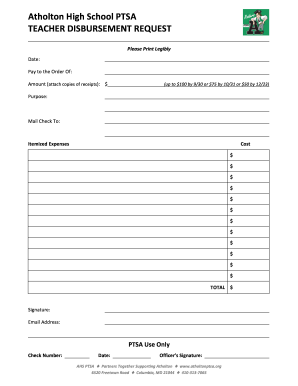
Ahs paf form
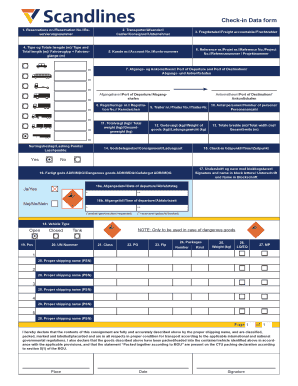
Scandlines freight
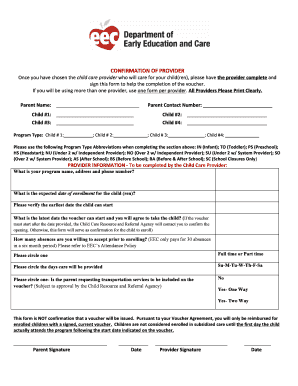
Confirmation of provider form
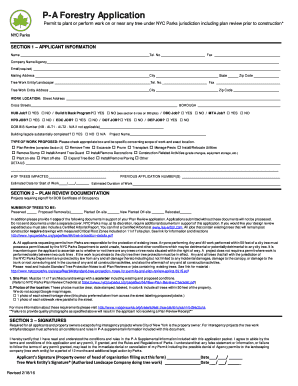
Forestry application

Residency Letter from a Homeless Shelter

Application for registration of rental housing - City of Detroit - detroitmi
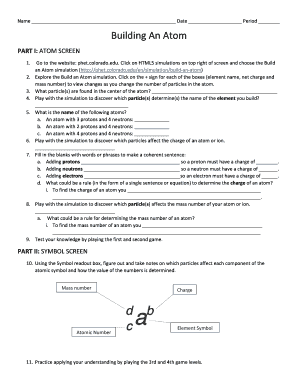
Build an atom phet answer key

Migrationsverket invitation letter

2662r identity form

VOC3 form - Medical Council of New Zealand - mcnz
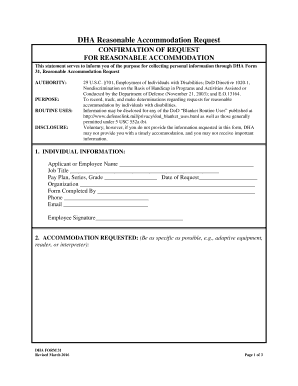
Dha form 31

GOPP Fax Authority
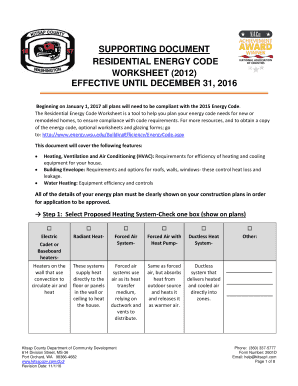
Kitsap county energy code worksheet
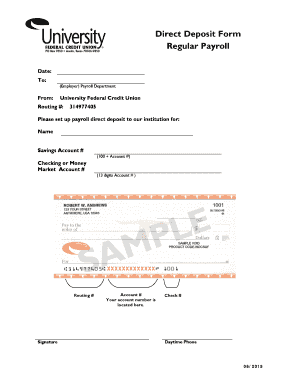
Ufcu direct deposit form

The ultimate relationship program download
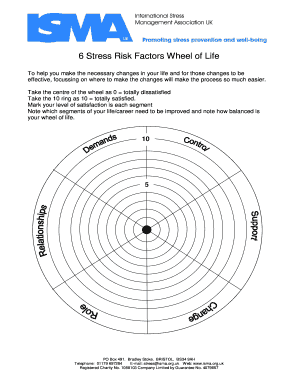
6 Stress Risk Factors Wheel of Life

Sample safety management system document - Australian Maritime ... - amsa gov
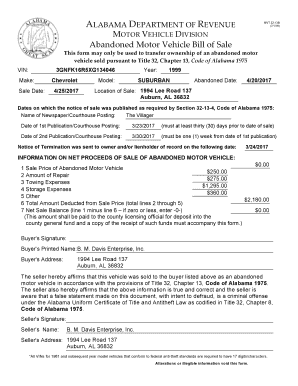
Mvtrips
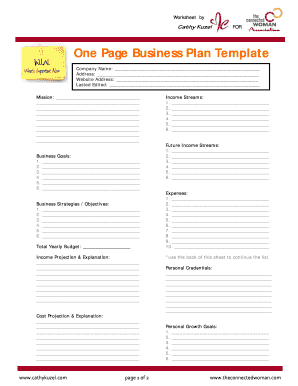
One Page Business Plan Template - The Connected Woman
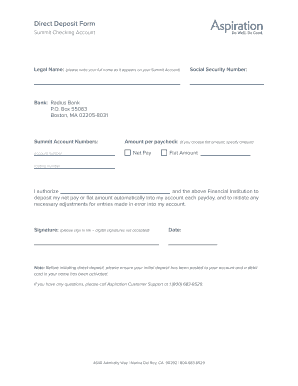
Aspiration bank statement pdf
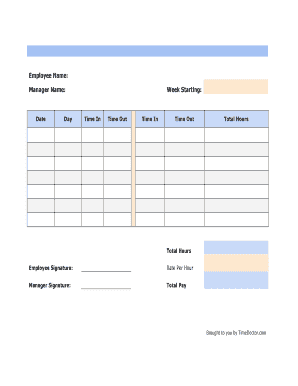
Weekly Timesheet Template - Time Doctor Blog

Bi weekly timesheet

Adp stop payment
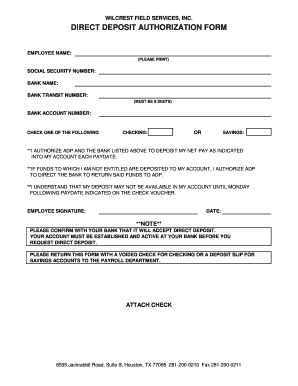
DIRECT DEPOSIT AUTHORIZATION FORM - Wilcrest Field Services ...

Class schedule worksheet

Wellness wheel questions

Play cafe business plan
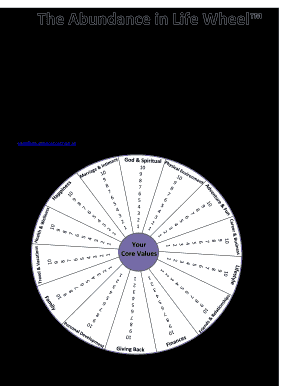
Abundance wheel
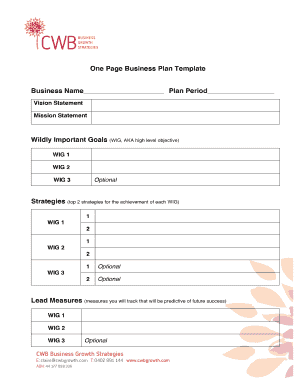
Printable business plan template
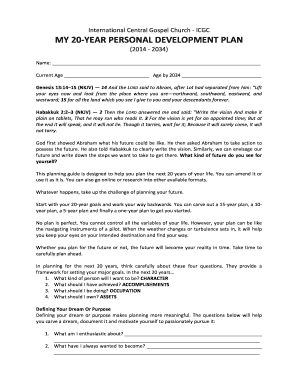
20 year plan template

Isagenix paks pdf
1199 credit union loan application

The Wheel of Life
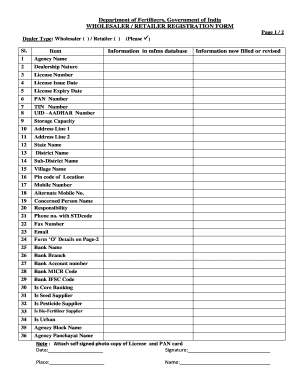
Mfms
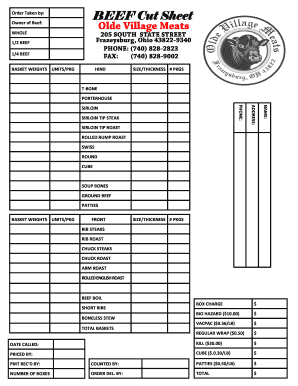
Beef cut sheet template
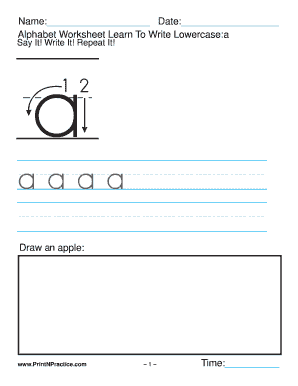
Alphabet Worksheets Lowercase - Printable Worksheets

Fauquier's finest cut sheet
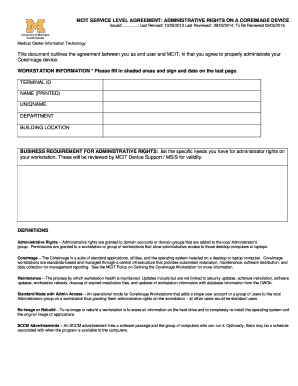
Umich mcit
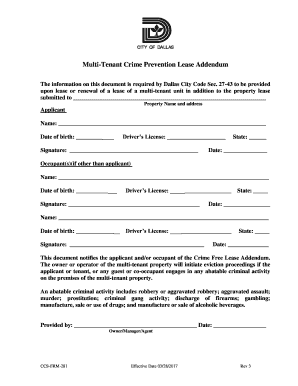
Multi-Tenant Crime Prevention Lease Addendum - City of Dallas
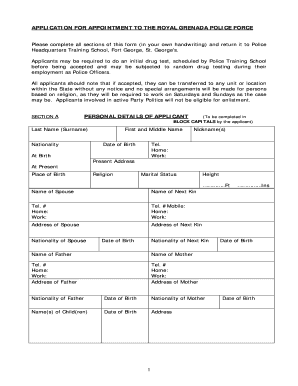
Royal grenada police force exam questions
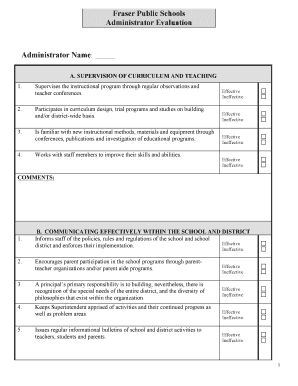
FPS Administrator Evaluation Form - fraser.k12.mi.us - fraser k12 mi
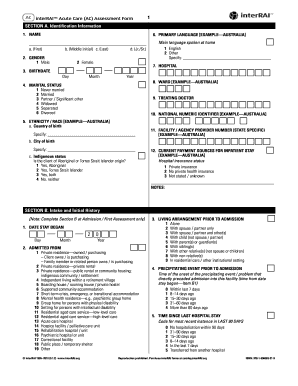
InterRAI Acute Care (AC) Assessment Form - cegaonline uq edu
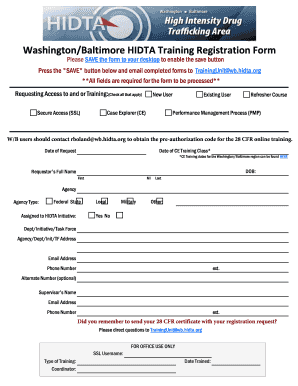
Washington hidta registration
Benefit from the DocHub online library of fillable PDF forms
Searching the PDF forms doesn't have to be a tedious and time-consuming process. With the DocHub online library, it has become easier to find the fillable PDF forms and modify them in your browser. The service allows you to adjust the document to your needs using powerful editing tools.
You can use online document editing features to modify almost any type of document with ease. You just need to find the template of your choice, open it in the editor, and use the toolbar to make the necessary corrections.
Follow this guide to get your document done with DocHub:
- Find the PDF template you need.
- Click the Get Form button to open the file in the editor.
- Use the toolbar to fill out and edit the document.
- Easily add and highlight text, insert images, checkmarks, and symbols.
- Drop new fillable fields, and rearrange or delete pages from your file.
- Save changes and download your record.
DocHub empowers everyone to streamline document editing, signing, and distribution, and form completion. Create an account and benefit from our well-organized PDF Forms library and comprehensive editor.