




Here's how it works



How to use or fill out Virginia Beach Police Physical Ability Medical Waiver Form 2013 with our platform

- Click ‘Get Form’ to open the Virginia Beach Police Physical Ability Medical Waiver Form 2013 in the editor.
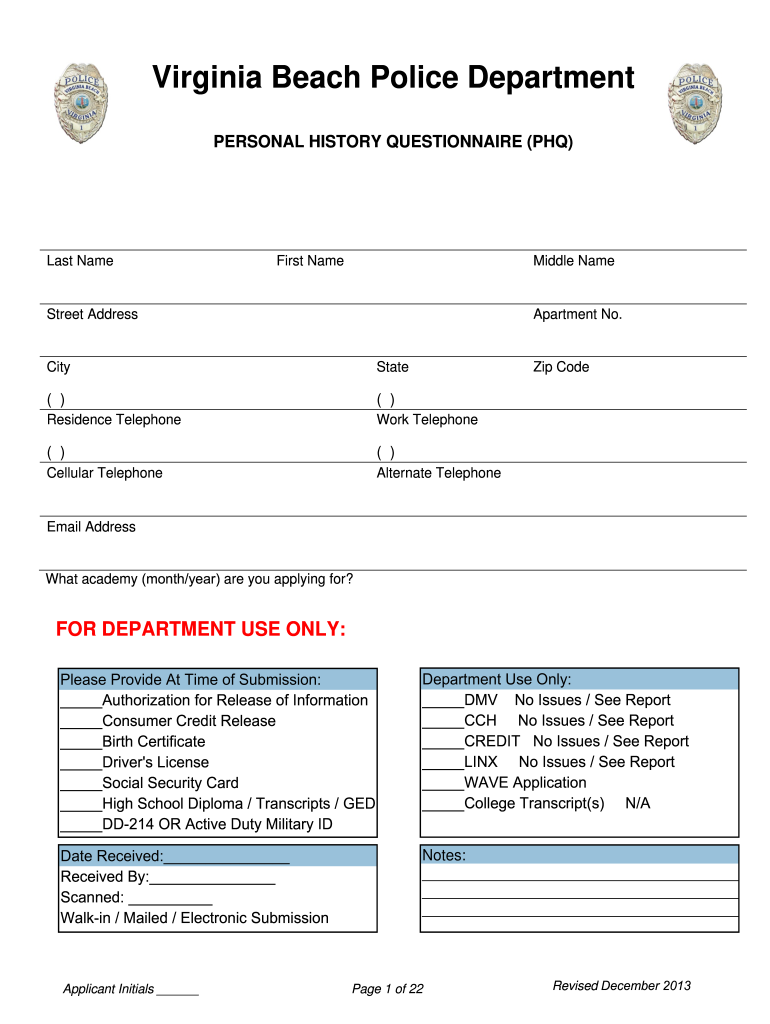
- Begin by entering your personal information, including your last name, first name, middle name, and contact details. Ensure accuracy as this information is crucial for identification.
- In the section regarding your medical history, provide truthful responses. If a question does not apply to you, write 'N/A' to avoid leaving any fields blank.
- Review the required documents listed in the form. Attach copies of necessary documents such as your driver's license and social security card using our platform's upload feature.
- Once all sections are completed, ensure you sign and date the form where indicated. This step is essential for validating your submission.
Start filling out your Virginia Beach Police Physical Ability Medical Waiver Form today for free on our platform!
It's free
See more virginia beach police physical ability medical waiver form 2013 versions
Got questions?
How can I create an electronic signature in my virginia beach police physical ability medical waiver form 2013 on Android?
Approving documents on a mobile device is fast, straightforward, and doesn’t require software installation if you have an account with DocHub. Log in from any browser, complete your empty fields with your information, and click on Sign → Create your signature. You can draw your electronic signature just as you usually do on paper, add its image to your virginia beach police physical ability medical waiver form 2013, or type in your name and stylize its look. Whatever option you select, your form will be valid.
How do you create an e-signature for the virginia beach police physical ability medical waiver form 2013 on iOS?
In addition to an extensive toolset for editing PDFs on mobile phones, DocHub allows you to sign your virginia beach police physical ability medical waiver form 2013 along the way. Open our editor in your web browser, make modifications using DocHub’s toolset, and finish your editing by eSigning the finished form.
Security and compliance
At DocHub, your data security is our priority. We follow HIPAA, SOC2, GDPR, and other standards, so you can work on your documents with confidence.
Learn more


