




01. Edit your sf 1423 online
Type text, add images, blackout confidential details, add comments, highlights and more.

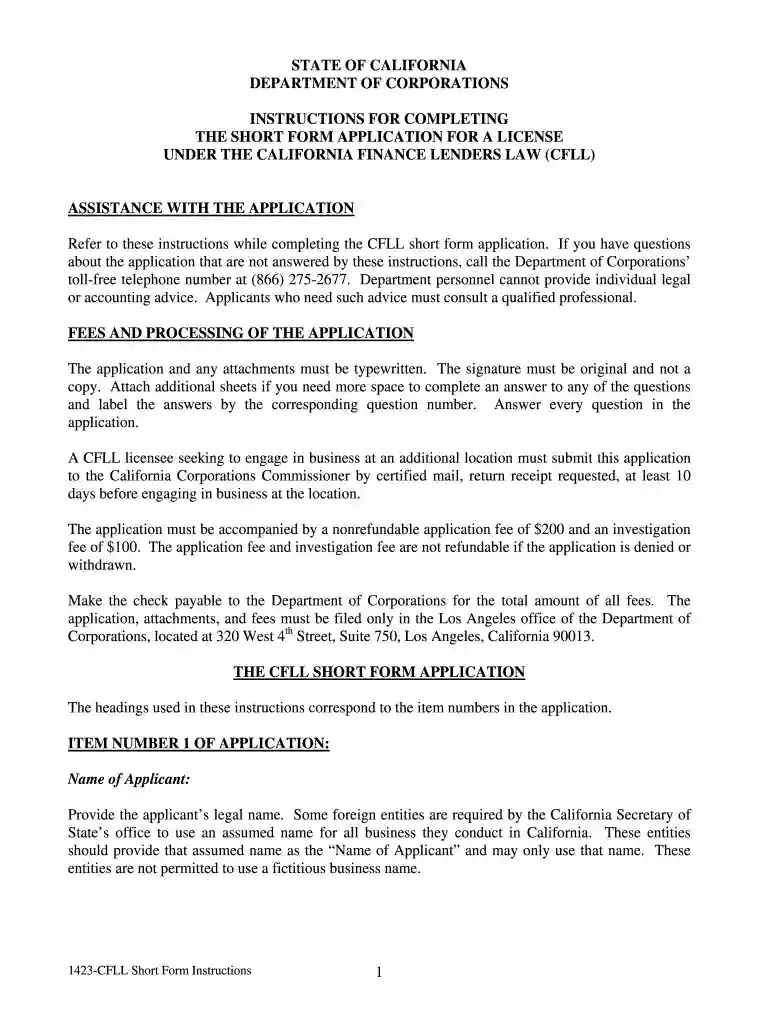
Type text, add images, blackout confidential details, add comments, highlights and more.

Draw your signature, type it, upload its image, or use your mobile device as a signature pad.

Send it via email, link, or fax. You can also download it, export it or print it out.

Start using our platform today to streamline your form completion process for free!
At DocHub, your data security is our priority. We follow HIPAA, SOC2, GDPR, and other standards, so you can work on your documents with confidence.
(c) SF 1423 (Rev. 5/04), Inventory Verification Survey. (See 45.602-1(b)(1).) (d) SF 1424 (Rev. 5/04), Inventory Disposal Report (See 45.605). SF 1424 isRead more
STANDARD FORM 1423 (REV. 10/2023). Prescribed by GSA-FAR (48 CFR) 53.245(c). Date: Inventory Verification Survey. (See the Federal Acquisition Regulation atRead more
Aug 27, 2025 External beam radiotherapy for prostate cancer came of age with the introduction of high energy linear accelerators in the 1960-80s.


