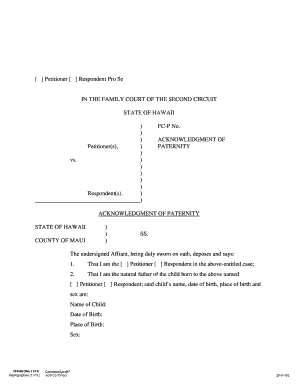
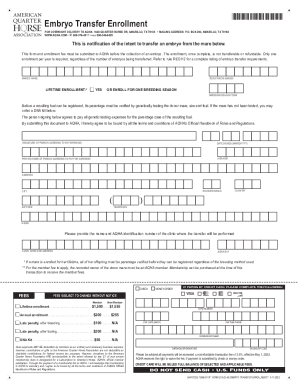
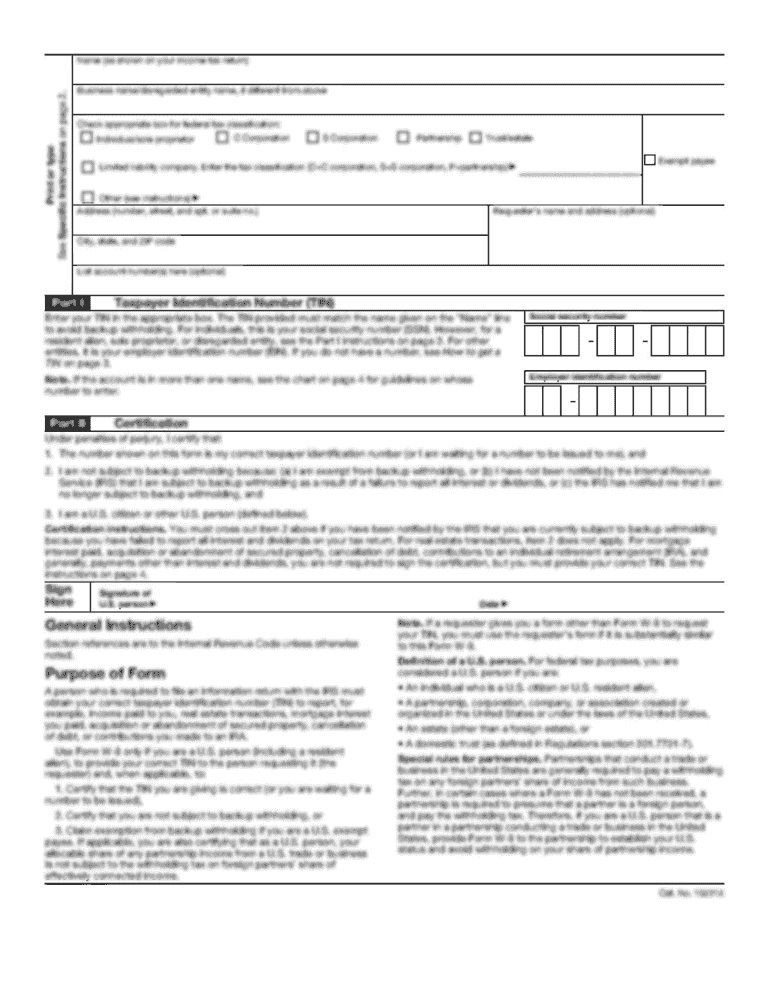
Type text, add images, blackout confidential details, add comments, highlights and more.
02. Sign it in a few clicks
Draw your signature, type it, upload its image, or use your mobile device as a signature pad.
03. Share your form with others
Send it via email, link, or fax. You can also download it, export it or print it out.
How to use or fill out 2011 RI Form with DocHub
Ease of Setup
DocHub User Ratings on G2
Ease of Use
DocHub User Ratings on G2
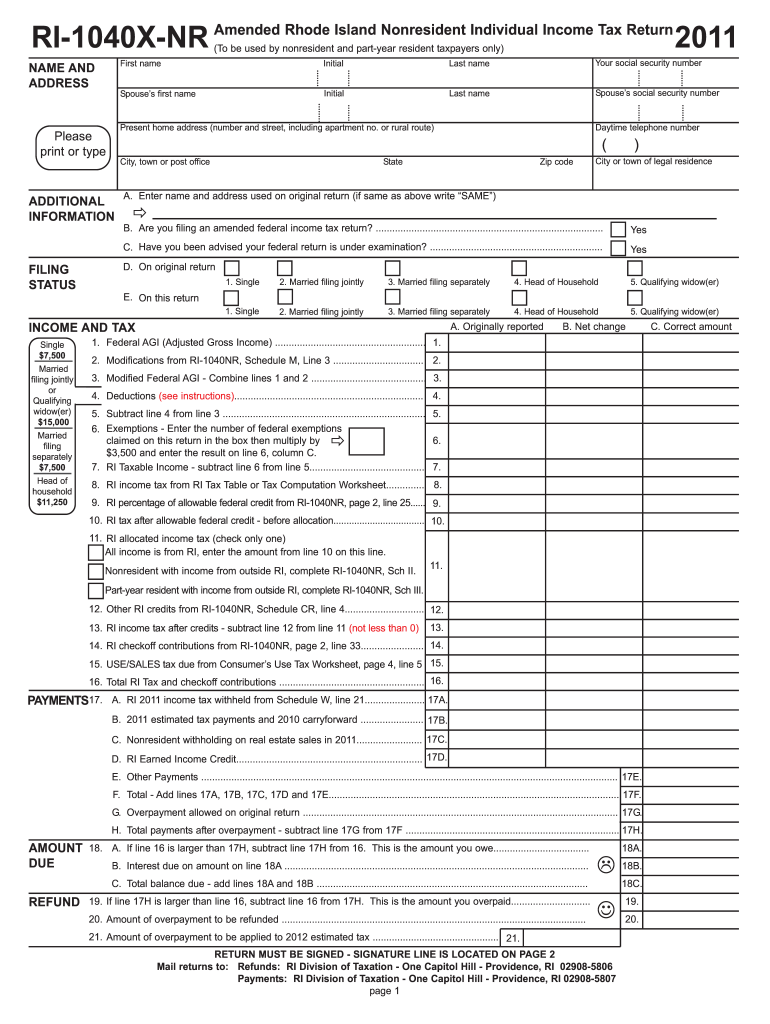
Click 'Get Form' to open the 2011 RI form in our editor.
Begin by filling in your personal information, including your first name, last name, and social security number. Ensure accuracy as this information is crucial for processing.
In the 'Additional Information' section, provide the name and address used on your original return. If it’s the same as above, simply write 'SAME'.
Select your filing status from the options provided. This will help determine your tax obligations accurately.
Proceed to enter your income details. Follow the prompts for Federal AGI and any modifications required from previous filings.
Complete the deductions and exemptions sections carefully, ensuring you multiply by the correct amounts based on your filing status.
Finally, review all entries for accuracy before signing at the designated area on page 2. Once satisfied, save and export your completed form directly from our platform.
Start using our platform today to fill out your 2011 RI form easily and for free!
230 R.I. Code R. 230-RICR-20-60-5.7 - Form Filings
All forms filed on or after December 23, 2011, will not be approved if the term spouse or marriage or any other synonym does not include parties to a civilRead more
Green and Sustainable Remediation: A Practical Framework
by AP Framework 2011 This technical and regulatory guidance document is intended to be used in conjunction with the overview document developed by the GSR Team and titled Green andRead more
Rhode Island 2011 income tax withheld from RI Schedule W, line 21 ATTACH THIS FORM TO YOUR RHODE ISLAND RETURN. Name(s) shown on Form RI-1040 or RI-1040NR.Read more
Cookie consent notice
This site uses cookies to enhance site navigation and personalize your experience.
By using this site you agree to our use of cookies as described in our Privacy Notice.
You can modify your selections by visiting our Cookie and Advertising Notice.