




01. Edit your form online
Type text, add images, blackout confidential details, add comments, highlights and more.

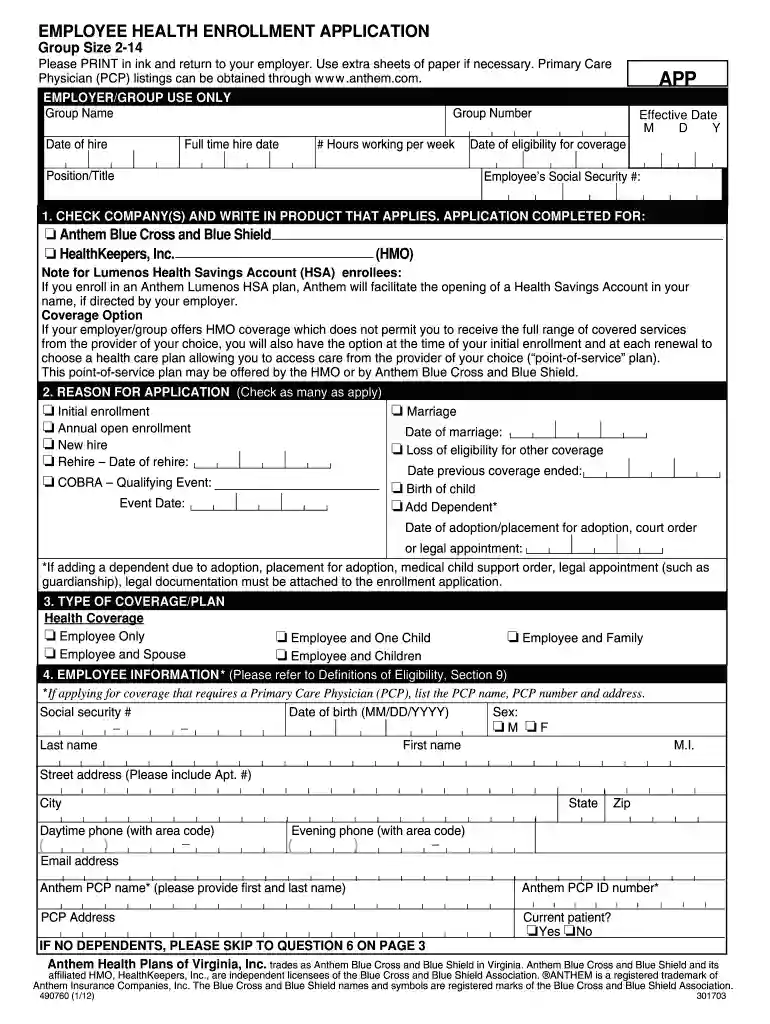
Type text, add images, blackout confidential details, add comments, highlights and more.

Draw your signature, type it, upload its image, or use your mobile device as a signature pad.

Send it via email, link, or fax. You can also download it, export it or print it out.

Start using our platform today to simplify your enrollment process for free!
We've got more versions of the enrollment 2 14 form. Select the right enrollment 2 14 version from the list and start editing it straight away!
| Versions | Form popularity | Fillable & printable |
|---|---|---|
| 2012 | 4.9 Satisfied (472 Votes) |
At DocHub, your data security is our priority. We follow HIPAA, SOC2, GDPR, and other standards, so you can work on your documents with confidence.
Apr 10, 2025 The rule requires children who turn 14 while in the US to re-register with USCIS within 30 days of their 14th birthday, even if previously registered whenRead more
141.93 Enrollment. ; i The name of the course in which the student is enrolled; and ; ii The date of that enrollment.Read more
High School Biotech Concurrent Enrollment Symposium. 16 April 2024. Utah Valley University has a unique program with multiple local high schools whereRead more


