




01. Edit your how to beat a section 35 online
Type text, add images, blackout confidential details, add comments, highlights and more.

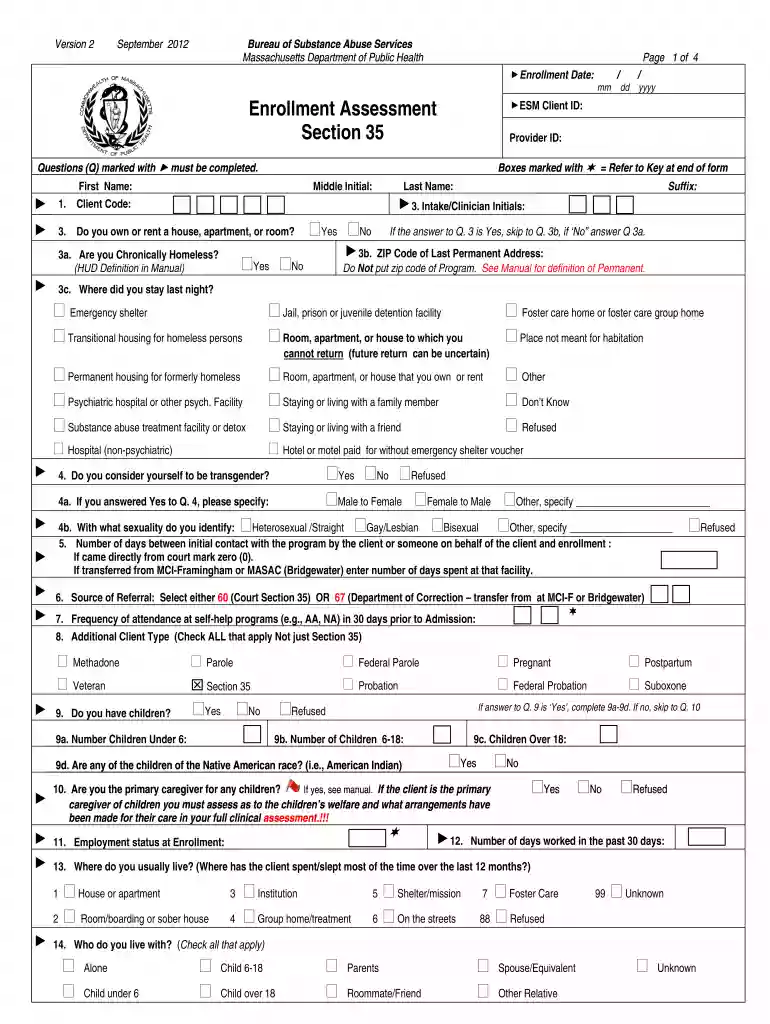
Type text, add images, blackout confidential details, add comments, highlights and more.

Draw your signature, type it, upload its image, or use your mobile device as a signature pad.

Send section 35 massachusetts pdf via email, link, or fax. You can also download it, export it or print it out.

Start filling out your section 35 form today for free using our platform!
We've got more versions of the how to beat a section 35 form. Select the right how to beat a section 35 version from the list and start editing it straight away!
At DocHub, your data security is our priority. We follow HIPAA, SOC2, GDPR, and other standards, so you can work on your documents with confidence.
NOTE: Please submit a new Form FDA 3542a for each patent that claims a drug substance (active ingredient), drug product (formulation or composition), and/orRead more
SECTION 35: Office of Risk Management and Insurance Aircraft Charter Qualification Form Automobile Accident Report Employee Driver Certification Injury/Read more
Find out how and where you can file a Section 35 petition to commit a person at risk of hurting themself or others because of alcohol or drug abuse.


