
Get any PDF form from the DocHub library of ready-made templates - Page 1630

Declaration of sentiments answer key
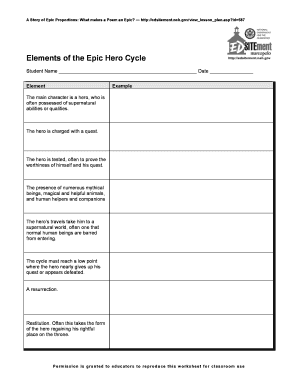
Hero's journey template pdf

Representation of Miners Designation Form 2000-238 - Mine Safety ... - msha

Consent form to talk to irs 2012

Form 14446
Ia renewal form
Navy voluntary statement
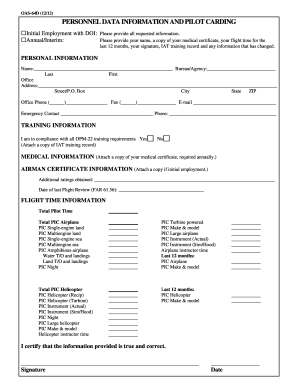
Personnel data carding form

Navmc 11297
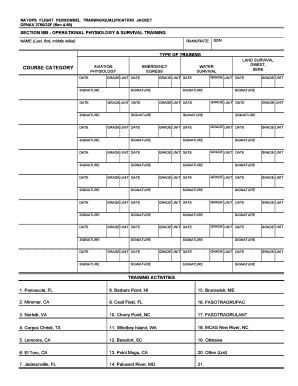
Opnav 3760 32f

Tmder
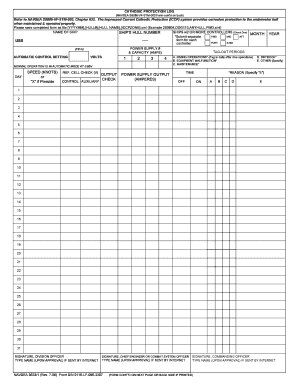
SHIP'S HULL NUMBER SPEED (KNOTS) or "X" if Pierside OUTPUT ...
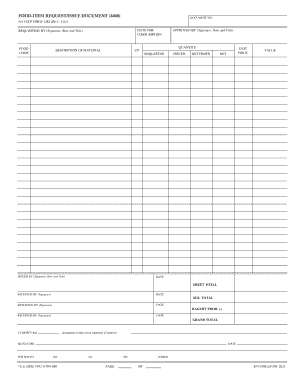
1282 form

Navy mishap report
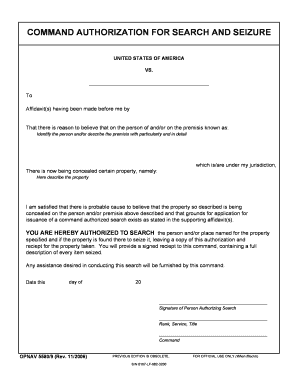
Command authorization for search and seizure

NATOPS INSTRUMENT RATING REQUEST - Naval Forms Online

Navmc 11718
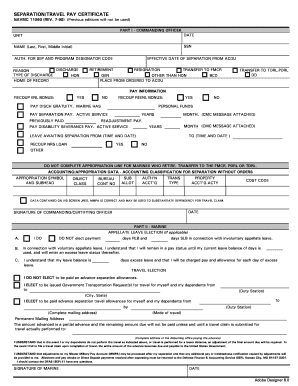
Navmc 11060
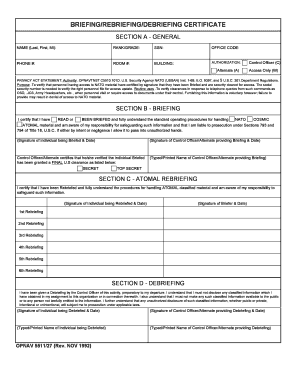
Briefing/rebriefing/debriefing certificate - Naval Forms Online
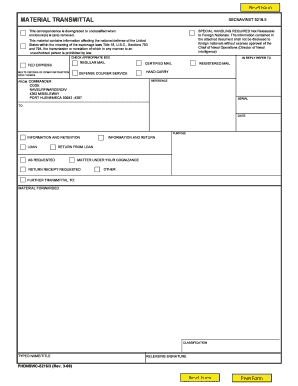
Material transmittal form sample
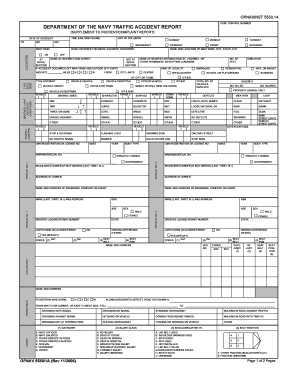
Of accident report form
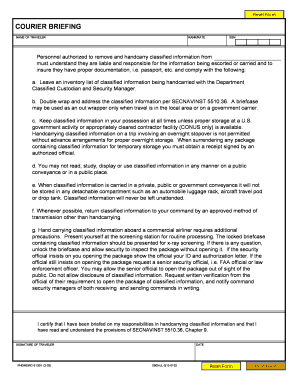
COURIER BRIEFING - Naval Forms Online

Opnav 5354 3
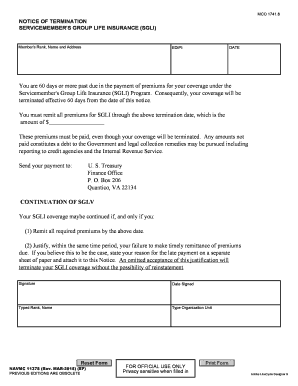
Navmc 11378
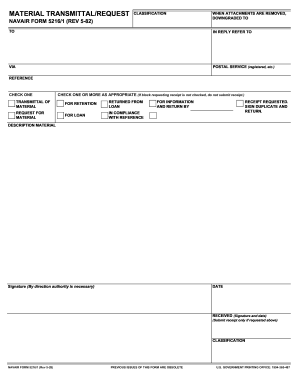
Form 5216 1
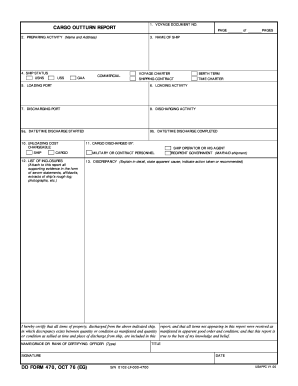
Cargo outturn report

Map evaluation form

SOF-91 Form 36 - landandmaritime dla

Navcompt form 2282

Americorps vista oath
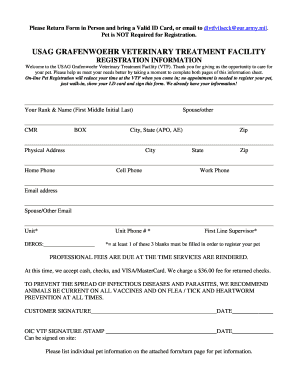
Vilseck veterinary clinic

Usagak dom foia request
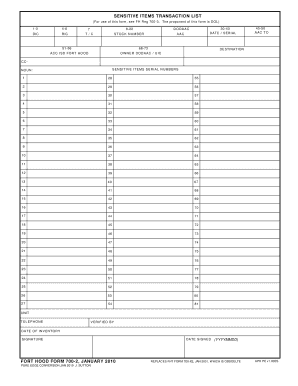
Fh form 700 2
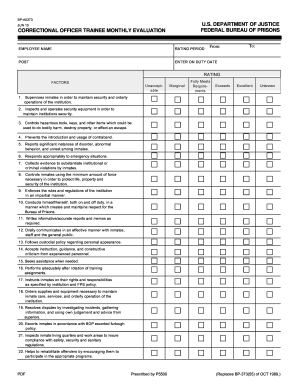
Correctional officer evaluation
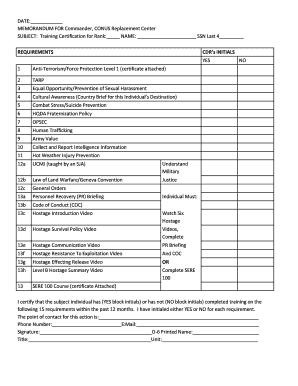
Fh form 7033
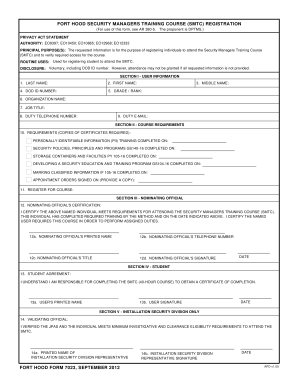
Form 7023
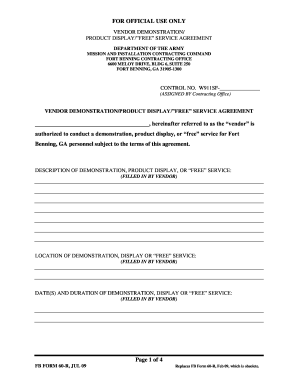
Da form 3595 fillable fort benning
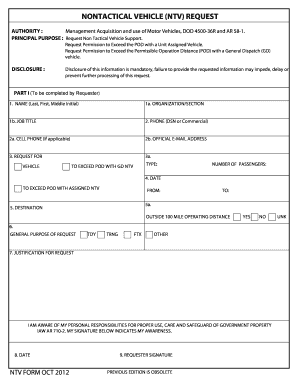
Ntv army

Form 135 r

Usaarl rah 66 comanche
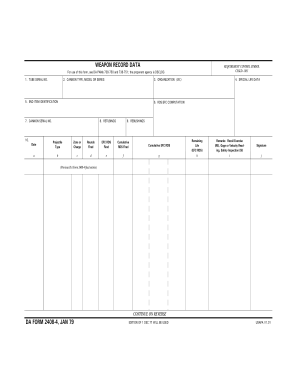
Da form 2408 4
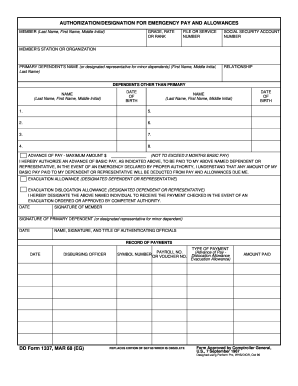
DD Form 1337, Authorization/Designation for Emergency Pay and ... - 8tharmy korea army
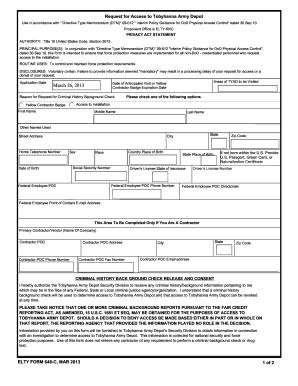
What is elty 2013 form
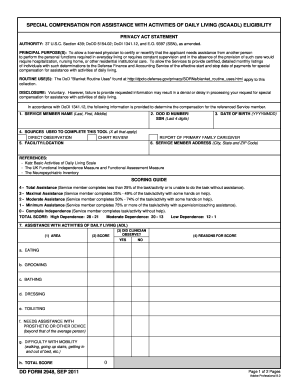
Dd form 1343

Fg form
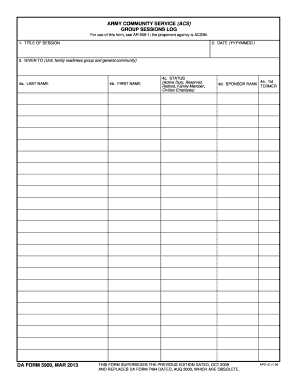
Blank mar

Printable form omb no 1140 0040 01312014
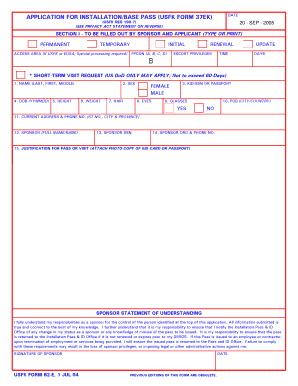
Usfk reg 190 7
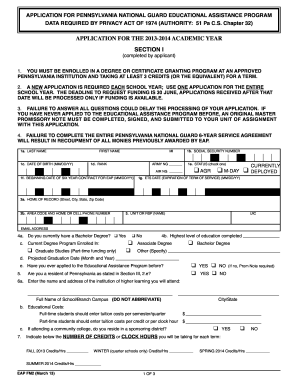
Pa form eap application printable
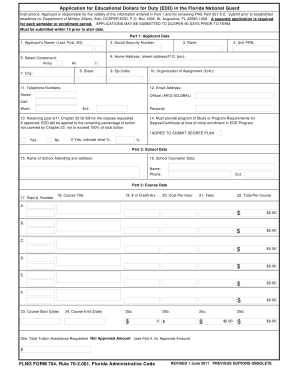
Form 704
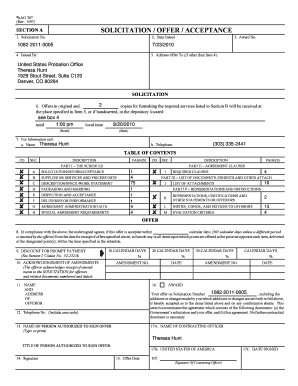
AO 367 - Solicitation/Offer/Acceptance - U.S. District Court for the ... - cod uscourts
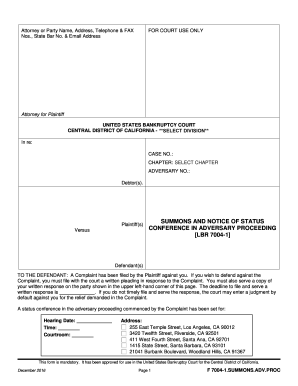
7004 proc summons
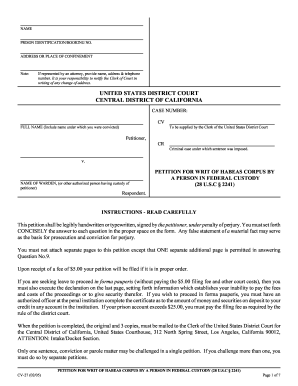
Cv 27 form template

United states bankruptcy court northern district of california form
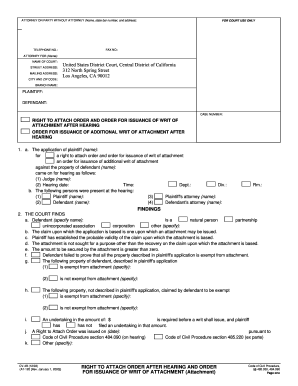
California central district writ of attachment 2003 form

Complete 3015 bankruptcy pdf
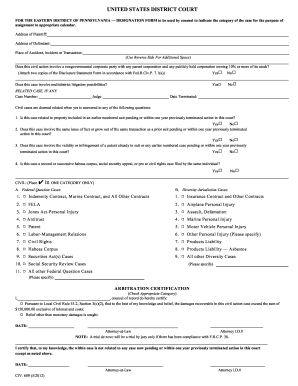
Pennsylvania designation form

Form 210a state of vermont

Blm annual report
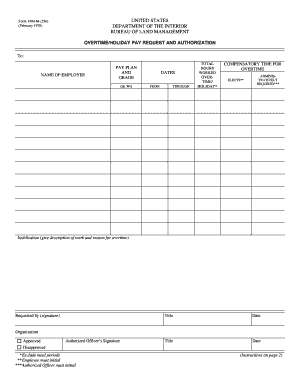
Bureau of land management overtime holiday pay request and authorization
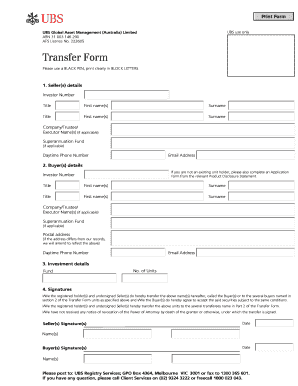
Ubs bank transfer document
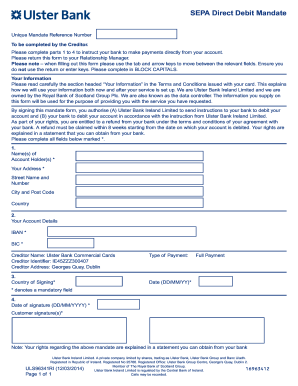
Ulster bank direct debit mandate form

Domestic wire transfer

Request letter to bank for foreign remittance
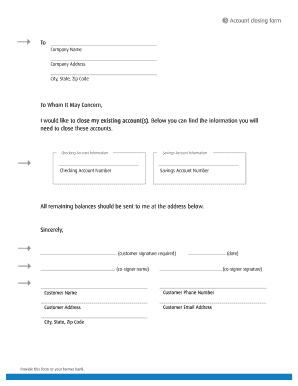
How to close bmo harris account
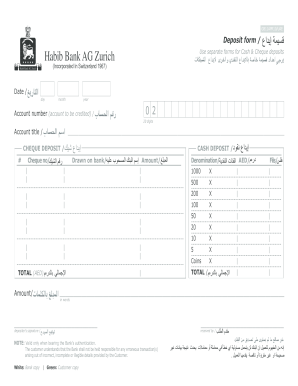
Habib bank ag zurich tt form
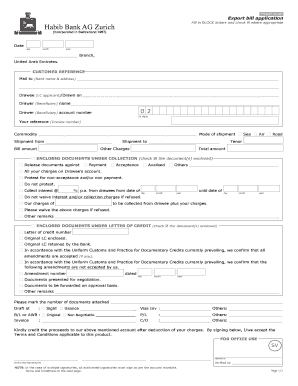
Export bill application

Salary disbursement letter to bank
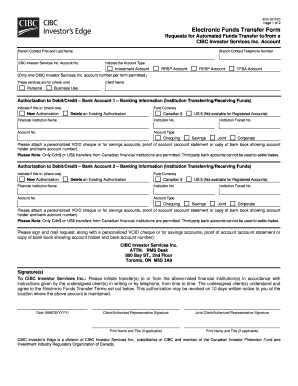
Cibc void cheque pdf
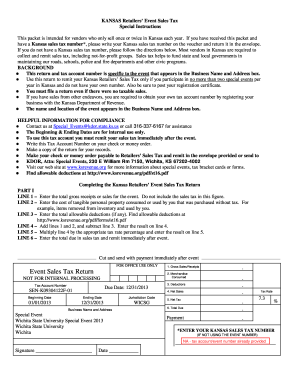
Wichita event sales form
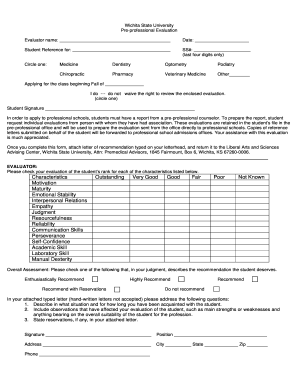
Letter of reccomendation for critical care rn's
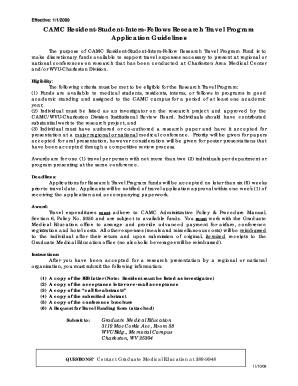
Research travel policy and request form - CAMC Institute
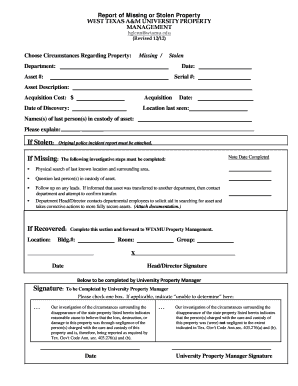
Report stolen property
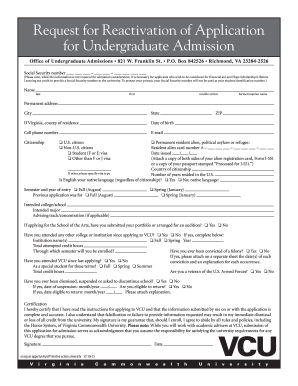
Vcu application form
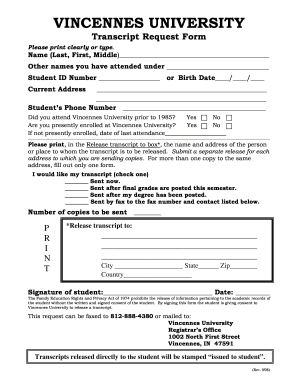
Vincennes university transcript request online form
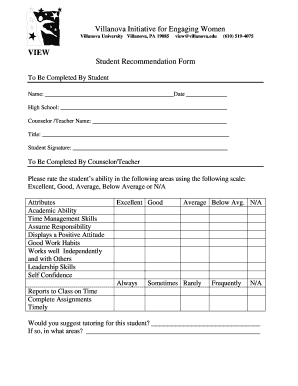
Villanova your teachers
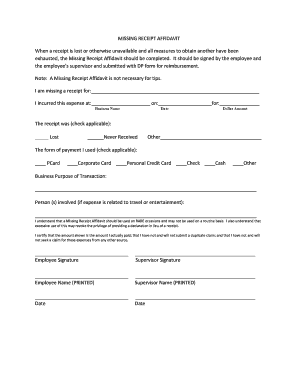
Affidavit format for lost receipt

Vassar transcript
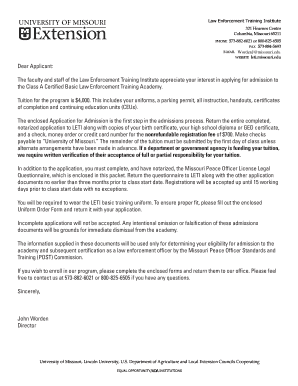
Registration form packet (PDF) - Law Enforcement Training Institute ... - leti missouri

Editable social security disability form 0960 0598 2000

MISSOURI Semi-Annual Fertilizer Tonnage Report For Period ...

Deed of trust missouri
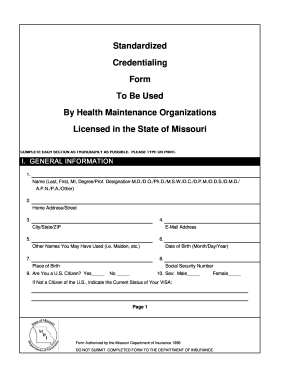
Appointment Application Form
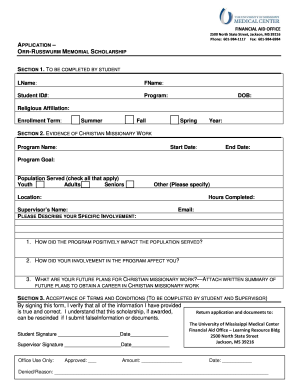
The orr russwurm form
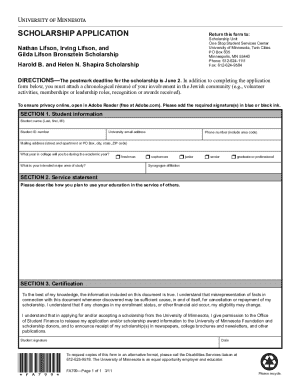
Lifson scholarship
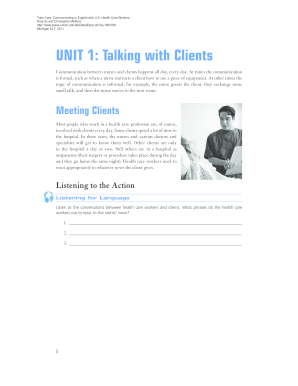
Unit 1 clients form printable
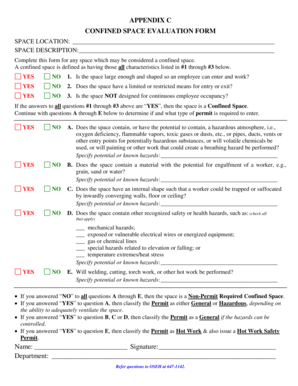
Confined space evaluation form - OSEH - University of Michigan - oseh umich
Fax Referral for Clinical Genetics Services - University of Miami - medgen med miami
University of miami transcript request
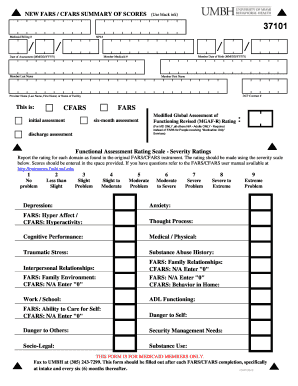
Cfars form
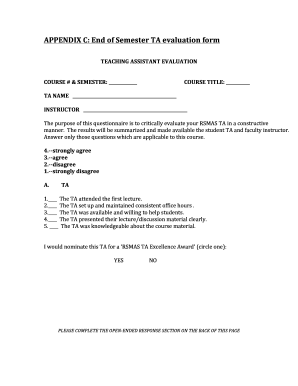
APPENDIX C: End of Semester TA evaluation form - rsmas miami
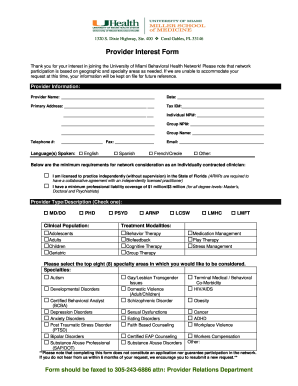
Provider Interest Form - UMBH - University of Miami - umbh med miami
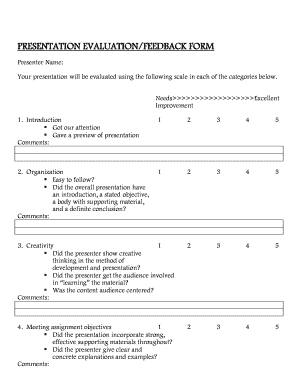
GROUP PRESENTATION EVALUATION/FEEDBACK FORM - cs umb
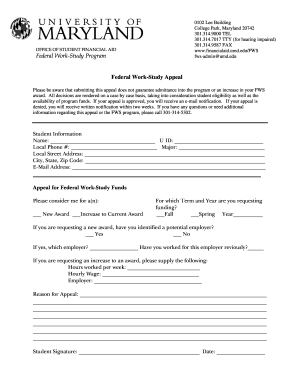
Umd appeal form
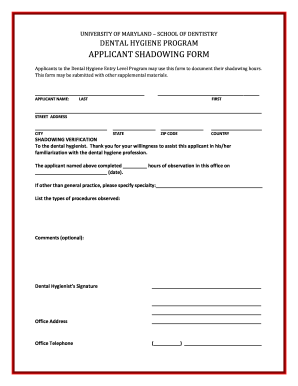
Dentistry shadowing form
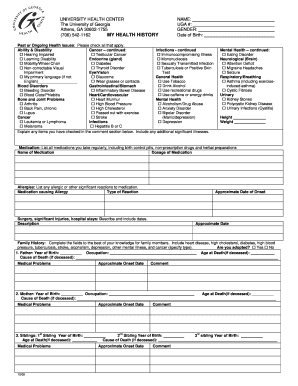
Health History Form - University Health Center - University of Georgia - uhs uga

Georgia acid acidified food
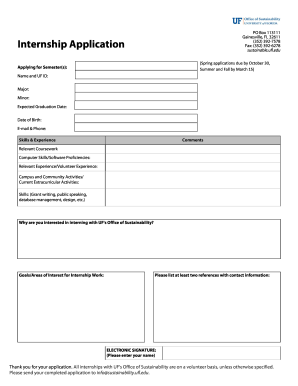
Intern Application Form - Sustainable UF - sustainable ufl
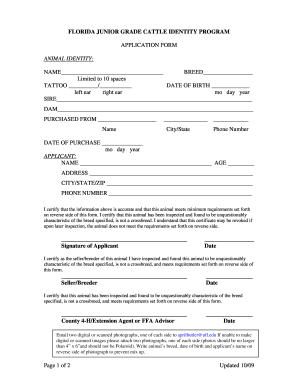
Florida cattle identity
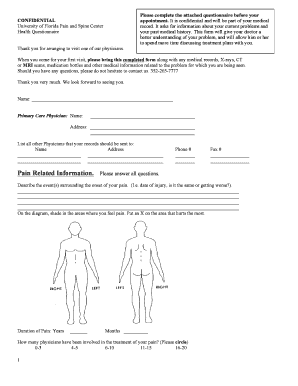
Pain management forms
Benefit from the DocHub online library of fillable PDF forms
Searching the PDF forms doesn't have to be a tedious and time-consuming process. With the DocHub online library, it has become easier to find the fillable PDF forms and modify them in your browser. The service allows you to adjust the document to your needs using powerful editing tools.
You can use online document editing features to modify almost any type of document with ease. You just need to find the template of your choice, open it in the editor, and use the toolbar to make the necessary corrections.
Follow this guide to get your document done with DocHub:
- Find the PDF template you need.
- Click the Get Form button to open the file in the editor.
- Use the toolbar to fill out and edit the document.
- Easily add and highlight text, insert images, checkmarks, and symbols.
- Drop new fillable fields, and rearrange or delete pages from your file.
- Save changes and download your record.
DocHub empowers everyone to streamline document editing, signing, and distribution, and form completion. Create an account and benefit from our well-organized PDF Forms library and comprehensive editor.