
Get any PDF form from the DocHub library of ready-made templates - Page 1628
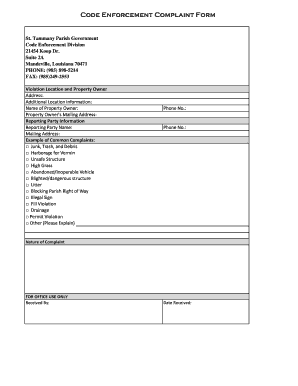
St tammany code enforcement
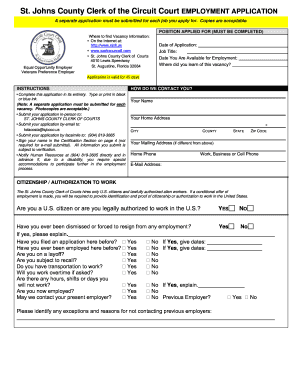
St johns county court option form
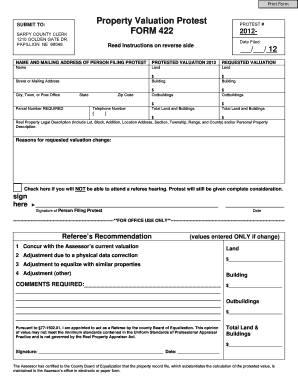
Property valuation form pdf
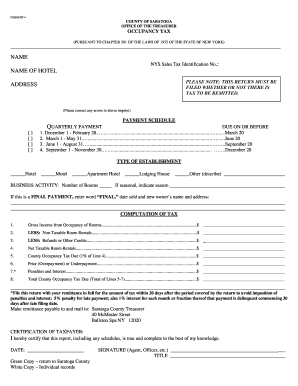
Saratoga form

Protest submittal
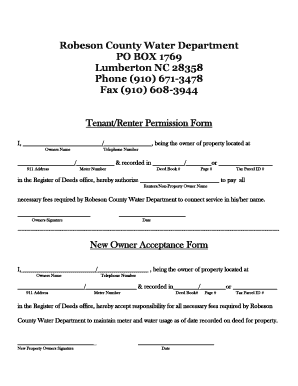
Owner Tenant Permission Form - Robeson County - co robeson nc
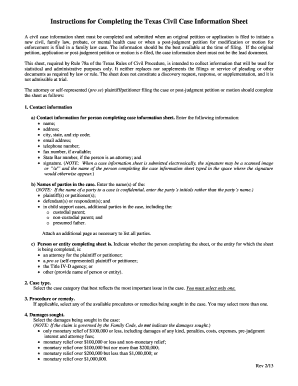
Texas instruction completing sheet
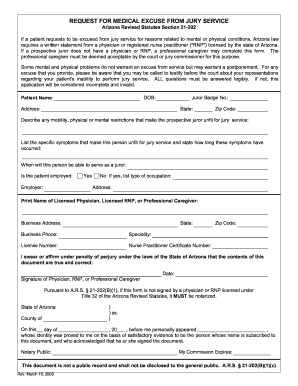
Medical excuse from arizona superior jury 2009 form
Pinal counth forms
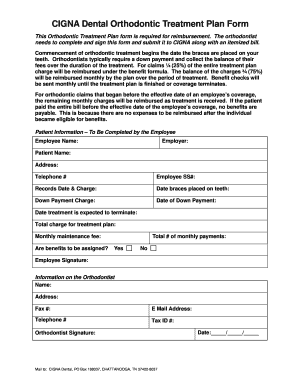
Orthodontics Claim Form - Pinellas County - pinellascounty

Easement consent form
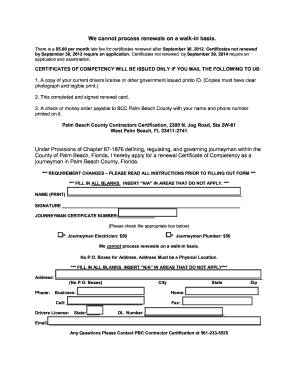
Palm beach county journeyman license renewal
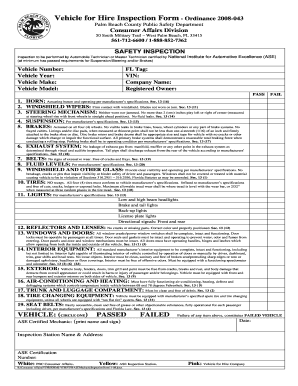
Hire inspection form
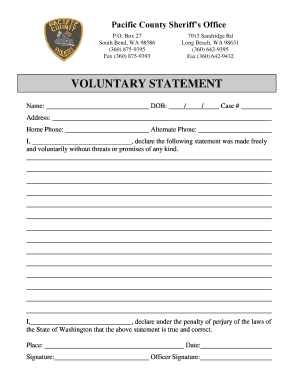
Wa statement pacific form print
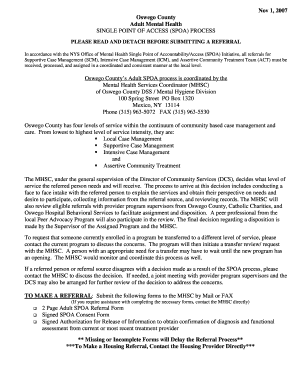
Adult SPOA Referral Form w. cover pg.doc - co oswego ny
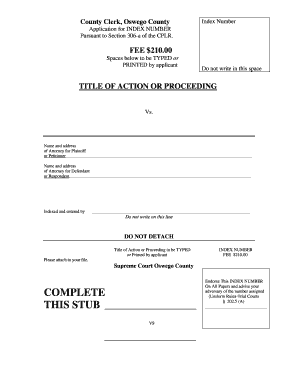
Download the Index Number Application Form - Oswego County - co oswego ny
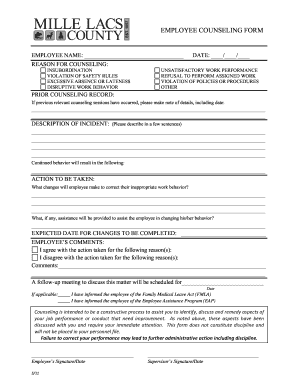
Printable employee counseling form pdf
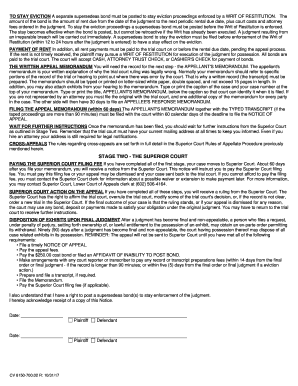
Arizona appeal civil

Gnspoa10f i 050212

Arizona superior 201 compulsory

How to find out about other partys income az form
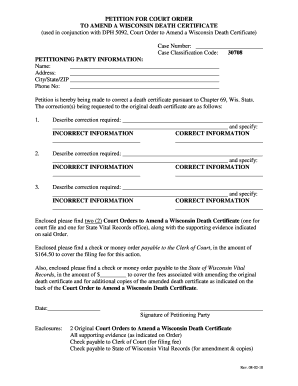
Wisconsin death form

Manatee county tree removal permit

LAPD Officer Request Form - Los Alamos County - losalamosnm
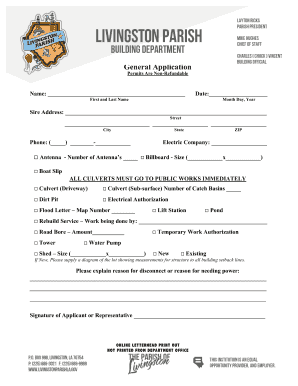
Livingston parish culvert
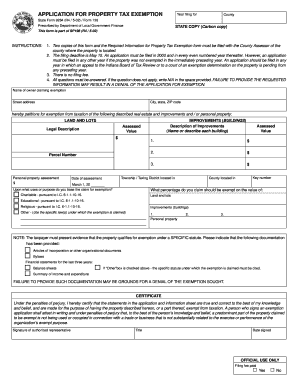
Property tax exemptions form 2002

West virginia property form
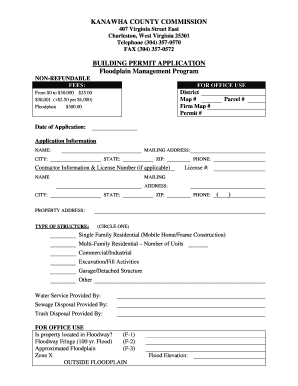
Kanawha county building permit
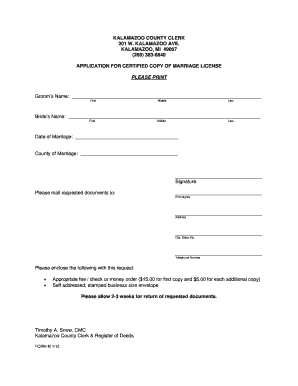
Kalamazoo county clerk marriage license
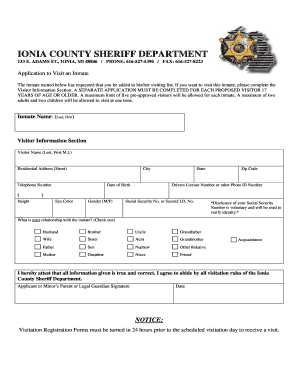
Mi application visit form
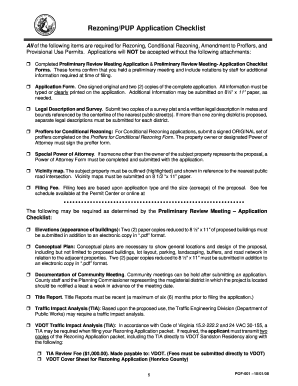
Pup application checklist
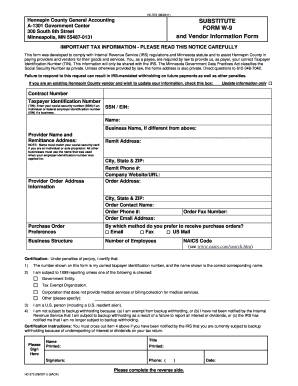
Mn w 9 2011 form
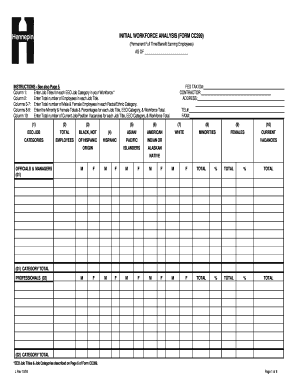
Workforce analysis form

Hennepin county examiner of titles approval
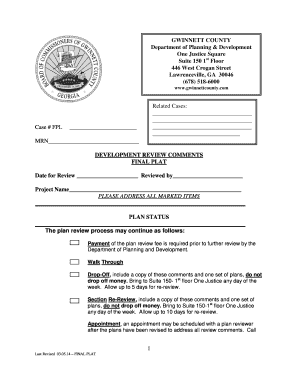
Final plat gwinnett county
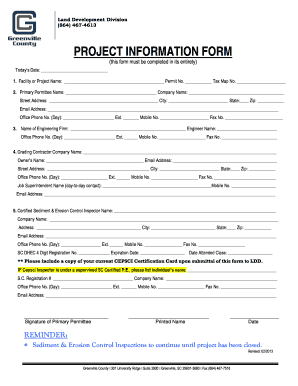
PROJECT INFORMATION FORM - Greenville County - greenvillecounty

Louisiana teleserve online

Responsibility city rouge

Property tax name change application letter format
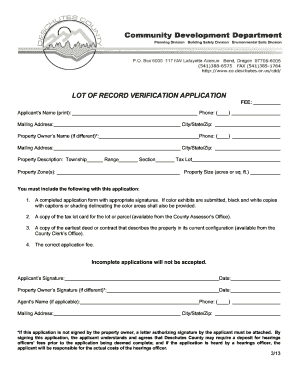
Lot record verification online

Visible landscape application

Deschutes restaurant license
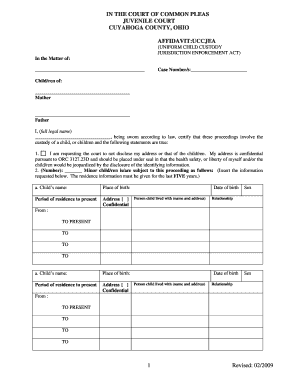
Need a copy of uccjea affidavvit cuyahoga county juvenile court form
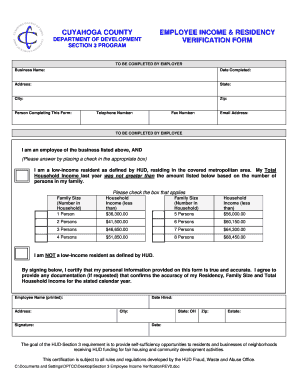
Employee income verification form

Cuyahoga county dte form 100 ex
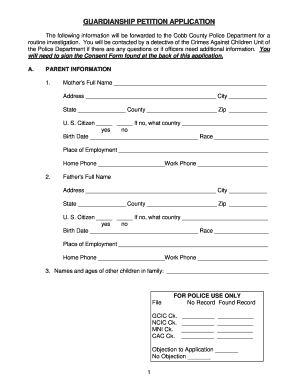
GUARDIANSHIP PETITION APPLICATION - Cobb County
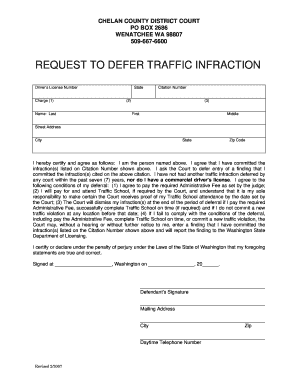
REQUEST TO DEFER TRAFFIC INFRACTION - Chelan County - co chelan wa

Catawba county change address
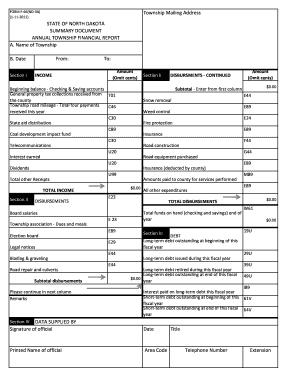
Nd form f 66 nd 3 2011

Certification of Notice under Rule 5.6 - Bucks County - buckscounty

Doh 4245

Hurricane Mitigation Supplemental Fasteners - Brevard County

Temporary Permit Application - Brazoria County

Dr 2539a
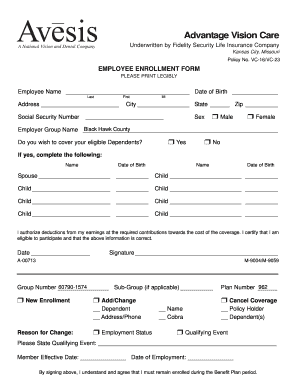
Avesis - Vision Enrollment/Cancellation Form - Black Hawk County - co black-hawk ia
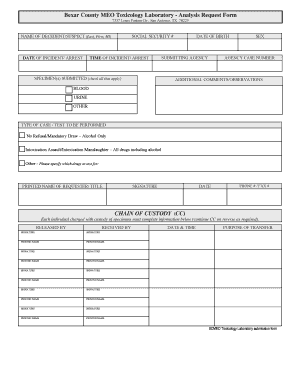
Bexar County MEO Toxicology Laboratory - Analysis Request Form ... - gov bexar

Gathering application county
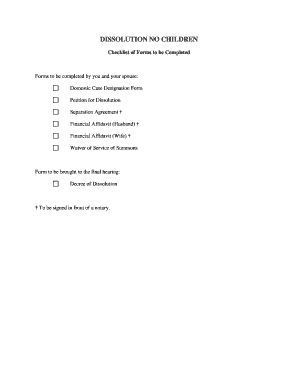
DISSOLUTION NO CHILDREN - Athens County Government - co athensoh

Praecipe to satisfy judgment

Albemarle county along
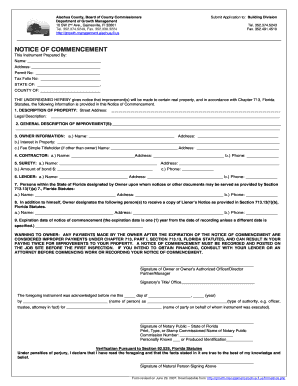
Notice of commencement alachua county
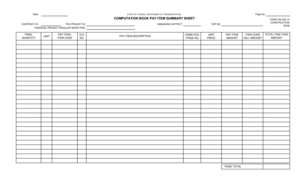
Fdot form 700 050 10

Florida legislature employment

Form lcca

State of florida department of health monthly swimming pool report

Florida registered intern

DFS-H2-1544. Limited Surety, Professional Bail Bond Agent Appointing Entity Form
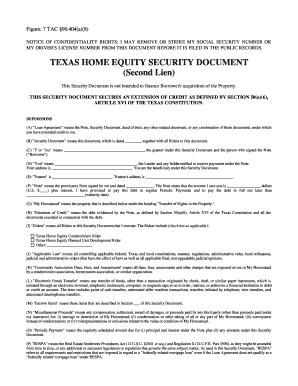
Texas home equity security
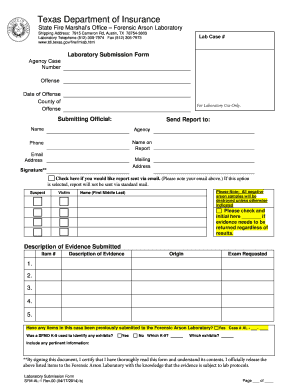
Forensic exhibits submission form pdf
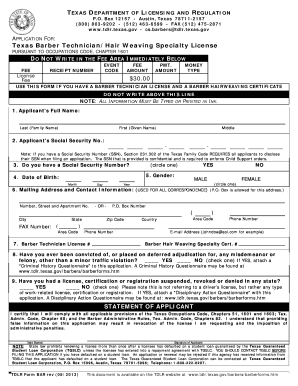
Hair weaving specialty license texas
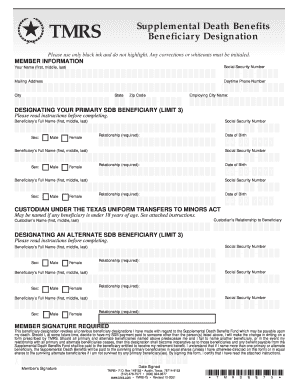
Supplemental death

Form vtr 271 2012

Vtr 346

Form 141 c
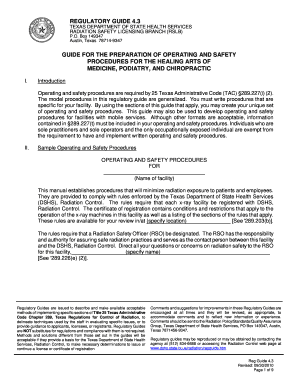
Texas regulatory guide 4 3
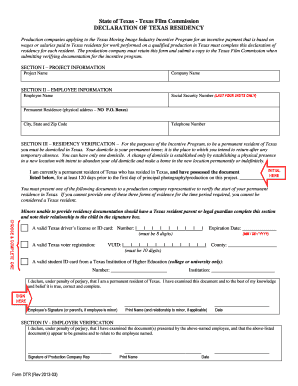
Declaration of Texas Residency Form

Language contract submission

Child support application pdf
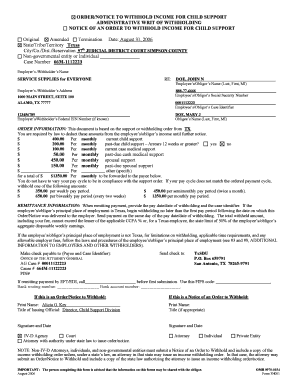
Order/notice to withhold income for child support - Texas OAG Child ... - portal cs oag state tx

Texas laboratory submission form

Vtr 436
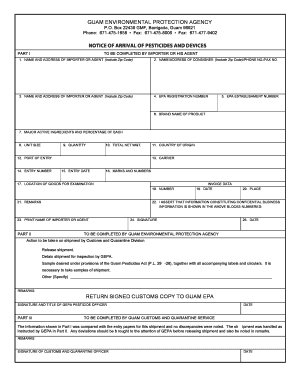
Notice of arrival form
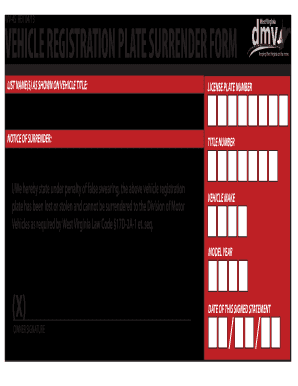
Plate surrender 2013 form
Irs form 4442
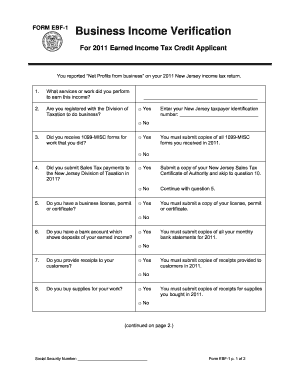
Ebf 1 earned income tax

Affidavit of Contributions Secretary of State/State Auditor Candidates
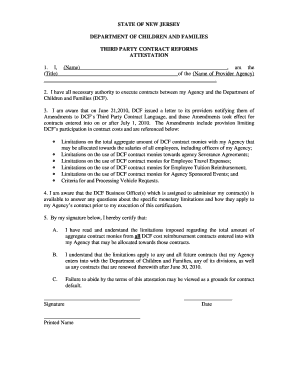
Signable dcf sign in and out sheets form

Newcomer Health Program Supplemental Data Collection Form - vdh virginia

Petition of Qualified Voters SBE-506 521 letter Rev 3.12.doc - sbe virginia
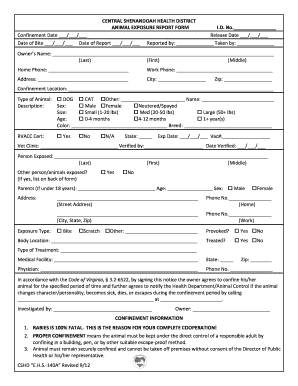
Animal exposure report form
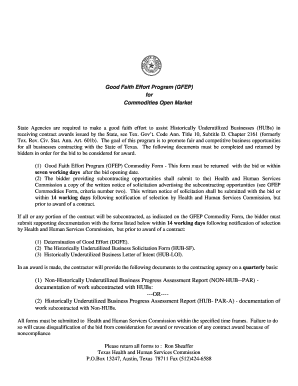
Gfep texas hhsc form
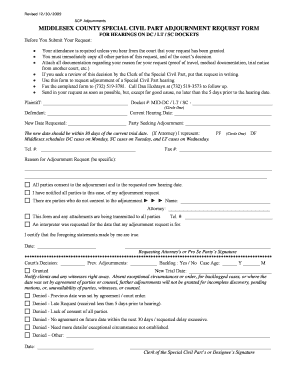
MIDDLESEX COUNTY CIVIL DIVISION ADJOURNMENT REQUEST FORM - judiciary state nj
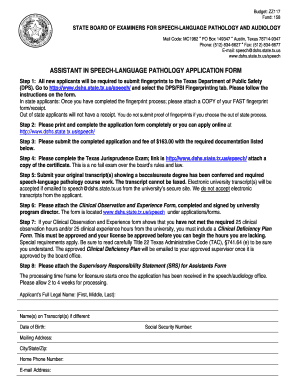
Texas assistant language form
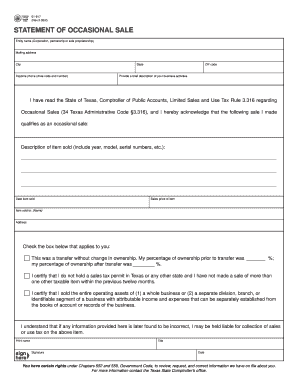
Texas comptroller occasional

Affidavit amendment texas
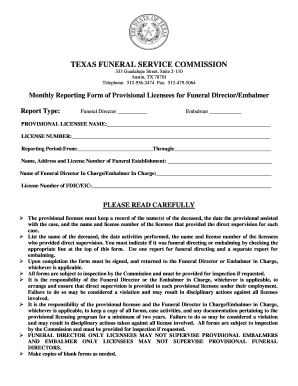
Embalming certificate format
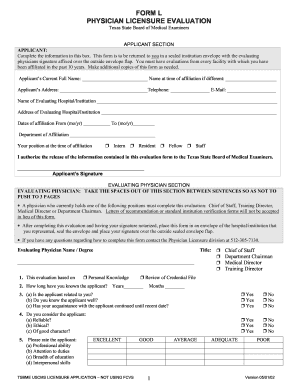
Online l form 2002
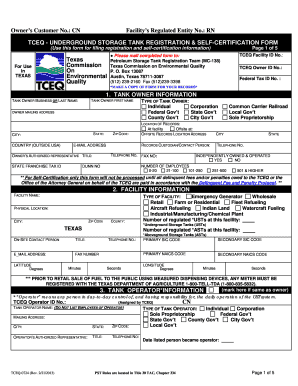
2013-2019 Form TX TCEQ-0724 Fill Online, Printable, Fillable, Blank ...
Tceq 20132

Tdem form 151
Benefit from the DocHub online library of fillable PDF forms
Searching the PDF forms doesn't have to be a tedious and time-consuming process. With the DocHub online library, it has become easier to find the fillable PDF forms and modify them in your browser. The service allows you to adjust the document to your needs using powerful editing tools.
You can use online document editing features to modify almost any type of document with ease. You just need to find the template of your choice, open it in the editor, and use the toolbar to make the necessary corrections.
Follow this guide to get your document done with DocHub:
- Find the PDF template you need.
- Click the Get Form button to open the file in the editor.
- Use the toolbar to fill out and edit the document.
- Easily add and highlight text, insert images, checkmarks, and symbols.
- Drop new fillable fields, and rearrange or delete pages from your file.
- Save changes and download your record.
DocHub empowers everyone to streamline document editing, signing, and distribution, and form completion. Create an account and benefit from our well-organized PDF Forms library and comprehensive editor.