




01. Edit your salesform online
Type text, add images, blackout confidential details, add comments, highlights and more.

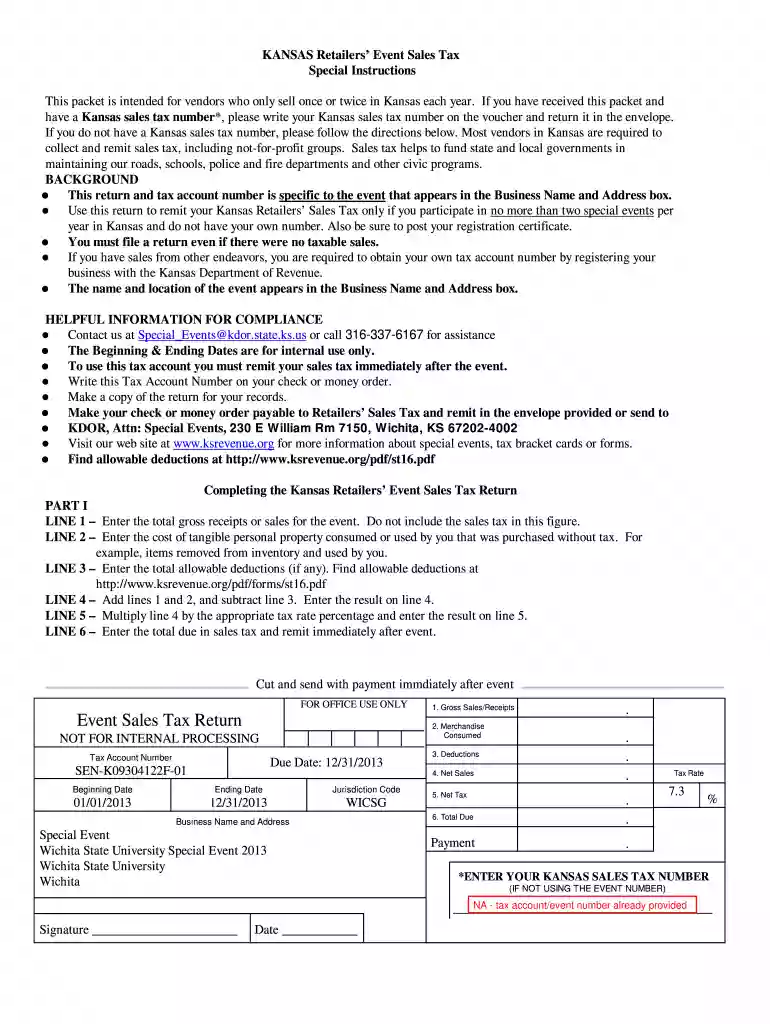
Type text, add images, blackout confidential details, add comments, highlights and more.

Draw your signature, type it, upload its image, or use your mobile device as a signature pad.

Send it via email, link, or fax. You can also download it, export it or print it out.

Start using our platform today for free to streamline your document editing and form completion!
We've got more versions of the salesform form. Select the right salesform version from the list and start editing it straight away!
| Versions | Form popularity | Fillable & printable |
|---|---|---|
| 2013 | 4.8 Satisfied (81 Votes) |
Most eSignature solutions require users to have a paid subscription. With DocHub, there are two options for you to create an electronic signature to your wichita event sales form at no cost:
The second option, however, has limitations on the number of signatures, sign requests, emails, and documents for adjusting available per month. You can check for full details here.
When you edit your wichita event sales form with DocHub, you merely need a stable internet connection and virtually any browser installed on your device. No need to set up any third-party applications or study tutorials. Just open a tab with DocHub, drag and drop your file, and modify it on the spot.
At DocHub, your data security is our priority. We follow HIPAA, SOC2, GDPR, and other standards, so you can work on your documents with confidence.
the majority of air channels form in the most permeable zones (Marley 1995). Thus, transfer of volatile contaminants into air channels and oxygen into theRead more
Special Events Community Event Fireworks Display Fireworks Sales Haunted Houses, Halloween Houses, Mystery Mansions Ghost Walks Neighborhood Block Party.Read more
Forms. If you have questions about these forms or policies, please call (316) 978-3475, email letsmeet@wichita.edu or visit Rhatigan Student Center Room 234Read more


