




Here's how it works

01. Edit your faa ia renewal 2023 online
Type text, add images, blackout confidential details, add comments, highlights and more.

02. Sign it in a few clicks
Draw your signature, type it, upload its image, or use your mobile device as a signature pad.

03. Share your form with others
Send faa ia renewal requirements via email, link, or fax. You can also download it, export it or print it out.
How to use or fill out ia renewal form with our platform

- Click ‘Get Form’ to open the ia renewal form in the editor.
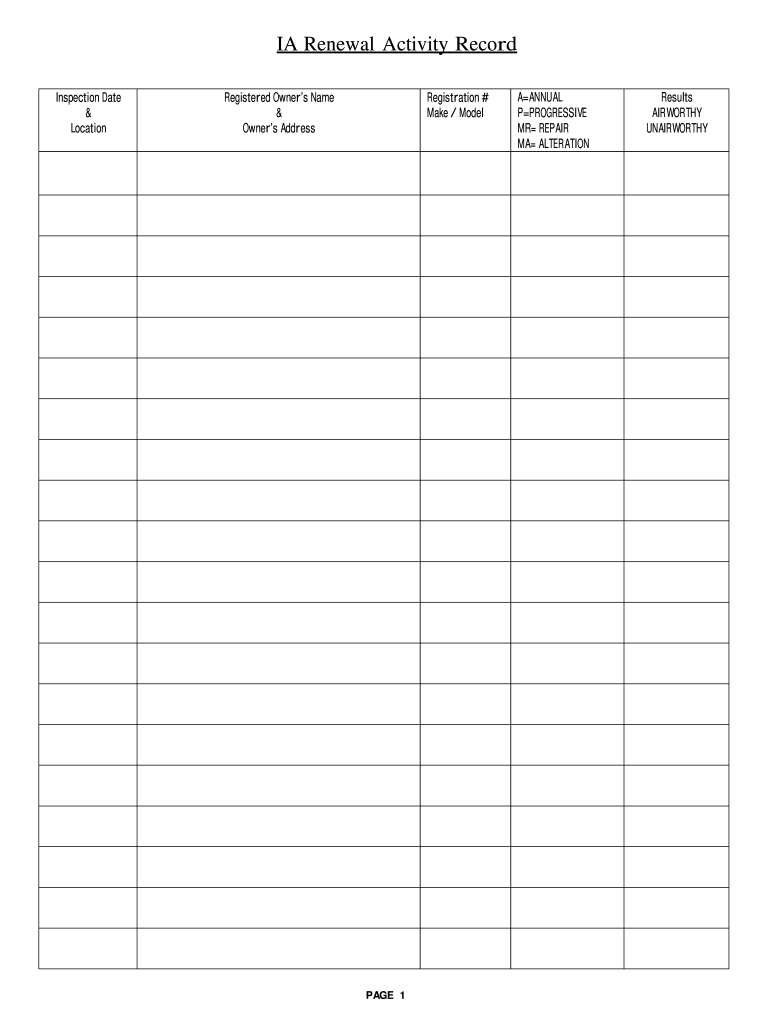
- Begin by entering the Inspection Date and Location at the top of the form. This information is crucial for record-keeping.
- Fill in the Registered Owner’s Name and Address, along with the Registration Number, Make, and Model of the aircraft. Ensure accuracy as this identifies your aircraft.
- Indicate the type of inspection by selecting A (Annual), P (Progressive), MR (Repair), or MA (Alteration) in the designated section.
- In the Results section, mark whether the aircraft is AIRWORTHY or UNAIRWORTHY based on your assessment.
- Complete the IA Renewal Refresher Training Record by entering details such as Training Date, Course Name & Number, Course Provider, Internet or Location, and Hours Completed.
- For Technical Library Certification, list your sources of technical data accurately to comply with FAR regulations.
- Answer questions regarding your active engagement and basis for renewal clearly and concisely in their respective sections.
- Finally, provide your Certificate Number, Phone Contact, Current Fixed Base of Operation address, County information, and ensure you sign and date where indicated.
Start using our platform today to fill out your ia renewal form easily and for free!
Fill out ia renewal form online
It's free
Security and compliance
At DocHub, your data security is our priority. We follow HIPAA, SOC2, GDPR, and other standards, so you can work on your documents with confidence.
Learn more


