




01. Edit your form online
Type text, add images, blackout confidential details, add comments, highlights and more.

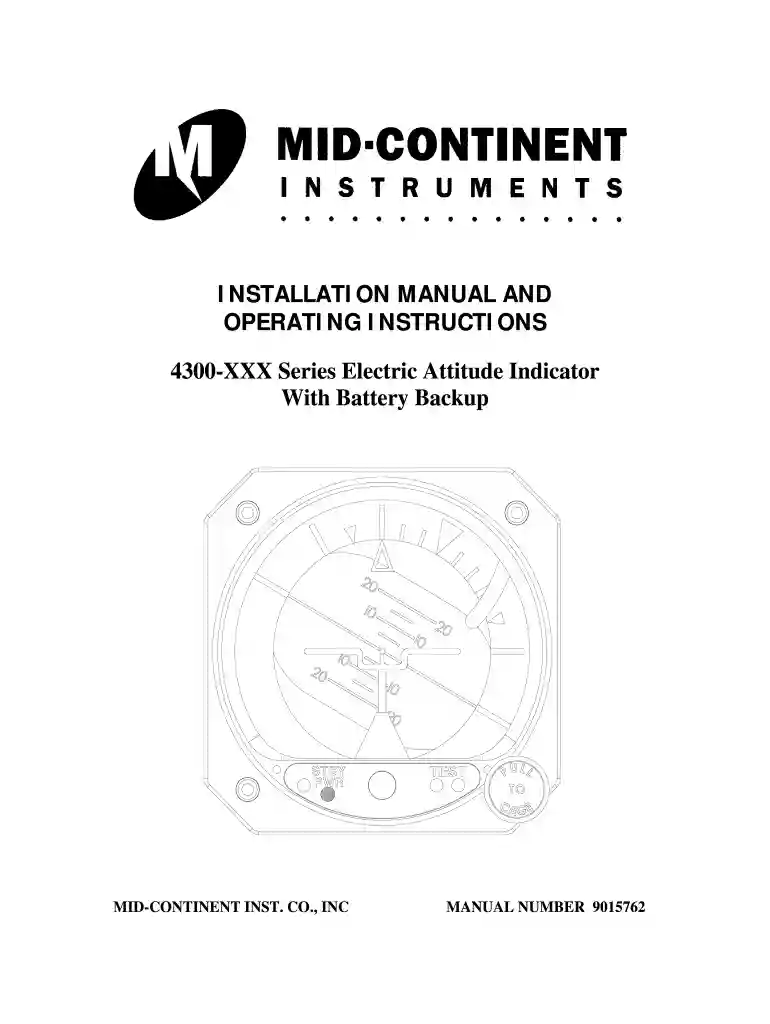
Type text, add images, blackout confidential details, add comments, highlights and more.

Draw your signature, type it, upload its image, or use your mobile device as a signature pad.

Send it via email, link, or fax. You can also download it, export it or print it out.

Start using our platform today to streamline your document editing and form completion!
We've got more versions of the mid continent instruments form. Select the right mid continent instruments version from the list and start editing it straight away!
| Versions | Form popularity | Fillable & printable |
|---|---|---|
| 2009 | 4.8 Satisfied (61 Votes) |
Electronic document signing demands a software solution that complies with data protection and eSignature standards. DocHub is a perfect tool for that, since it meets all the previously mentioned requirements. Whatever method you prefer to sign your mid continent instruments in DocHub, your eSignature will be legally binding and court-admissible.
When you edit your mid continent instruments with DocHub, you simply will not need to look for other software or solutions to eSign it. An electronic signature is part of DocHub’s comprehensive editing toolset, which enables you to implement changes in your form without jumping between websites. Simply complete your form, double-check the correctness of your data and place your electronic signature at the end to make it submission-ready within a few minutes.
At DocHub, your data security is our priority. We follow HIPAA, SOC2, GDPR, and other standards, so you can work on your documents with confidence.
Jun 16, 2025 The WSU Tech Foundation is proud to announce a new multi-year partnership with Mid-Continent Instruments and Avionics and True Blue Power.Read more
MID-CONTINENT INSTRUMENT CO INC Also known by 3 other names Overview Total Awarded Amount Face Value of Loans Details Transactions Over Time Top 5


