2003 howard word download-2026

Get Form
2003 howard word download Preview on Page 1

Here's how it works

01. Edit your form online
Type text, add images, blackout confidential details, add comments, highlights and more.

02. Sign it in a few clicks
Draw your signature, type it, upload its image, or use your mobile device as a signature pad.

03. Share your form with others
Send it via email, link, or fax. You can also download it, export it or print it out.

How to use or fill out 2003 Howard Word Download with DocHub

Form edit decoration
9.5
Ease of Setup
DocHub User Ratings on G2
9.0
Ease of Use
DocHub User Ratings on G2
  1. Click ‘Get Form’ to open the 2003 Howard Word Download in our editor.
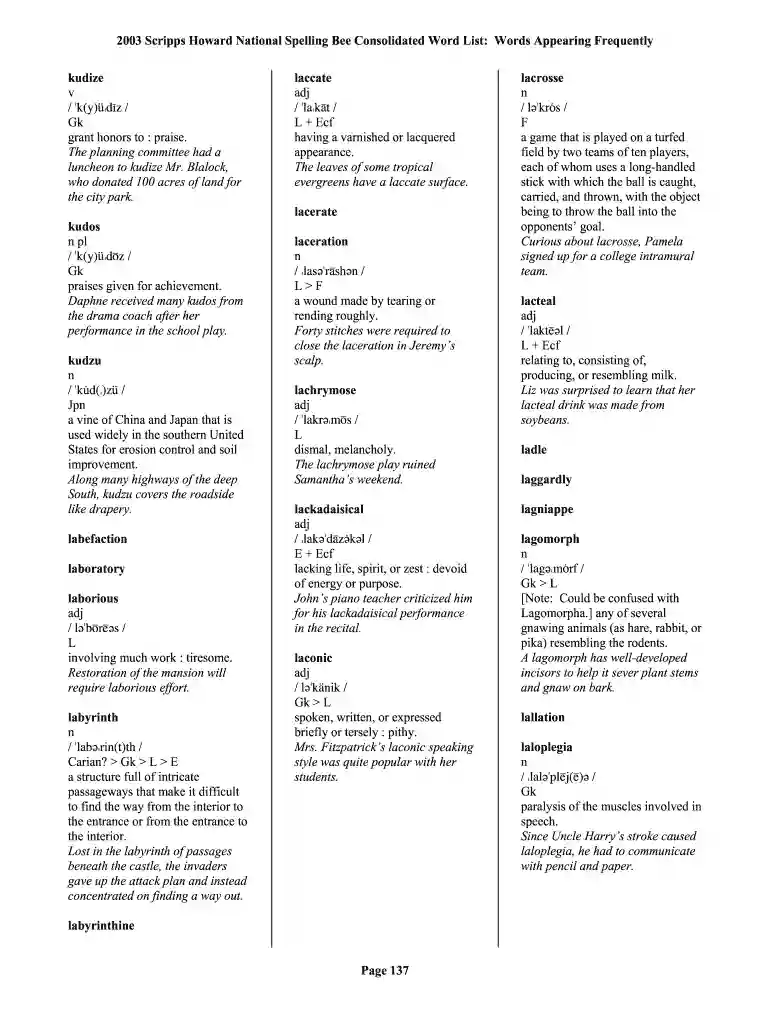
  2. Begin by reviewing the document's sections, which include various words and their definitions. Familiarize yourself with the layout to enhance your filling experience.
  3. Use the text fields provided to input your answers or notes next to each word as needed. Ensure that you are clear and concise in your entries.
  4. Once you have completed all necessary fields, utilize our platform’s features to save your progress. You can also share or print the document directly from the editor.

Start using our platform today for free and streamline your document editing process!

See more 2003 howard word download versions

We've got more versions of the 2003 howard word download form. Select the right 2003 howard word download version from the list and start editing it straight away!
Versions Form popularity Fillable & printable
2003 4.9 Satisfied (42 Votes)
be ready to get more

Complete this form in 5 minutes or less

Get form

Got questions?

We have answers to the most popular questions from our customers. If you can't find an answer to your question, please contact us.
Contact us

Of course, you’ll find numerous apps for this on the web. Nevertheless, if you need to eSign your 2003 howard word download without installing extra software, DocHub is the best choice you can make. This powerful editor works on mobile devices just like on desktops. Open our editor in your preferred internet browser, register or log in to your account, and start processing your forms.

You can easily edit and complete your 2003 howard word download on any iOS device. Open an internet browser of your choice, go to the DocHub website, authorize or create a new account, upload your file for editing, and make your desired changes. Our service is mobile-friendly, so using its features on your smartphone will be a no-brainer, even on the first try.

Microsoft released a total of three service packs for Office 2003 throughout its lifecycle. Service Pack 1 was released on July 27, 2004, and Service Pack 2 was released on September 27, 2005. Support for Office 2003 ended on April 8, 2014, along with Windows XP.
FAQs about Microsoft office free download 2003 No, Microsoft has never released any desktop version of Office for free. If youre looking for an alternative, consider exploring options like WPS Office, which offers a comprehensive suite of office tools at no cost.
Microsoft Word 2003 is a word processing program released by Microsoft as part of the Office 2003 suite. It was widely used in the early 2000s for creating, editing, and formatting documents.

Security and compliance

At DocHub, your data security is our priority. We follow HIPAA, SOC2, GDPR, and other standards, so you can work on your documents with confidence.

Learn more
ccpa2
pci-dss
gdpr-compliance
hipaa
soc-compliance

People also ask

As mentioned, phone activation still works, even if Office says its been disabled. Call 866-421-7141 from a mobile phone and use the option where they text you a link.
Support for Office 2003 has ended. Upgrade to a newer version of Office so you can stay up to date with all the latest features, patches, and security updates. Support and updates for Office 2003 is no longer available. Office 2003 products no longer receive the following: Assisted support.
0:00 1:12 Okay make sure you signed into your Microsoft. Account then from search search for Office enter thenMoreOkay make sure you signed into your Microsoft. Account then from search search for Office enter then shop okay okay you see here there is a paid version of Microsoft. Just here we have a free version.

Related links