




01. Edit your mpc 853 online
Type text, add images, blackout confidential details, add comments, highlights and more.

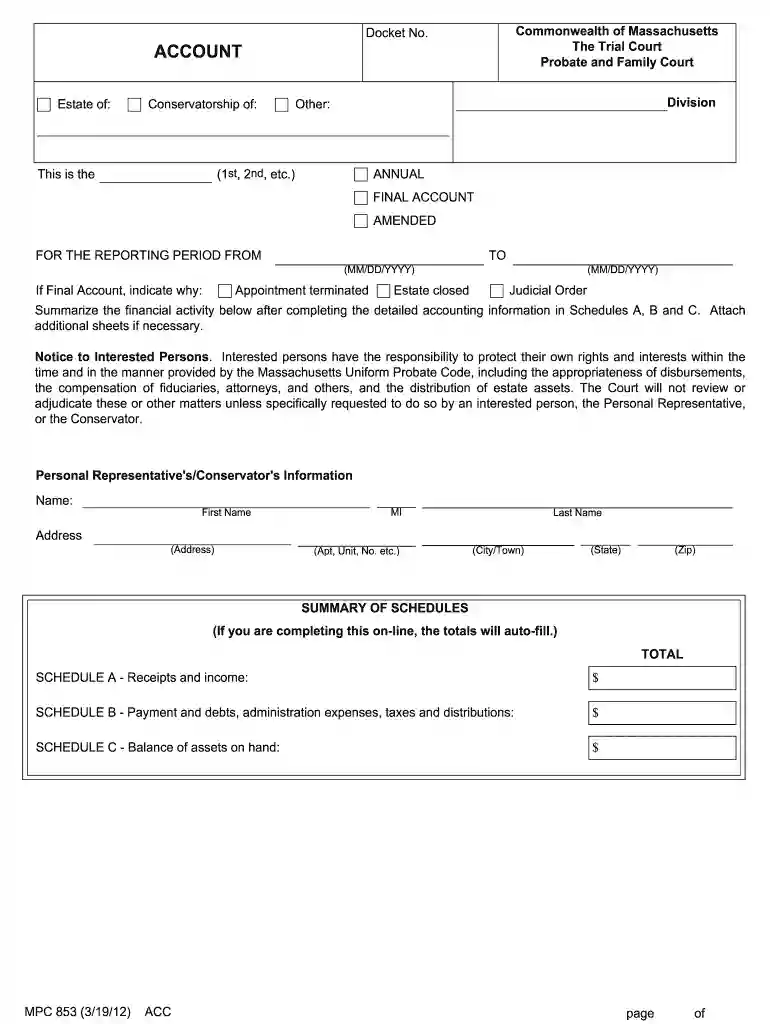
Type text, add images, blackout confidential details, add comments, highlights and more.

Draw your signature, type it, upload its image, or use your mobile device as a signature pad.

Send it via email, link, or fax. You can also download it, export it or print it out.

Start using our platform today to easily fill out your mpc853 combined account for free!
At DocHub, your data security is our priority. We follow HIPAA, SOC2, GDPR, and other standards, so you can work on your documents with confidence.
The title for a departmental account used to account for differences between book balances of funds and actual funds on hand. N, N. 165, 40704, Revenue, 40000Read more
For use in Probate Family Court ( revised 2/3/25). Used in cases regarding wills, estates, and trusts or guardianship and conservatorship cases.Read more
Learn to use new Process. Library MPC Accelerator tools to make deployment easier and quicker. In addition, MPC in the chassis is simple and robust. LearnRead more


