




01. Edit your form online
Type text, add images, blackout confidential details, add comments, highlights and more.

Type text, add images, blackout confidential details, add comments, highlights and more.

Draw your signature, type it, upload its image, or use your mobile device as a signature pad.

Send it via email, link, or fax. You can also download it, export it or print it out.

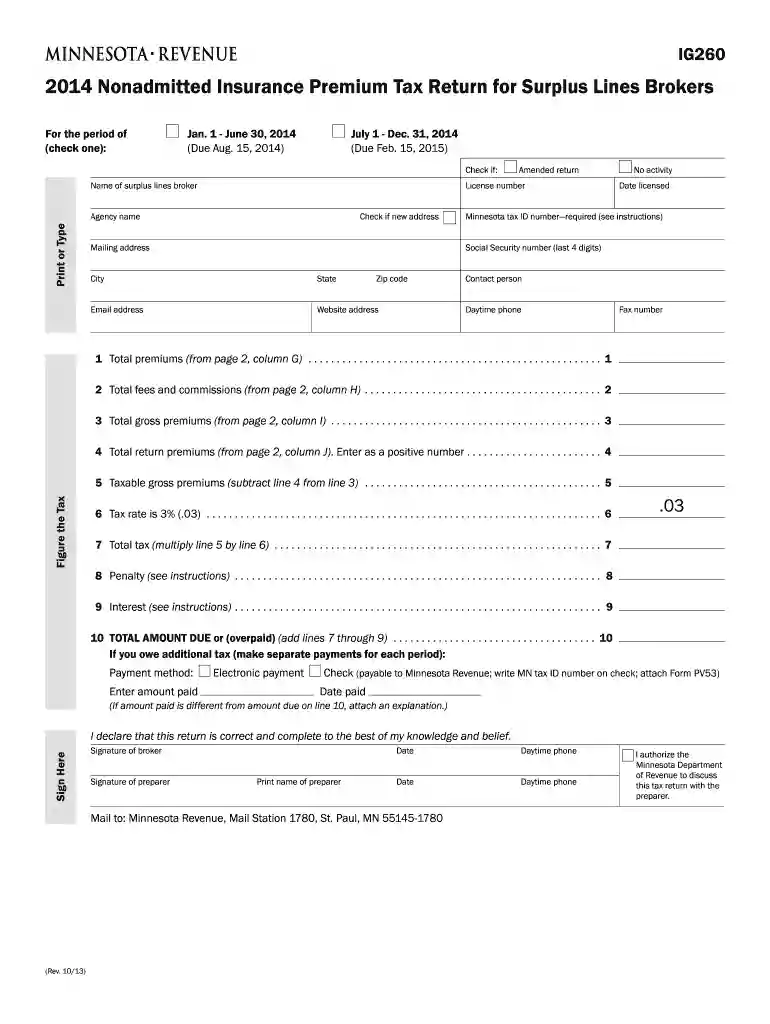
Start using our platform today to fill out your Minnesota Form IG260 quickly and efficiently!
We've got more versions of the minnesota form ig260 2014 form. Select the right minnesota form ig260 2014 version from the list and start editing it straight away!
| Versions | Form popularity | Fillable & printable |
|---|---|---|
| 2026 | 4.8 Satisfied (60 Votes) | |
| 2024 | 4.8 Satisfied (36 Votes) | |
| 2023 | 4.6 Satisfied (33 Votes) | |
| 2022 | 4.7 Satisfied (58 Votes) | |
| 2021 | 4.3 Satisfied (72 Votes) | |
| 2020 | 4.4 Satisfied (192 Votes) | |
| 2019 | 4.4 Satisfied (29 Votes) | |
| 2018 | 4.3 Satisfied (169 Votes) | |
| 2017 | 4.3 Satisfied (23 Votes) | |
| 2016 | 4.4 Satisfied (113 Votes) | |
| 2015 | 4.4 Satisfied (2947 Votes) | |
| 2014 | 4 Satisfied (60 Votes) | |
| 2012 | 4 Satisfied (25 Votes) |
At DocHub, your data security is our priority. We follow HIPAA, SOC2, GDPR, and other standards, so you can work on your documents with confidence.
by J Fang 2024 Cited by 20 Acupuncture as an adjunct therapy may provide post-treatment pain relief lasting at least 3 months for patients with chronic neck pain.Read more
Low-dose aspirin for primary prevention of cardiovascular events in Japanese patients 60 years or older with atherosclerotic risk factors: a randomized clinicalRead more


