
Get any PDF form from the DocHub library of ready-made templates - Page 1551
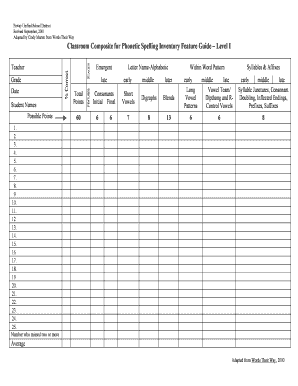
Words their way elementary spelling inventory classroom composite excel
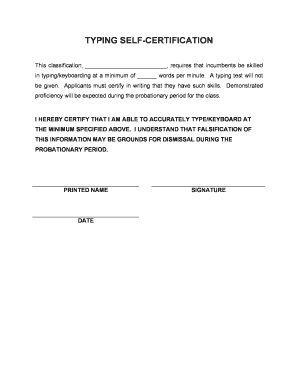
TYPING SELF-CERTIFICATION - Poway Unified School District
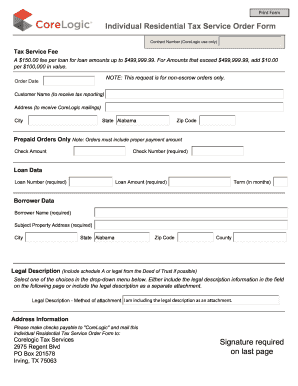
Individual Residential Tax Service Order Form ... - CoreLogic
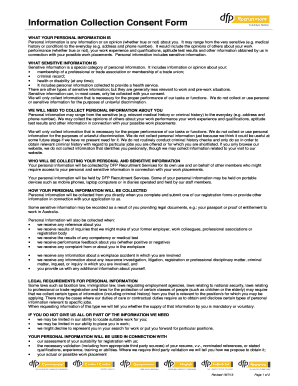
Information Collection Consent Form - DFP Recruitment
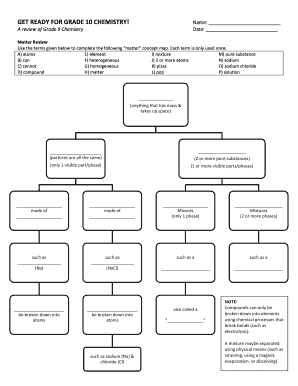
Chemistry for grade 10
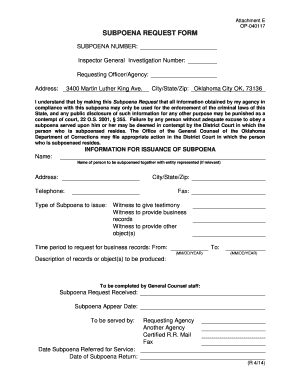
Oklahoma subpoena form

Pittsburg ks dmv form

Methodist hospital letterhead

Ohio notice judgment franklin

Form nf 447 of canara bank

Priority car financing corp

Whispering pines muskogee

Interstate Permission form. - Oklahoma Soccer Association

Time Conflict Permission Form - uwp

Hunting permission slips

Permission activity gsep form

Immutable page info attachments
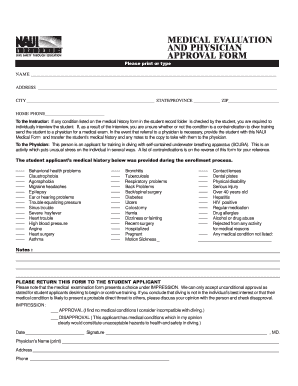
Naui medical form

Mv440 form
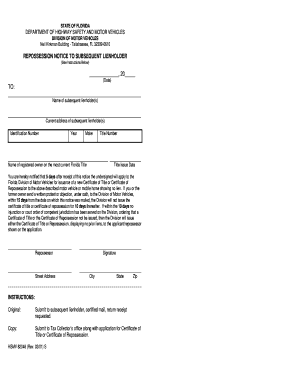
Notice of repossession form
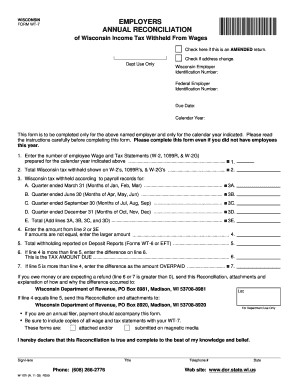
Wt 7 form wisconsin

Kansas retailers sales tax return st 36
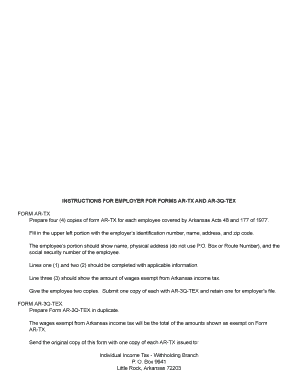
Form ar tx 2020
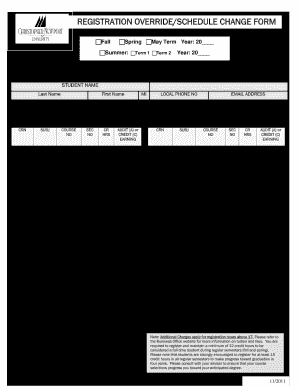
Cnu override form

Form I-9, Employment Eligibility Verification - QSROnline.com
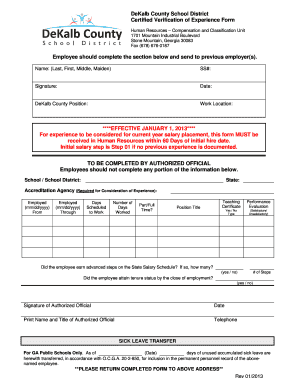
Certified Verification of Experience Form - DeKalb County Schools - dekalb k12 ga
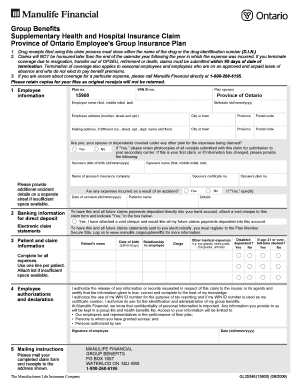
Health hospital insurance claim form

Care-A-Van Application - Carta - gocarta
Personal memoranda in diary pdf
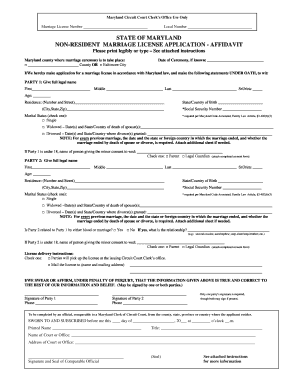
Marriage license maryland
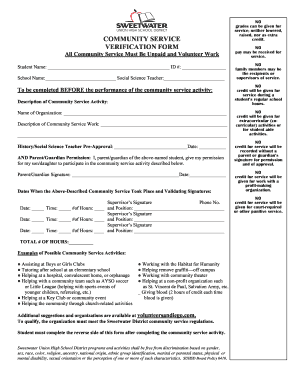
Sweetwater community form
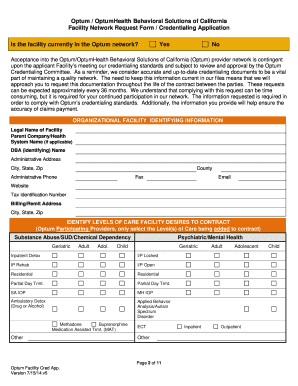
Facility Network Request Form (FNRF) - Provider Express
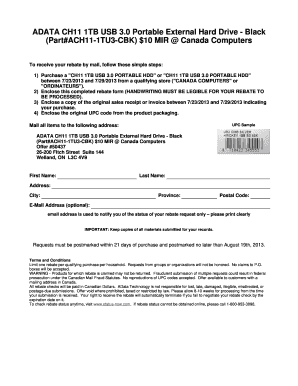
Load confirmation pdf

Ohp 3113
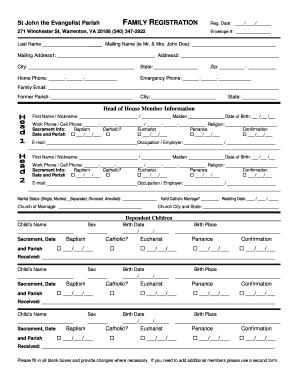
Parish Registration Form - St. John the Evangelist Catholic Church
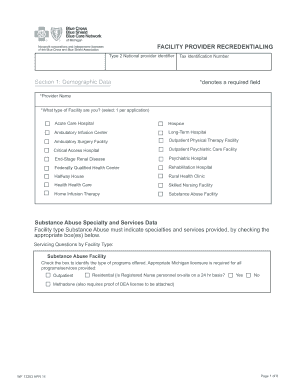
Provider recredentialing

OA Adult Nomination Form - Crossroads of America Council, BSA
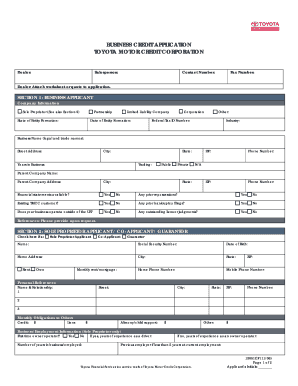
Business credit application form
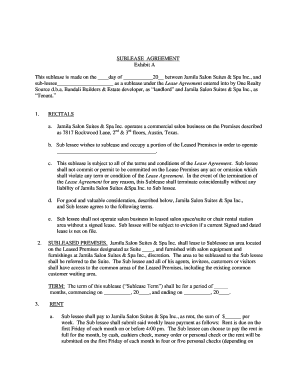
BSUBLEASE AGREEMENTb - Jamila Salon Suites
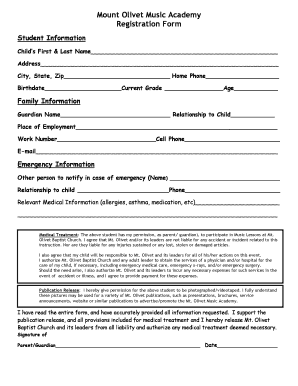
Fill a music form
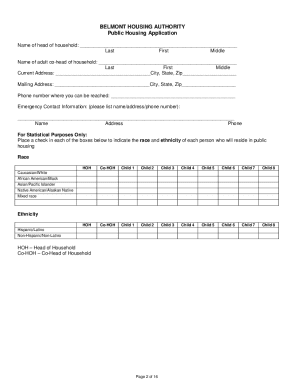
BELMONT HOUSING AUTHORITY Application for Public Housing ... - bhanc

Hersch and lauren
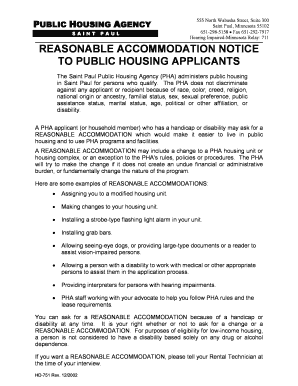
Public Housing Full App.pdf - St. Paul Public Housing Agency - stpaulpha
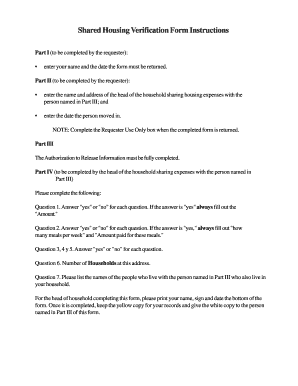
Shared housing verification form
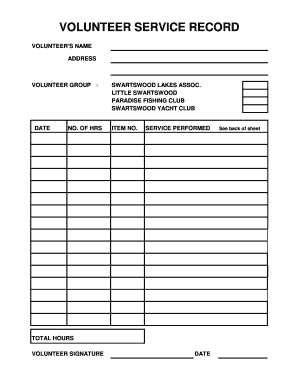
Volunteer log sheet
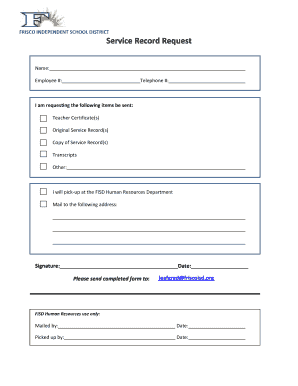
Frisco isd service record request
Service Record Request Form - Austin ISD
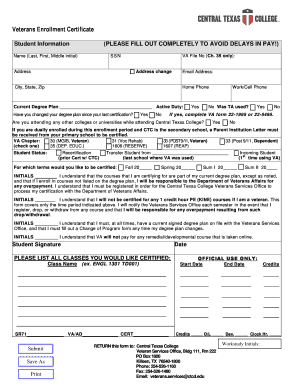
Veterans Enrollment Certificate - Central Texas College - ctcd

Insurance group beneficiary designation form
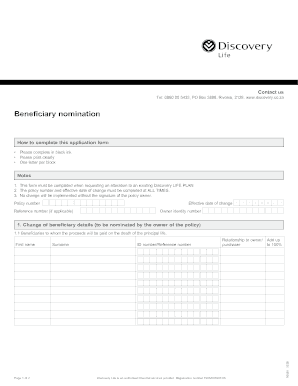
Discovery beneficiary nomination form
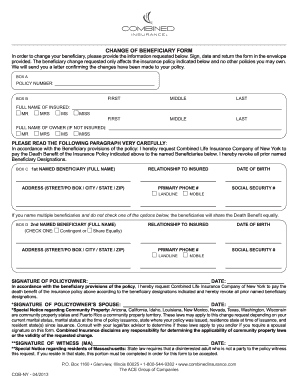
Combined insurance beneficiary form
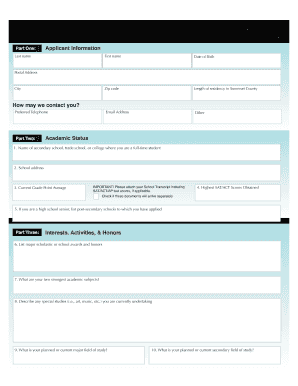
Van doren scholarship
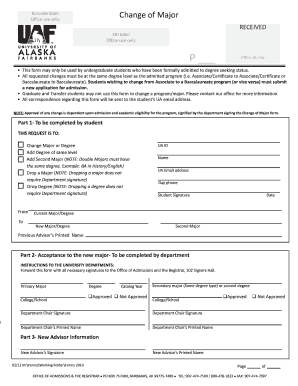
Change uaf

Mch 213g
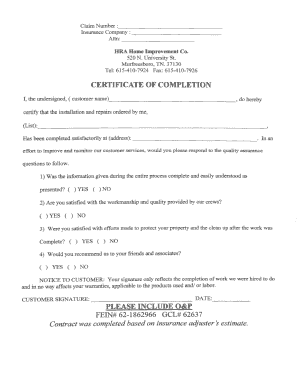
Roofing certificate of completion for insurance
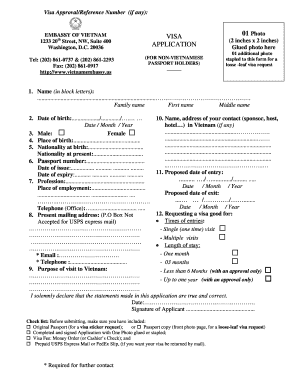
Application for vietnamese visa

Rhode Island Health Continuity of Care Form - collab fha

Pay back claim form
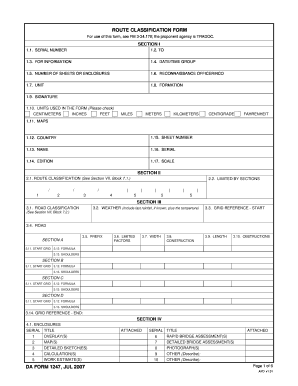
DA Form 1247, JUL 2007
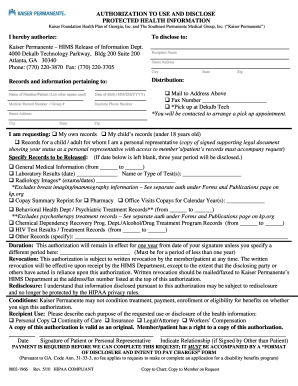
Kaiser venice form
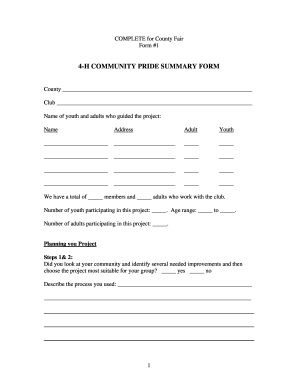
Pride summary form
4-H Treasurer Book - Extension - University of Minnesota

CERTIFICATE OF ZONING COMPLIANCE - Stratford Connecticut

Urgent care release form
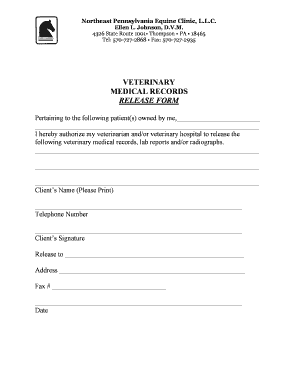
Veterinary medical records release form

Chen release form
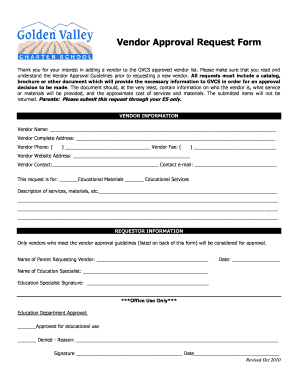
Vendor approval form
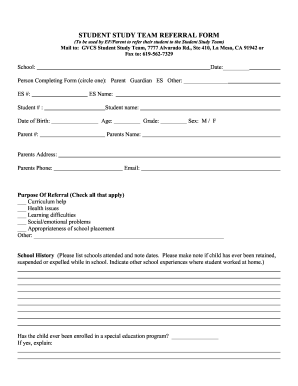
Student study referral form
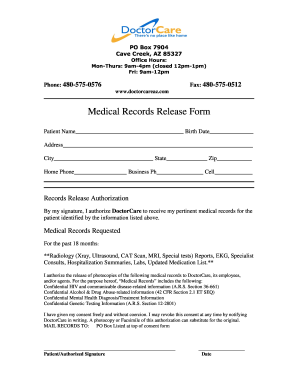
Medical Records Release Form - Doctor Care Arizona

Medical Records Release Form (PDF) - Advanced Allergy and ...

Ob gyn medical records
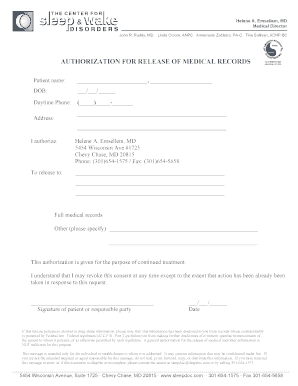
Emsellem, MD Medical Director John R

Cornea and contact lens institute of minnesota

Momdoc pay bill

Granger medical medical records
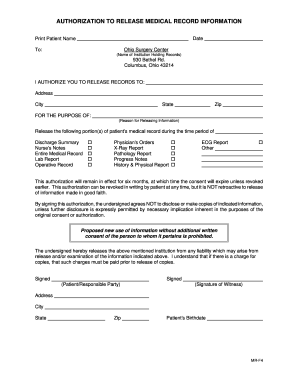
AUTHORIZATION TO RELEASE MEDICAL RECORD INFORMATION

Mychart cone

855 764 2382
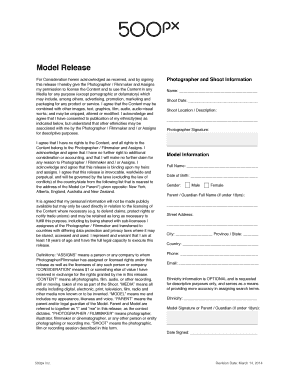
500px model release form
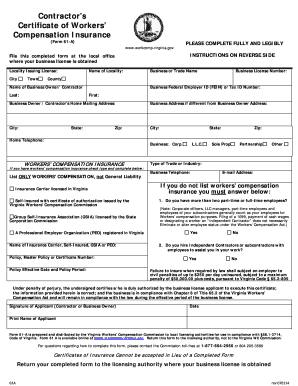
Insurance certification

Colonial life disability claim form
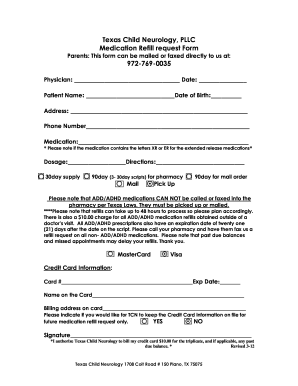
Printable medication refill request form
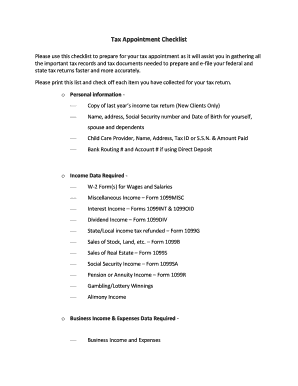
Hr block checklist

JAMES T - Greater Alabama Council - 1bsa

Intake Form - Prenuptial Agreement - Columbia Family Law Group ...

LAPS 504 Plan Form

Gift contract
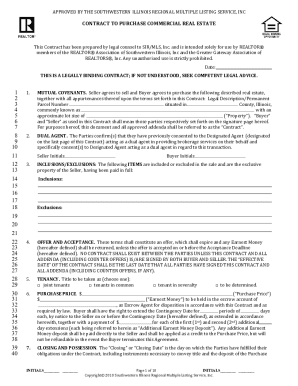
CONTRACT TO PURCHASE COMMERCIAL REAL ESTATE - MLS

CITY OF KENOSHA DOG LICENSE APPLICATION City Clerk 625 ...
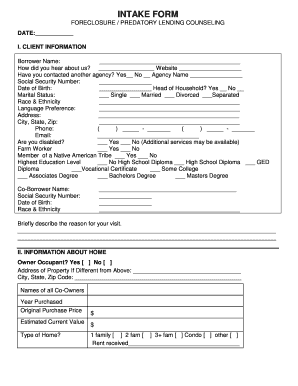
Sample intake form - Home Loan Counseling Center of Sacramento
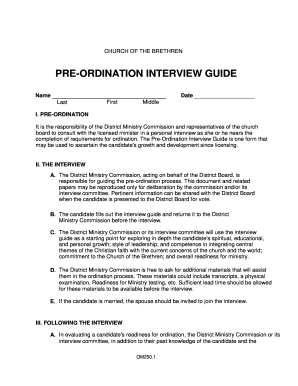
Pre ordination interview guide
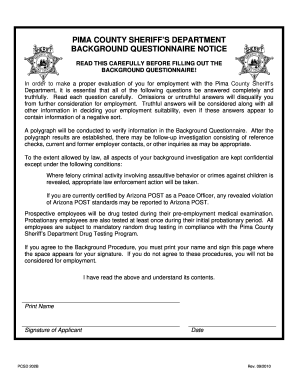
Background Questionnaire - Pima County Sheriff's Department - pimasheriff
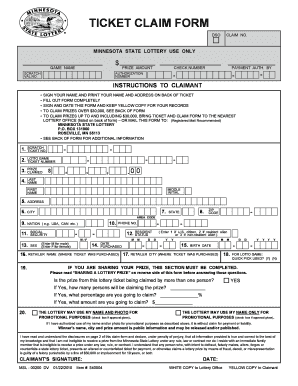
Mnlottery
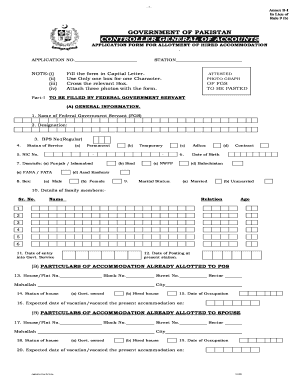
Estate office islamabad
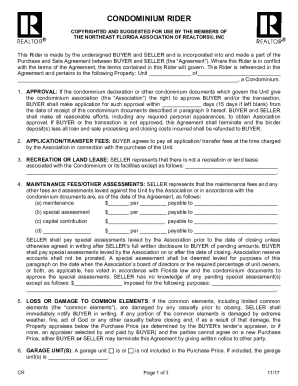
Florida realtors residential lease condominium rider
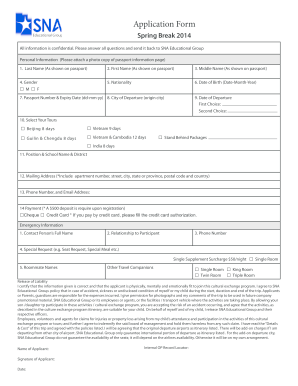
Example of completed sna 1 form
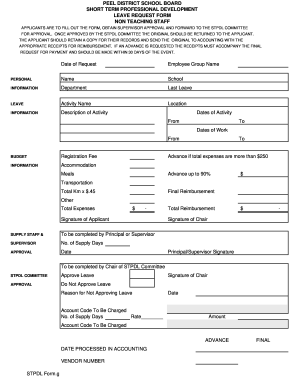
Leave stpdl sample

Bcps field trip permission form rule 6800 form i

Form 990-N E-filing Receipt - IRS Status: Accepted - water4lifeministry
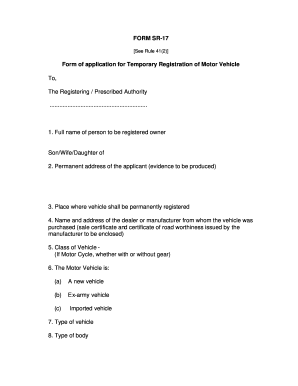
Hardship license application form
Benefit from the DocHub online library of fillable PDF forms
Searching the PDF forms doesn't have to be a tedious and time-consuming process. With the DocHub online library, it has become easier to find the fillable PDF forms and modify them in your browser. The service allows you to adjust the document to your needs using powerful editing tools.
You can use online document editing features to modify almost any type of document with ease. You just need to find the template of your choice, open it in the editor, and use the toolbar to make the necessary corrections.
Follow this guide to get your document done with DocHub:
- Find the PDF template you need.
- Click the Get Form button to open the file in the editor.
- Use the toolbar to fill out and edit the document.
- Easily add and highlight text, insert images, checkmarks, and symbols.
- Drop new fillable fields, and rearrange or delete pages from your file.
- Save changes and download your record.
DocHub empowers everyone to streamline document editing, signing, and distribution, and form completion. Create an account and benefit from our well-organized PDF Forms library and comprehensive editor.