




Here's how it works



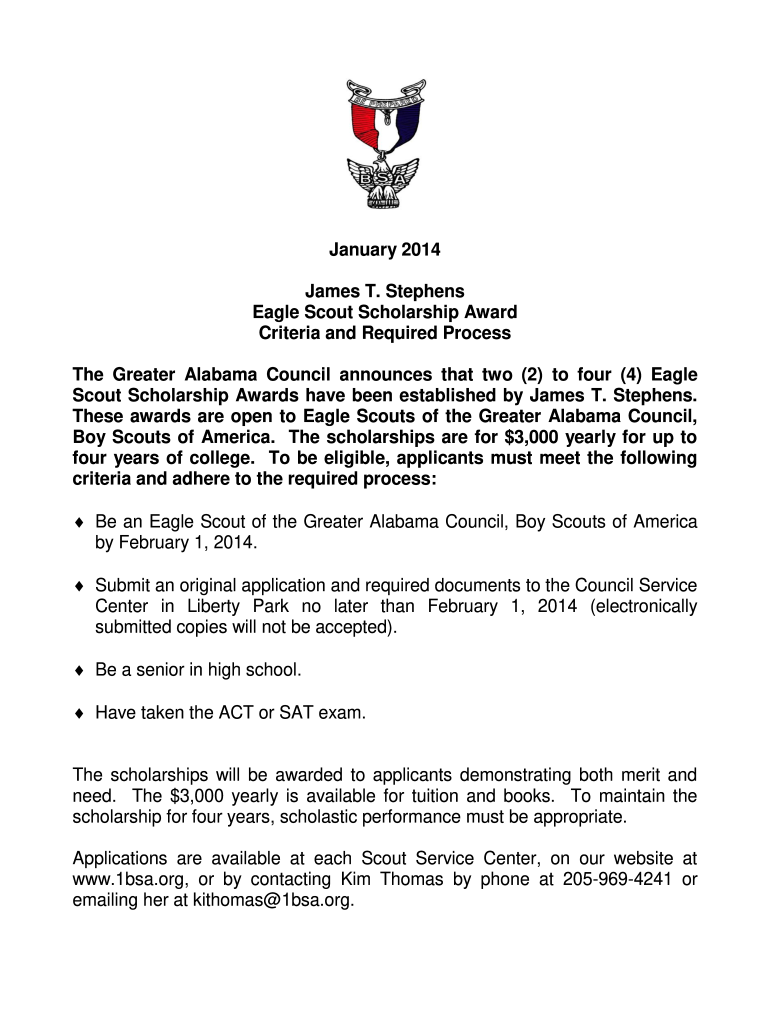
How to use or fill out JAMES T - Greater Alabama Council - 1bsa with our platform

- Click ‘Get Form’ to open the JAMES T - Greater Alabama Council - 1bsa application in the editor.
- Begin by entering your full name, including last, first, and middle names in the designated fields.
- Fill in your address, ensuring to include street, city, and zip code for accurate correspondence.
- Provide your telephone number and birth date. Make sure these details are correct as they are essential for contact purposes.
- Input your email address and high school information, including the name and location of your school.
- Enter your ACT and SAT composite scores along with your class rank. This information is crucial for eligibility assessment.
- Complete sections regarding intended college major, career objectives, and parental information accurately.
- Detail any special circumstances affecting your financial situation in the provided space to give context to your application.
- List significant achievements and volunteer activities from grades 9-12 that showcase leadership skills.
- Attach a required essay explaining how Scouting has impacted your life, keeping it within 200 words.
- Review all entries for accuracy before signing the application form at the bottom. Ensure you have completed all sections thoroughly.
Start filling out your application today using our platform for free!
It's free
See more JAMES T - Greater Alabama Council - 1bsa versions
Got questions?
Can I draw my electronic signature to sign my JAMES T - Greater Alabama Council - 1bsa?
Of course, electronically drawing your signature is acceptable, but only if you use a tool that complies with industry regulations and policies. Consider DocHub, which guarantees eSignature validity under ESIGN and UETA requirements. All you need to approve your JAMES T - Greater Alabama Council - 1bsa electronically is an account with DocHub and an internet connection. When you open your file in our editor, click Sign and choose the Draw tool.
How do you edit JAMES T - Greater Alabama Council - 1bsa on Android?
Document editing with DocHub is equally convenient on desktop and mobile devices. You just need an internet browser to revise your JAMES T - Greater Alabama Council - 1bsa on Android. Open our website and sign in to access the instruments you require. Add your file and introduce your intended changes. Next, you can keep your form in your file storage or send it out instantly.
What does the Greater Alabama Council do?
What are the Greater Alabama Councils values?
What areas does the Greater Alabama Council serve?
Security and compliance
At DocHub, your data security is our priority. We follow HIPAA, SOC2, GDPR, and other standards, so you can work on your documents with confidence.
Learn more


