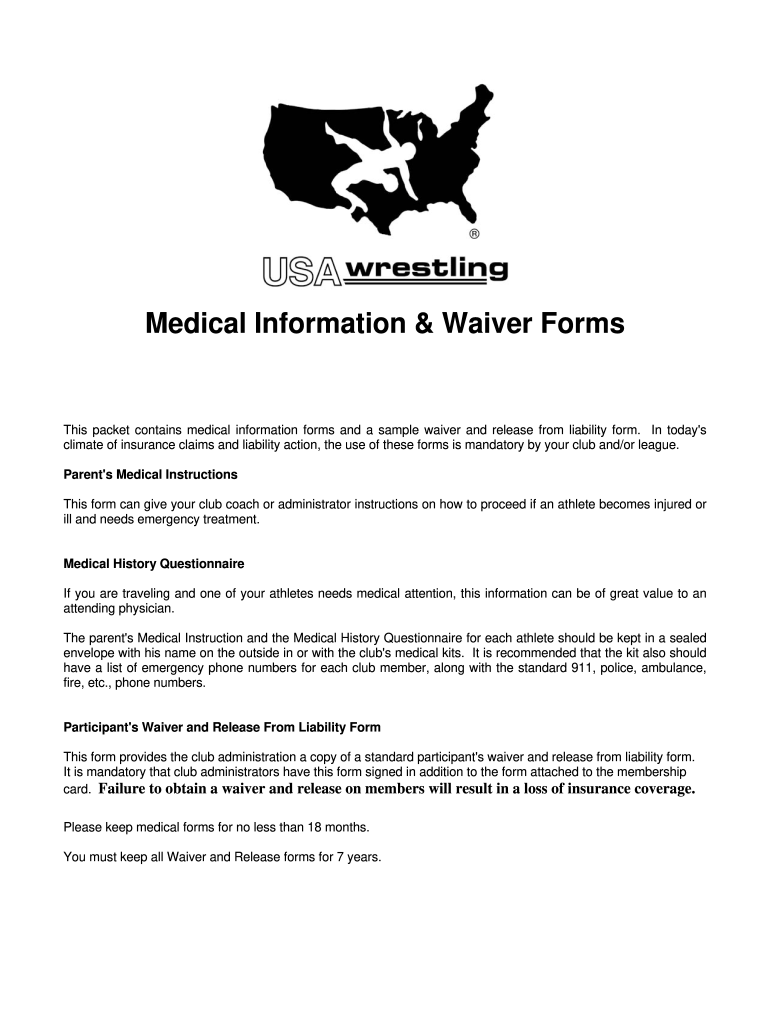
Wrestling camp liability waiver form 2026

Get Form
sample waiver form Preview on Page 1

Here's how it works

01. Edit your sample waiver form online
Type text, add images, blackout confidential details, add comments, highlights and more.
02. Sign it in a few clicks
Draw your signature, type it, upload its image, or use your mobile device as a signature pad.
03. Share your form with others
Send sample waiver of liability via email, link, or fax. You can also download it, export it or print it out.

How to use or fill out wrestling camp liability waiver form with our platform

Form edit decoration
9.5
Ease of Setup
DocHub User Ratings on G2
9.0
Ease of Use
DocHub User Ratings on G2
  1. Click ‘Get Form’ to open the wrestling camp liability waiver form in the editor.
  2. Begin by entering the wrestler's name and date of birth in the designated fields. Ensure that all information is printed in capital letters for clarity.
  3. Fill out the parent/guardian's name, relationship, and contact information, including home and work phone numbers.
  4. Provide an emergency contact's name and phone number in case you cannot be reached during an accident.
  5. Complete the insurance details by entering the insurance company name and policy number.
  6. Indicate if your child is currently on medication or has any drug sensitivities or allergies. This information is crucial for medical emergencies.
  7. Read through the alternative statements regarding medical treatment consent and sign under your chosen option. Make sure to date your signature.
  8. Finally, review all entered information for accuracy before submitting the form through our platform.

Start filling out your wrestling camp liability waiver form online for free today!

be ready to get more

Complete this form in 5 minutes or less

Get form

Got questions?

We have answers to the most popular questions from our customers. If you can't find an answer to your question, please contact us.
Contact us

Sure, a typed name is accepted as a legitimate electronic signature when you add it to your form utilizing a compliant solution like DocHub. Simply add your sample waiver of liability form to our editor, click Sign in the top tool pane → Create your signature → Type your name in the proper tab, and decide how it will appear on your document.

If your go-to electronic mail service is Gmail, it is simple to incorporate your DocHub editor into your work. Edit your simple waiver of liability with DocHub tools and attach it to your drafts in Gmail. See how straightforward it can be to exchange papers and collaborate with a swift PDF editing solution at hand.

How do I write a fitness class waiver? Introduction: Clearly state the purpose of the waiver. Acknowledgment of Risks: Explain the potential risks involved. Release of Liability: Include a statement where participants release the facility from liability.
A liability waiver form is a legal contract that educates one party about the risks associated with an activity. Once signed, it prevents the participant from opening a lawsuit against the company in the event of damage or loss, effectively shifting responsibility for injuries from the company to the customer.
Definition and Nature of Waiver In civil law, waiver requires that the party giving up the right does so knowingly and willingly. The act of waiver must be clear, intentional, and unequivocal; otherwise, it may not be considered valid.

Security and compliance

At DocHub, your data security is our priority. We follow HIPAA, SOC2, GDPR, and other standards, so you can work on your documents with confidence.

Learn more
ccpa2
pci-dss
gdpr-compliance
hipaa
soc-compliance

People also ask

Step 1: Create a new Google Form Give it an appropriate title and description. In the description, you can introduce the liability form and its purpose. You should also mention that its legally binding and clearly state the name of your business, organization, or individual to whom the waiver will apply.
Include important fields on your waiver agreement such as contact information, permission from a legal guardian, acknowledgment of physical activity, terms of the liability release form, waiver of personal injury legal action, and more.
Creating a liability waiver in Google Forms is a good starting point for small businesses. Google Forms makes it easy to organize waiver content and collect participant responses quickly. However, adding a digital signature is crucial for ensuring legal enforceability and professionalism.
For a waiver to be valid, it must: Be clear and unambiguous, meaning the language must specifically inform the signer that they are waiving their right to sue for negligence. Be voluntarily signed, meaning the participant was not pressured or forced into signing it.
The process of creating a waiver should be taken seriously. Waivers are legal documents that list specific terms for your participants to agree to, so its crucial that they are complete and legally sound. Professional help from a lawyer is strongly recommended any time you are working with legal documents.

waiver form sample