
Get any PDF form from the DocHub library of ready-made templates - Page 1484

Homestead exemption port st lucie
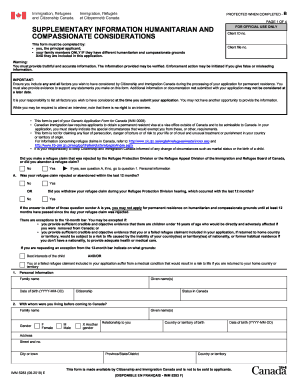
Imm 5283

Stat consults
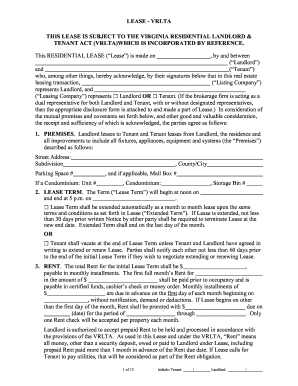
Vrlta form

STATE OF CONNECTICUT DEPARTMENT OF CONSUMER PROTECTION 450 ...
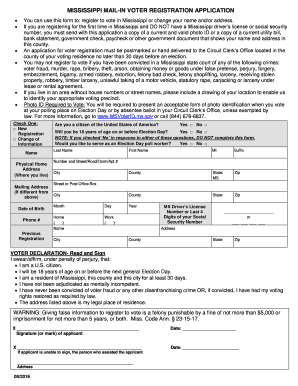
Ms voter registration form
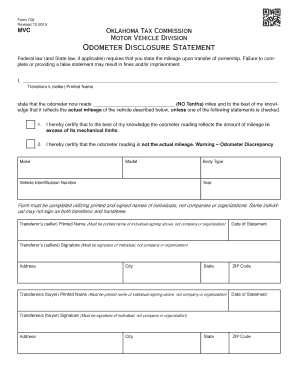
Oklahoma odometer statement

Green dot dispute form
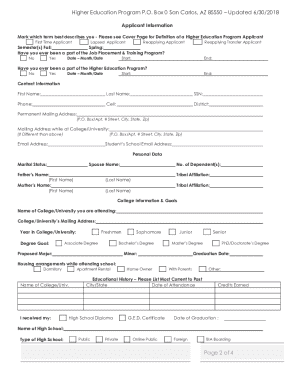
San carlos education department
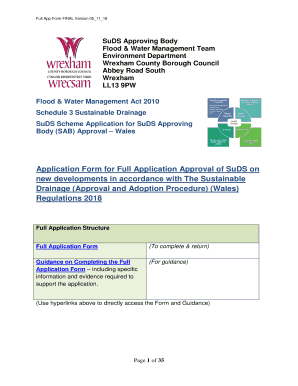
Application Form for Full Application Approval of SuDS (Wrexham Council). SuDS Scheme Application for SuDS Approving Body (SAB) ApprovalWales
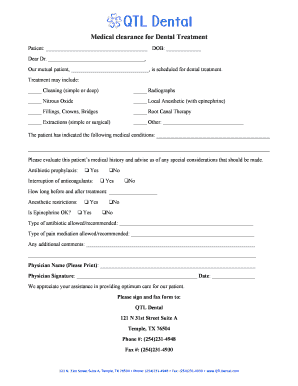
Medical Clearance for Dental Treatment - Audubon Dental ...
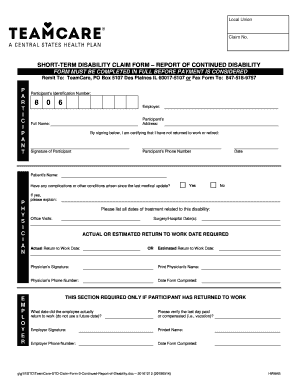
Nj short term disability form
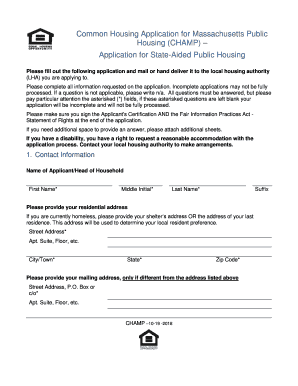
Champ application pdf

EMI Independent Study Transcript Request Form. Transcript Request

UAP Skills Checklist for Nurse Delegation
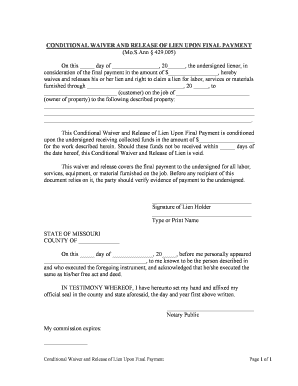
Conditional waiver lien
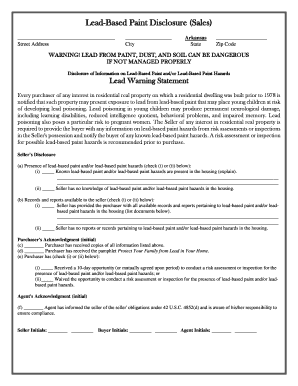
Arkansas lead based disclosure
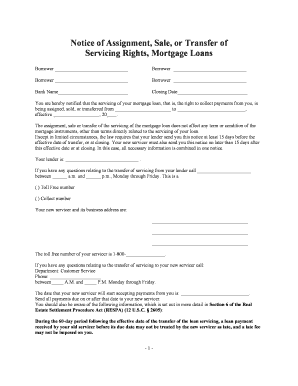
Notice of Assignment, Sale, or Transfer of Servicing Rights, Mortgage Loans
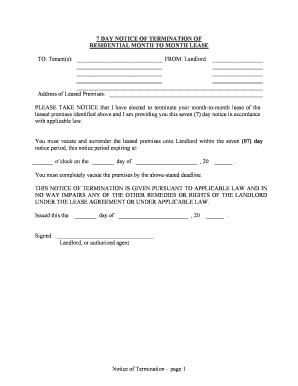
Notice terminate lease
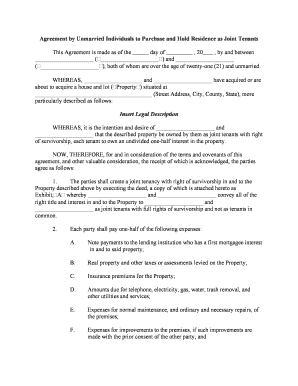
Joint tenants
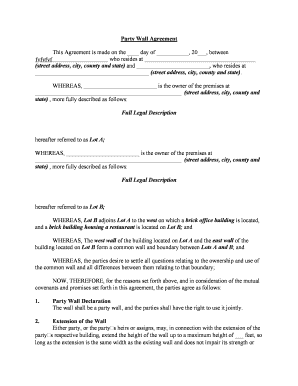
Party wall agreement
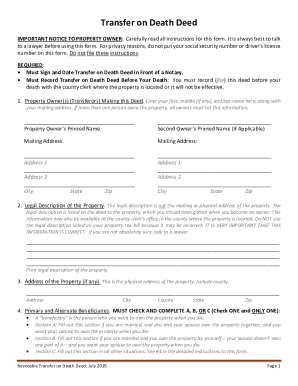
Texas Revocable Transfer on Death Deed - Legal Form
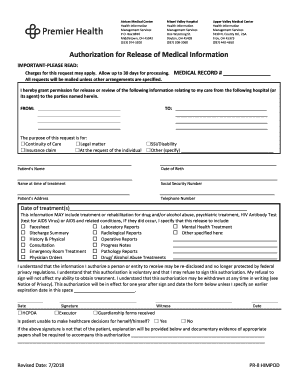
Health medical information form

Verlof vorm

I 800

Caesar's english book 1 pdf

Support path program intake form
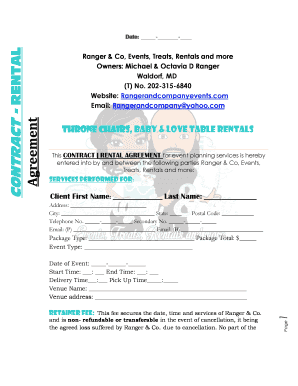
Throne chair rental contract
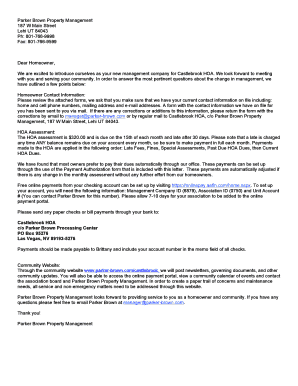
Hoa welcome packet template
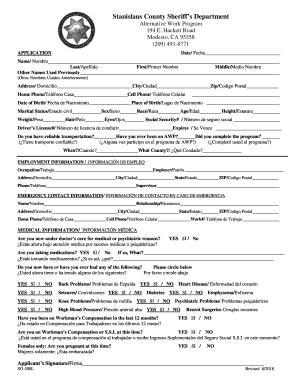
Alternative work program modesto
Hamburger Template For Writing A Paragraph. Hamburger Template For Writing A Paragraph

NRCI-LTO-02-E - California Energy Commission

Digital Assets Purchase Agreement - Template.docx
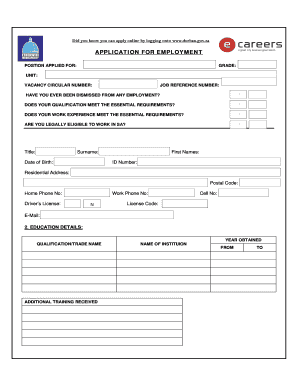
EMPLOYMENT FORM.DOCX

Cniccyp 1700 44

The landlady anticipation guide
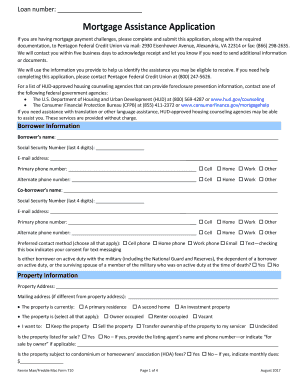
(PDF) PenFed Financial Hardship Application - Non-GSE (Form 628)

Joint Action Routine Lesson Plan Activity: Snack Date: Daily (Monday ...

Ohio Virtual Academy Enrollment Processing Center Ph. 866 ...

Gf 40
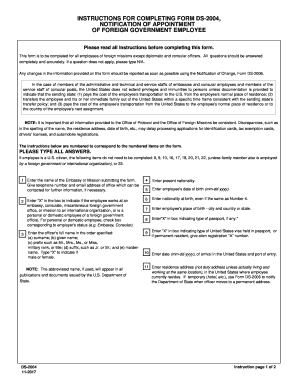
Fs 240 form pdf

Dmv form 301
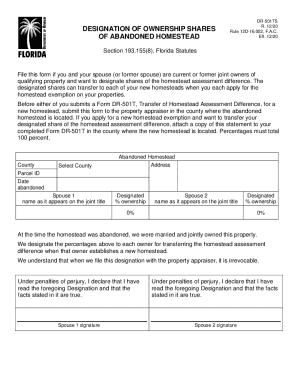
The dr 501ts

Agape letter
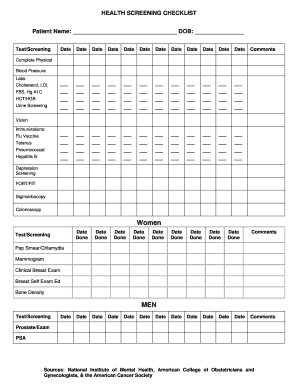
Preventive screening checklist
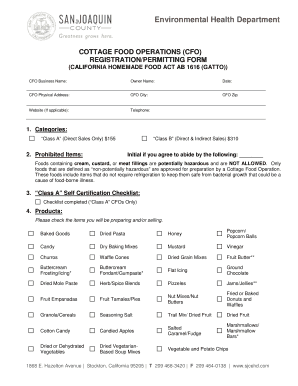
San joaquin county cottage food permit
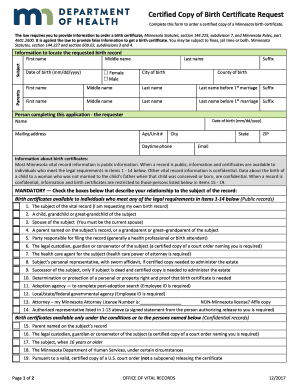
Minnesota birth certificate request
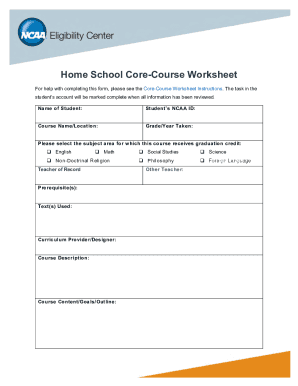
Ncaa homeschool core course worksheet
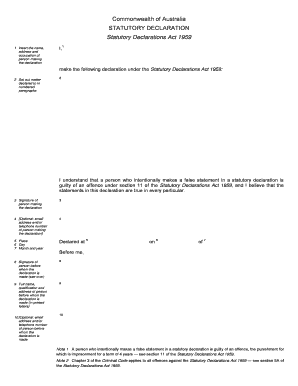
Australia statutory declaration form
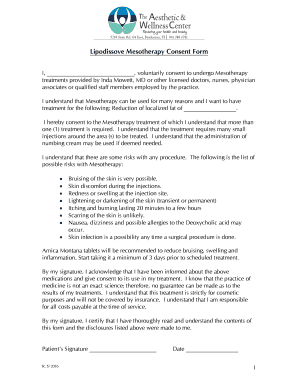
Mesotherapy consent form
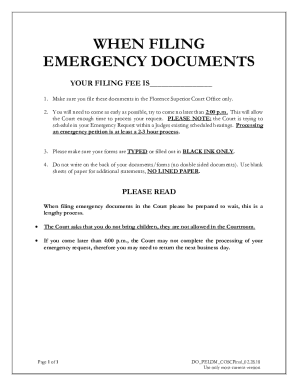
Petition for Emergency Legal Decision-Making - Pinal County Clerk...

Dc 1015

Casual Employment form - ISERP - Columbia University
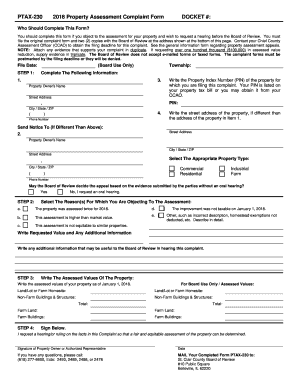
230 property complaint form
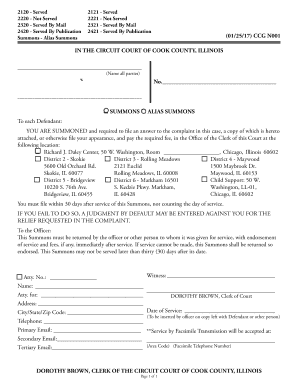
Ccg 0001 a
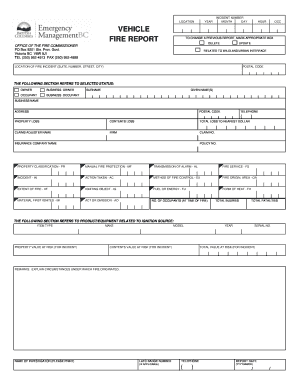
Vehicle Fire Report Form. Vehicle Fire Report Form

St lucia nursing council
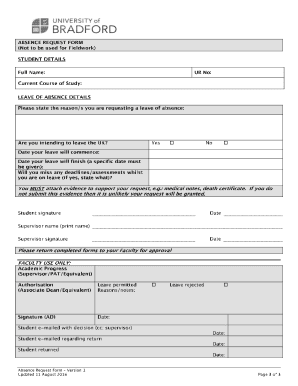
University of bradford absence form
501(c)(3) Comprehensive Bylaws
Bank details format pdf
EMPLOYMENT LAW INTERVIEW FORM
Tx application ballot mail election
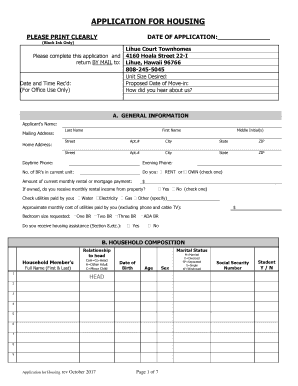
Lihue court townhomes
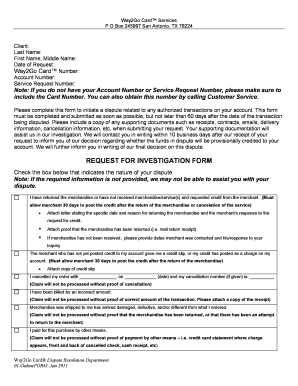
Way2go dispute number

Raypak Heating Boiler Pre-startup Checklist
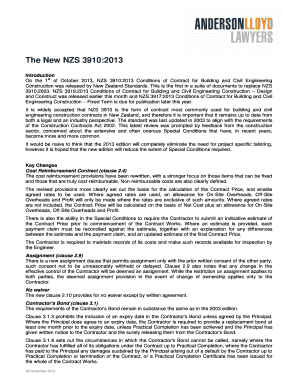
Nzs 3910 pdf download

Dysphagia diet waiver form

Painting report format

Standing Anesthesia Orders - PACU
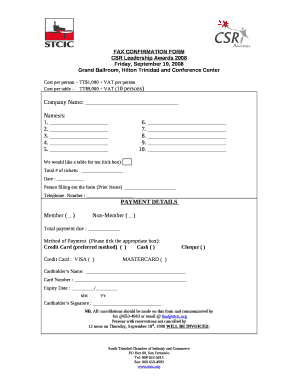
Fax confirmation template

Desk manual template word
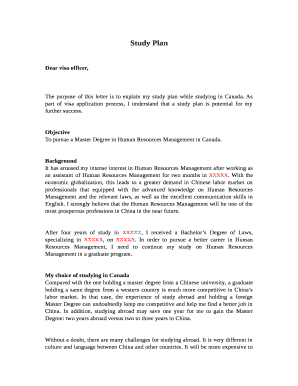
Study plan sample for canada pdf

Life and Wellness Coaching Welcome Packet

Notice of Purchase Money Security Interest
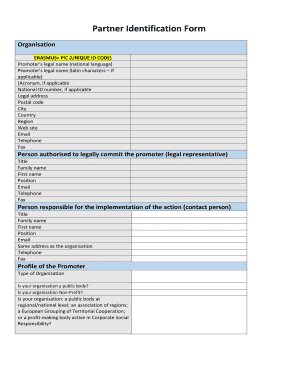
Partner identification form template
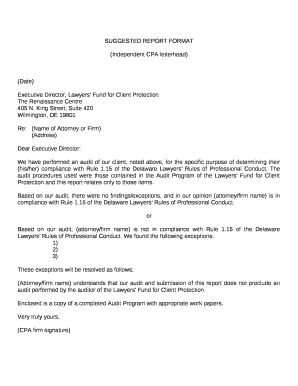
Accounting letterhead
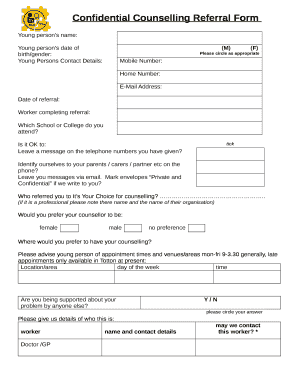
Confidential Counselling Referral Form

Fba parent interview
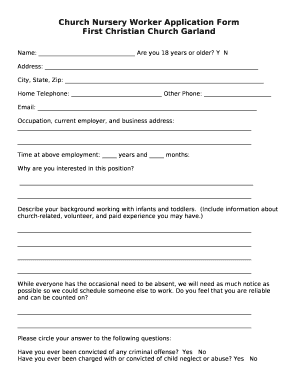
Church Nursery Worker Application Form

Acupuncture informed consent form
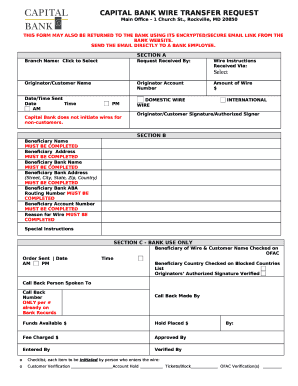
CAPITAL BANK WIRE TRANSFER REQUEST template
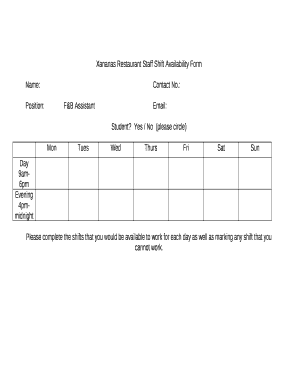
Shift availability form
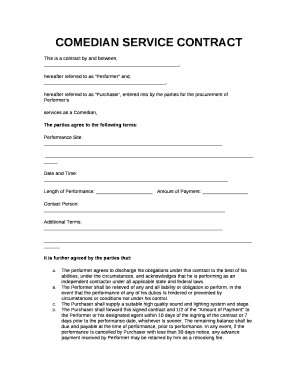
Comedian contract template

Pnp form 6 a1
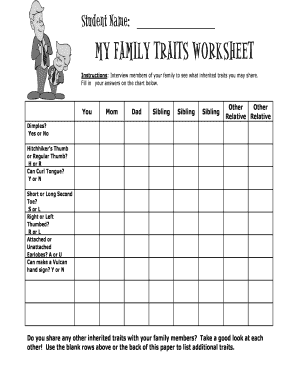
My family traits worksheet

Uk responsible person agreement template

Printable lifeguard certificate
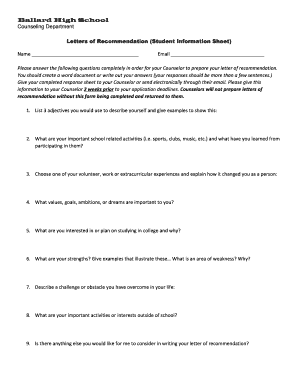
Letter of recommendation information sheet
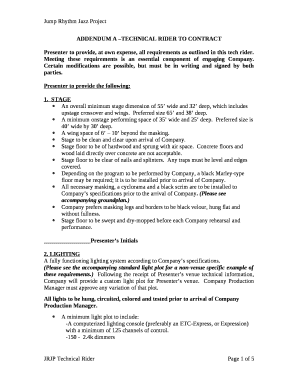
Technical rider template pdf
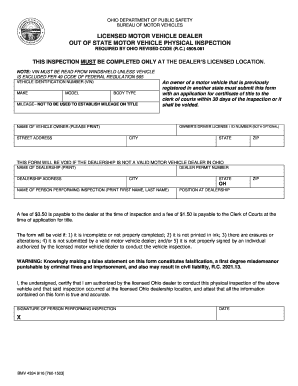
LICENSED MOTOR VEHICLE DEALER
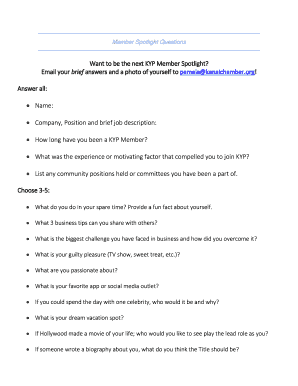
Spotlight questions

Forget about losing your job
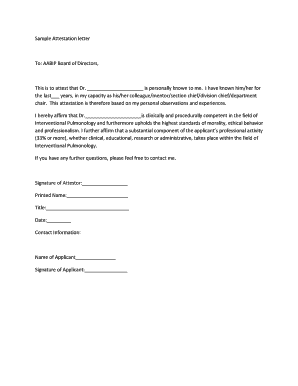
Marina attestation letter

As nzs 3010 download

How to file a missing persons report in indiana
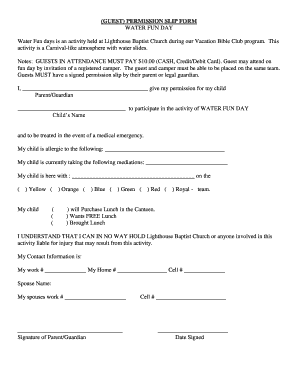
Funny wife permission slip
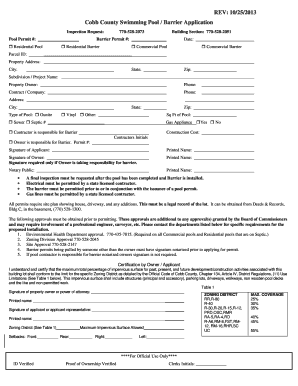
Swimming Pool Permit Application - Cobb County Government
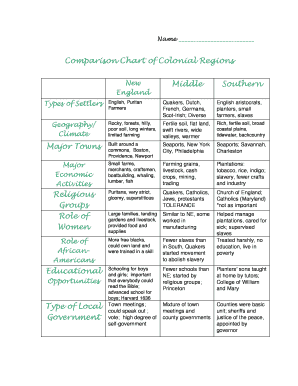
Colonial comparison chart answers

Pre settlement inspection checklist pdf
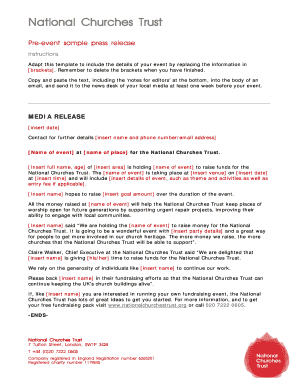
Pre event press release sample
Benefit from the DocHub online library of fillable PDF forms
Searching the PDF forms doesn't have to be a tedious and time-consuming process. With the DocHub online library, it has become easier to find the fillable PDF forms and modify them in your browser. The service allows you to adjust the document to your needs using powerful editing tools.
You can use online document editing features to modify almost any type of document with ease. You just need to find the template of your choice, open it in the editor, and use the toolbar to make the necessary corrections.
Follow this guide to get your document done with DocHub:
- Find the PDF template you need.
- Click the Get Form button to open the file in the editor.
- Use the toolbar to fill out and edit the document.
- Easily add and highlight text, insert images, checkmarks, and symbols.
- Drop new fillable fields, and rearrange or delete pages from your file.
- Save changes and download your record.
DocHub empowers everyone to streamline document editing, signing, and distribution, and form completion. Create an account and benefit from our well-organized PDF Forms library and comprehensive editor.